Skip to content
Potto AI

Nano Banana

Generate images with Nano Banana from a prompt and optional references, in HD, 2K or 4K, then compare the results with your brief.

Gemini 3.1 Flash ImageHD to 4KUp to 14 ReferencesPNG or JPEG
Enter a prompt to generate

Try an example

From a prompt or reference to an image with Nano Banana

Start with a visual brief for a new image, or a reference for a specific change. Decide the composition around where the image will appear.

Create an article card that reads at small size

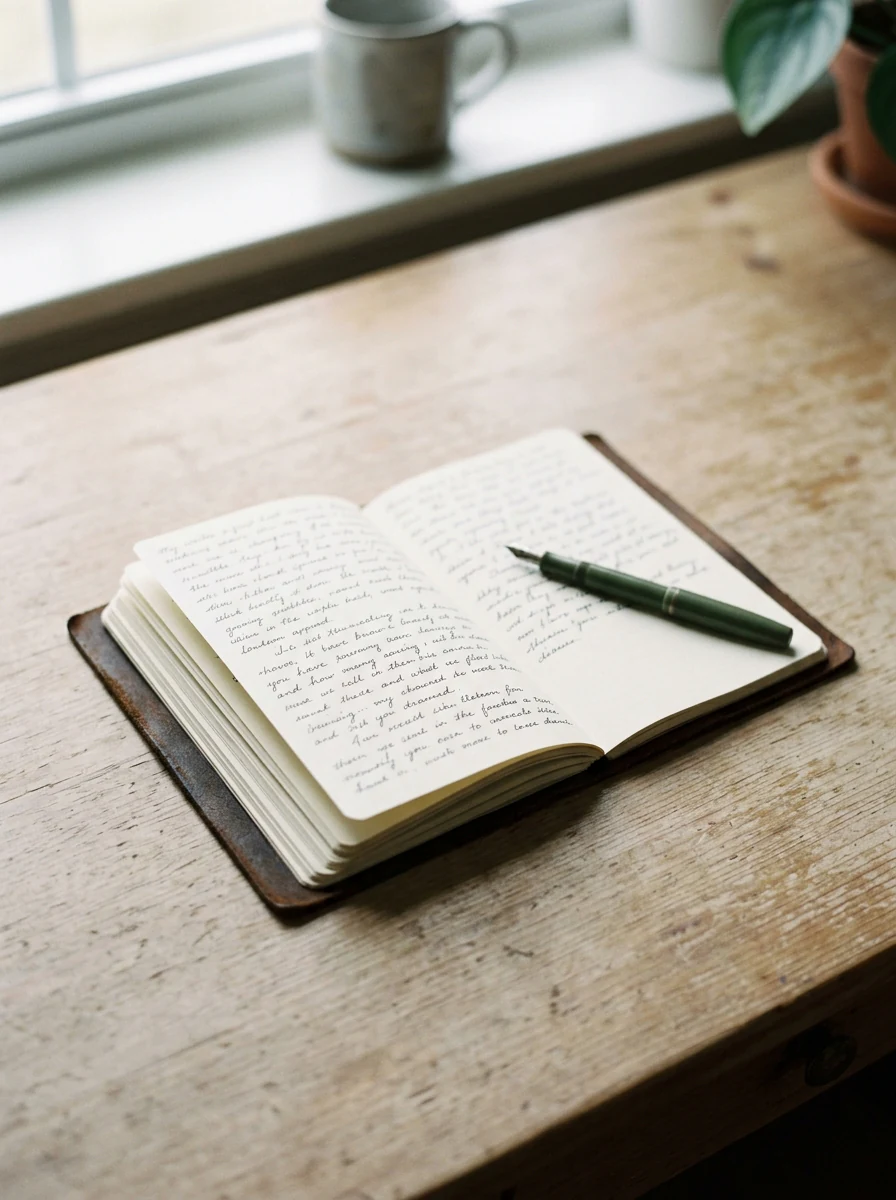
Write a specific visual brief with three decisions: one focal subject, a treatment that survives a small display size, and room around the subject for the crop. Keep the verified headline in the page layout, not in the generated pixels. The image on the right was generated from this brief with Nano Banana.

Subject
Handwritten pages on a pale desk.
Style
Restrained editorial photograph, soft daylight, calm palette.
Composition
One focal object with a quiet margin, readable at card size.
Open notebook with handwritten pages and a pen on a wooden table in soft daylight, made with Nano Banana
Generated from this brief with Nano Banana

Editorial photograph for an article about a quieter daily routine, a few handwritten pages on a pale desk, soft daylight, calm muted palette, one focal object with a quiet margin around it, no readable text.

Use a reference to try a new background

Upload a supported image and say what should stay recognizable and what should change. A reference guides the subject or arrangement; it does not guarantee an exact copy, so compare edges, small lettering and shadows with the source before you use the result.
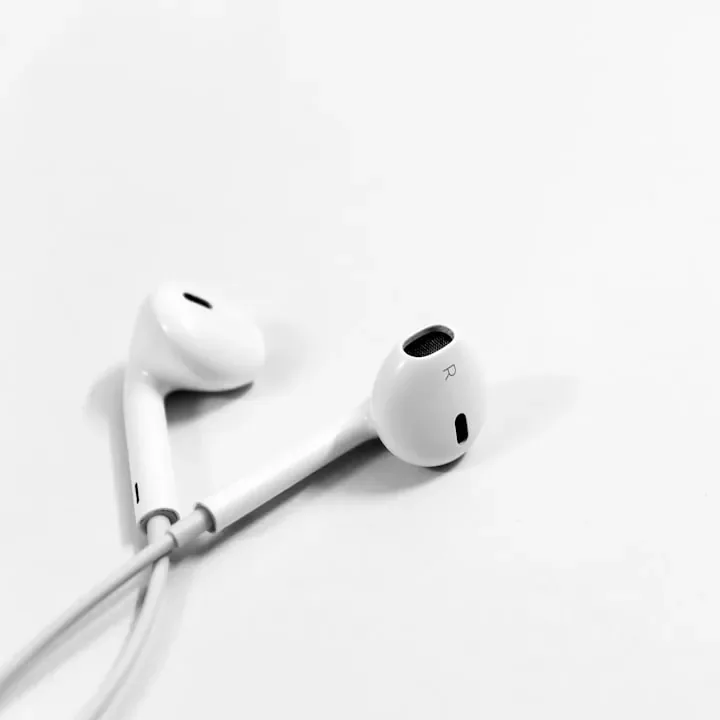
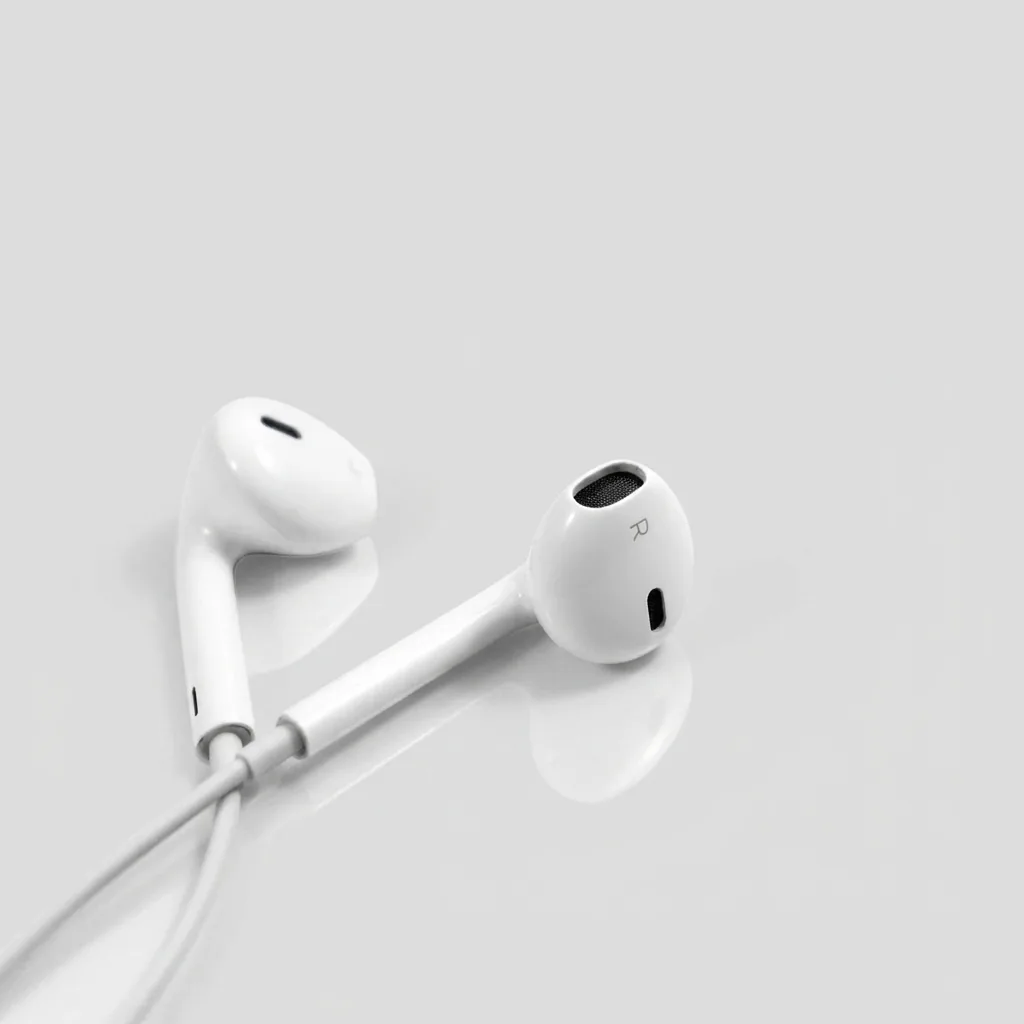
White earbuds on a white surface, used as the reference photo.
Reference photo
The same earbuds on a soft grey surface with a faint reflection.
Result: the same earbuds on a quiet grey surface

How to generate with Nano Banana

Three actions in the creator above.

  1. 1. Describe the image or add references

    Write the subject, style and composition in the prompt box, up to 4,000 characters. Add references only when each one answers a question, such as a subject or a palette. The creator accepts up to 14 in total.

  2. 2. Choose the ratio and output tier

    Nano Banana is selected by default. Pick the aspect ratio for where the image will appear, then choose the supported output tier, HD, 2K or 4K, and one, two or four images. Start at HD while you compare compositions.

  3. 3. Generate, check and download

    Review the actual image request before you confirm. The Generate button shows the estimate: 23 credits per HD image, 34 per 2K and 51 per 4K, multiplied by the number of images, so two 2K images cost 68. Check the result at its real display size, then download it or send it to an editing tool.

What Nano Banana does with your brief

Four jobs where the Flash image model is the quick, lower-priced way to test an idea.

  1. 01

    Test several directions from one brief

    Nano Banana is the lower-priced model, so it suits drafts. Ask for several images per request, compare them against the same brief and keep the strongest direction before you move it to a higher tier or to Nano Banana Pro.

    • Compare candidates against one brief
    • Move only the strongest direction up a tier
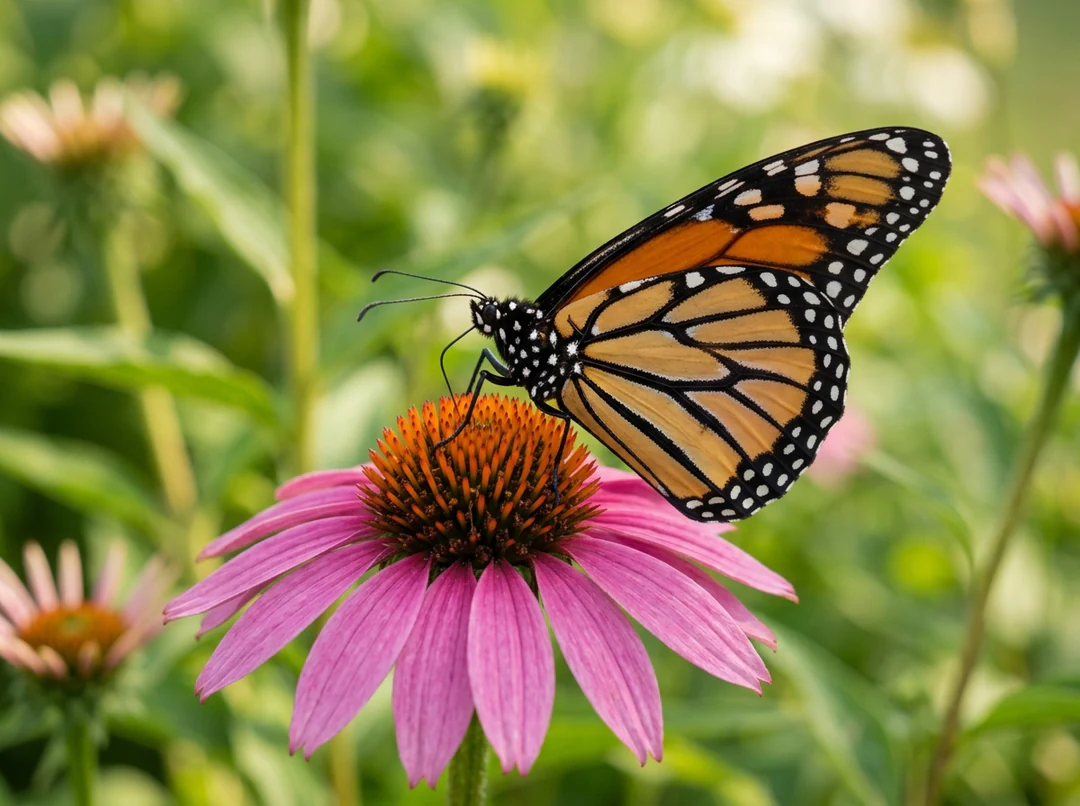
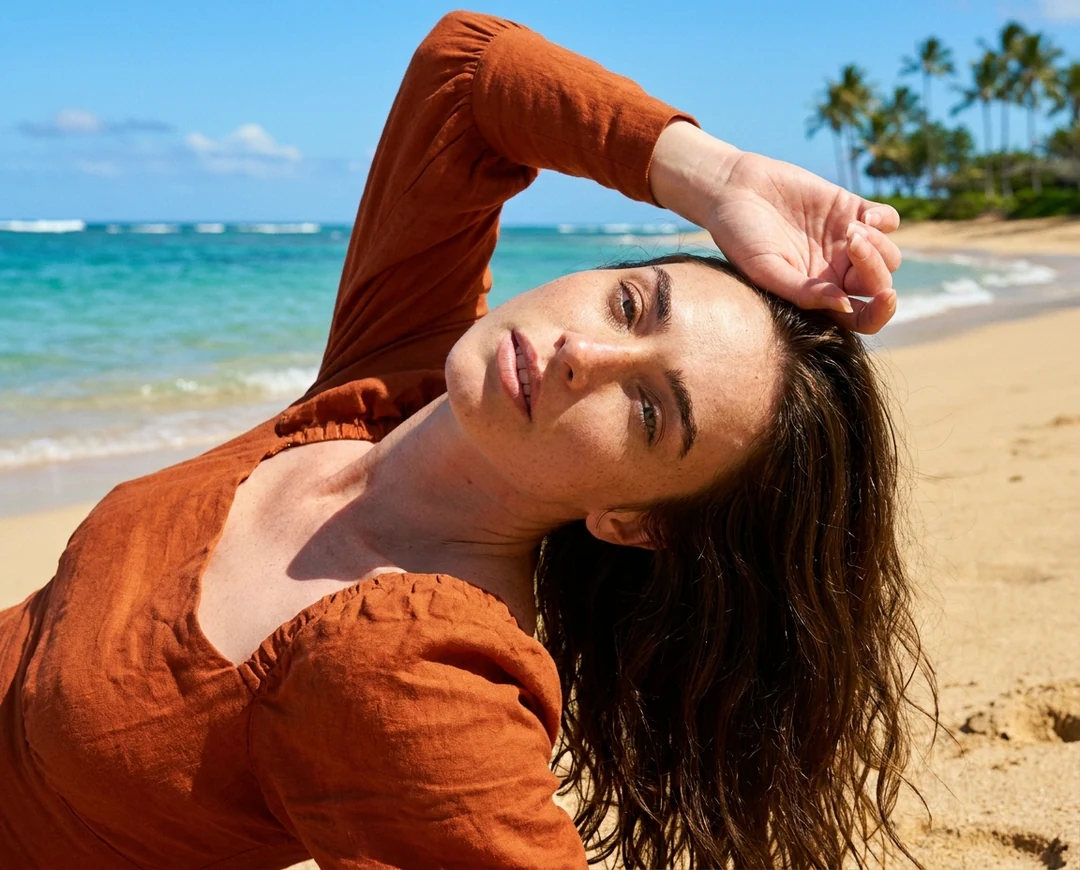
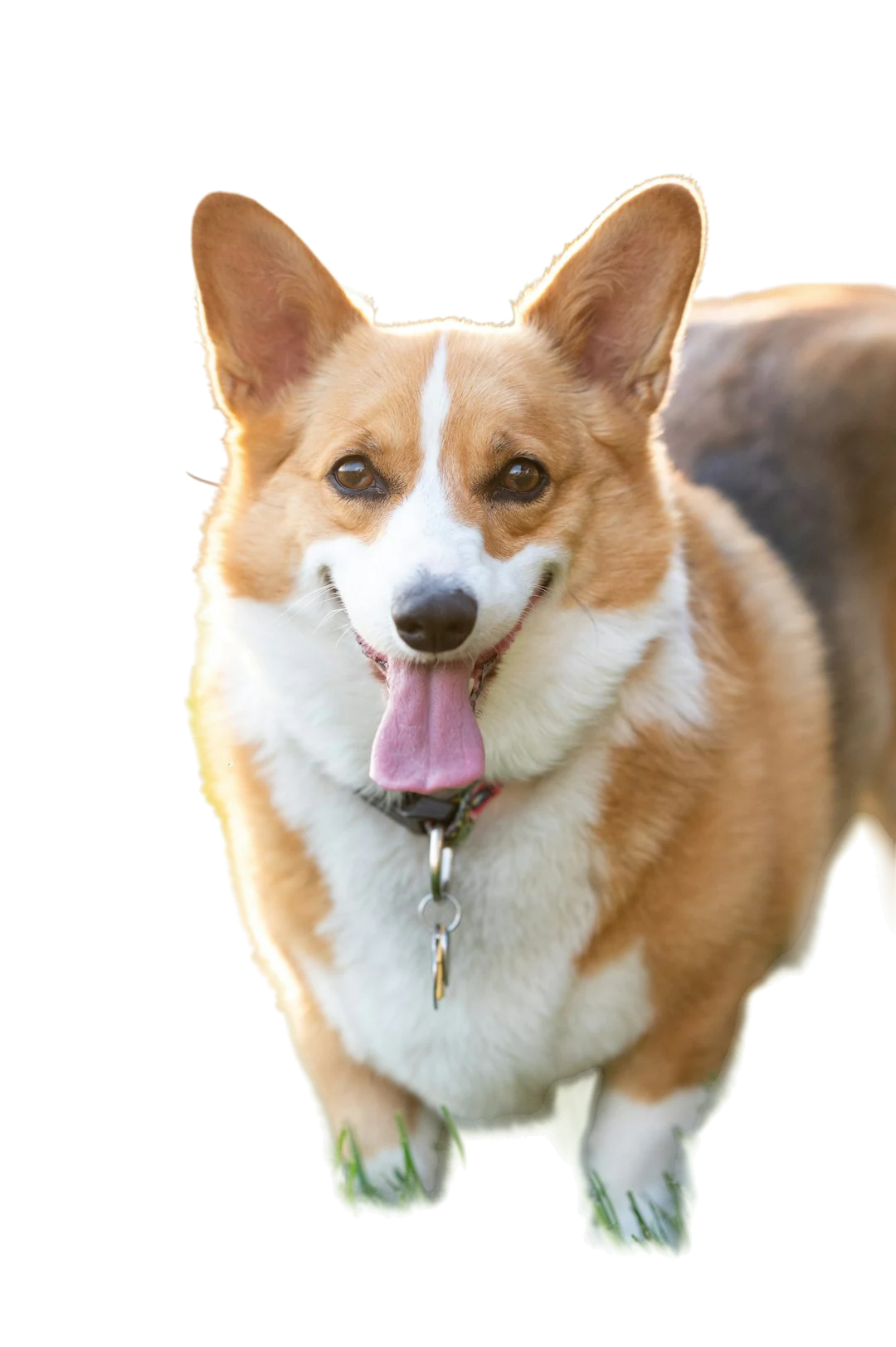
    Monarch butterfly resting on a pink coneflower in sharp focus, a Nano Banana draft
    One subject from one brief; try other framings by changing the crop in the prompt.
  2. 02

    Quiet backgrounds with room for a headline

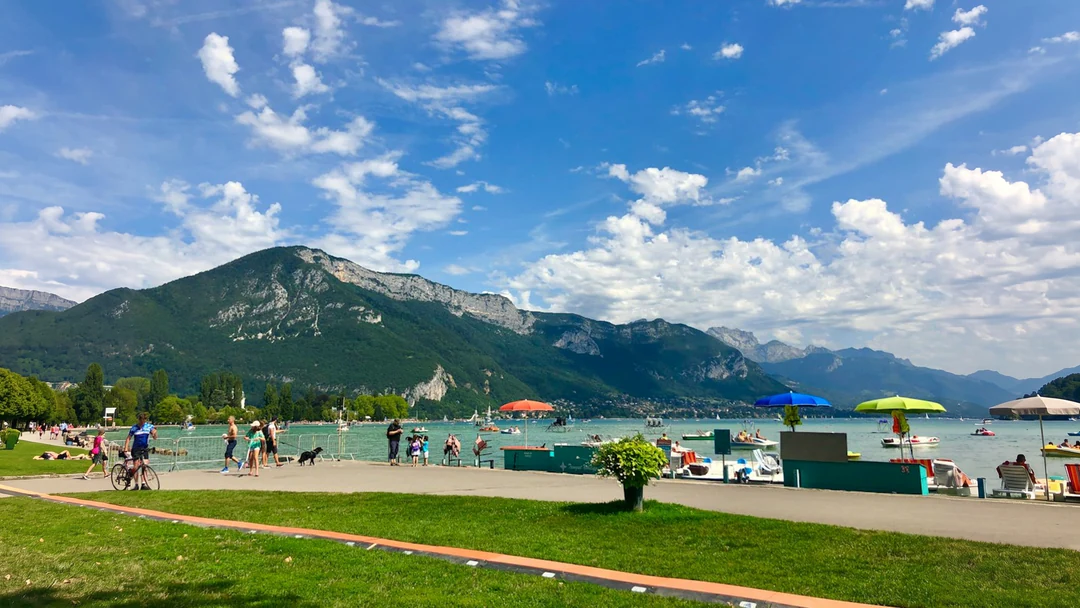
    Article cards and cover art need space for a title. Describe the empty area in the prompt, such as a clear sky, a plain wall or a soft gradient, and keep the focal object to one side. Leave words out of the prompt and add the headline later.

    • Say where the empty space should sit
    • Keep the focal object off the headline area
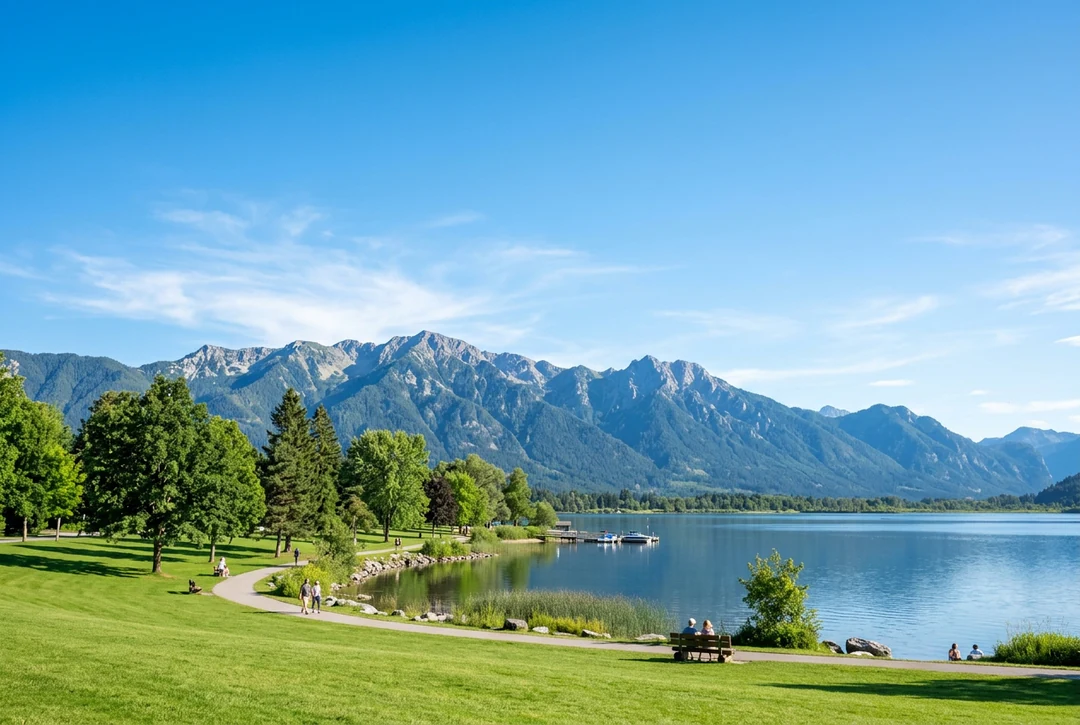
    Lakeside park with a green lawn and mountains under a wide open blue sky, room for a title
    Open sky leaves room for a title.
  3. 03

    Add references for shape and palette

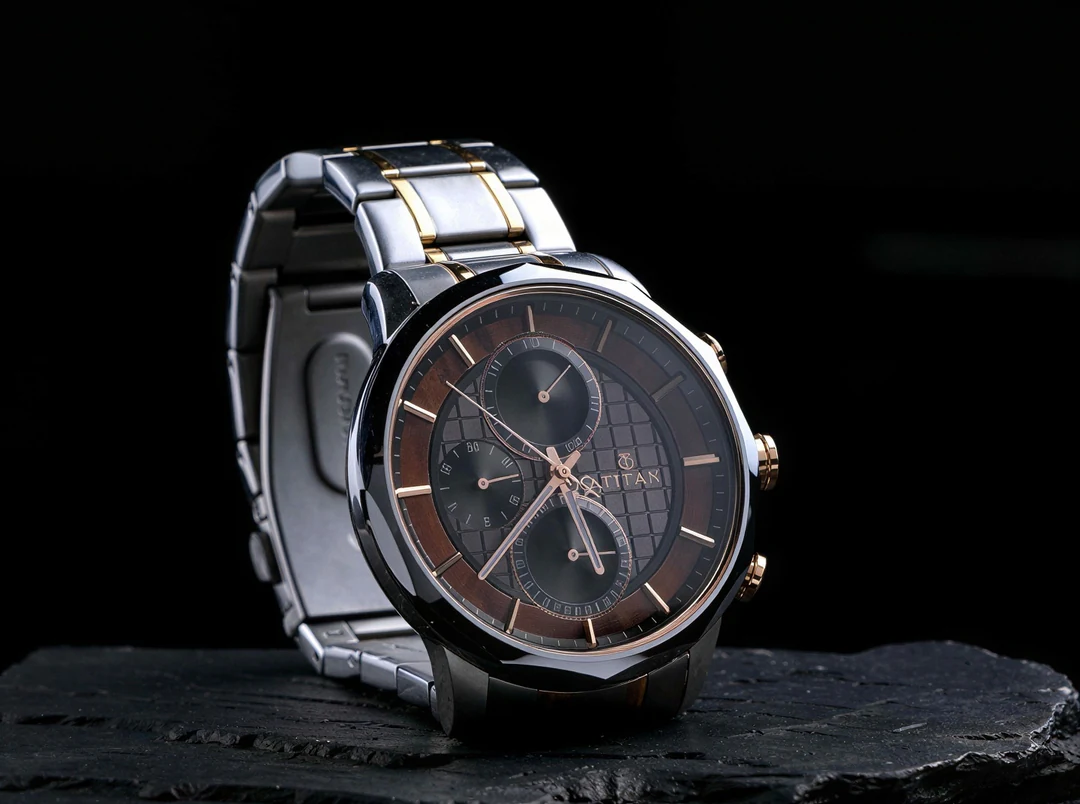
    Attach 14 reference images at most to guide a subject, a palette or an arrangement. Say what each reference is for. Nano Banana treats a reference as guidance and not as an exact copy, so check labels and proportions against the source.

    • Give each reference one job
    • Check labels against the source image
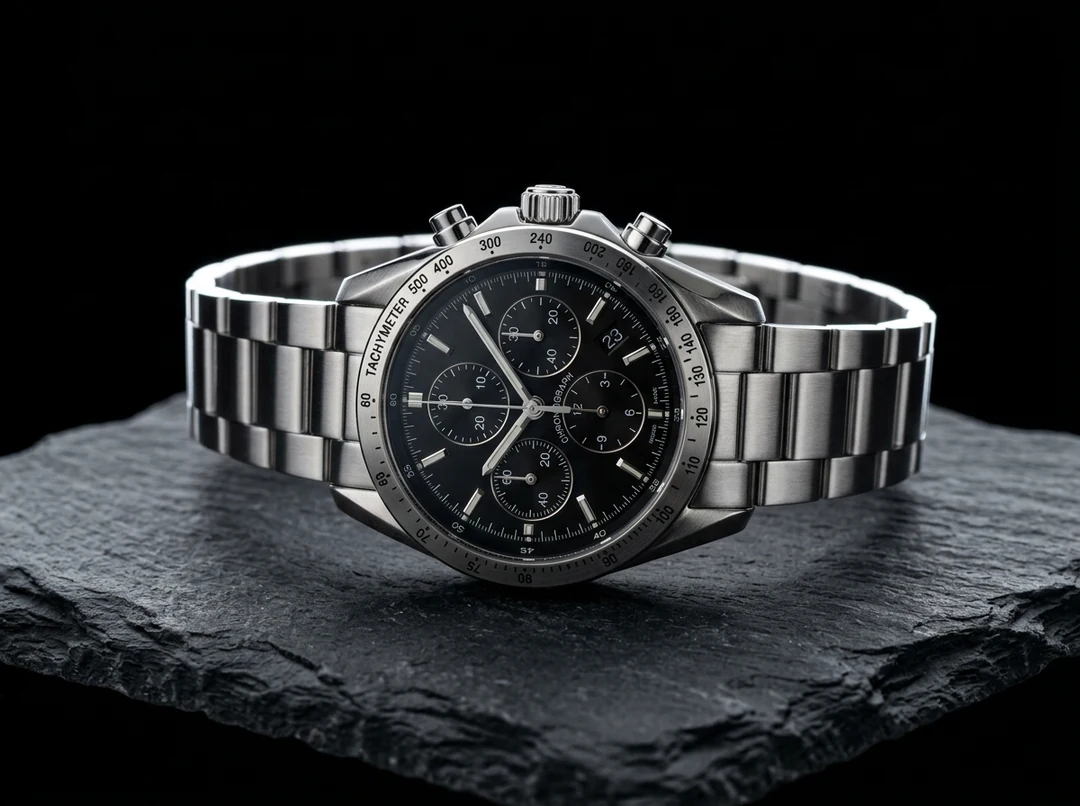
    Steel chronograph watch on a dark slate surface, an example product subject
    A product subject for a reference-guided brief.
  4. 04

    HD, 2K and 4K on the same model

    Nano Banana costs 23 credits at HD, 34 at 2K and 51 at 4K per image. Test a direction at HD, then raise the tier for the version you will publish. The estimate appears on the Generate button before you confirm.

    • Test at HD before you raise the tier
    • Choose the tier for where the image is shown
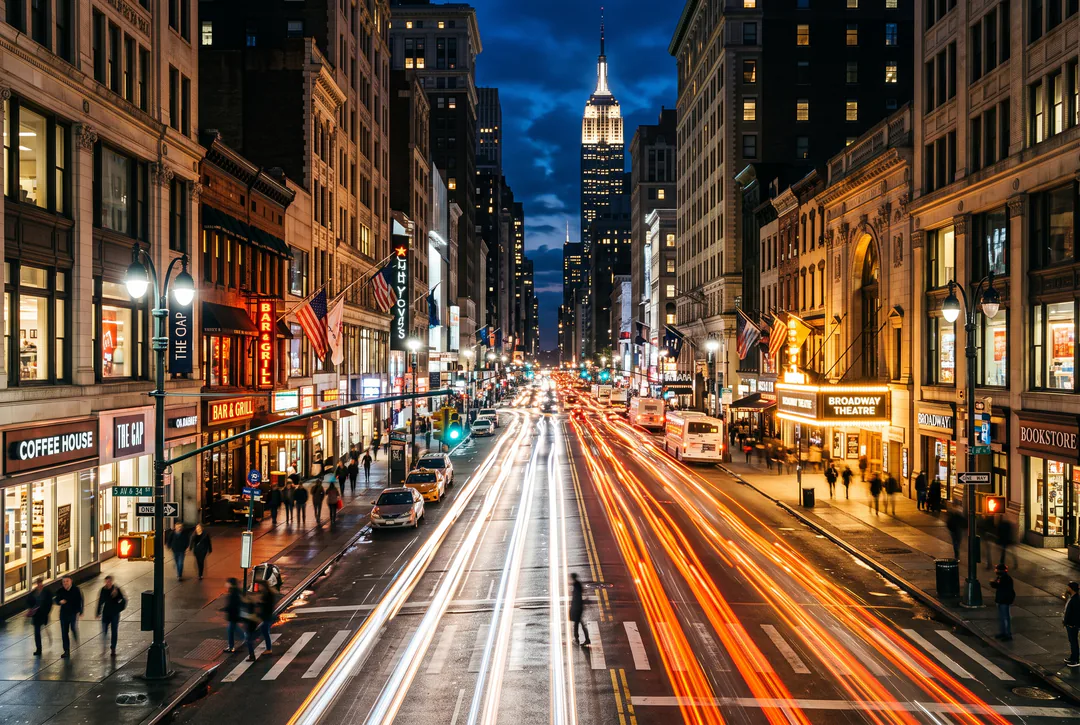
    Long-exposure light trails along a city street at night, generated at 2K
    Pick the size for where the image will appear.

Nano Banana or Nano Banana Pro for the job

Both models accept text and reference images and offer the same three tiers. They differ in detail and price, so compare them on one brief before you choose.

Model comparison
Nano BananaNano Banana Pro
Best forFast, capable image generation and editing4K resolution and reasoning-guided quality, built for professionals
ResolutionHD · 2K · 4KHD · 2K · 4K
Reference imagesUp to 14Up to 14
Credits per image23 HD · 34 2K · 51 4K45 HD · 45 2K · 80 4K

Keep working on the image you create

Generate another image to test a different direction. Edit the one you have when the subject works and one part needs attention.

Nano Banana FAQs

  1. What is Nano Banana in Potto AI?

    Nano Banana is the faster, lower-priced image model in Potto AI's generator, running on Google's Gemini 3.1 Flash Image. It supports HD, 2K and 4K, up to 14 reference images and the generator's ratio, count and format controls. Use the quote on the Generate button for the current price rather than older descriptions of the model.

  2. Is Nano Banana the same as Gemini 2.5 Flash Image?

    No. In Potto AI, Nano Banana runs on Gemini 3.1 Flash Image, a newer model than the Gemini 2.5 Flash Image that first made the Nano Banana name popular. Not every setting described in Google's documentation is offered here, so rely on the controls and the quote shown in the creator.

  3. Does Nano Banana only support HD?

    No. Nano Banana supports HD, 2K and 4K at 23, 34 and 51 credits per image. The number of images multiplies the price, so two 2K images cost 68 credits. Start at HD while you compare compositions and move up only when the placement needs more pixels; older descriptions that limited the model to HD are out of date.

  4. When should I compare it with Pro?

    When the same brief leaves an important decision unresolved, such as whether lettering stays readable or fine detail holds at 4K. Keep the prompt, references, ratio and review criteria the same so the comparison answers that one question. Pro costs more and is stronger on detail and text, but neither model wins every task.

  5. How many reference images can I add?

    Up to 14 in total. Add a reference only when it has a specific job, such as supplying a subject, a composition or a visual direction, and say so in the prompt. Several images do not guarantee that every detail is preserved, so compare the important details with each source.

  6. Does Nano Banana guarantee correct text or exact references?

    No. Verify every word and compare the important reference details in the actual result. Keep approved wording in editable layout text. A larger tier, multiple references, and a model name do not establish correct lettering, exact product fidelity, or an identity lock.

  7. How do I revise a result I only partly like?

    Name the one unresolved issue, such as space for text or the lighting direction, and write the next instruction around it while keeping the working parts of the brief. To change one area of a finished image, use the AI Image Editor; a prompt to change one object is not an exact mask, so check the rest of the picture. If edits pile up unwanted changes, return to a cleaner source.

  8. Do I need an account to use Nano Banana?

    You can write a prompt, add references and choose Nano Banana settings before signing in. Generate opens the sign-in dialog, and everything you entered stays in the creator.

  9. What if a Nano Banana request fails?

    The task explains why it stopped and offers a retry, and its credits are released. Stop a running Nano Banana request with the cancel control, since leaving the page does not stop it. Generating again after a finished image is a new request.

  10. How much does Nano Banana cost?

    Nano Banana costs 23 credits per image at HD, 34 at 2K and 51 at 4K. More images multiply the price, and the Generate button shows the total before you confirm.

Potto AI

Create your next image with Nano Banana

Describe the image, add references only where they have a job, and review the quote before you generate. Nano Banana is the quick, lower-priced way to test an idea.