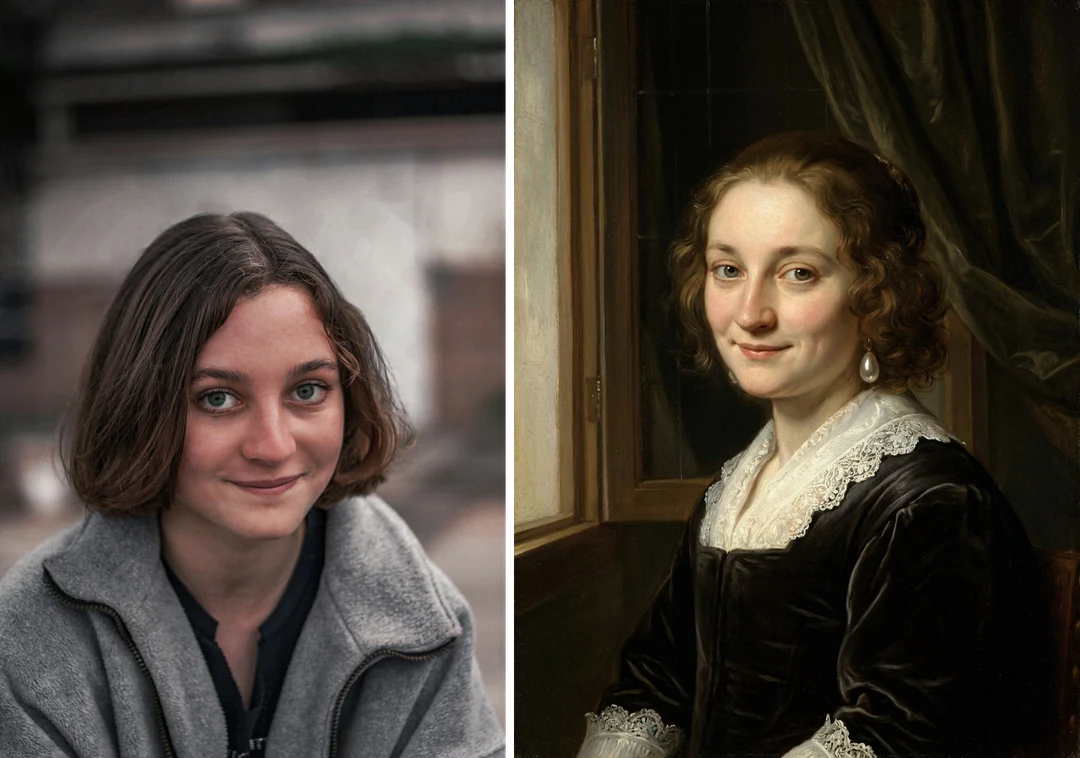
3:4 · Study
Personal portrait study
See how clothing, light and setting change one familiar face. Keep the museum record, your upload and the new portrait apart. For a class, follow your school's rules on AI use.
Recreate Girl with a Pearl Earring with your own face.
One photo in, one pearl earring portrait out. The ratio is fixed at 3:4.

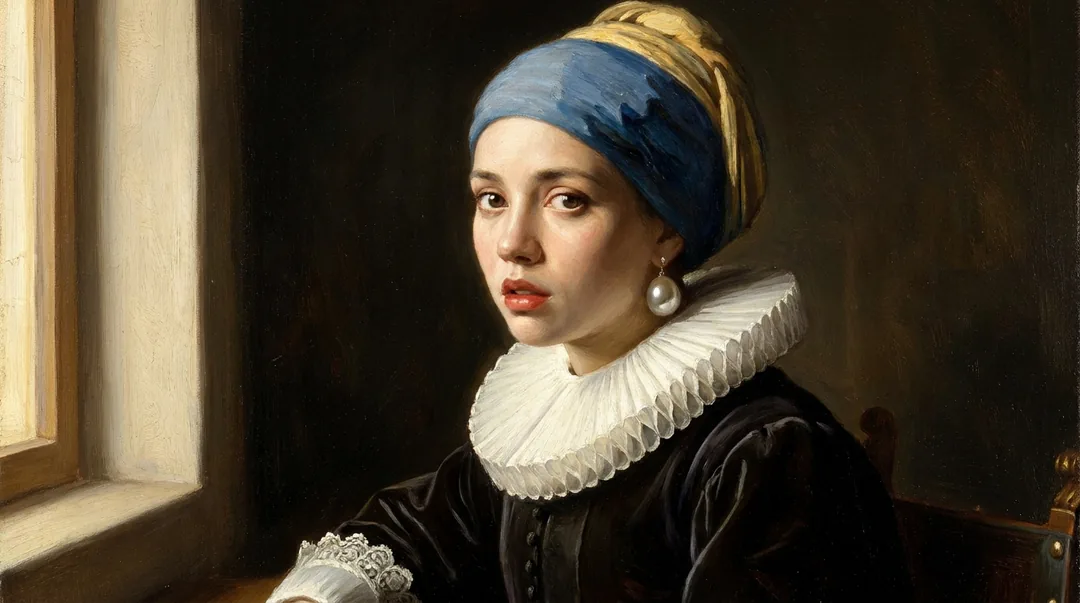
Your face, expression and identity stay recognizable.
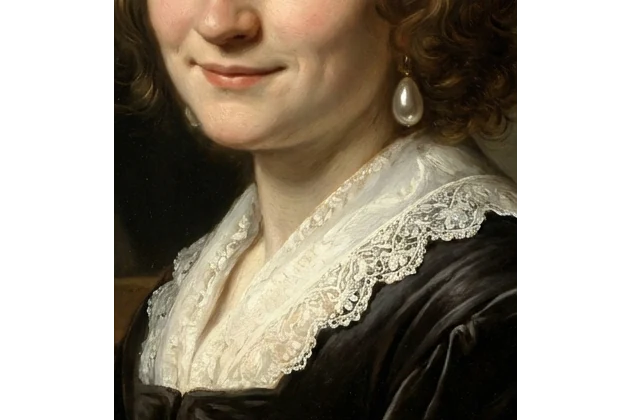
The template adds a pearl, period clothing, a dark background and soft window light.
Look for odd joins at the ear and neck. The costume is invented, so do not present it as history.
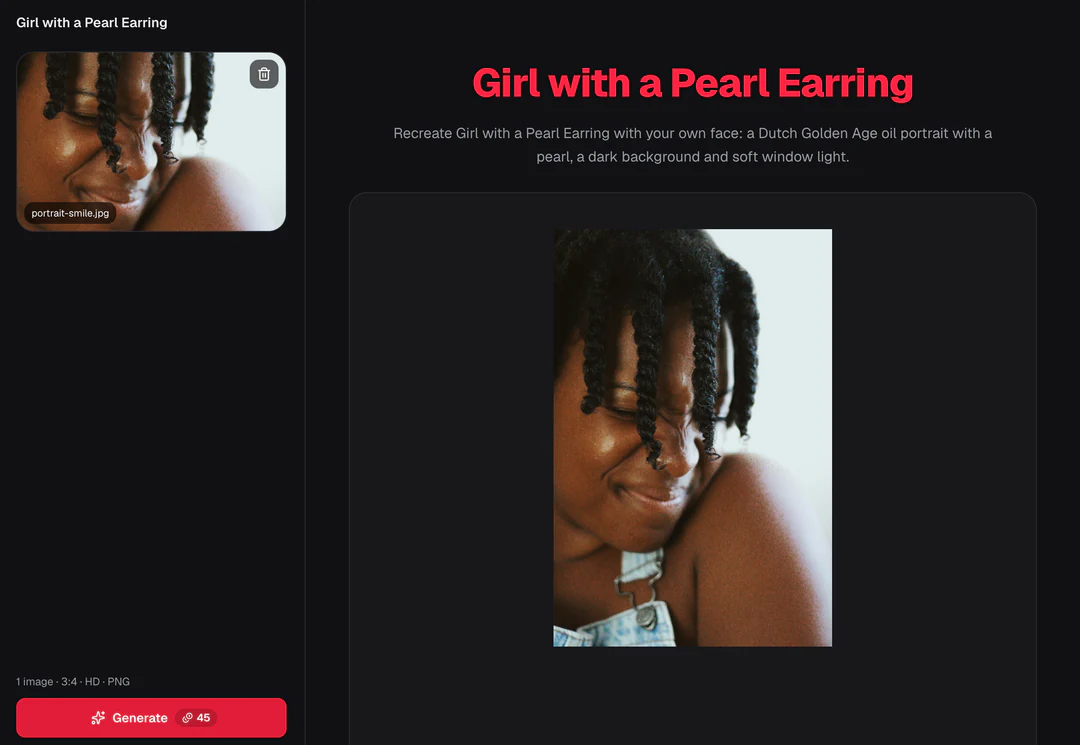
Upload a portrait, check the fixed output, then compare the faces.
Add one portrait up to 20 MB. JPG, PNG and WebP work. Choose a portrait with one visible face that you own or may edit.
The panel offers no costume library and no brushwork control. Crop first if the head is small.
Each result costs 45 credits, shown on Generate before you confirm. Put it next to your upload, then download it.
Three uses. Each result is a new portrait, and the painting keeps its own credit.
3:4 · Study
See how clothing, light and setting change one familiar face. Keep the museum record, your upload and the new portrait apart. For a class, follow your school's rules on AI use.
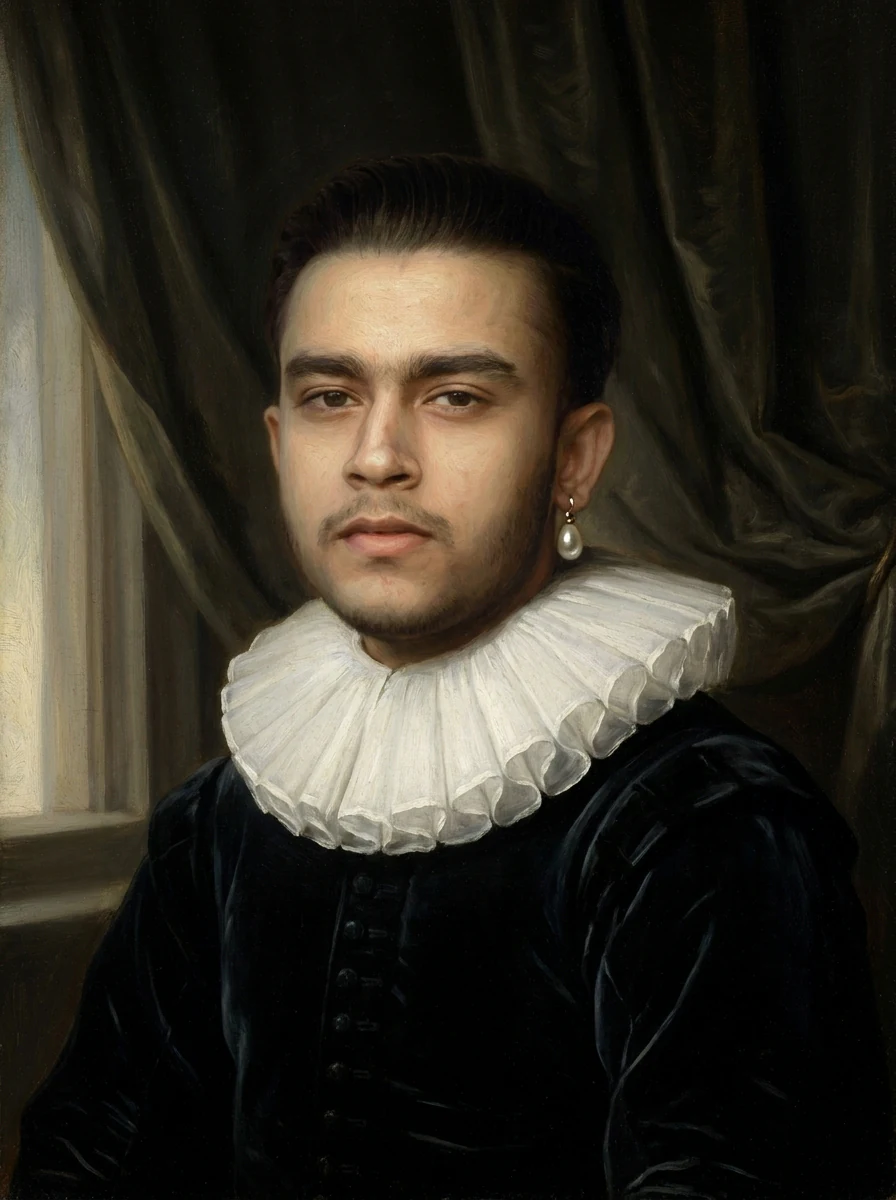
3:4 · Gift
Add the portrait to a card for an art lover. Check the face before you print. Call it a print of digital artwork, not an oil painting.
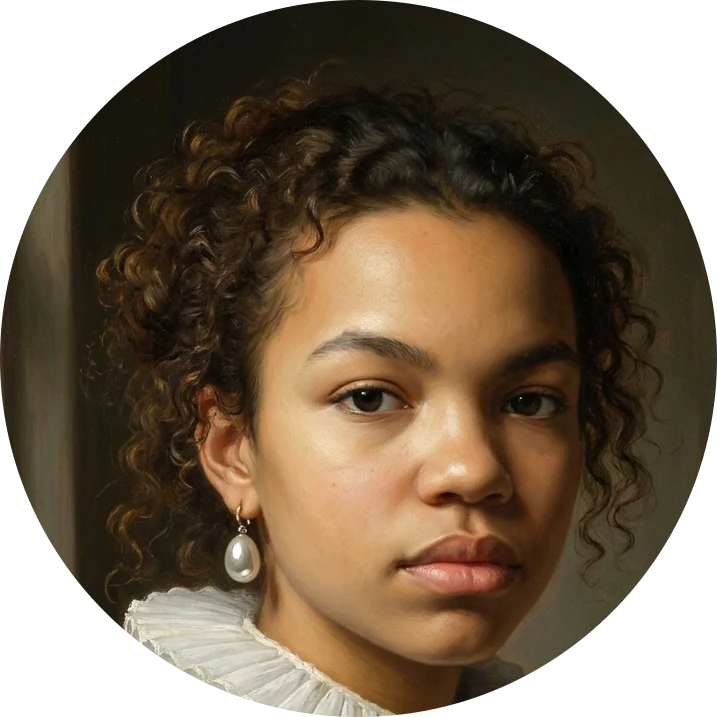
3:4 · Profile
Test the crop in your real profile circle. A small circle may keep only the face and the pearl. Save one full copy and one avatar copy.
Four features cover likeness, the period look, fixed settings and labels.
01
The painting shows a different person. This template keeps your own face and expression recognizable, so it never copies the original girl.
02
Your portrait borrows the painting's ingredients: the pearl, the dark backdrop and the soft light from a window. The clothing is invented. The portrait is new, not a Vermeer.
03
The template always applies the same treatment. Each run makes one portrait and shows its price first.
04
Inspect the earring at full size. When you publish, call the portrait generated. Never imply a museum or artist collaboration.
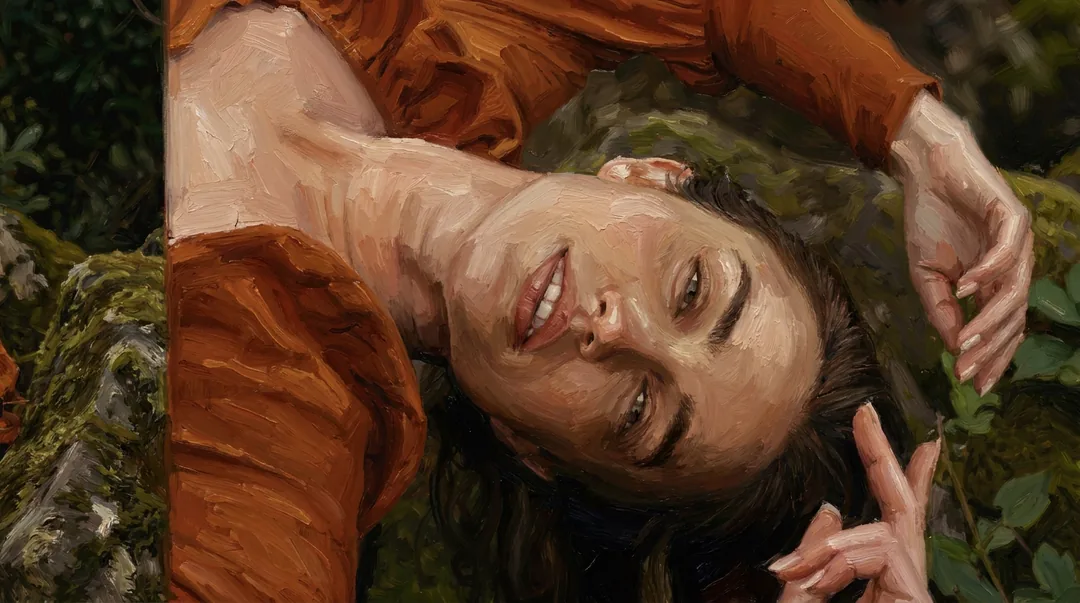
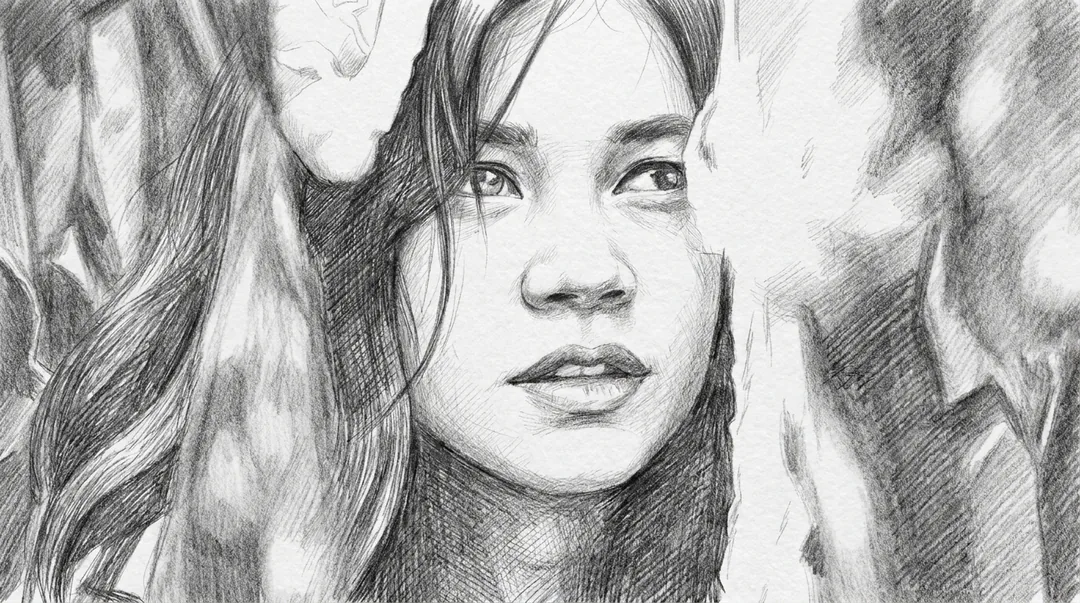
Pick another portrait direction, from painted to drawn to graphic.


Choose your credits and generation priority. Potto does not add a visible watermark to your downloads.
Billed $96 for the first year, then $192/year
Billed $240 for the first year, then $480/year
Billed $480 for the first year, then $960/year
Girl with a Pearl Earring is a painting by Johannes Vermeer, dated around 1665. It belongs to the Mauritshuis collection. The museum calls it a tronie, a study of a face, not a portrait of a known sitter. This page makes a new portrait with you as the sitter. It does not replace the original.
No. The painting is a separate work. This template turns your portrait into a new pearl earring portrait. Label the result as a generated portrait.
No. The costume belongs to the creative look and is not evidence of what people wore. Keep any historical claim tied to reliable records.
Use one portrait with a clear face. A hand across the face or a deep shadow makes the result less dependable. You need no costume or jewelry in the shot. Use a portrait you own or may edit.
Compare it with your upload, starting with the eyes and mouth. Then look at the ear, neck and collar for odd joins. Credit the museum's image separately if you publish both.
No. This page always uses one composition. For a classical oil study without the costume, use Photo to Painting. For another famous painting, describe it in the AI image generator.
45 credits per run for one 3:4 PNG at HD, made with Nano Banana Pro. The amount appears on the Generate button before you confirm.
Upload one clear portrait. Check the credit estimate. Compare the result with your photo.