AI Tools
This AI tools list covers every video and image tool in Potto, grouped by what you want to make.
AI Video23 tools
AI Video ToolsCreate Video3
Explainer & Docs7
 Explainer VideoExplain a topic with narration and visuals
 Animated Chart VideoTurn data into animated charts
 Fable 5.2 AnimationMake Fable 5.2 animation in 3D
 PDF to VideoTurn a PDF into a narrated video
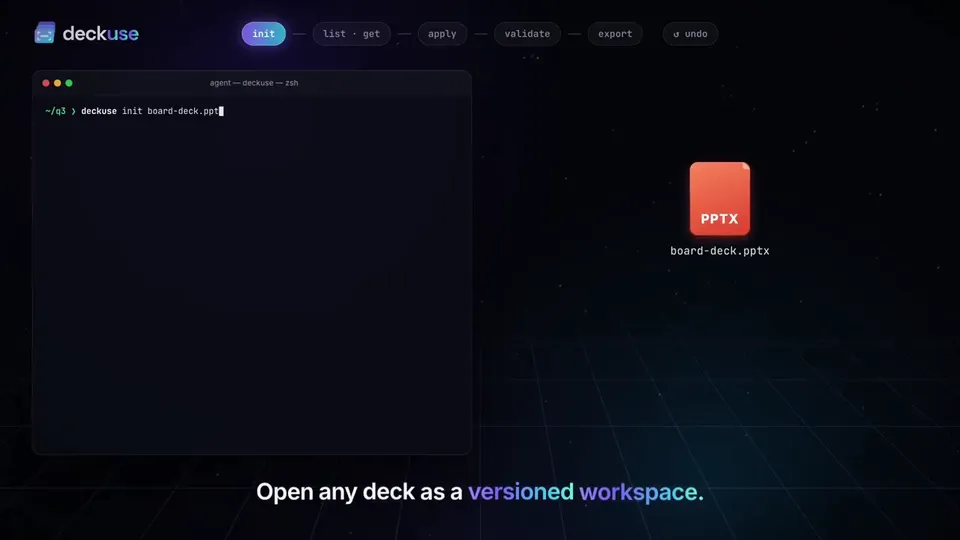 PPT to VideoTurn slides into a narrated video
 Article to VideoTurn a blog post into a video
 News to VideoTurn a news story into a short video
Social Clips3

Product & Ads6
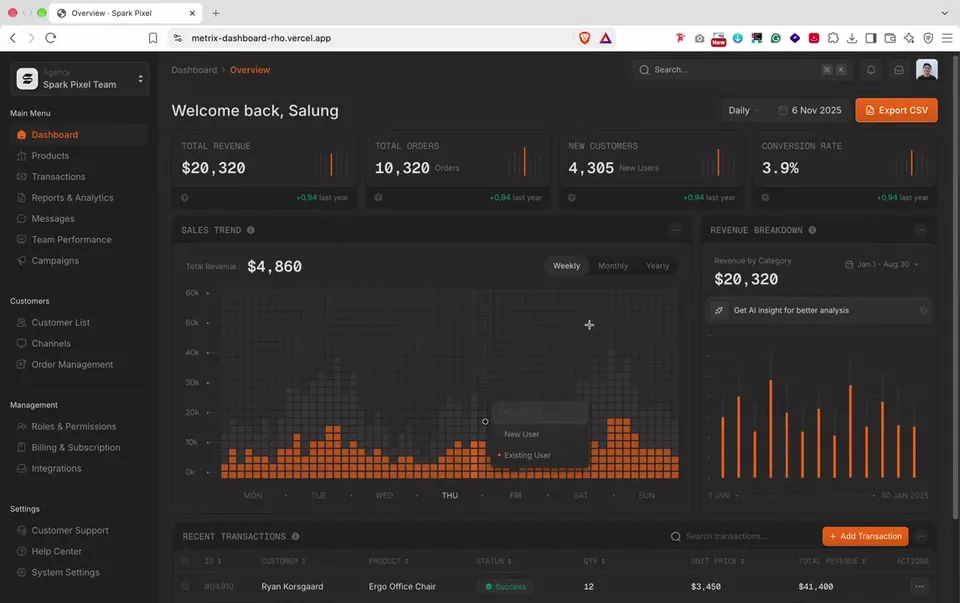 Product Demo VideoShow your product from screenshots
- Product WalkthroughStep-by-step tours of your product
 Product Launch VideoAnnounce a launch in a short film
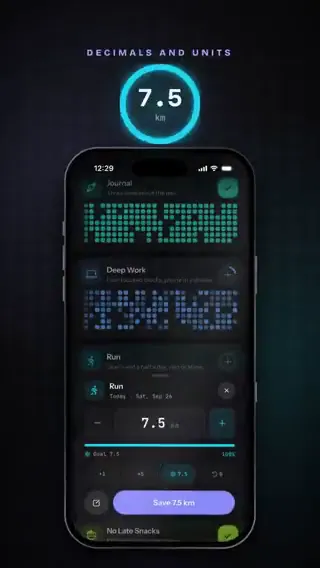 Video Ad MakerShort ads for social and paid campaigns
 Logo AnimationAnimate your logo for intros and outros
 Intro & OutroBranded openers and endings
Audio & Music4
Video Effects5 effects
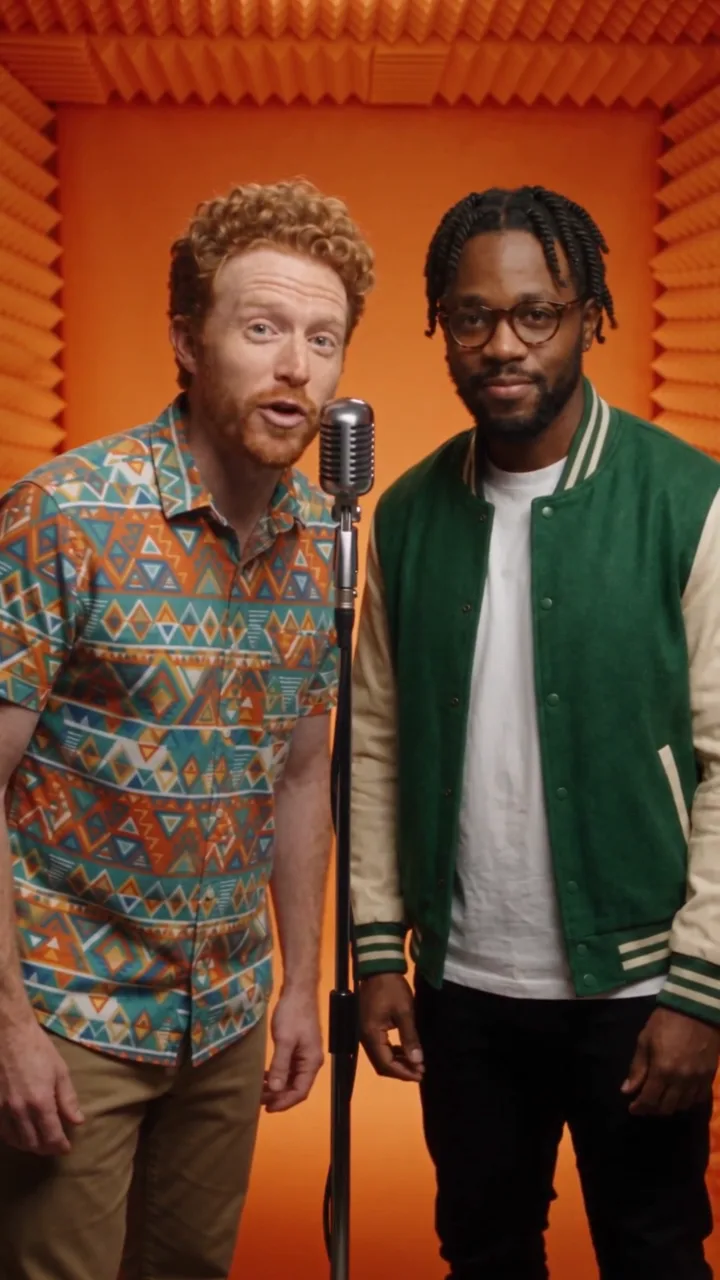
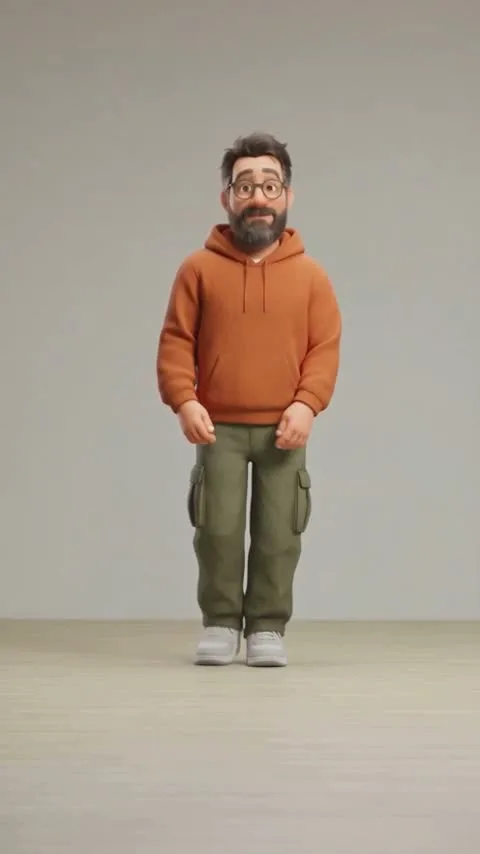
All effects
AI Image24 tools
AI Image ToolsCreate Image7
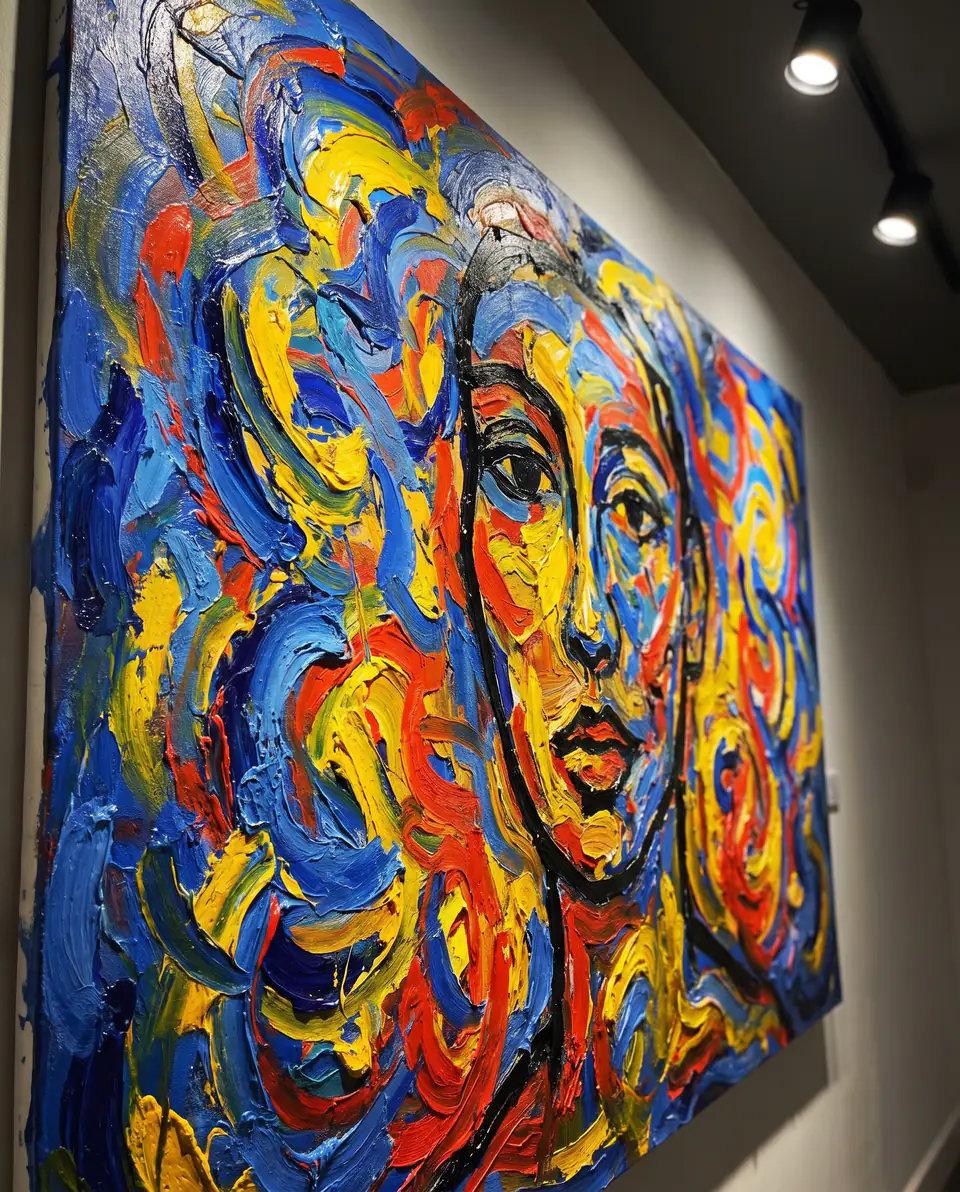 AI Image GeneratorGenerate images from a prompt and references
 Text to ImageTurn a written prompt into an image
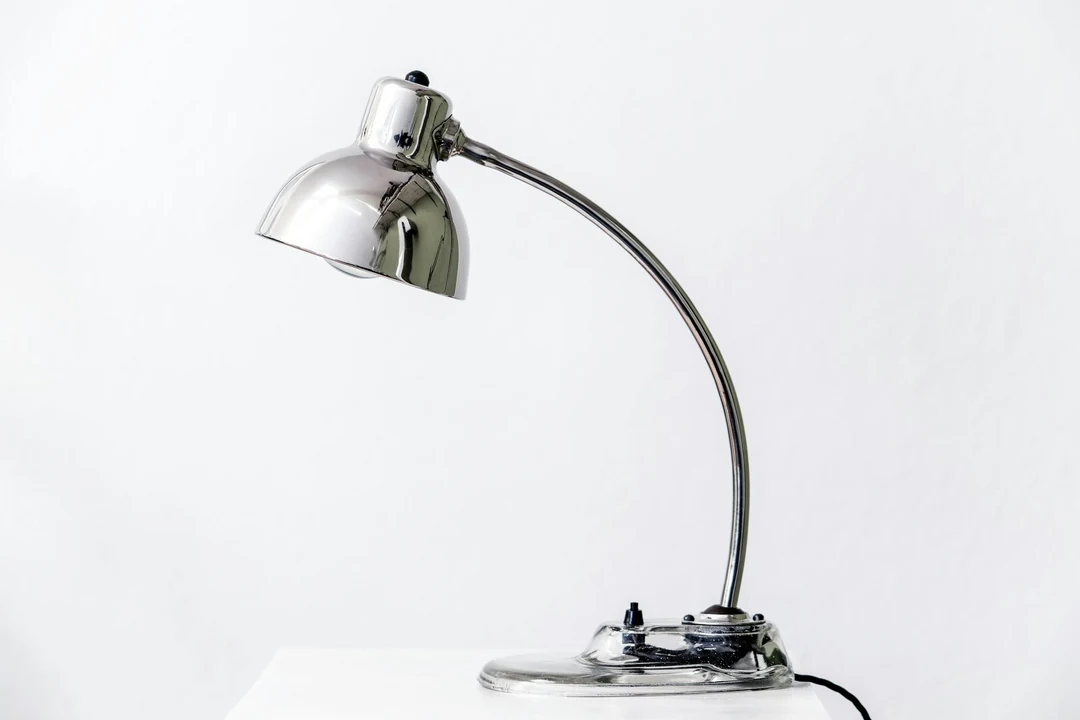 Image to ImageRestyle or change an image you upload
 AI Photo GeneratorMake realistic photos from a prompt
 AI Art GeneratorPaintings, illustrations and other art styles
 AI Character GeneratorDesign a character and keep it consistent
 AI Picture GeneratorPictures for posts, slides and pages
GIF & Stickers3

Edit & Enhance14
 AI Image EditorChange parts of an image by describing the edit
- AI Photo EditorEdit photos with plain words
 AI Image ExtenderExtend an image to a new aspect ratio
- Image ExpanderWiden a photo without cropping
 Background RemoverCut the subject from its background
- Remove BGOne-click background removal
- Background ChangerPut the subject on a new background
- Transparent BackgroundExport the subject as a transparent PNG
 Image UpscalerEnlarge an image and keep it sharp
- Image EnhancerImprove light, color and detail
- Unblur ImageRecover detail in blurry photos
- Photo EnhancerClean up and sharpen everyday photos
 Watermark RemoverRemove watermarks from an image
 Text RemoverErase text from an image
Image Templates30 templates
All templates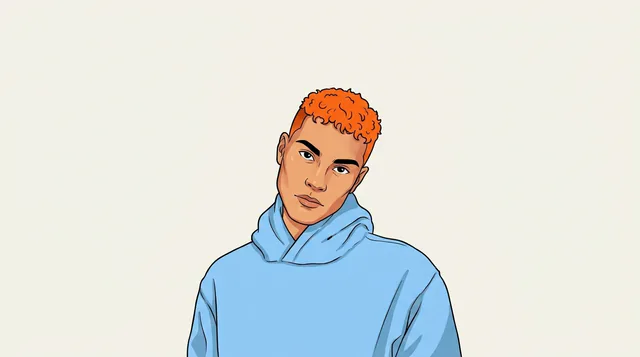 AI Cartoon Generator
 Christmas Photos
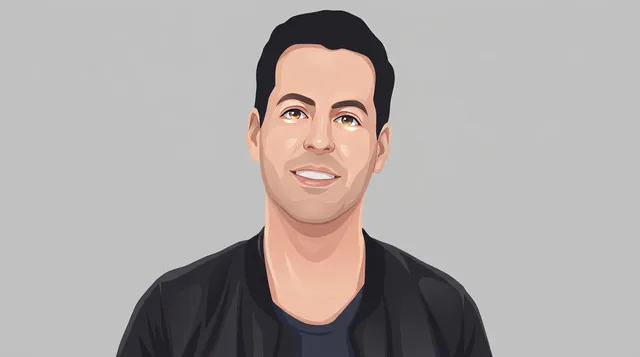 Avatar Maker
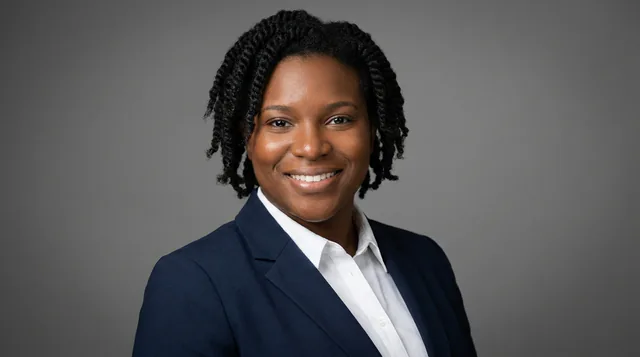 AI Headshot Generator
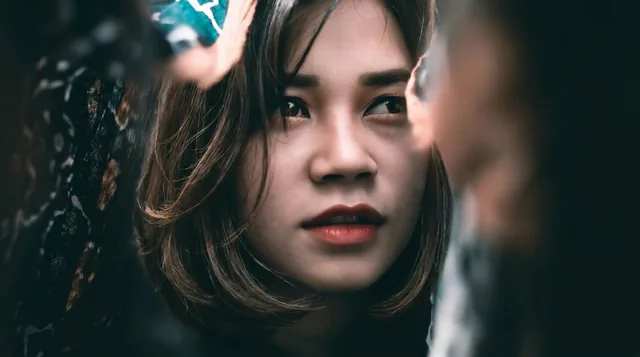 AI Hairstyle
 Interior Design
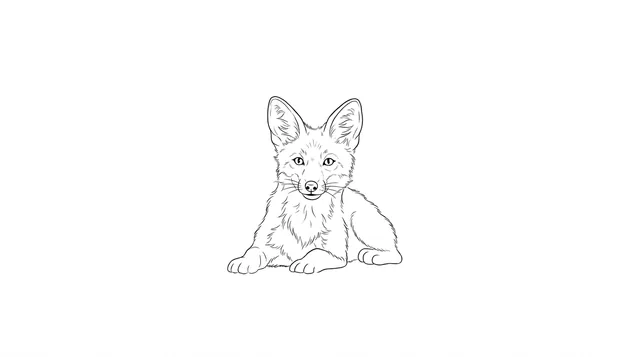 Tattoo Design
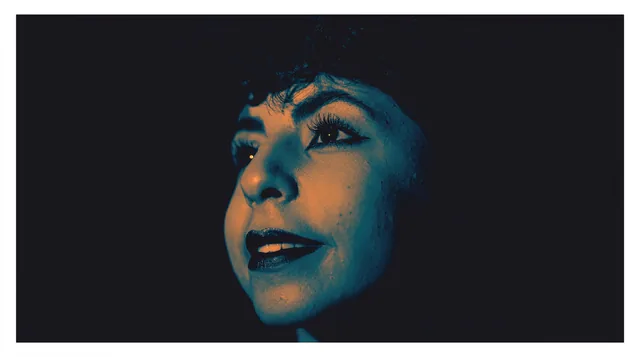 Album Cover
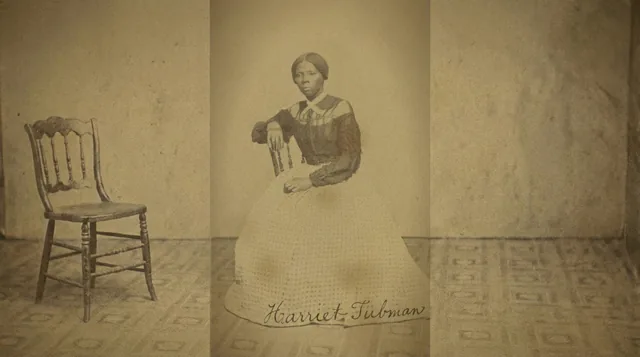 Old Photo Restoration
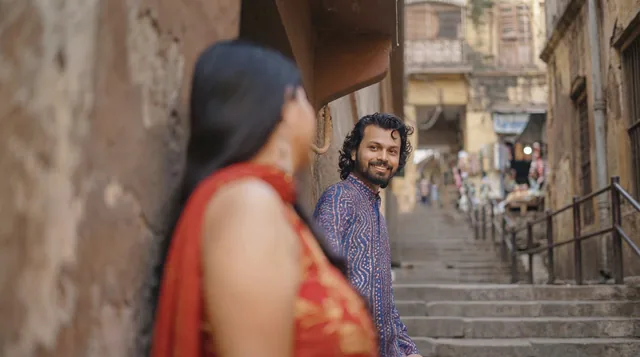 Colorize Photo
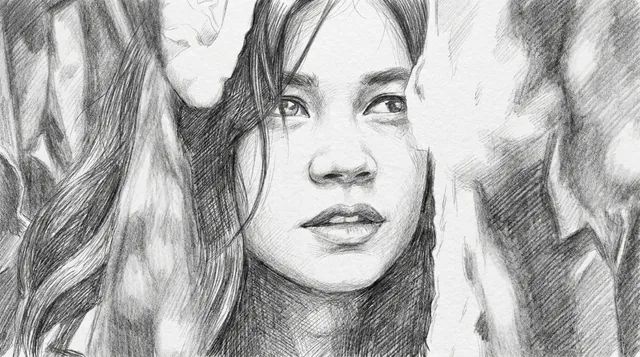 Photo to Sketch
 Remove People from Photo
How to choose an AI tool
Use this AI tools list to match a tool to the result you need.
Show a product
Use Product Demo Video. Paste a link or add screenshots.
Explain an idea
Use Explainer Video. Add a topic and AI writes the narration.
Turn a document into video
Use PDF to Video. Add the file and AI picks the key pages.
Post a short clip
Use YouTube Shorts Maker for a vertical video with captions.
Share a podcast
Use Audio to Video. Add your audio and AI builds the visuals.
Make a picture
Use Text to Image. Write a prompt and AI draws it.
Fix a photo
Use AI Image Editor. Describe the change and AI edits one part.
Clean a background
Use Background Remover. AI cuts out the subject in one step.
Try a trend
Use a video effect. Add one photo and get a short clip.
AI tools for content creation
Most projects use more than one tool. Pick AI tools for content creation that work well together.
Launch a product
- Start with Product Demo Video and add screenshots or a link.
- Make short ads with Video Ad Maker.
- Polish the thumbnail in AI Image Editor.
Teach a topic
- Write the topic in Explainer Video.
- Add a PDF so the narration uses your facts.
- Show numbers with Animated Chart Video.
- Cut a clip with YouTube Shorts Maker.
Share a podcast
- Add your audio to Audio to Video.
- Make a waveform clip with Audiogram Maker.
- Turn the best quote into a Quote Video.
Polish product photos
- Cut out the product with Background Remover.
- Sharpen detail with Image Upscaler.
- Place it in a new scene with Text to Image.
What goes in and what comes out
Each group in this AI tools list takes different input.
| Tools | You add | You get |
|---|---|---|
| Video tools | A topic, a link, files or audio. | AI builds a narrated MP4 video with captions and music. Pick 16:9, 9:16 or 1:1. |
| Video effects | One or more photos of people or pets. | AI builds a short MP4 clip on a fixed template. |
| Image tools | A prompt, a reference image or your own photo. | AI draws images in the size and format you pick. |
| Edit and enhance tools | One photo. | AI returns an edited photo. For example, a cutout, a sharper image or a clean background. |
| Image templates | One photo and a short brief. | AI makes a styled picture such as a headshot or a cartoon portrait. |
Credits and limits
Check these limits before you use any tool in this AI tools list.
- All AI tools use one credit balance.
- Video cost depends on length. Image cost depends on the model and size.
- A video accepts up to 8 files. Each file can be up to 20 MB.
- Every new account starts with free credits.
- AI tools can make mistakes. Check names, numbers and faces before you share a result.
Choose Your Plan
Choose your credits and generation priority. Potto does not add a visible watermark to your downloads.
Lite
Black Friday -50%Choose Lite$16$8/monthBilled $96 for the first year, then $192/year
Monthly videos
30s product demo13 videos60s explainer5 videos- 2,000 monthly credits
- Up to 86 fast images
- Standard queue
- No Potto watermark
- Batch image tools
- Private creations
- All premium skills
Pro
Black Friday -50%Choose Pro$40$20/monthBilled $240 for the first year, then $480/year
Monthly videos
30s product demo33 videos60s explainer13 videos- 5,000 monthly credits
- Up to 217 fast images
- Priority queue
- No Potto watermark
- Batch image tools
- Private creations
- All premium skills
- Recommended
Max
Black Friday -50%Choose Max$80$40/monthBilled $480 for the first year, then $960/year
Monthly videos
30s product demo100 videos60s explainer40 videos- 15,000 monthly credits
- Up to 652 fast images
- Highest priority queue
- No Potto watermark
- Batch image tools
- Private creations
- All premium skills
Videos use credits on export. Your balance must cover the export before you start. Counts assume a 30s demo and a 60s explainer with narration and 3 illustrations.
AI tools FAQs
What are AI tools?
AI tools are apps that use AI to make or change media. They turn text, files, links and photos into videos and images. Potto offers AI tools for content creation across video, images, effects and templates.
Which AI tools does Potto have?
Potto has video tools, image tools, video effects and image templates. This AI tools list shows all of them. Each tool opens its own page with a creator on top.
Which AI tool should I start with?
Start with the task you have: a product, a topic, a prompt or a photo. The guide above maps each task to one tool. You can switch to a related tool later.
What is the difference between video tools and video effects?
Video tools build a narrated video from your topic, files or link. Video effects are fixed templates that AI fills with your photos. Tools give you control over the story. Effects give you a fast result.
Can I switch tools without losing my work?
Yes, inside the same group. Use the type switcher at the top of the editor panel. Brief and uploads are kept for video tools and image edit tools. Settings such as length and ratio follow the new tool.
What files can I add to a video?
You can add images, PDF, DOCX, PPTX, TXT or MD files. The limits above show how many files and how large.
Do all AI tools use the same credits?
Yes. Every tool draws from one credit balance. The cost depends on the result, such as video length, image model and image size.
Do I need an account to use these AI tools?
You can open any tool without an account. Sign in when you press Generate. Your brief and files stay in place after you sign in.
Are these AI tools free?
New accounts get free credits to try the tools. After that, tools use credits from a plan or a credit pack.
Start with your first AI tool
Pick a task from the AI tools list, or describe your idea in the creator.