AI GIF Generator
Describe a small motion in one sentence. Get a looping AI GIF in about a minute, with or without a reference image.

A small orange cartoon cat gives a thumbs up and nods happily, flat cartoon style
16 frames · 12 fpsCaption: 收到!
A round yellow smiley face laughs until tears fly, flat cartoon reaction
9 frames · 8 fpsCaption: LOL
A tiny panda types on a laptop very fast, chibi style
16 frames · 12 fpsCaption: On it!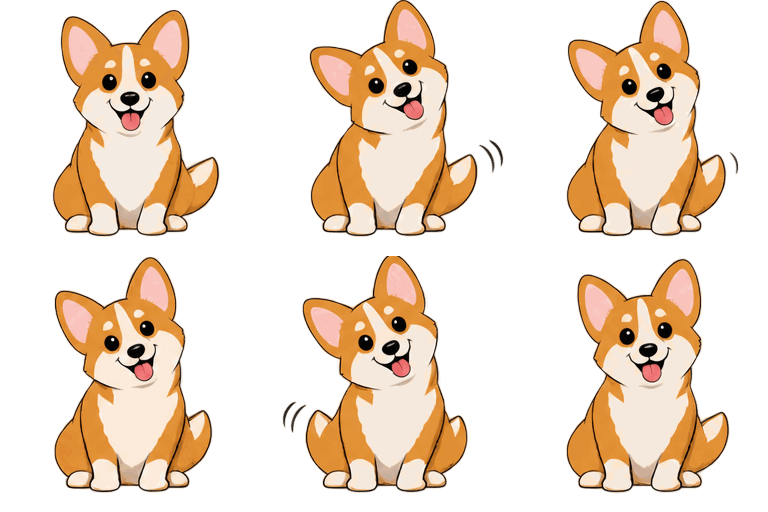
A corgi wags its tail and tilts its head, flat cartoon style
16 frames · 8 fps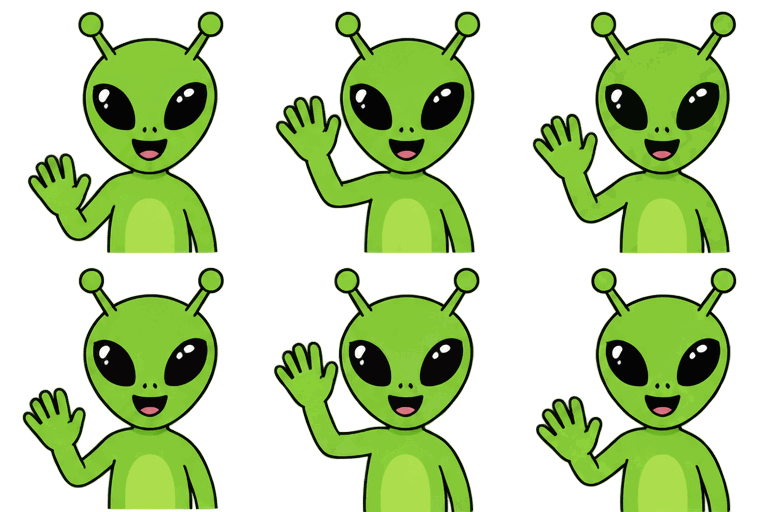
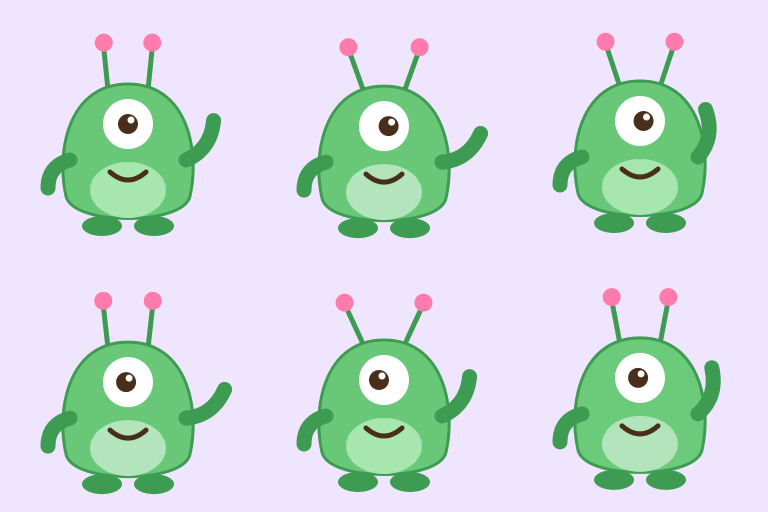
A green alien mascot waves at the viewer, flat cartoon style
16 frames · 8 fps
A pixel art heart beats in a steady loop
9 frames · 8 fps
A coffee mug with steam curling up, flat icon style
9 frames · 6 fps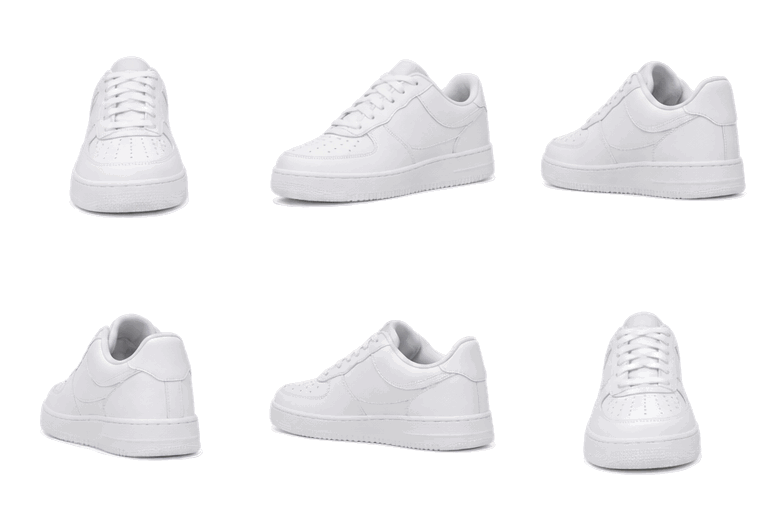
A white sneaker turns slowly on a plain background, clean product style
16 frames · 12 fps
How to Use the AI GIF Generator
Three steps from a sentence to a looping GIF.
Describe the motion
Name the subject and the one action it repeats. Add a reference image to keep a character you already have.
Pick frames and speed
Choose a frame count. Then choose 4, 6, 8 or 12 fps. You see the cost before you generate.
Generate and save
Press Generate GIF. Watch the loop play. Download the GIF when you like it.
How One Sentence Becomes an AI GIF
The AI GIF generator needs only a sentence. You don't draw frames or upload a video.
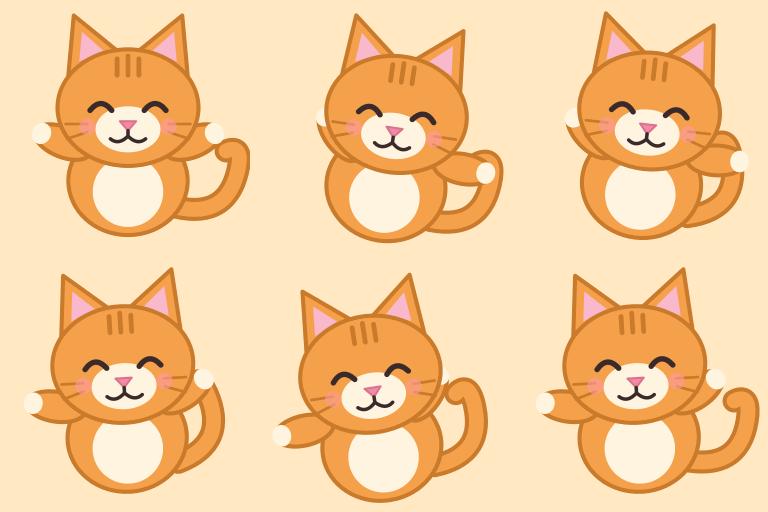
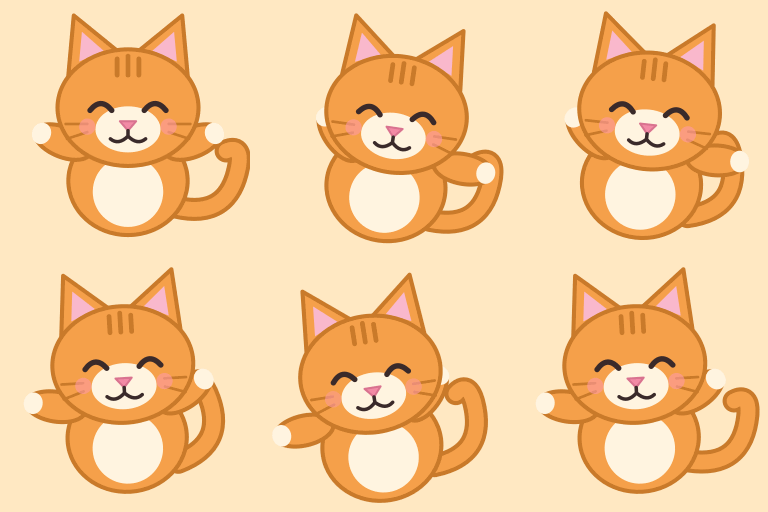
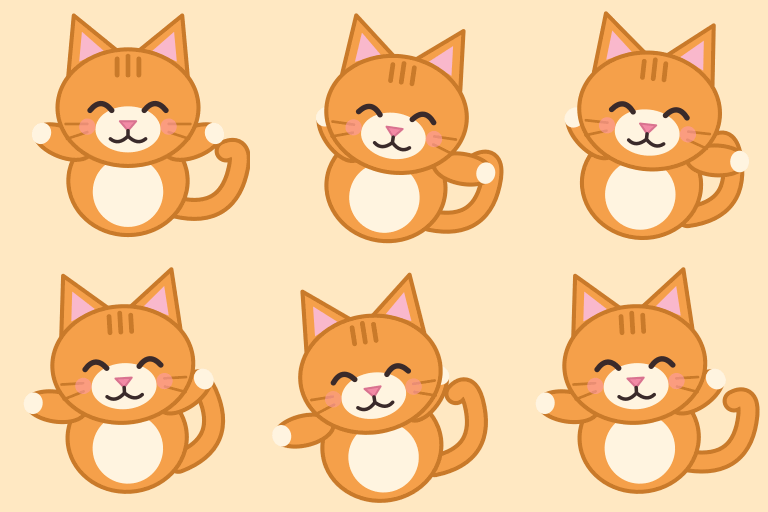
An orange cartoon cat sways side to side and waves both paws, flat style
Write one sentence
Say what moves and how. That sentence is all the AI GIF generator needs.
Add a reference if you like
Use your own character or product as a reference. The GIF keeps its look. It is optional.
Get a GIF that loops
The last frame flows back into the first, so the loop plays forever. It works in chats, docs and sites.
Choosing Frames and Speed for an AI GIF
Frame count sets how smooth the motion looks. Speed sets how long one loop lasts.
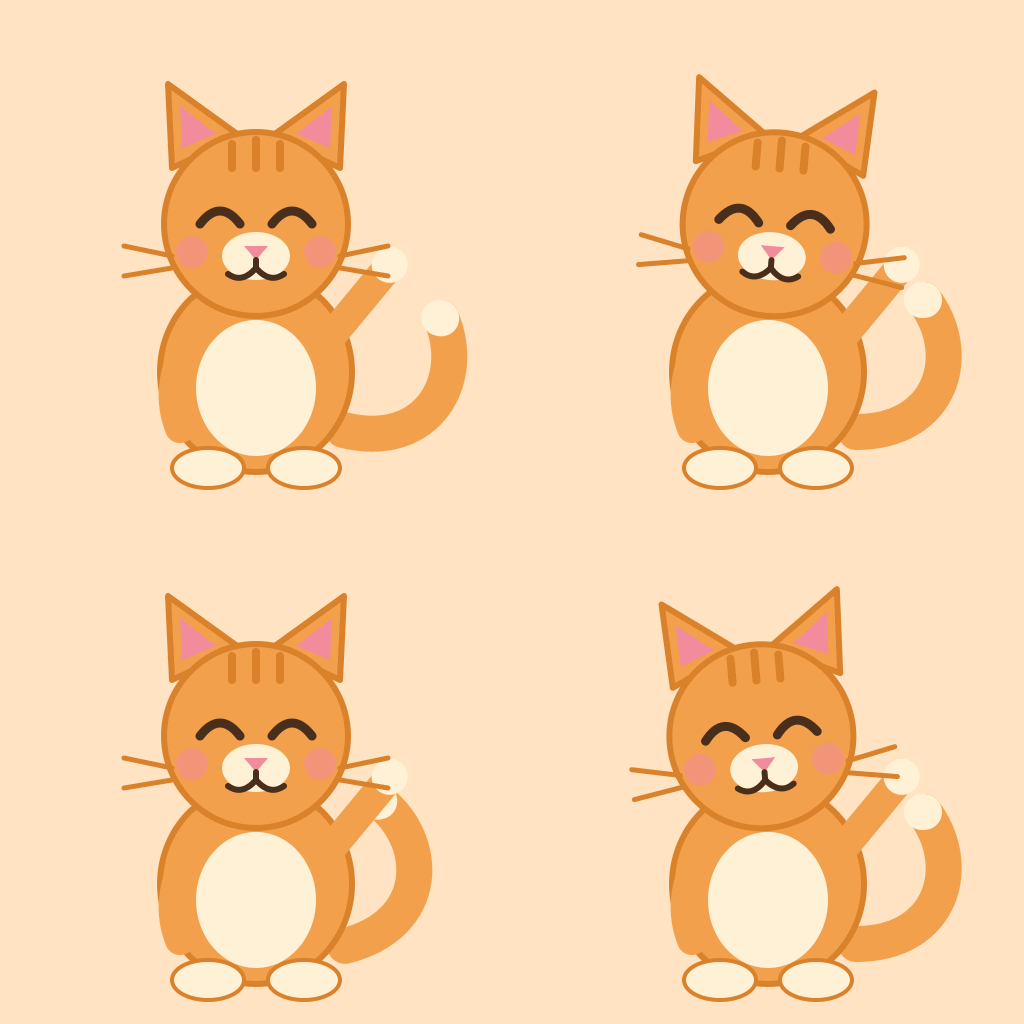
4 frames
Best for a simple back-and-forth, like a nod, a blink or a pulse. Frames are large at 512 px, so detail stays sharp.
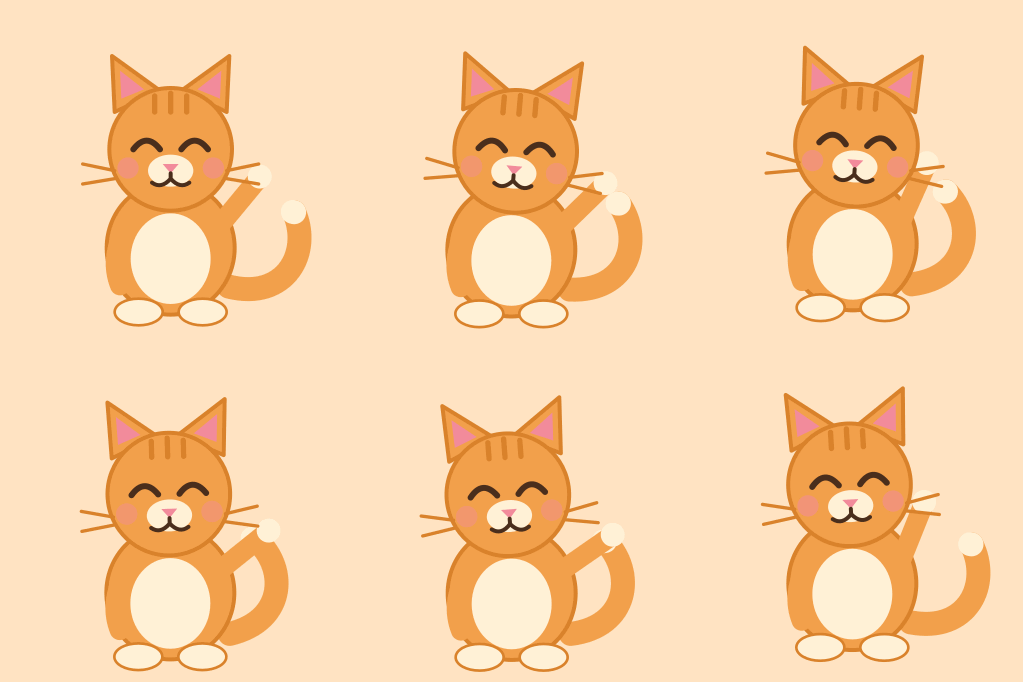
9 frames
A middle choice for waves, bounces and a head turn. You get smoother motion than 4 frames and more detail than 16.
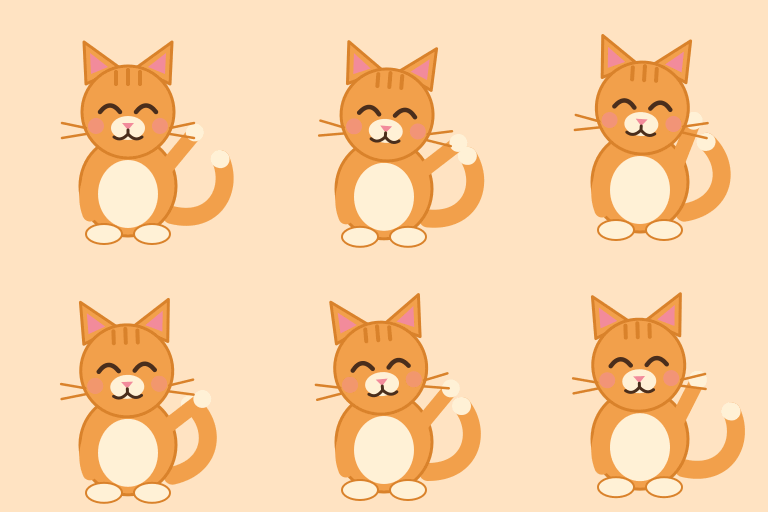
16 frames
The smoothest motion, but each frame is small. Use it for walks, spins and rising steam. Fine detail and thin lines get lost first.
What to Make with an AI GIF Generator
Use the AI GIF generator for short loops with one small action. These ideas fit the format.
- Describe the motion
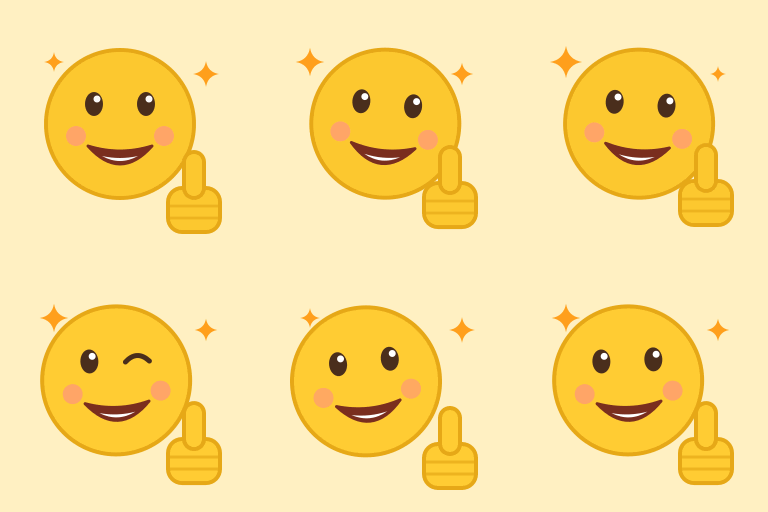
A yellow smiley face winks and gives a thumbs up
Reactions and stickers
A character waves, winks, nods or claps. Send it as a reply in chat, or use it like a sticker.
- Describe the motion
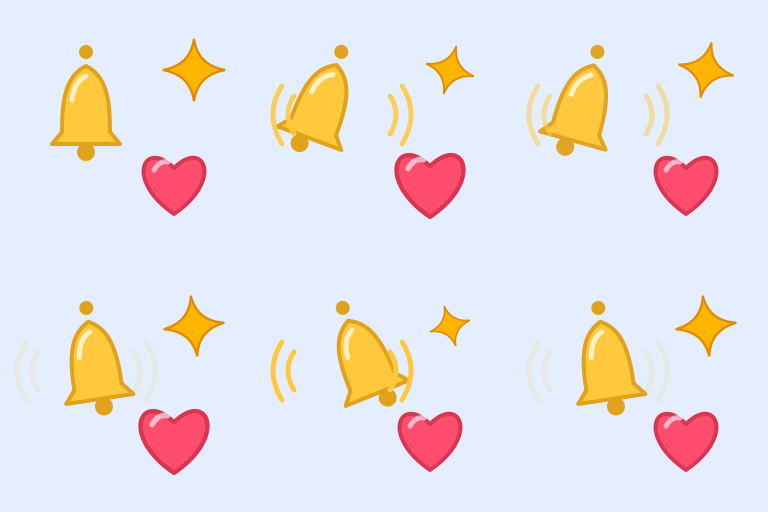
A bell rings, a heart beats and a star sparkles, flat icons
Animated icons
A bell that rings, a heart that beats, a star that sparkles. Simple flat icons suit a small looping GIF.
- Describe the motion
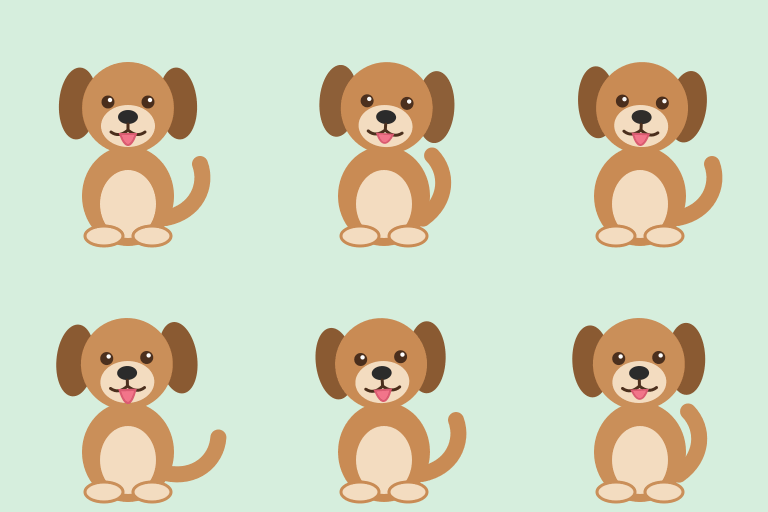
A brown cartoon puppy wags its tail
AI cat and dog GIFs
Make an AI cat GIF of a kitten licking its paw. Make an AI dog GIF of a puppy wagging its tail. Small pet motions repeat well.
- Describe the motion
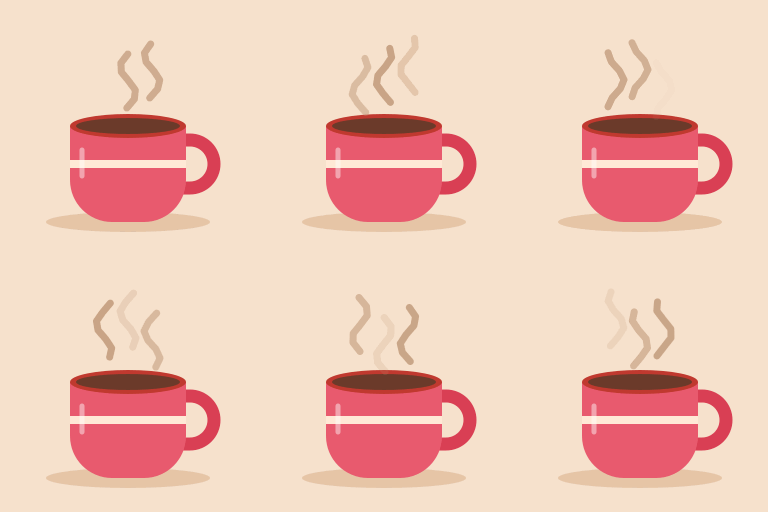
A red mug of coffee with steam rising, cozy flat style
Cozy loops
A mug with rising steam. A candle flame that flickers. A plant that sways a little. Calm scenes hide the seam of the loop.
- Describe the motion
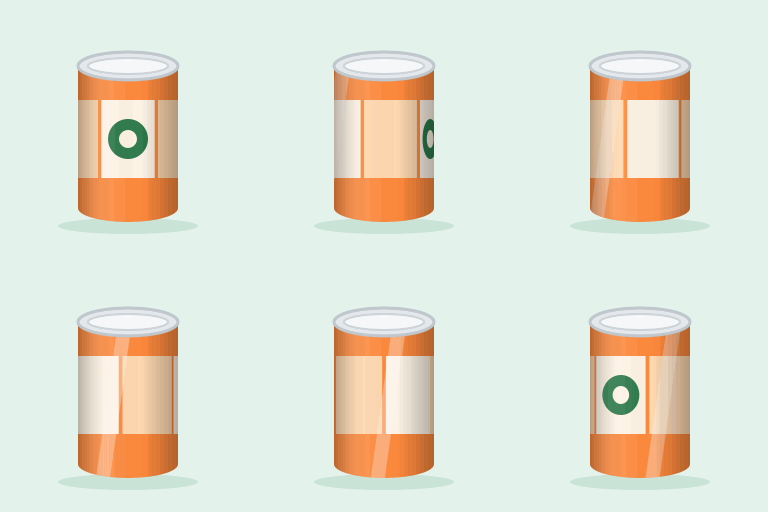
An orange soda can turns slowly with a light glint
Product moments
A sneaker that turns slowly, or a bottle with a light glint. Keep the motion small. A full turn with fine detail is hard to fit in 16 frames.
- Describe the motion
Make my mascot wave hello and blink
Animate your own art
Upload a mascot, a drawing or a product photo as a reference. Your subject is redrawn in motion. This is image to GIF AI in practice.
Choose Your Plan
Choose your credits and generation priority. Potto does not add a visible watermark to your downloads.
Lite
Black Friday -50%Choose Lite$16$8/monthBilled $96 for the first year, then $192/year
- 2,000 monthly credits
- Up to 86 fast images
- Standard queue
- No Potto watermark
- Batch image tools
- Private creations
- All premium skills
Pro
Black Friday -50%Choose Pro$40$20/monthBilled $240 for the first year, then $480/year
- 5,000 monthly credits
- Up to 217 fast images
- Priority queue
- No Potto watermark
- Batch image tools
- Private creations
- All premium skills
- Recommended
Max
Black Friday -50%Choose Max$80$40/monthBilled $480 for the first year, then $960/year
- 15,000 monthly credits
- Up to 652 fast images
- Highest priority queue
- No Potto watermark
- Batch image tools
- Private creations
- All premium skills
AI GIF generator FAQs
Answers on prompts, references, downloads and cost.
What is an AI GIF generator?
An AI GIF generator is a tool that makes an animated GIF from text. You describe a motion, and an AI model draws the frames. The frames play as a short loop. Some people call it an AI GIF maker. Potto's AI GIF generator uses GPT Image 2.6 to draw them.
How do I make an AI GIF?
Type one sentence about a subject and its motion. Pick how many frames and how fast. Press Generate GIF and wait for the loop to appear. Then download the GIF.
How do the frames and speed settings work?
The frames setting decides how many drawings make up the loop, and the speed decides how fast they play. Pick one of three frame counts, from 4 to 16, and a speed from 4 to 12 fps. A slow 4 fps feels like a flipbook, 12 fps feels quick and lively, and 8 fps suits most loops. Loop length is the frame count divided by the speed: 16 frames at 8 fps take 2 seconds, and 4 frames at 12 fps take a third of a second. You can change the speed after the GIF is made. That is free, and the new speed is saved in My Creations.
How should I write the prompt?
Name one subject and one action that repeats. Add a style, such as flat cartoon, pixel art or clay. Keep the background simple: the prompt asks for a flat background that matches in every frame, because a busy scene would flicker from frame to frame. Leave out camera moves and scene changes. A prompt can run to 1,000 characters. One or two sentences are usually enough.
Is this a text to GIF tool?
Yes. Your sentence is the only input you must give. A reference image is optional. The AI GIF generator turns the words into frames, then into a GIF.
Can I turn my own image into an AI GIF?
Yes. Add one reference image of up to 20 MB. PNG, JPG and WebP all work. The AI GIF generator keeps the subject from that image and draws it in motion. Use the same image every time to keep one character across many GIFs.
Why do the frames shift a little?
The model draws each cell; it does not trace the last frame. So outlines and small details can move slightly between frames. Simple subjects on plain backgrounds shift the least. Generate again if a loop looks shaky.
What can't the AI GIF generator do?
Potto's AI GIF generator is built for one short loop of 16 frames or fewer, so long scenes, story beats and camera moves don't fit. Big jumps between frames break the illusion, so ask for small, repeating motion. It does not lip-sync, swap faces or make real-person video, and it does not turn a video you already have into a GIF.
Can I add text to an AI GIF?
Yes. Type a caption of up to 20 characters, such as “Got it!” or “收到”. Potto sets it in a real font along the bottom of every frame after the frames are drawn, so it is spelled exactly as you typed. Latin, Chinese, Japanese and Korean all work. Emoji can't be added.
Will I get the same GIF twice?
No. Two runs of the same prompt give two different GIFs. Generate again if the first loop misses. Each new try is charged as a new GIF.
How long does an AI GIF take?
Most AI GIFs finish within a minute. Drawing the frames takes almost all of that time. Building the loop takes a moment after that.
What do I get when it's done?
You get a looping GIF to download. The same GIF is saved in My Creations, so you can download it again later.
How much does an AI GIF cost?
Each GIF costs the same as one standard-size GPT Image 2.6 image. Frame count and speed don't change the price. The exact credit price shows next to the Generate GIF button. You need to sign in to generate.
How is the AI GIF generator different from the GIF maker?
The AI GIF generator draws a brand-new loop from your words. The GIF maker converts a video or photos you already have. It runs in your browser at no cost and needs no account.
Make your first AI GIF
Write one sentence about a small motion. Download the loop as a GIF.