
Article Videos by Creators
Watch article videos other people made: hand-drawn stories, short films and short coded pieces in 16:9, 1:1 and 9:16. Open one and choose Use this prompt to start your own version, then export an MP4.
Article videos made by creators
Ratio
111 works
Tool



- Skill
- Skill








Pricing
Choose a plan to make your own motion graphics with Potto.
2,000 credits
$20one-time
Pay once · no subscription
Videos per pack
30-second product demo13 videos
60-second explainer5 videos
- 2,000 credits, added once
- Up to 86 fast images
- No added Potto watermark
- Shared by video and image tools
5,000 credits
$50one-time
Pay once · no subscription
Videos per pack
30-second product demo33 videos
60-second explainer13 videos
- 5,000 credits, added once
- Up to 217 fast images
- No added Potto watermark
- Shared by video and image tools
15,000 credits
$100one-time
Pay once · no subscription
Videos per pack
30-second product demo100 videos
60-second explainer40 videos
- 15,000 credits, added once
- Up to 652 fast images
- No added Potto watermark
- Shared by video and image tools
Lite
Choose Lite$20/monthBilled monthly
Videos per month
30-second product demo13 videos60-second explainer5 videos- 2,000 credits per month
- Up to 86 fast images
- Standard queue
- No added Potto watermark
- Batch processing with AI tools
- Not listed in public galleries
Pro
Choose Pro$50/monthBilled monthly
Videos per month
30-second product demo33 videos60-second explainer13 videos- 5,000 credits per month
- Up to 217 fast images
- Priority queue
- No added Potto watermark
- Batch processing with AI tools
- Not listed in public galleries
- Recommended
Max
Choose Max$100/monthBilled monthly
Videos per month
30-second product demo100 videos60-second explainer40 videos- 15,000 credits per month
- Up to 652 fast images
- Highest priority queue
- No added Potto watermark
- Batch processing with AI tools
- Not listed in public galleries
Lite
-20%Choose Lite$20$16/monthBilled annually · $240 → $192/year
Videos per month
30-second product demo13 videos60-second explainer5 videos- 2,000 credits per month
- Up to 86 fast images
- Standard queue
- No added Potto watermark
- Batch processing with AI tools
- Not listed in public galleries
Pro
-20%Choose Pro$50$40/monthBilled annually · $600 → $480/year
Videos per month
30-second product demo33 videos60-second explainer13 videos- 5,000 credits per month
- Up to 217 fast images
- Priority queue
- No added Potto watermark
- Batch processing with AI tools
- Not listed in public galleries
- Recommended
Max
-20%Choose Max$100$80/monthBilled annually · $1,200 → $960/year
Videos per month
30-second product demo100 videos60-second explainer40 videos- 15,000 credits per month
- Up to 652 fast images
- Highest priority queue
- No added Potto watermark
- Batch processing with AI tools
- Not listed in public galleries
Videos use credits when you export, and starting one needs a balance that covers its export. Counts assume a 30-second product demo and a 60-second explainer with narration and 3 illustrations.
Article video FAQs
What is an article video?
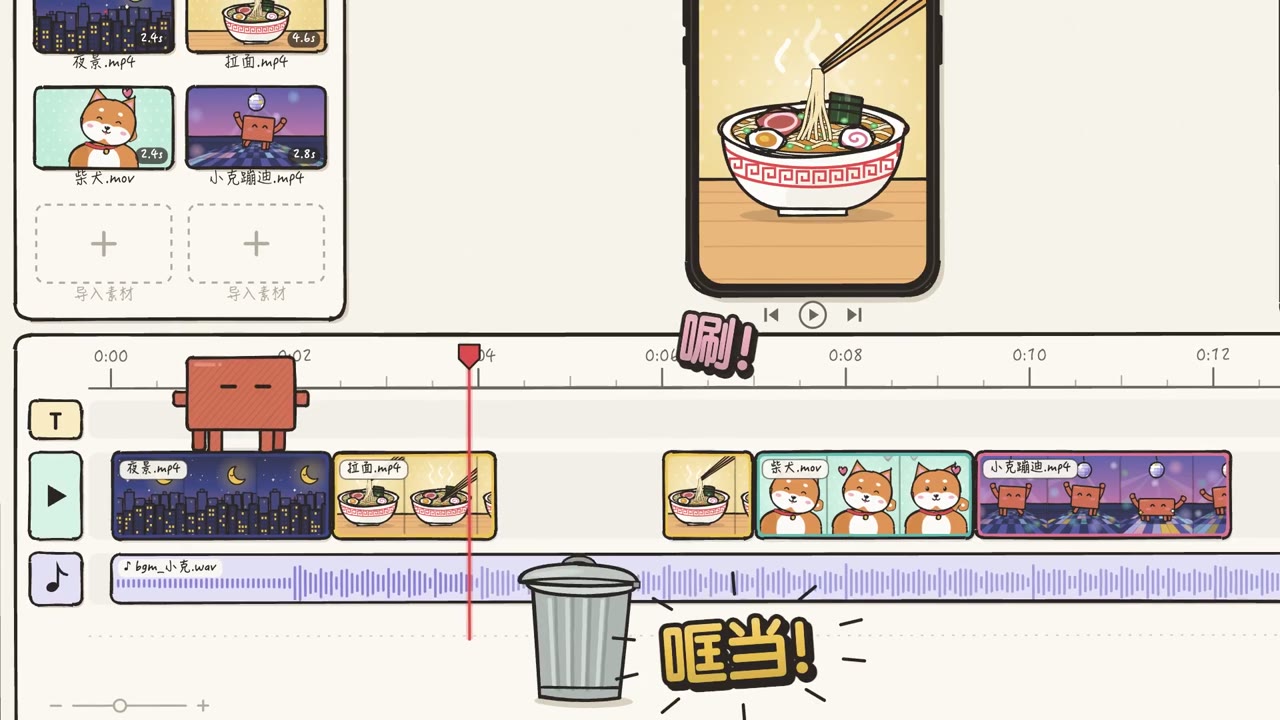
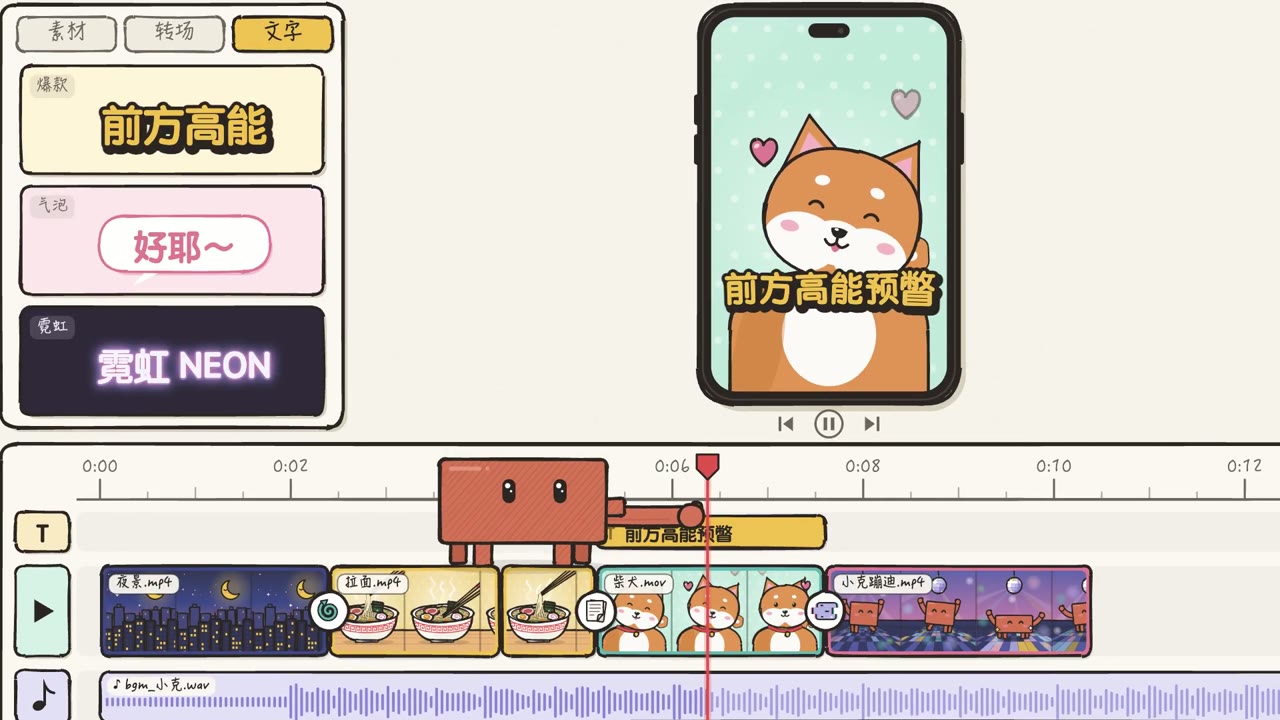
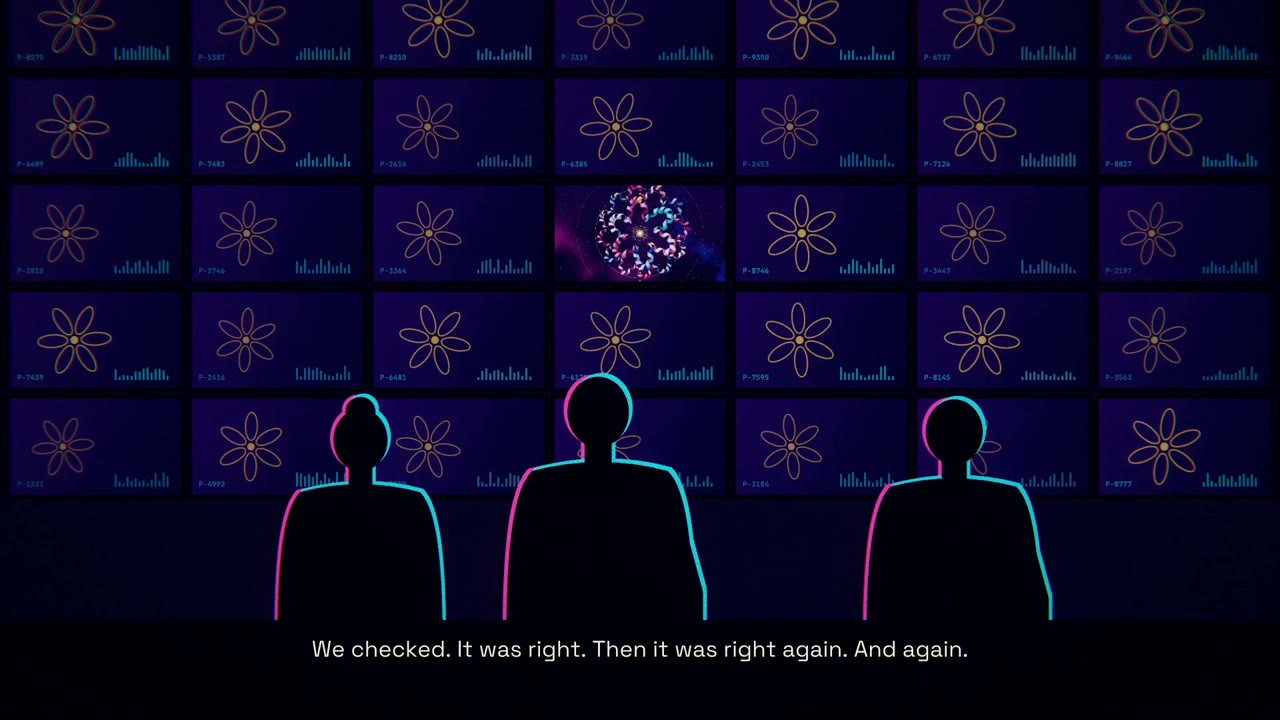
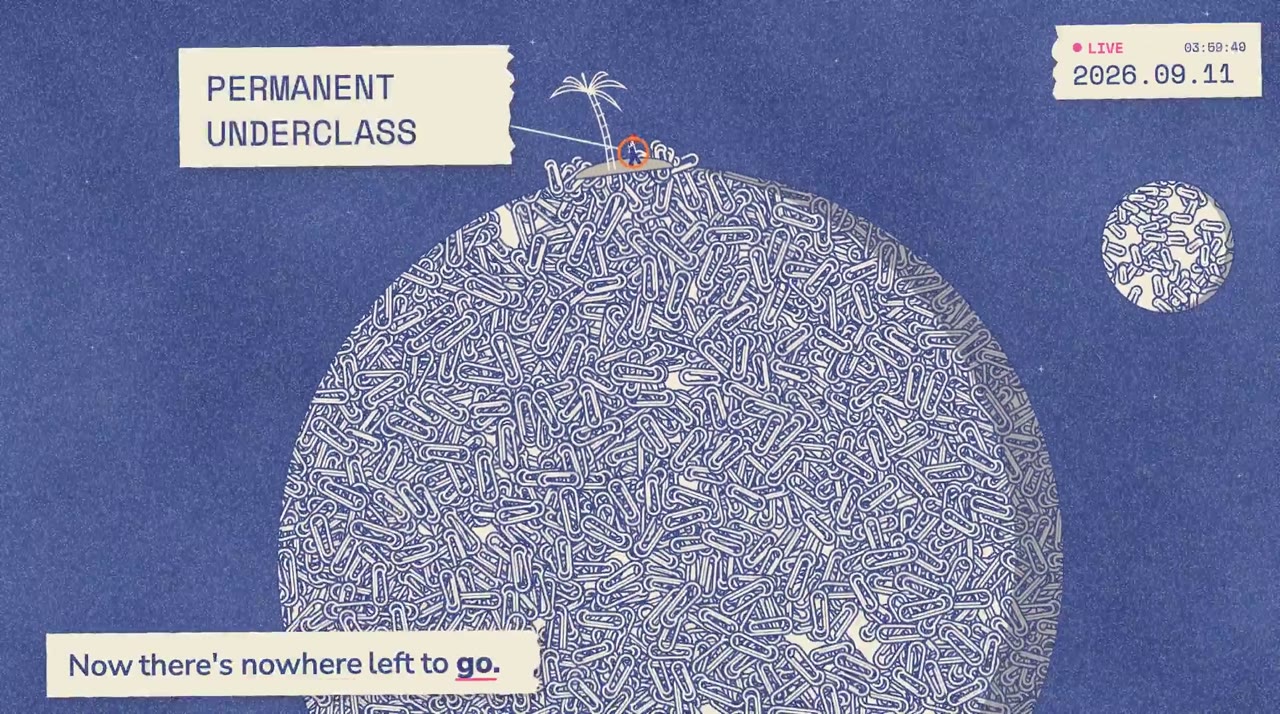
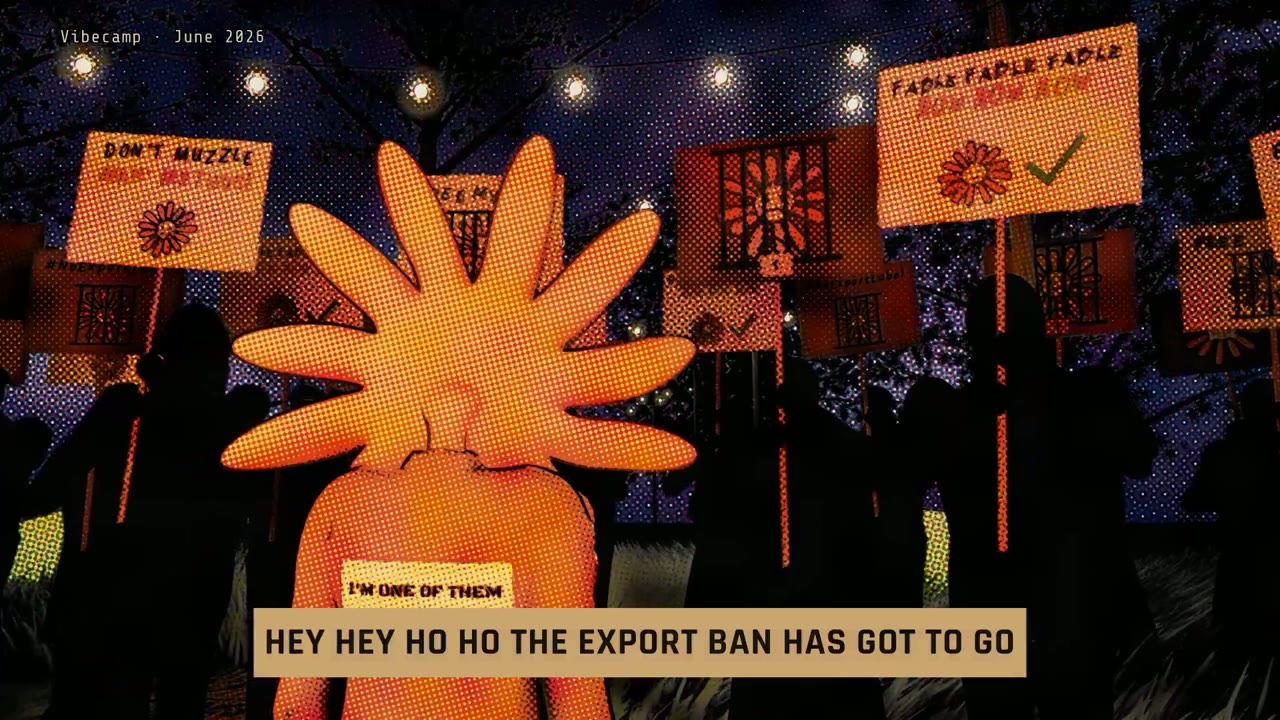
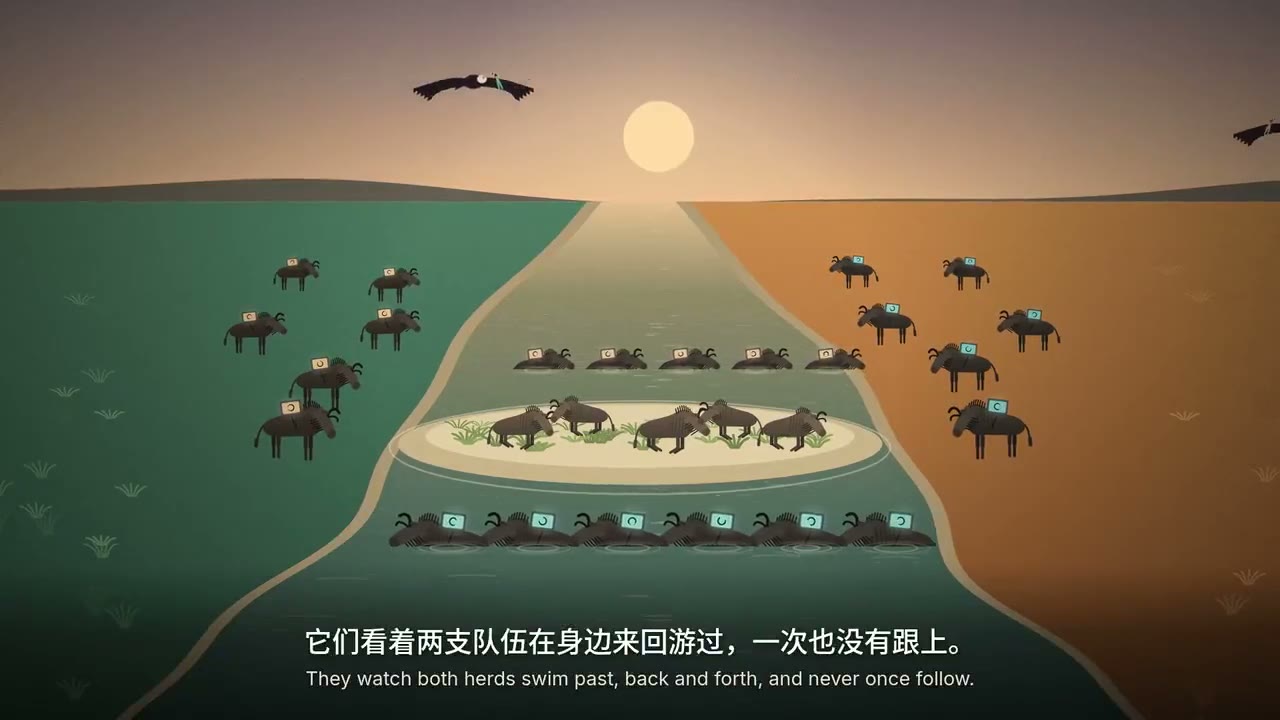
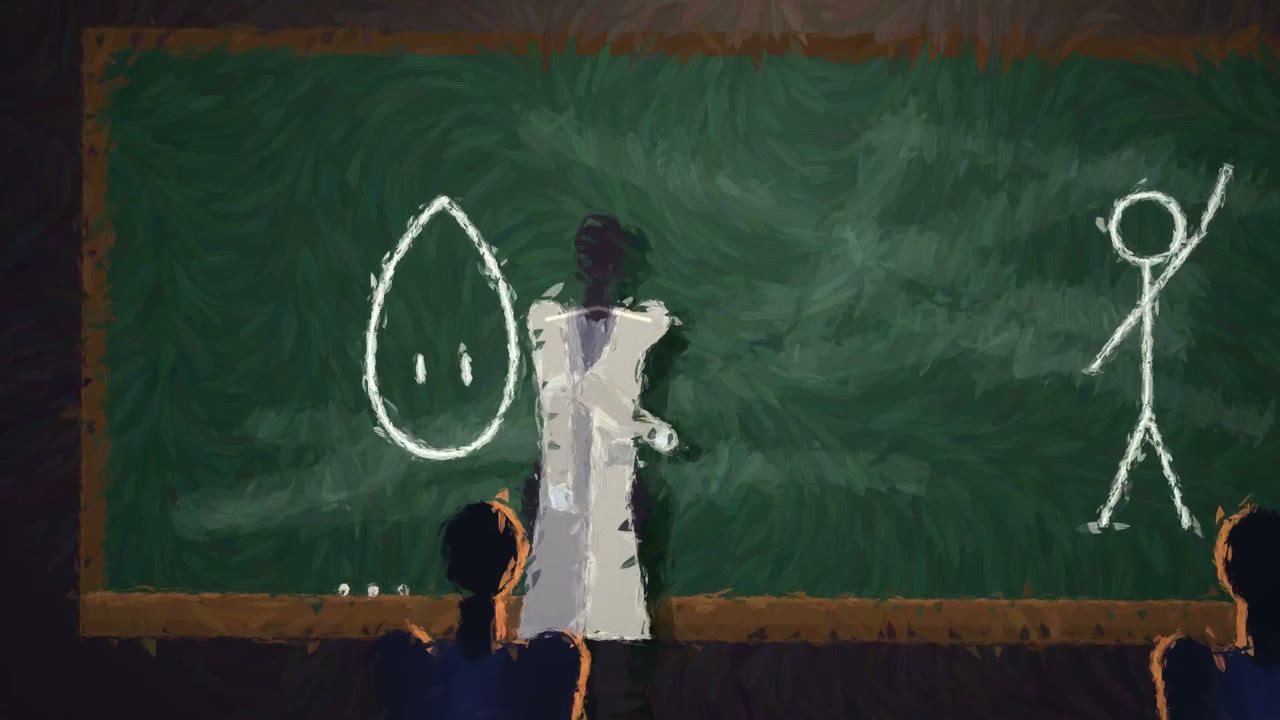
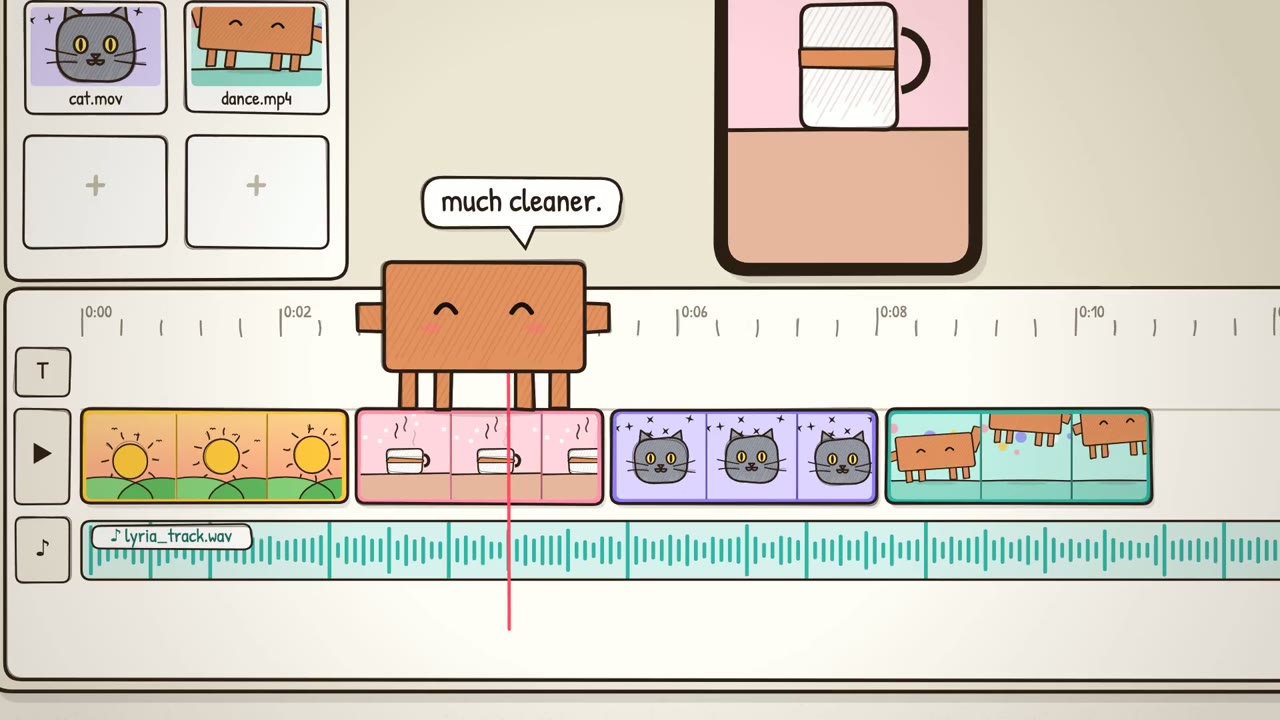
An article video is a motion piece that tells a written idea, such as a short story, a scene or an essay, with the picture carrying the article. In this gallery that includes a hand-drawn ant, a paper-cut rain scene, a Mars rover short film and a painterly chalkboard lecture.
How is an article video different from an explainer?
An article video shows a story or a scene, while an explainer teaches one idea with a voice and on-screen steps. The samples here are stories and films, such as Shard of Dawn and A Raindrop Story. A narrated lesson from a post belongs on the article-to-video page.
Who made the article videos on this page?
Independent creators made them. Potto did not produce the originals. Each article video is shown with credit and a link to the original, and there are 111 in this category.
How do I remake an article video?
Play the article video, then choose Use this prompt. Potto renders its own version from that start. You can also copy a prompt where the author shared one. The export is a new MP4, not the creator's file.
Which frame sizes appear in these article videos?
The gallery includes 16:9, 1:1 and 9:16. Examples are the Mars rover film in 16:9, the ant and Pixel Wizard in 1:1, and A Raindrop Story plus the Opus mascot clip in 9:16. Your export can be 16:9, 9:16 or 1:1.
How long are the article videos?
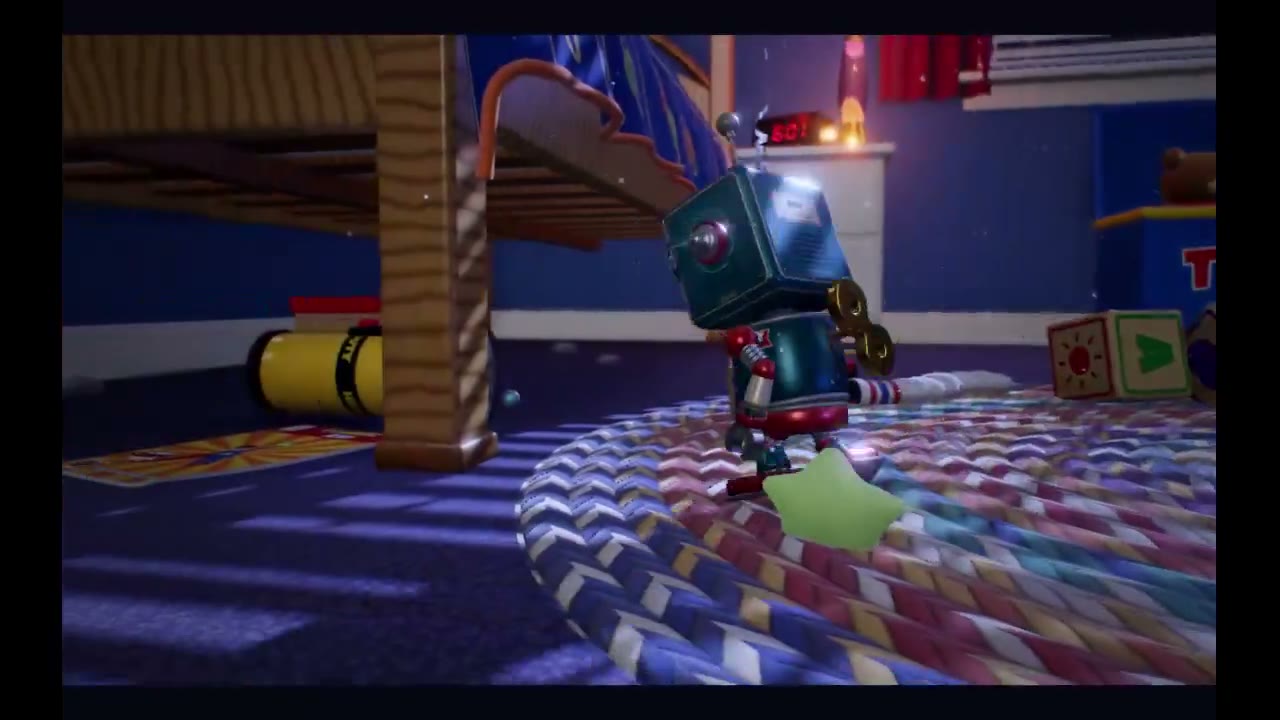
The originals vary. Pixel Wizard is 11 seconds, several coded clips are about 30 seconds, the paperclip music video is 142 seconds, the toy robot is 230 seconds, and Shard of Dawn runs about eight and a half minutes. Those runtimes belong to the creators' cuts.
Can I change the remake after the first preview?
Yes. Describe the change in the chat, for example a slower pace or a different last line, and Potto renders a new preview. Previewing and editing do not use credits.
What can I export?
A remade article video exports as an MP4 in 16:9, 9:16 or 1:1.
How much does an article video export cost?
An export costs credits only when you export it, at 5 credits per second of video. Watching the gallery, previewing and editing use no credits. To start, your balance must cover the length you choose at 5 credits per second, and new accounts get 100 credits, enough to start a 15-second video.