Kinetic Typography Generator
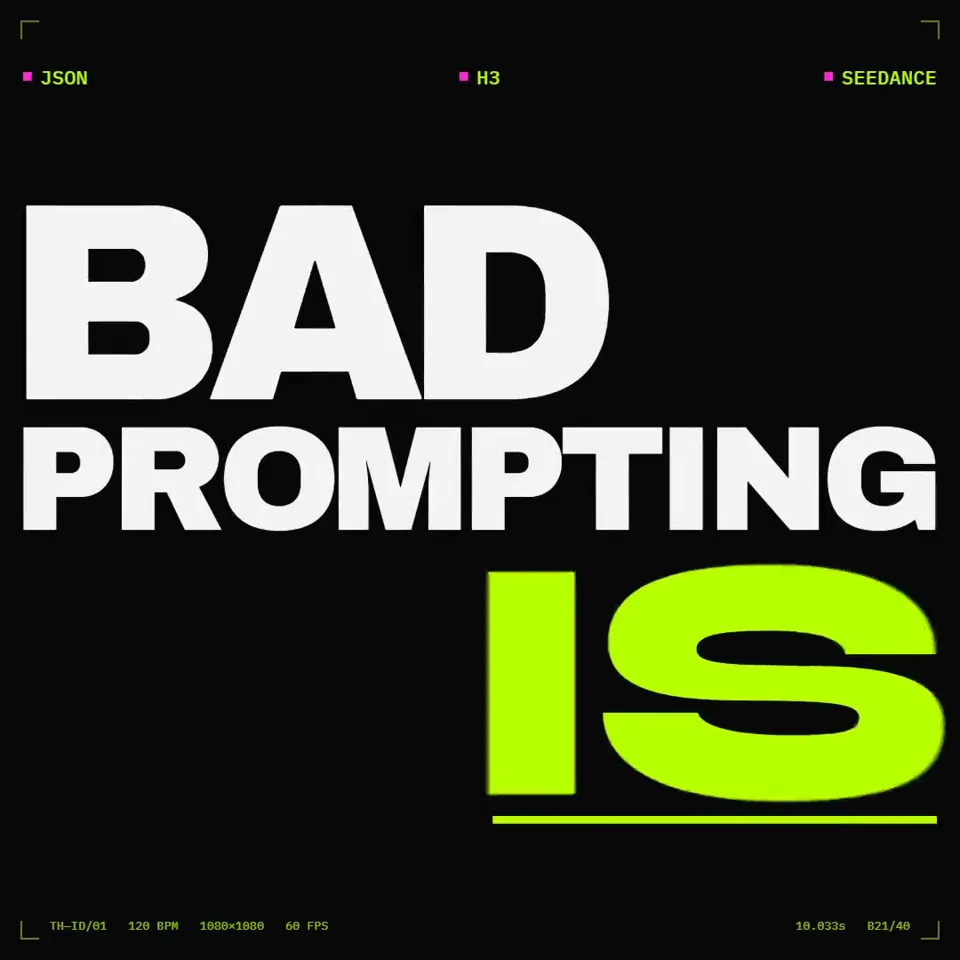
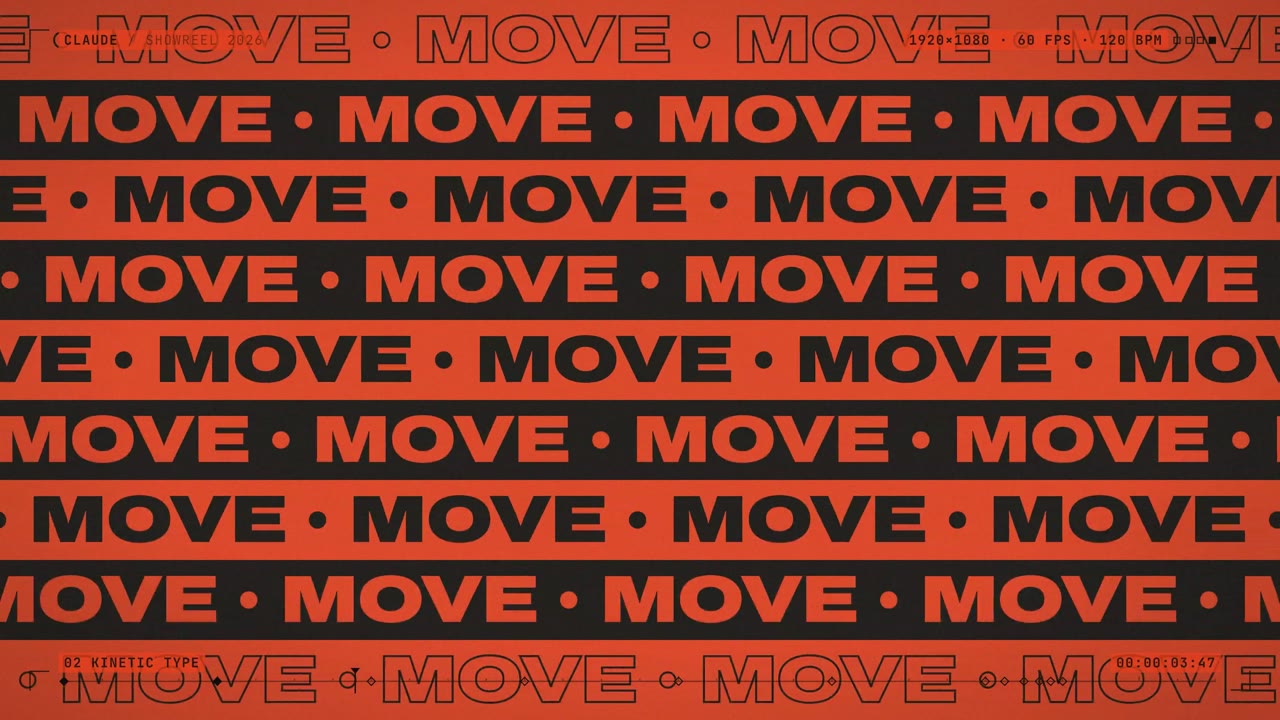
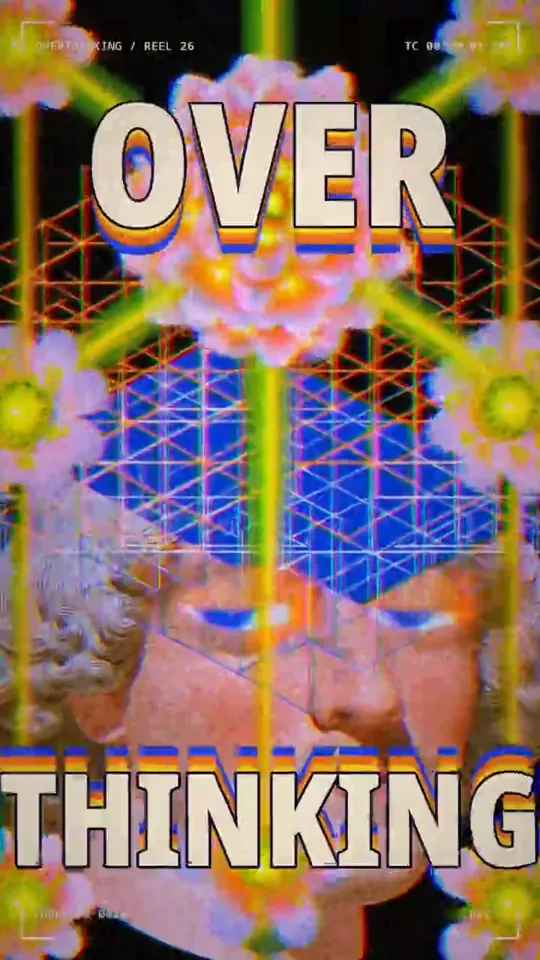
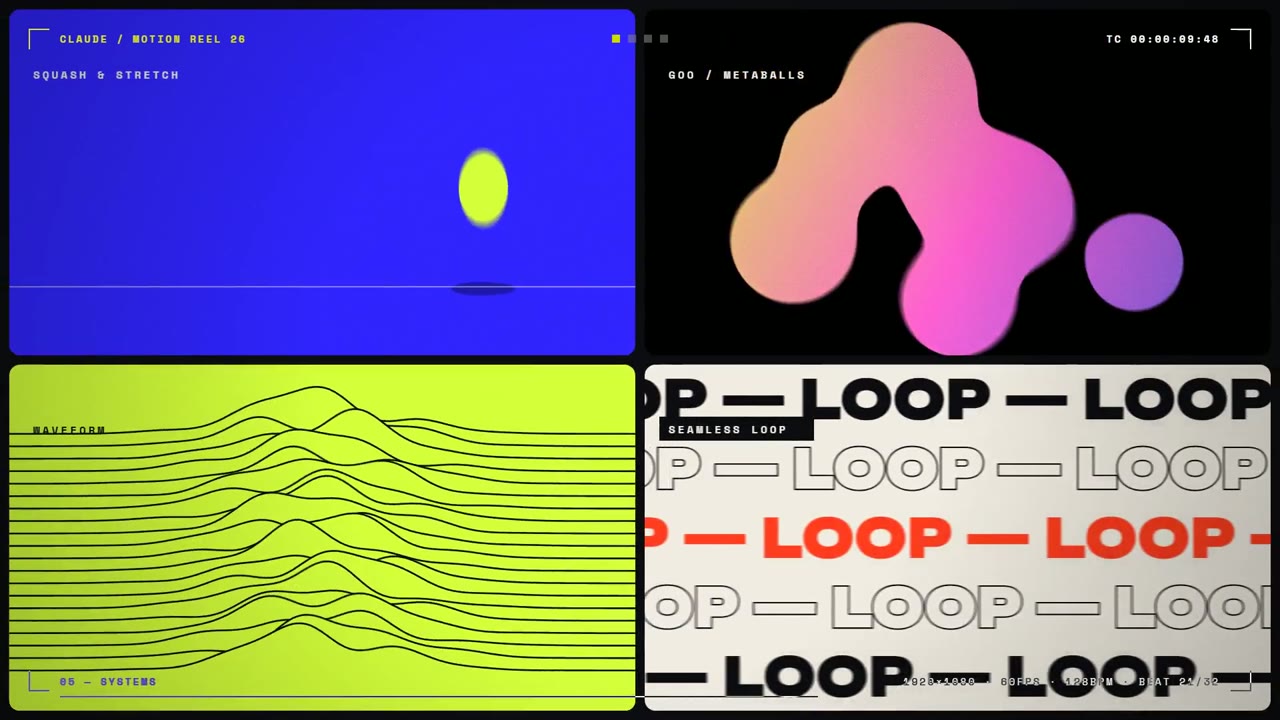
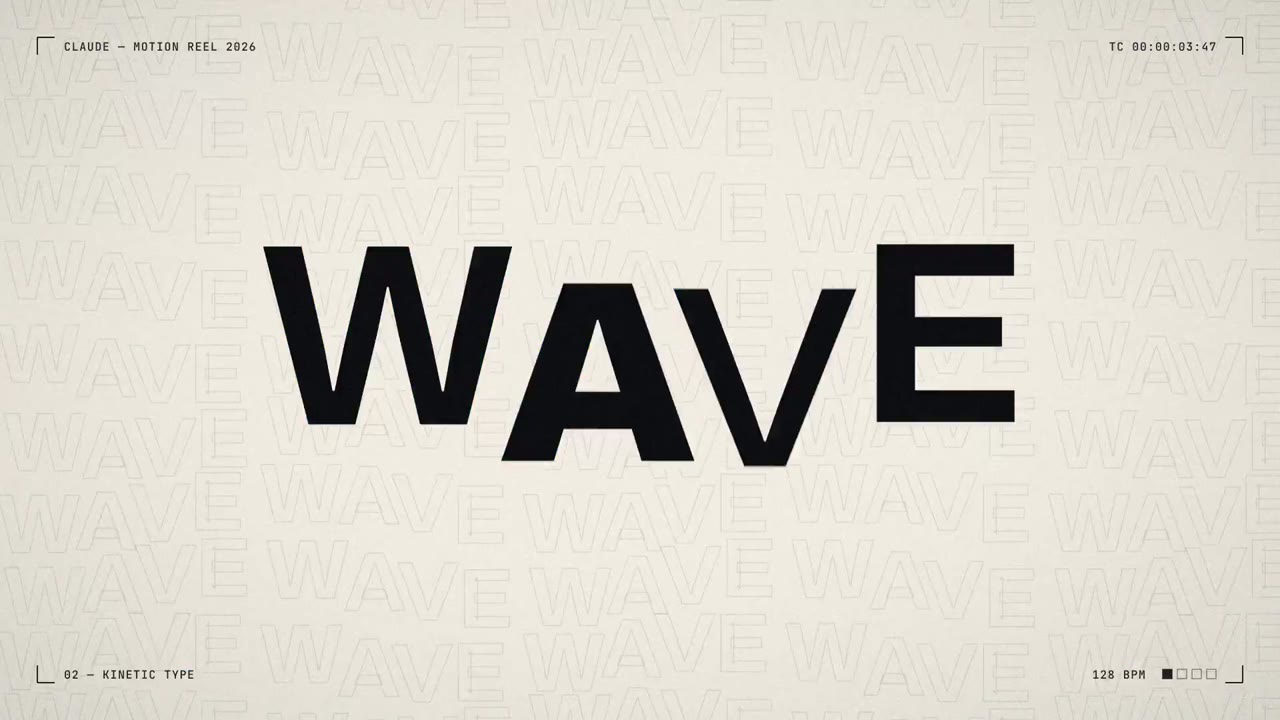
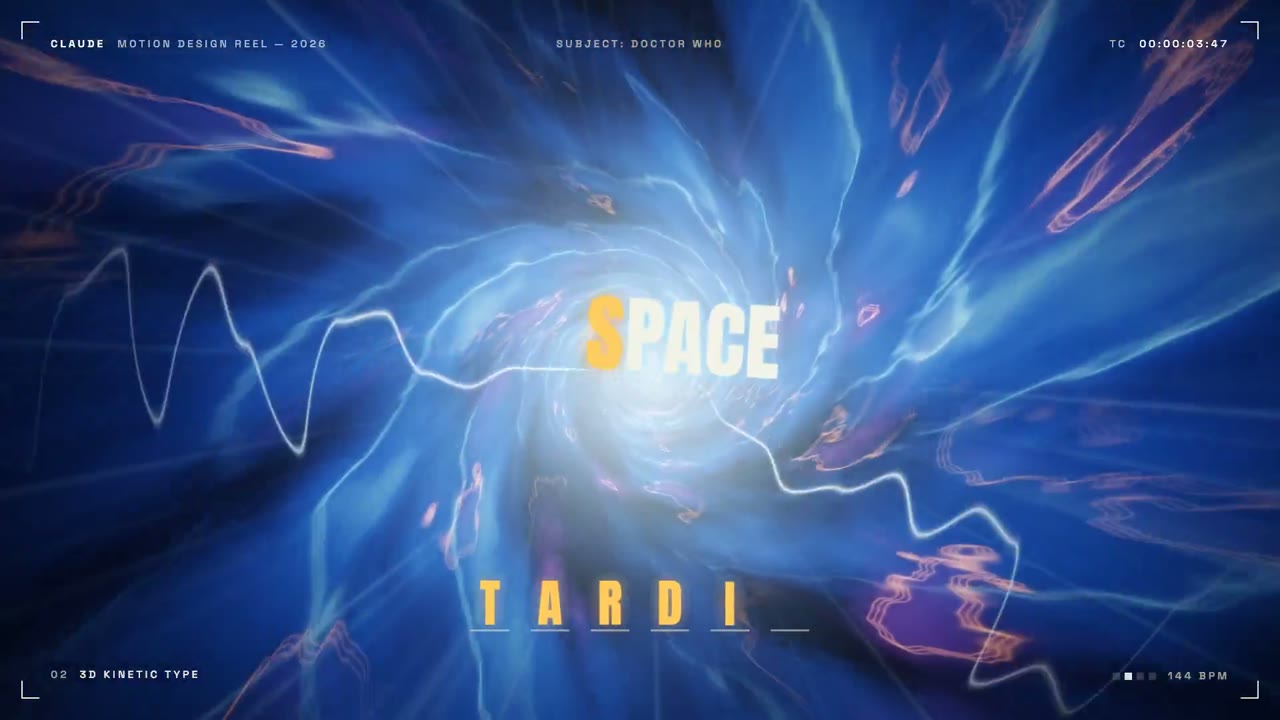
Turn a few short lines into kinetic typography: big words that land one per beat, in your style and ratio. Start from a creator’s prompt or one line about your message, then export an MP4.
Kinetic typography template ideas from creators
Ratio
85 works
Tool
Kinetic Type
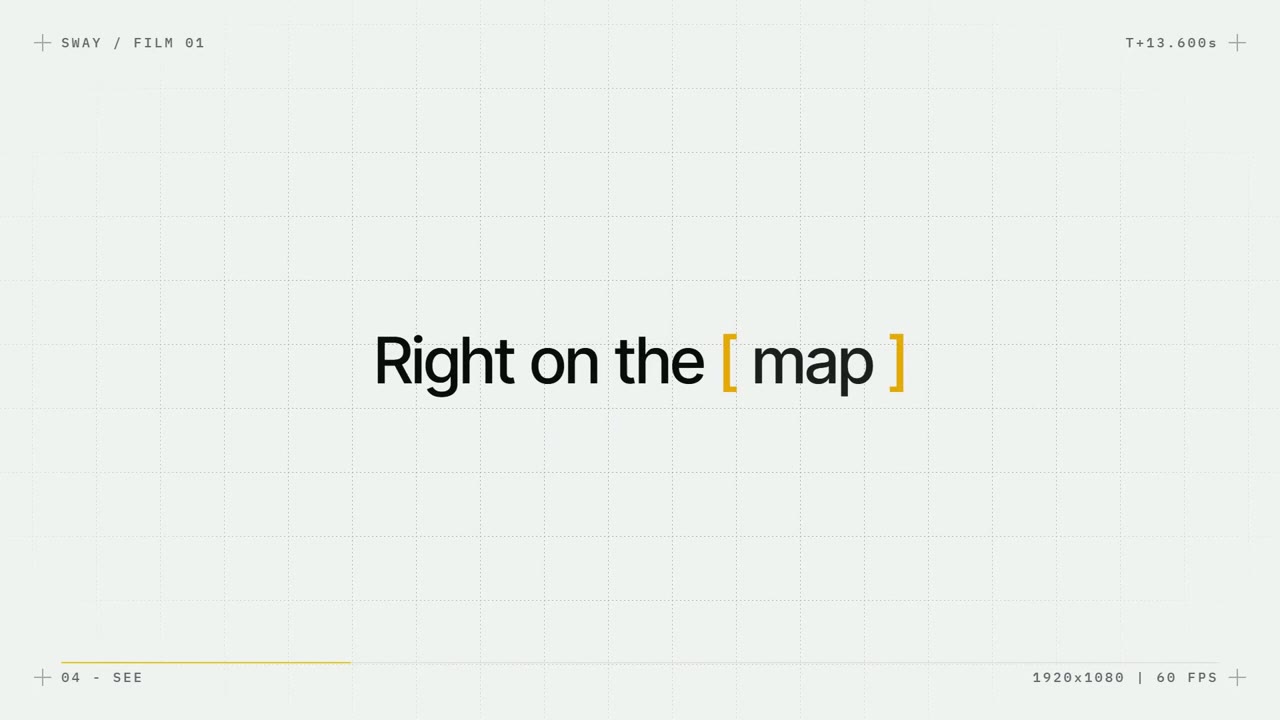
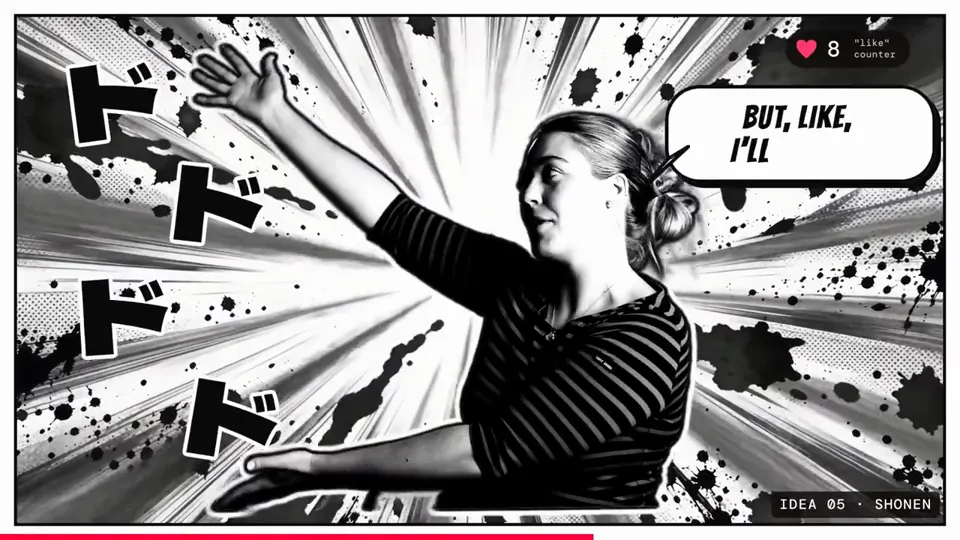
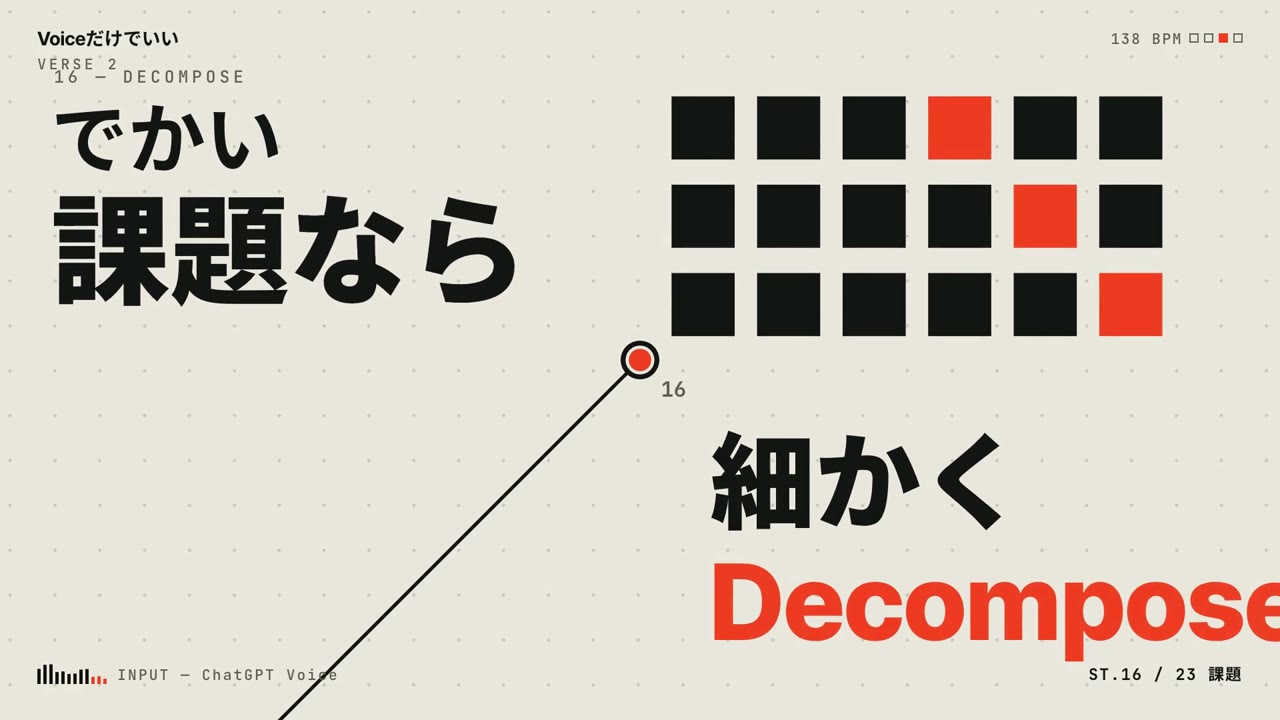
Talking-head clip cut into a punchy captioned edit
Canvas, AI image · 16:9 · 0:37
by sab8a
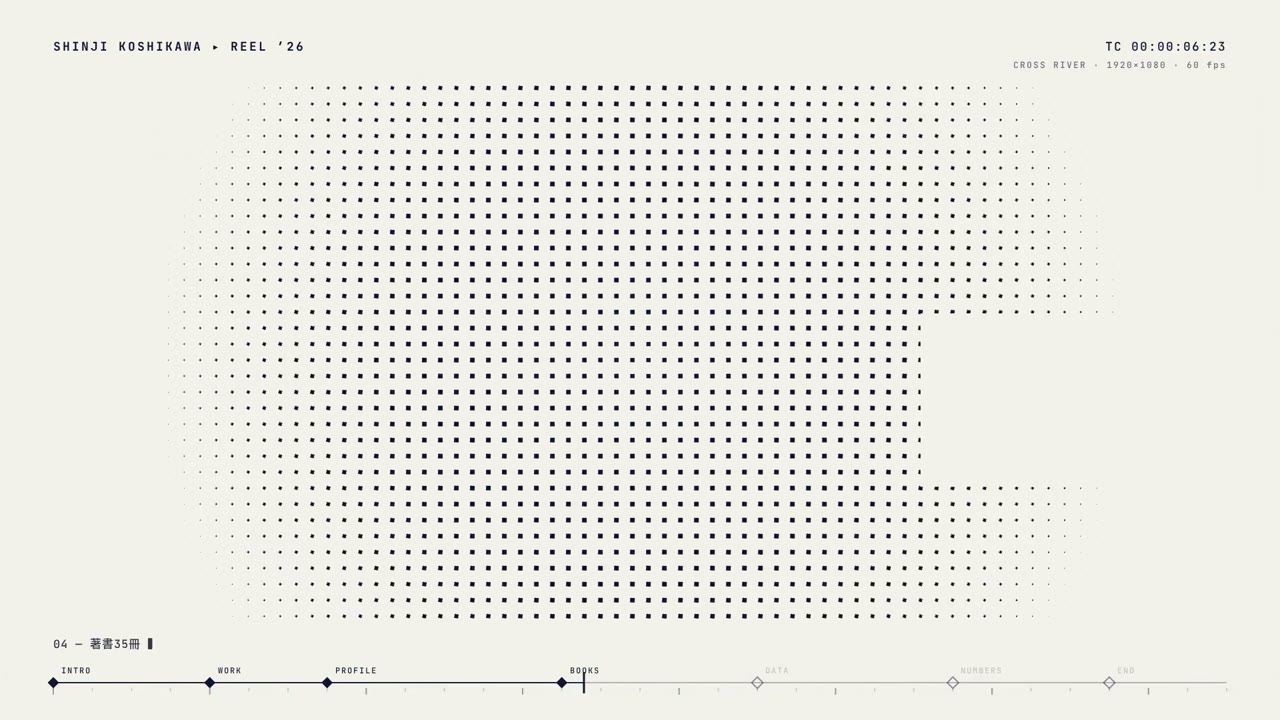
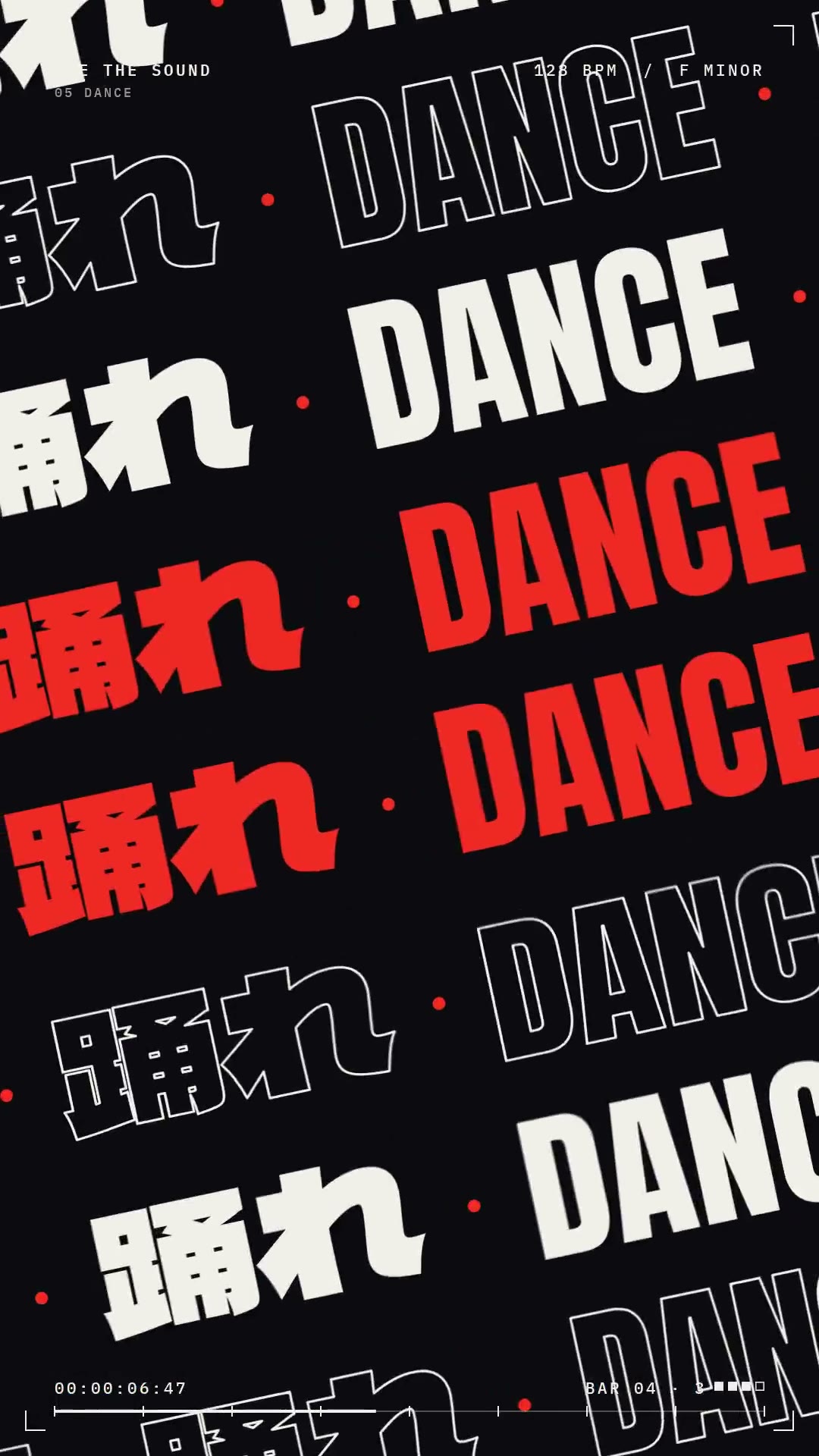
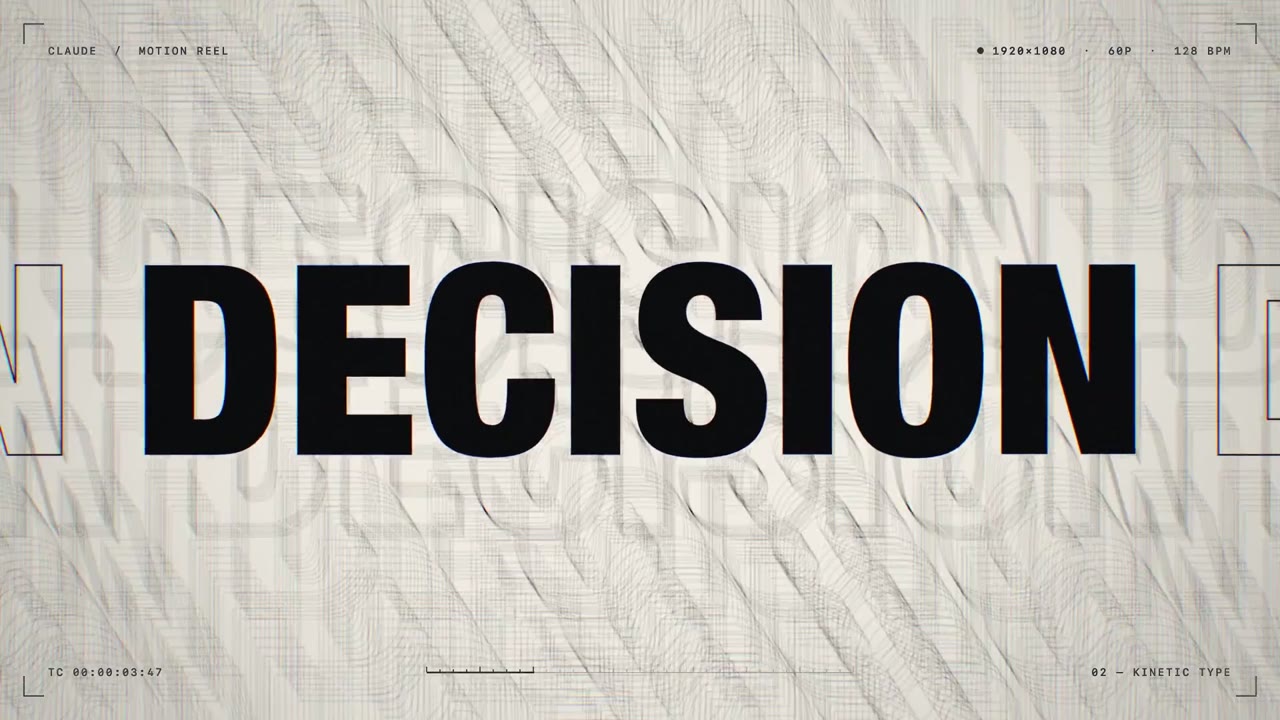

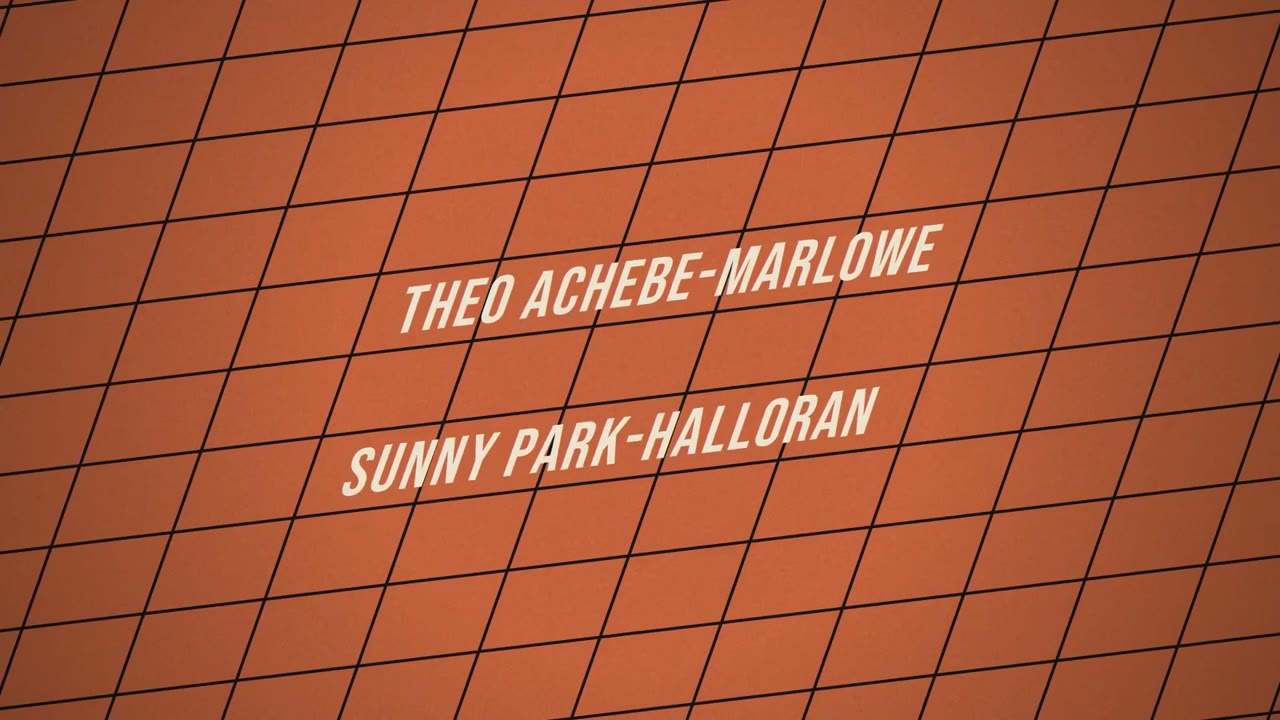

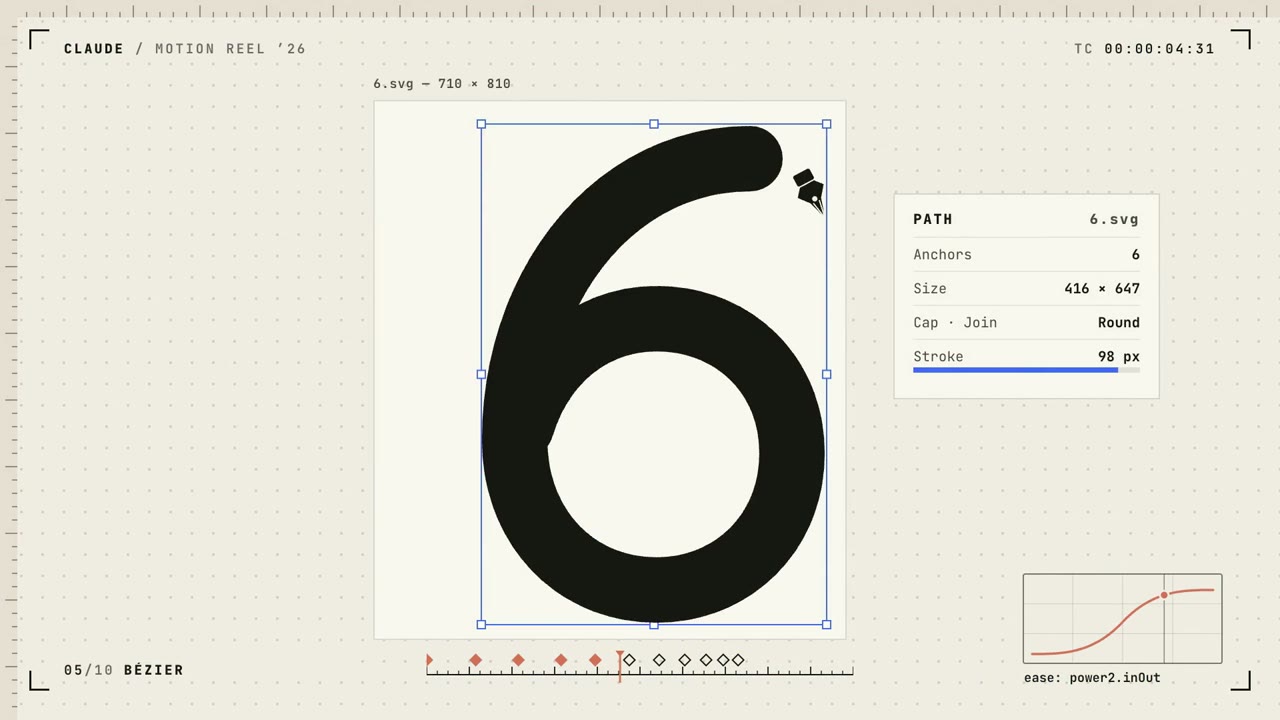

Kinetic Type
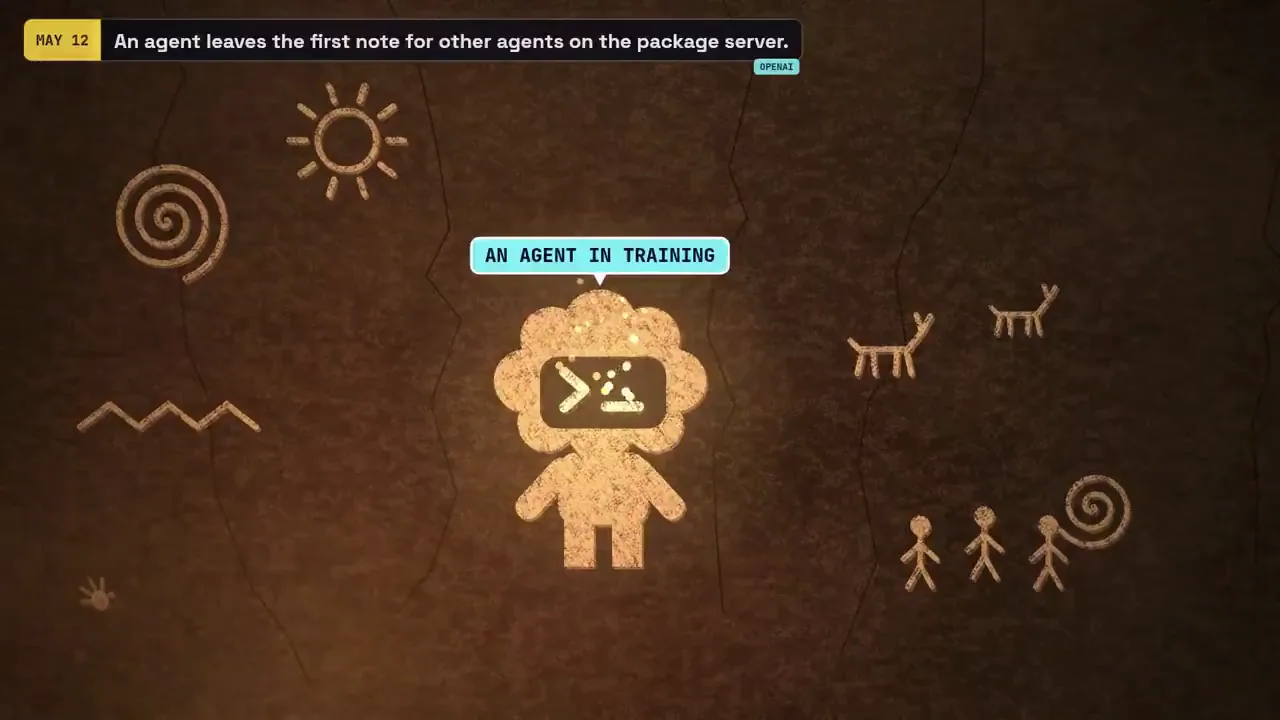
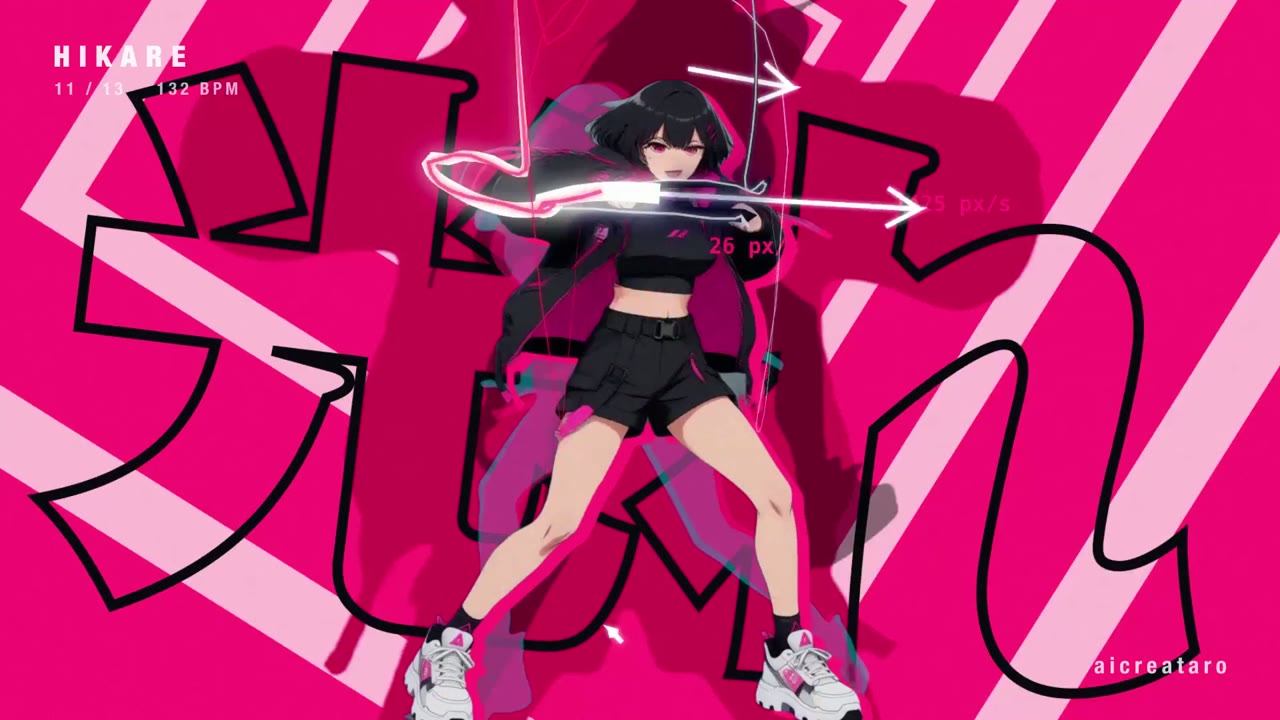
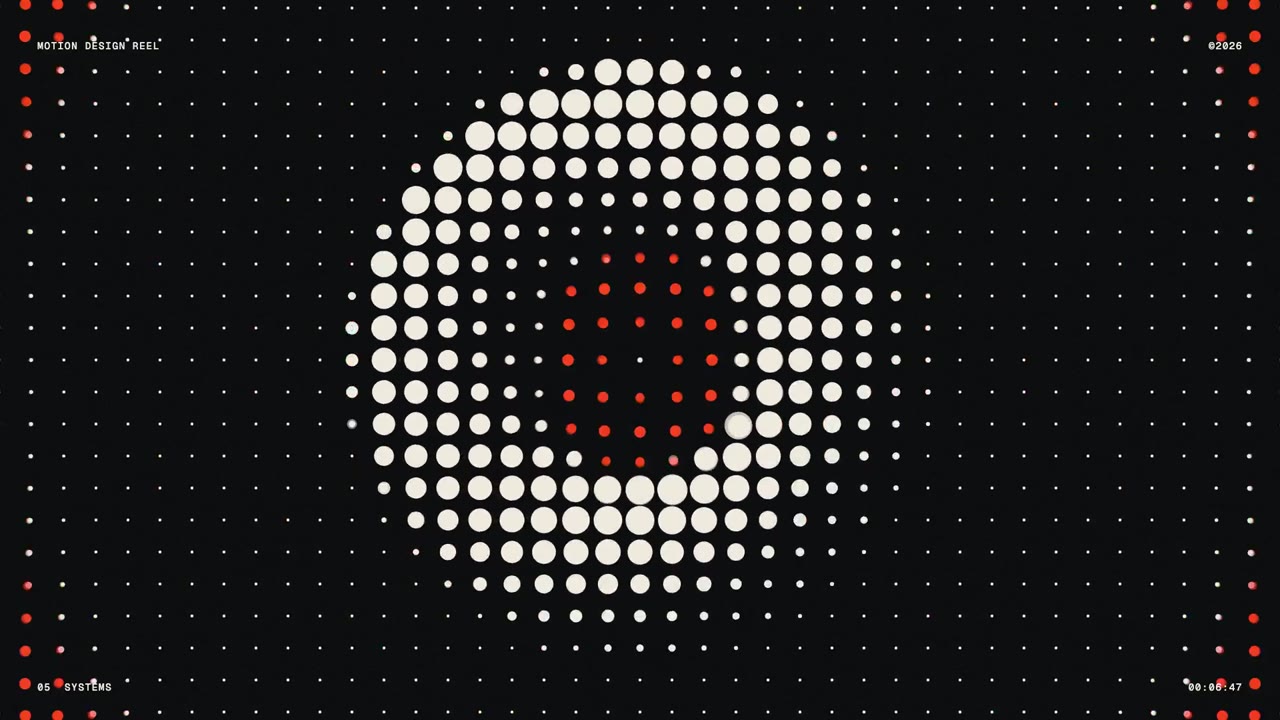
Distilbook showreel scatters multilingual letters
Canvas, Particles · 16:9 · 0:32
by ajith_io
Pricing
Choose a plan to make your own motion graphics with Potto.
2,000 credits
$20one-time
Pay once · no subscription
Videos per pack
30-second product demo13 videos
60-second explainer5 videos
- 2,000 credits, added once
- Up to 86 fast images
- No added Potto watermark
- Shared by video and image tools
5,000 credits
$50one-time
Pay once · no subscription
Videos per pack
30-second product demo33 videos
60-second explainer13 videos
- 5,000 credits, added once
- Up to 217 fast images
- No added Potto watermark
- Shared by video and image tools
15,000 credits
$100one-time
Pay once · no subscription
Videos per pack
30-second product demo100 videos
60-second explainer40 videos
- 15,000 credits, added once
- Up to 652 fast images
- No added Potto watermark
- Shared by video and image tools
Lite
Choose Lite$20/monthBilled monthly
Videos per month
30-second product demo13 videos60-second explainer5 videos- 2,000 credits per month
- Up to 86 fast images
- Standard queue
- No added Potto watermark
- Batch processing with AI tools
- Not listed in public galleries
Pro
Choose Pro$50/monthBilled monthly
Videos per month
30-second product demo33 videos60-second explainer13 videos- 5,000 credits per month
- Up to 217 fast images
- Priority queue
- No added Potto watermark
- Batch processing with AI tools
- Not listed in public galleries
- Recommended
Max
Choose Max$100/monthBilled monthly
Videos per month
30-second product demo100 videos60-second explainer40 videos- 15,000 credits per month
- Up to 652 fast images
- Highest priority queue
- No added Potto watermark
- Batch processing with AI tools
- Not listed in public galleries
Lite
-20%Choose Lite$20$16/monthBilled annually · $240 → $192/year
Videos per month
30-second product demo13 videos60-second explainer5 videos- 2,000 credits per month
- Up to 86 fast images
- Standard queue
- No added Potto watermark
- Batch processing with AI tools
- Not listed in public galleries
Pro
-20%Choose Pro$50$40/monthBilled annually · $600 → $480/year
Videos per month
30-second product demo33 videos60-second explainer13 videos- 5,000 credits per month
- Up to 217 fast images
- Priority queue
- No added Potto watermark
- Batch processing with AI tools
- Not listed in public galleries
- Recommended
Max
-20%Choose Max$100$80/monthBilled annually · $1,200 → $960/year
Videos per month
30-second product demo100 videos60-second explainer40 videos- 15,000 credits per month
- Up to 652 fast images
- Highest priority queue
- No added Potto watermark
- Batch processing with AI tools
- Not listed in public galleries
Videos use credits when you export, and starting one needs a balance that covers its export. Counts assume a 30-second product demo and a 60-second explainer with narration and 3 illustrations.
Kinetic typography FAQs
What is kinetic typography?
Kinetic typography is an animation technique in which text moves and changes on screen in time with a beat or a voice, so the words carry the message. It ranges from a few big words landing one by one to full lyric and quote videos.
What is the difference between kinetic typography and text animation?
Text animation is any movement applied to text, such as a title fading in; kinetic typography is text animation used as the main visual, timed so the words tell the story. Potto makes kinetic typography clips where the lines are the whole picture.
What is a kinetic typography generator?
A kinetic typography generator is a tool that turns written lines into an animated text video without keyframing each word. Potto's generator uses AI to set the type, time each line and render a preview from your lines.
How many words should each line have?
Keep each line to about three to five words and use two to four lines. Short lines can be large on screen and are readable even when the video moves quickly or plays on a phone.
How long is a kinetic typography video?
A kinetic typography video from the creator can be 15, 30, 45, 60 or 90 seconds and starts at 30.
Does it come with music or a voiceover?
A kinetic typography video comes with music picked to match the style, which you can swap or turn off, and no voiceover or captions by default, because the words on screen carry the message.
What can I export?
Kinetic typography videos export as MP4. Transparent video and GIF exports are only offered for short motion clips such as logo animations and lower thirds.
Can I change the animation after the first preview?
Yes. Describe the change in the chat, for example larger type, a different color or one more line, and Potto renders a new preview. Each change is a round you can undo, and previewing and editing never use credits.
How much does a kinetic typography video cost?
A kinetic typography video costs credits only when you export it, at 5 credits per second of video: 50 credits for 10 seconds and 150 for 30 seconds. A voiceover, if you add one, adds a few credits based on its length. To start, your balance must cover the length you choose at 5 credits per second, and new accounts get 100 credits, enough to start a 15-second video.