Skip to content
Potto AI

Christmas ornament ideas: the same subject before and after

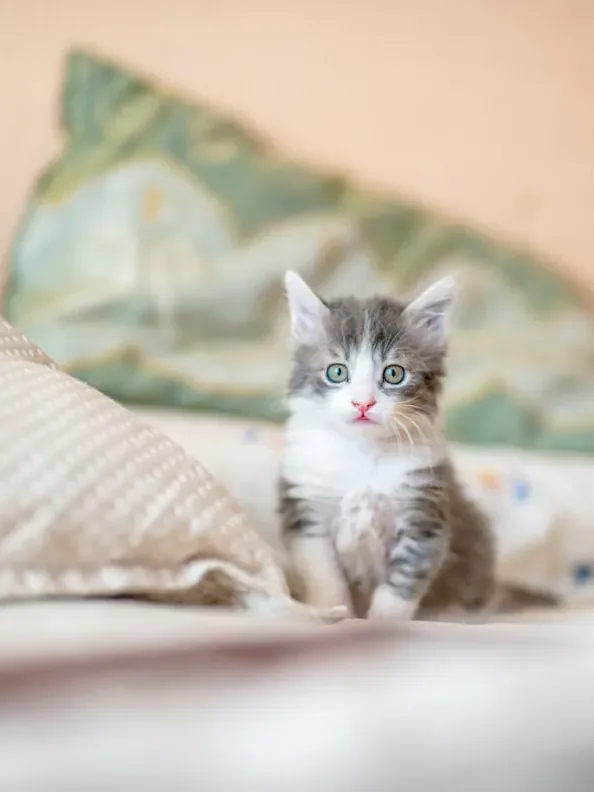
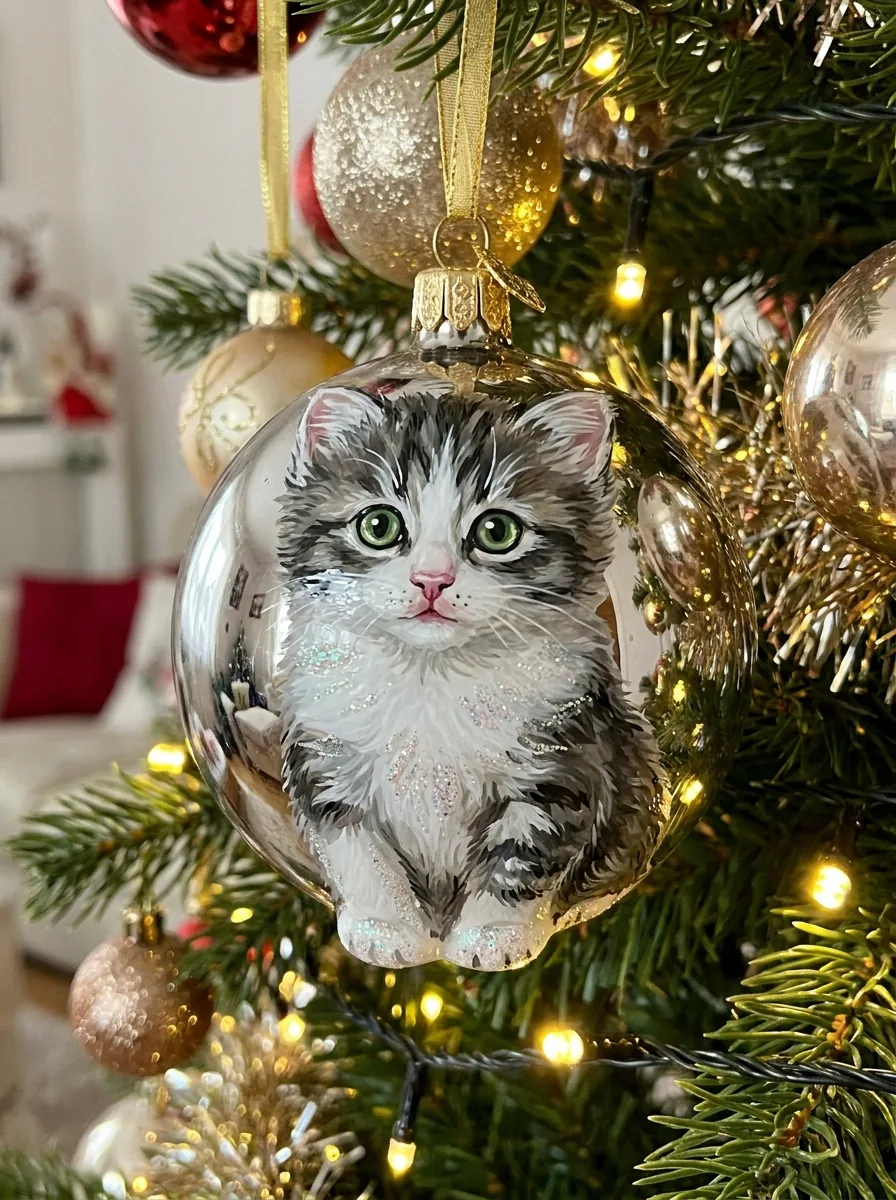
One reference photo and the personalized ornament concept generated from it. The result uses the template's fixed 3:4 ratio.

Original reference photo before the Christmas ornament treatment
Reference photo
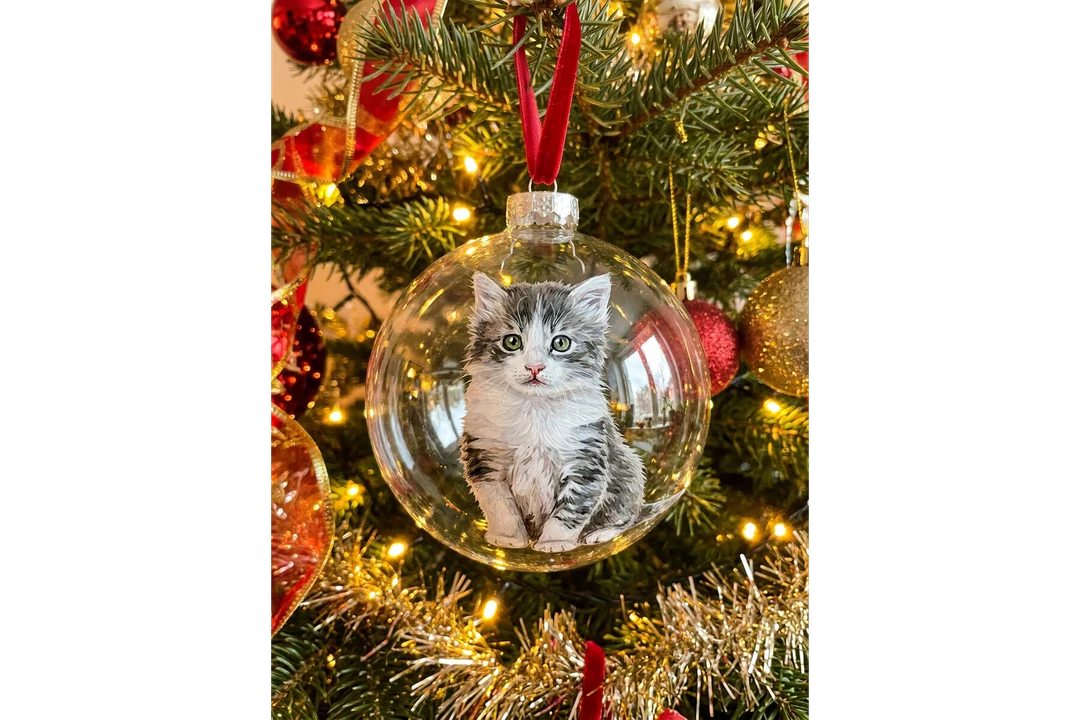
Glossy glass Christmas ornament hanging on a decorated tree generated from the same photo
Ornament concept · 3:4

Likeness on the glass

The recipe keeps the subject's key features and colors recognizable on a glossy glass ornament. Compare the face, a pet's markings or an object's outline with the source. A familiar face can turn generic on a curved surface, and a bright highlight can cover the part that identifies the subject.

Hanging structure

Review the hanging structure at the cap, loop, ribbon and branch. A coherent connection helps the concept read as an object, while an ornament that floats or merges with a branch looks decorative but wrong. This only judges the picture; it does not show glass thickness, weight or whether a maker can build it.

Reflection and color

Check reflections and likeness together: tree lights can shift the source colors, and the model may reinterpret them. Decide which shifts suit the festive scene, and test the image on your real card or board background. The template has no measured color control, so a physical ornament needs its own proofing process.

Christmas ornament ideas for a portrait, a pet or a place

Three subjects that work as a reference. The ornament is a picture, so names and dates stay as editable text in your own layout.

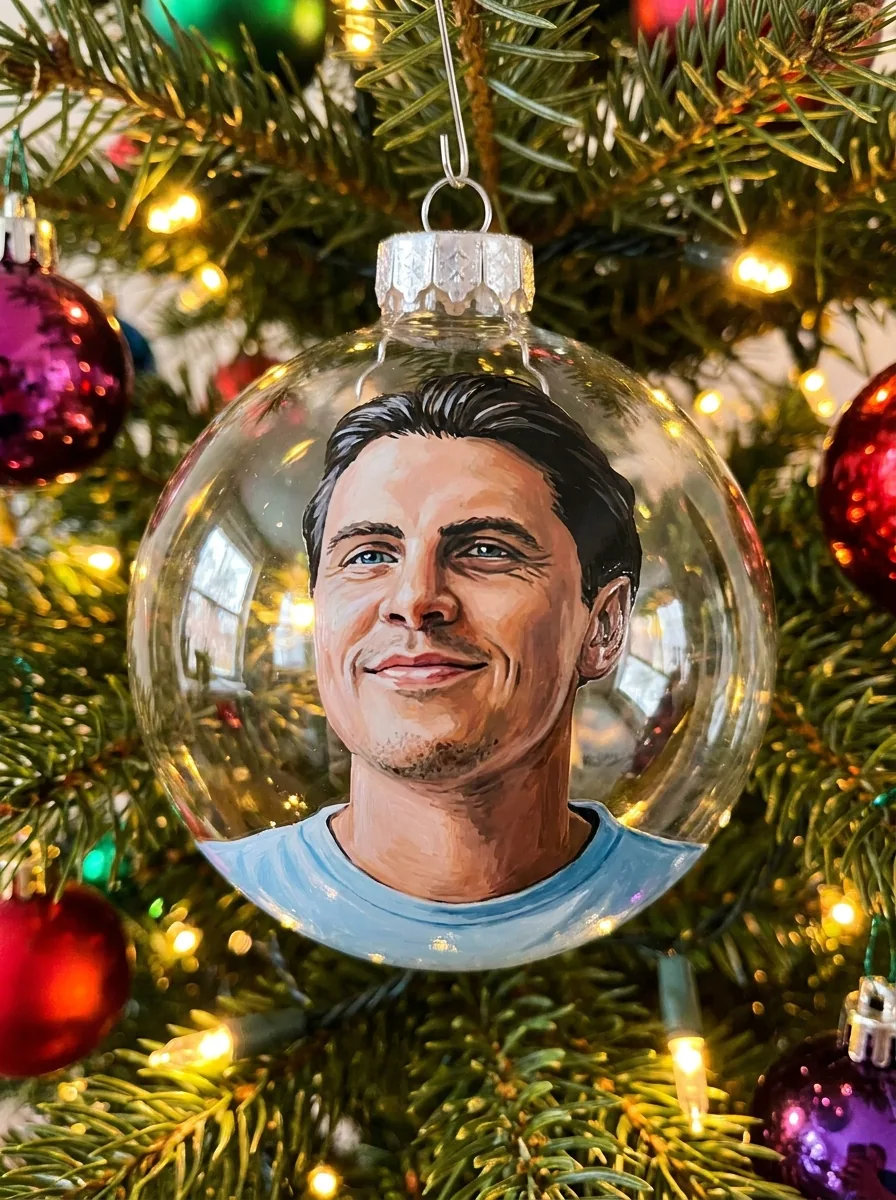
Glass Christmas ornament with a painted portrait of a smiling man, hanging from a tree branch by its silver cap and hook

3:4 · Portrait

Portrait ornament

Choose a photo with a familiar expression and clearly visible hair and face, taken in even light so no shadow hides a feature. Compare the face with the original before judging the tree, because curvature and reflections can change the expression. Use the personalized glass ornament concept in a digital greeting with your own message set outside it; this template has no engraving or name field.
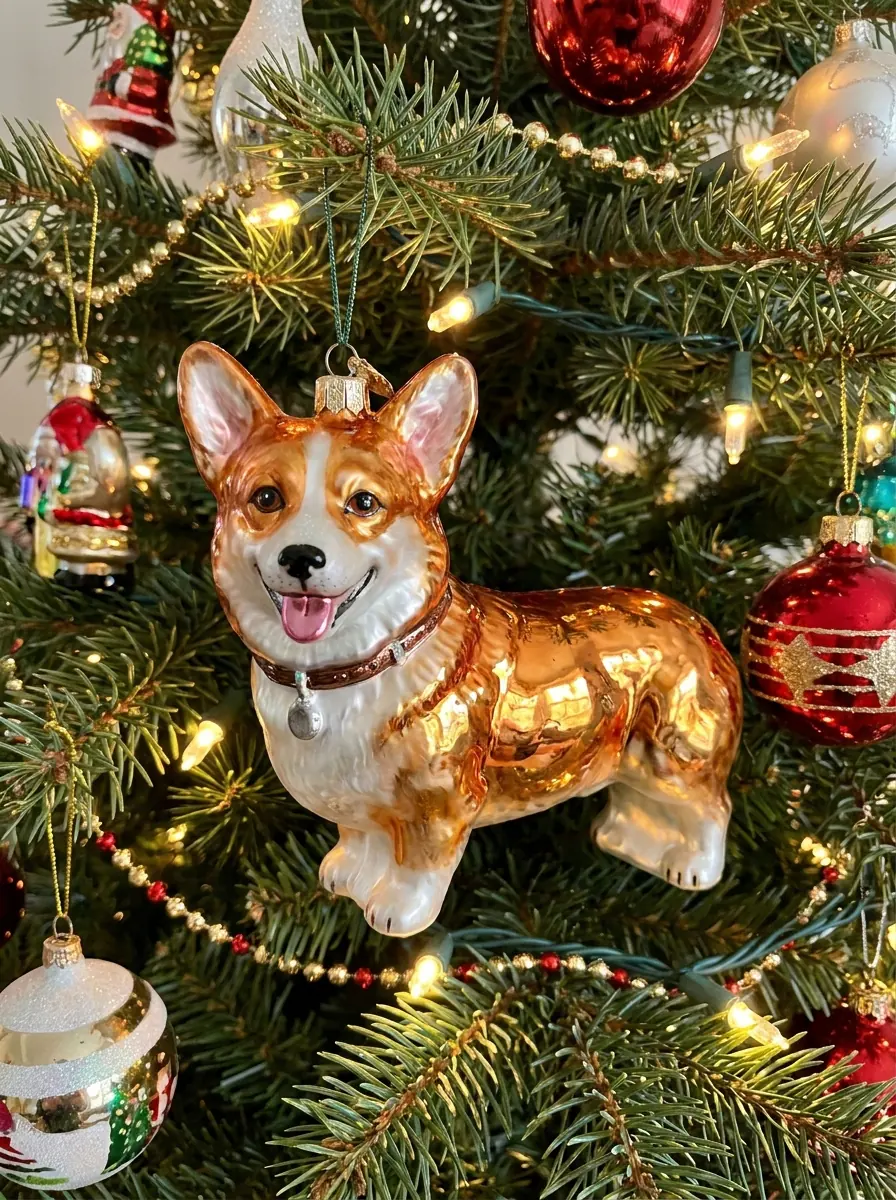
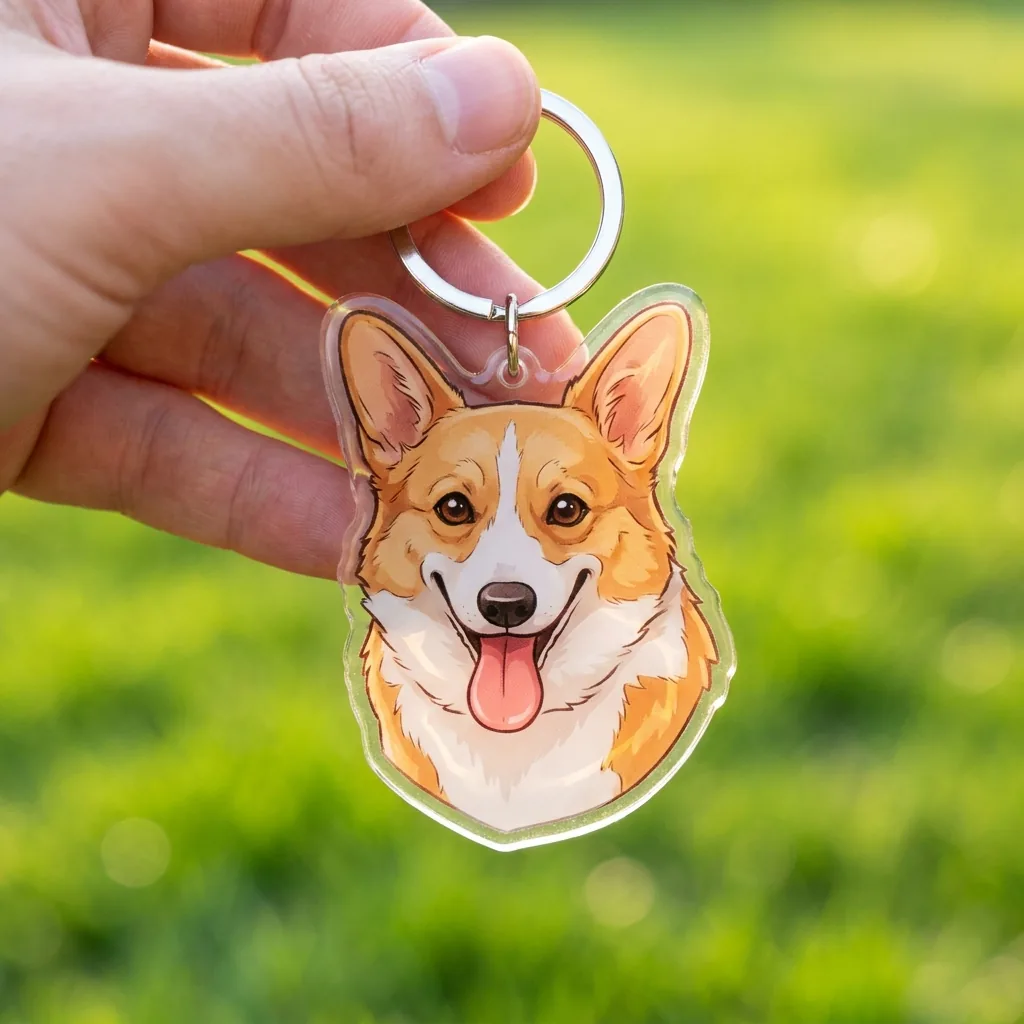
Glass corgi-shaped Christmas ornament on a tree that keeps the dog's ear shape and white chest and muzzle patch

3:4 · Pet

Pet ornament

Pick a reference where the ears, face and color pattern are visible. A generated pet can look appealing while changing a white patch, ear shape or muzzle that identifies your animal, so compare markings separately from general cuteness. Choose the candidate whose focal point stays the pet, not the amount of sparkle, and note that a long coat or a dark animal can lose its outline against the tree.

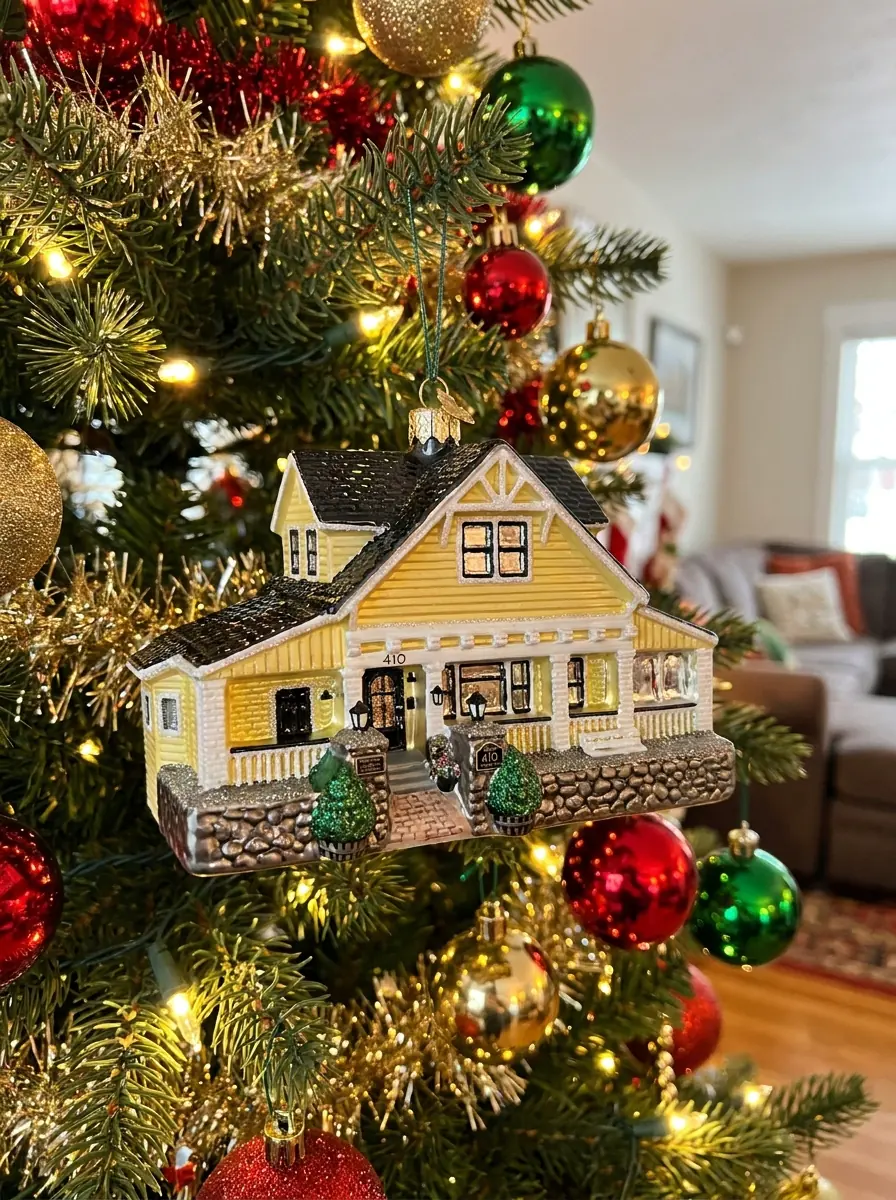
Glass Christmas ornament showing a small house with its roofline and windows

3:4 · Place

Place keepsake

Create a glass ornament concept from a house, shopfront or travel spot when its main outline is recognizable. Windows, roof shapes and signs may be simplified or invented, so compare the features that make the place recognizable. Add the place name and date as editable text, and think about privacy before sharing a reference that shows an address. A house number or street sign that stays readable on the glass would reveal the location to anyone who sees the image.

How to make a Christmas ornament image from a photo

Upload a subject, check the fixed output, then check the likeness and the hanging details before you download.

  1. 1. Upload one subject photo

    Add one JPG, PNG or WebP image up to 20 MB of a person, pet, object or place. Choose a subject with a clear outline and distinguishing colors, and avoid sources that depend on small text. Use a photo you own or have permission to edit.

  2. 2. Check the fixed settings

    There is no text, engraving, style or ratio selector; the panel shows the fixed output, one 3:4 PNG at HD from Nano Banana Pro, with the subject on a glass ornament.

  3. 3. Generate and compare

    Each Christmas ornament result costs 45 credits, shown on Generate before you confirm. When the concept is done, compare the subject on the glass with your photo, check the cap and ribbon, then download it.

What the Christmas ornament template does to your subject

Each Christmas ornament photo puts your subject on a glossy glass bauble on a decorated tree.

  1. 01

    A person, pet, object or place

    Upload one photo with a clear outline and distinguishing colors. The recipe asks for the subject's key features and colors to stay recognizable on the ornament, so avoid sources that depend on small text.

    • One photo per run, up to 20 MB
    • Use a subject you own or may edit
    Original reference photo before the Christmas ornament treatment
    The reference: shape and colors come from this photo.
  2. 02

    Likeness on a curved, glossy surface

    The curved glass is the hard part for likeness. A familiar face can turn generic as it wraps around the bauble, and a bright reflection from the tree lights can land on exactly the feature that identifies the subject, so compare the Christmas ornament photo with your source.

    • The same ornament recipe on every run
    • No text, engraving or style selector
    Glossy glass Christmas ornament hanging on a decorated tree generated from the same photo
    The result: one 3:4 glass ornament image.
  3. 03

    Cap, loop, ribbon and branch

    Check the cap, loop and ribbon: an ornament that floats or merges with a branch looks decorative but wrong. The image is an idea, and it does not show glass thickness, weight or whether the ornament can be made.

    • Test the image on your real card or board
    • Proof colors separately for a physical ornament
    Glass Christmas ornament with a pet portrait, hanging by its cap and ribbon
    A second ornament, made from a photo of a pet.

Keep exploring Potto AI

More holiday and keepsake ideas made from photos.

Christmas Ornament Ideas FAQs

  1. What are Christmas ornament ideas on this page?

    They are generated pictures of a personalized Christmas ornament: a photo of a person, pet or place turned into a Christmas ornament photo, with the subject on a glossy glass bauble hanging on a decorated tree. It gives you an idea to explore and share, not an item for sale or a production file, so review the recognizable features and the way the ornament hangs.

  2. Will I receive a real ornament?

    No. The output is a PNG concept image. Potto AI does not manufacture, engrave, pack, or ship the object shown here. A maker needs separate material, size, and production specifications. Do not treat photorealistic-looking glass as evidence that the depicted object has been made.

  3. Can I add a name or date to the ornament?

    No. There is no text or engraving field; the personalization comes from the reference subject, not from lettering. Add names and dates as editable labels in your own layout, or agree a separate production design with a maker.

  4. Can I use a pet or a place as the reference?

    Yes. A pet, an object or a recognizable place can guide an ornament idea. Choose a reference whose main shape stays readable at small size, then compare that shape and the key colors after generating; on a curved glass surface, windows, signs and background detail are usually simplified.

  5. Can I make a matching set of ornaments?

    You can make a set by generating each subject from its own reference and arranging the images on a family keepsake board or in any layout of your choice. The template does not lock the ornament shape, lighting or tree decoration across requests, so each output is an independent interpretation. Compare ornaments with their references one by one before comparing the set, and label the board as concept images, not a manufactured set.

  6. Can I get a different holiday look?

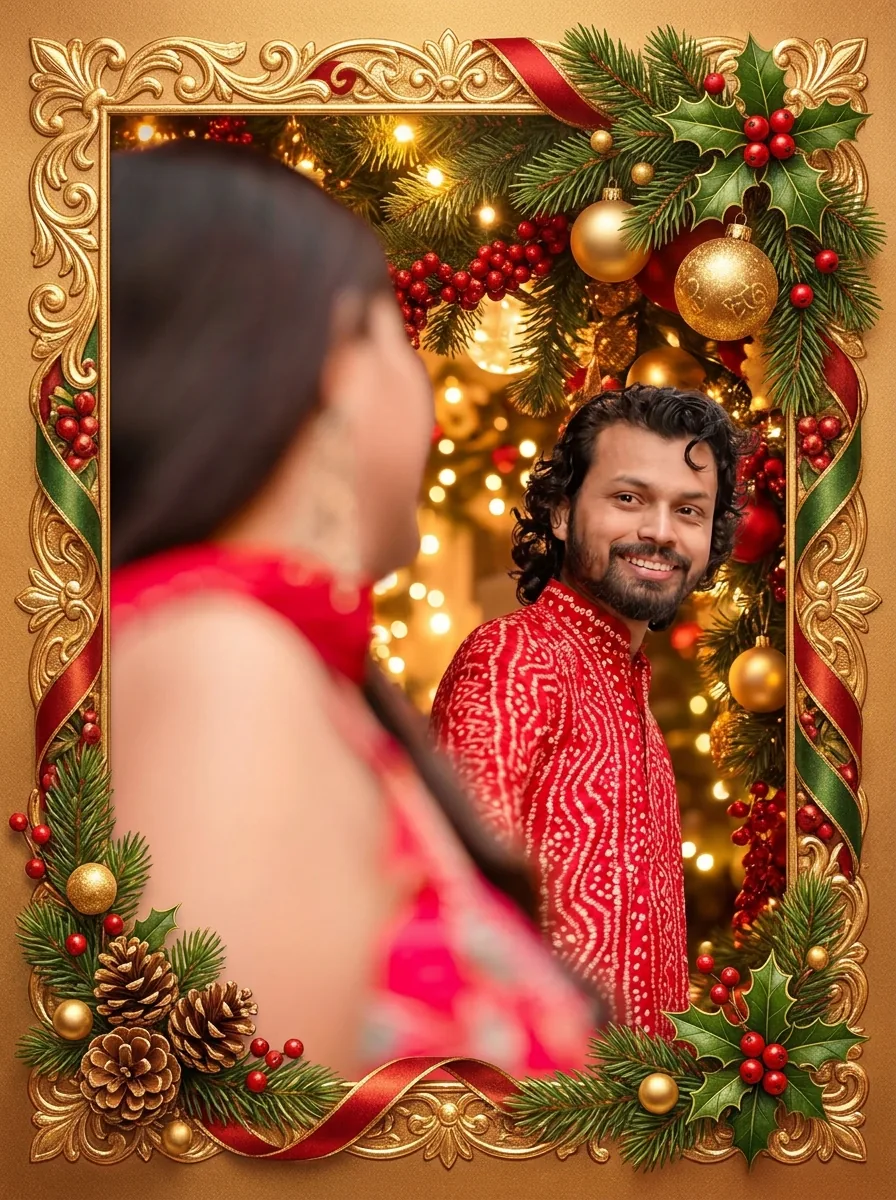
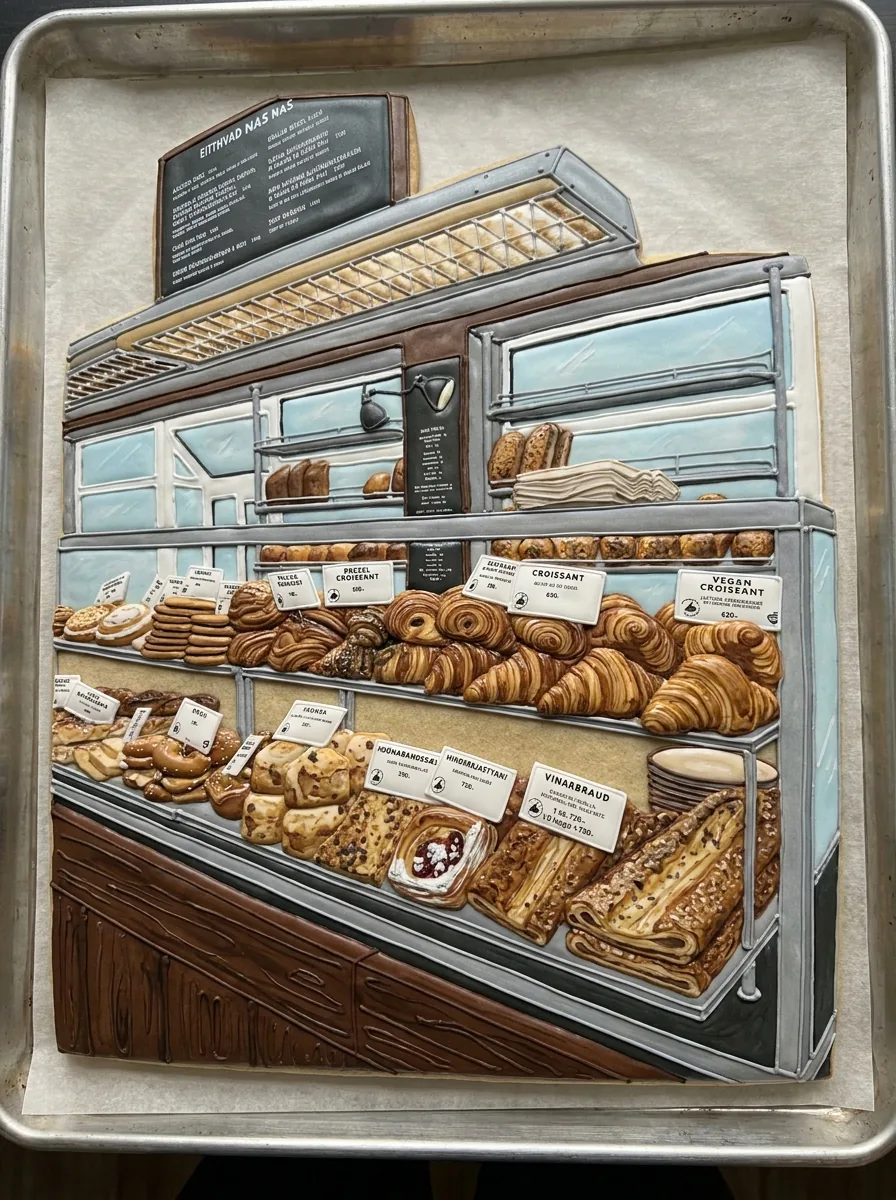
    Not on this page; it always puts the subject on a glass bauble. For a festive portrait with lights and a tree, use Christmas Photos; for people inside a decorated card frame, use Christmas Cards; for a decorated sugar cookie, use Cookie Art.

  7. How much does a Christmas ornament image cost?

    45 credits per run for one 3:4 PNG at HD, made with Nano Banana Pro. The amount appears on the Generate button before you confirm.

Potto AI

Make your ornament idea

Upload one clear photo you have permission to edit, review the credit estimate, and compare the finished ornament with your original before using it.