Skip to content
Potto AI

Cookie art: the same subject before and after

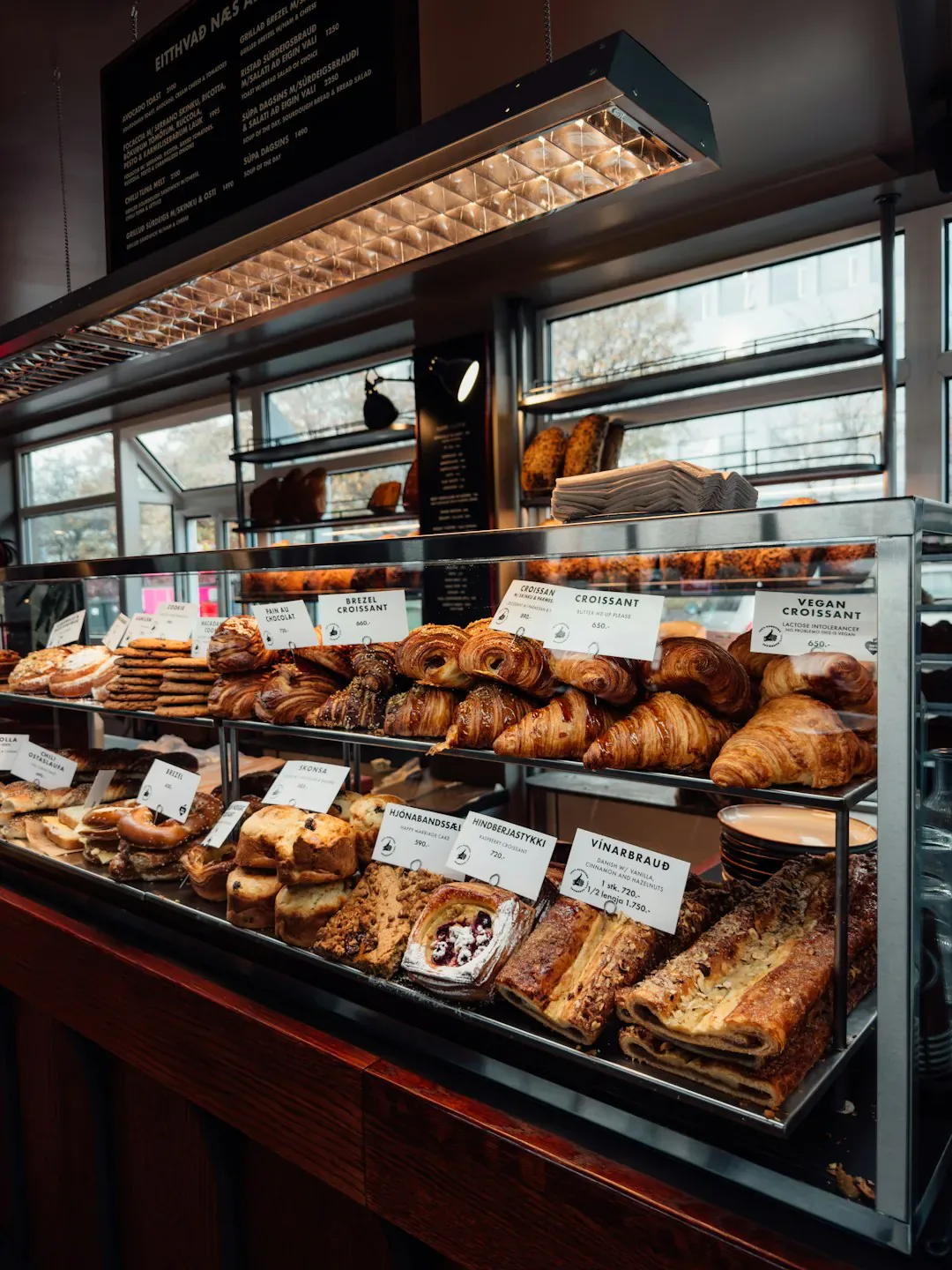
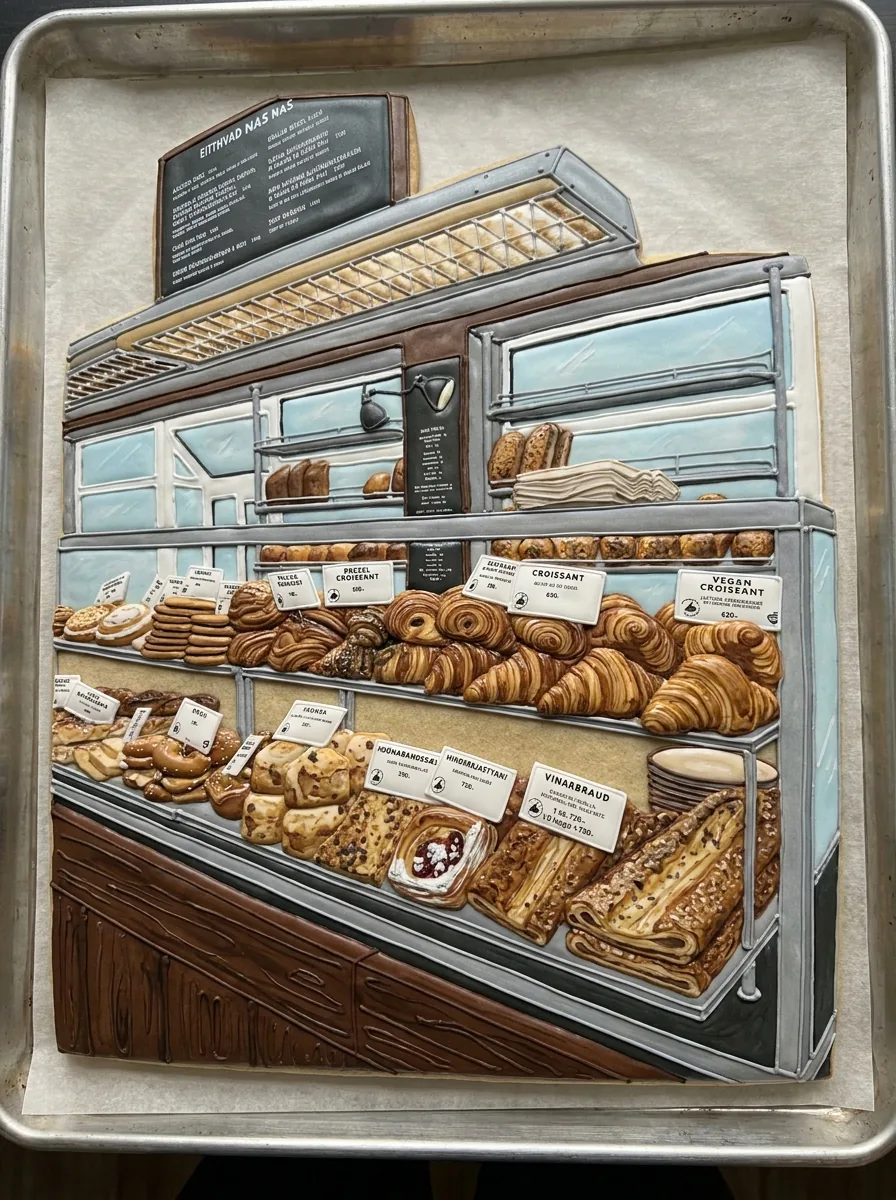
One reference photo and the sugar cookie generated from it. The result uses the template's fixed 3:4 ratio.

Bakery display case photo used as the reference
Reference photo
The bakery display case redrawn as a decorated sugar cookie with royal icing details on a baking tray
Cookie art result · 3:4

What stayed

The recipe asks the model to keep the subject's key features and colors recognizable in the icing. Compare the outline, the main color regions and any marking that makes the subject yours. Those few cues carry recognition.

What changed

The subject becomes a decorated sugar cookie shaped like the subject, with royal icing details, on a baking tray. Fur, fabric and fine texture are simplified into flat icing areas and thin lines, so small details may merge or drop out.

What to check

Check that the cookie outline is unbroken and separate from the tray, and that eyes and borders stay distinct at the size you will use. The image is not a recipe, a cutter pattern or a baked cookie. If you show it to a baker, send the reference and a short note of the features that matter.

Where a cookie art concept fits

Three common uses. In each one the sugar cookie art is the image, and your own layout carries the words.

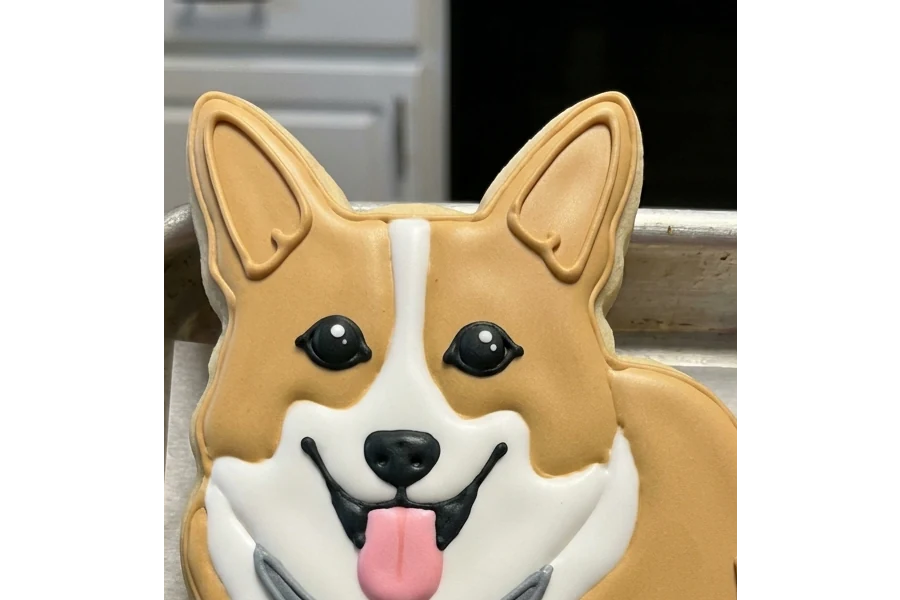
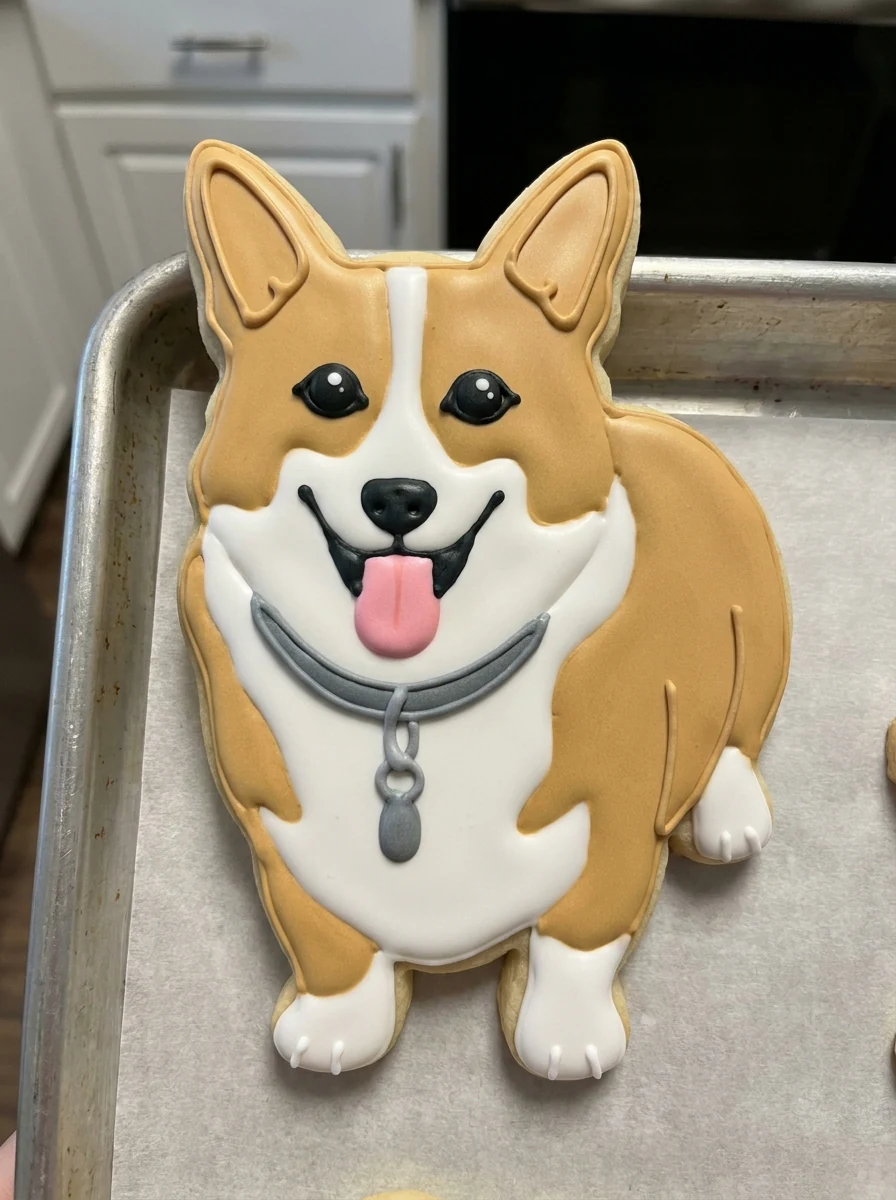
Cookie art of a corgi as an iced sugar cookie with its ear shape and coat patch in royal icing

3:4 · Pet

Pet or character cookie

A pet's ears, muzzle and coat pattern, or a character's silhouette and main colors, give the cookie a strong starting shape. Pick a reference where the head or outline is easy to read. Then check that the distinctive patch or ear shape survived the move into icing. Use the accepted image in a birthday message, labeled as a generated concept.
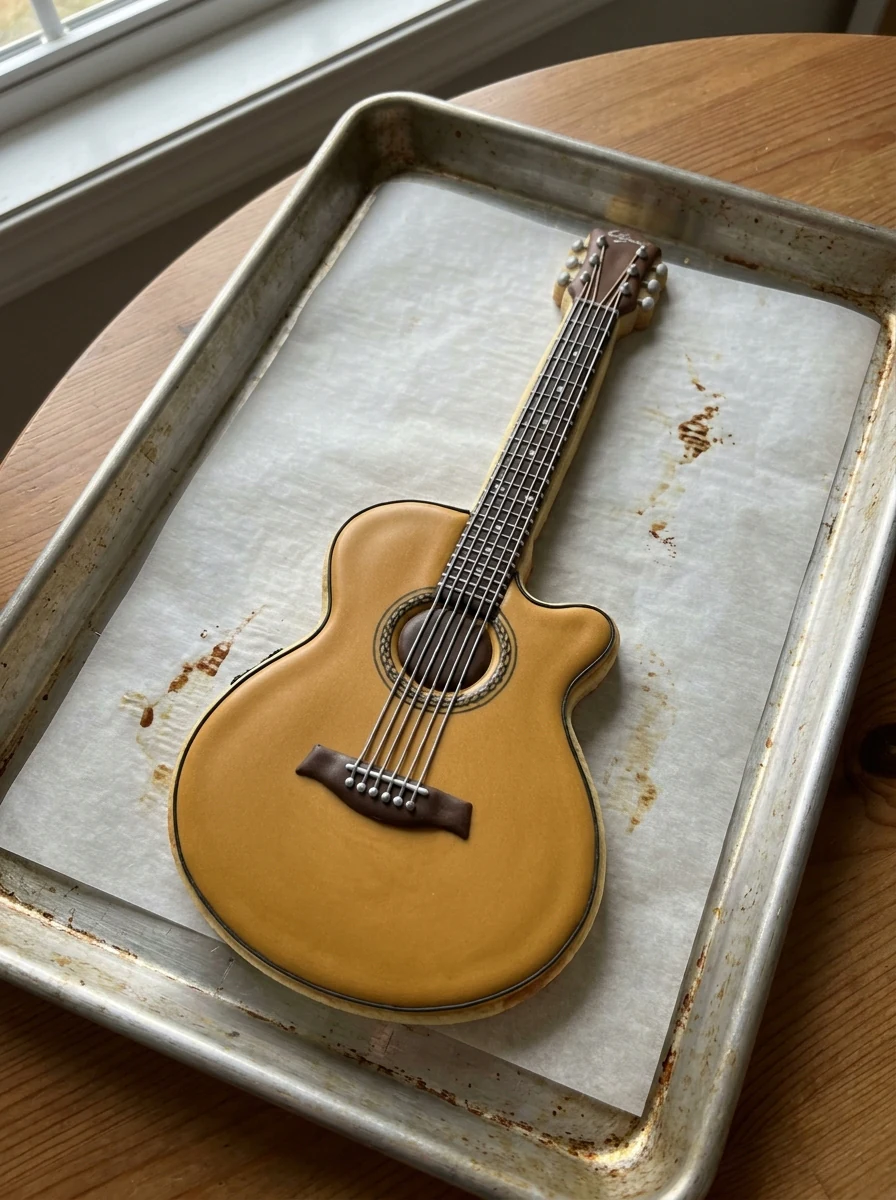
Cookie art of an iced sugar cookie in the shape of a guitar on a baking tray

3:4 · Object

Hobby object cookie

An instrument, camera or sports item can say more about a person than a face does. Choose a photo that shows the object's outline against a plain background. Expect simplification: strings may become decorative lines, and buttons or lettering may change. Keep any name or message in your own layout, because small labels are not reliable in icing.

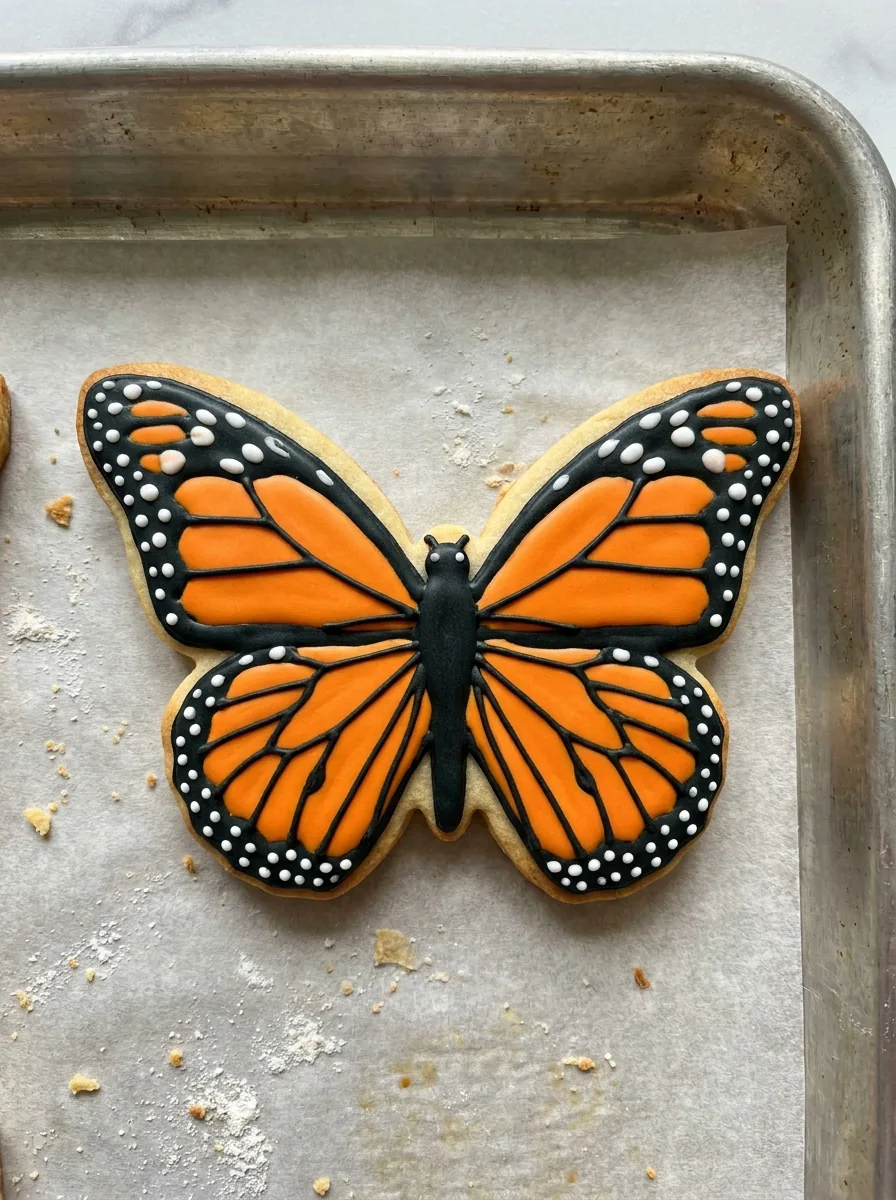
Cookie art butterfly: an iced sugar cookie with royal icing wings on a baking tray

3:4 · Party

Party mood board or greeting

A cookie image can set the theme on a party mood board or a digital greeting beside your own colors, invitations and text. Judge it at message size: a dot that works as an eye in a large preview can vanish in a thumbnail. The tray and decoration are part of the picture, not an event plan, so keep quantities and wording in separate notes.

How to make a cookie art concept

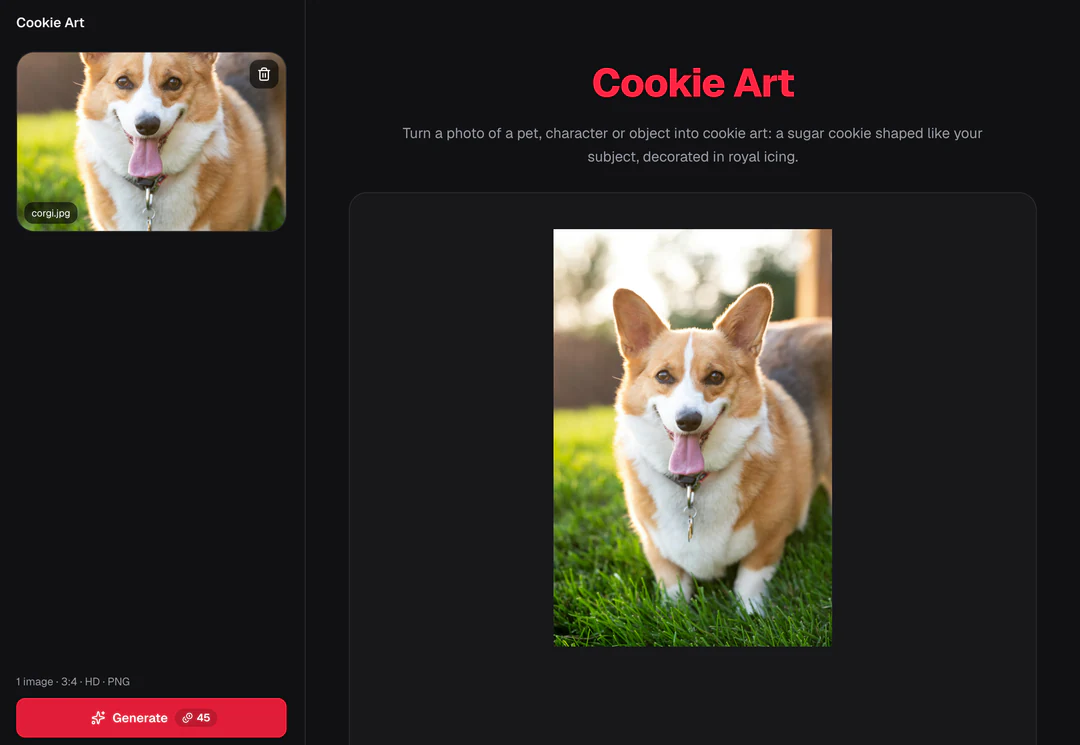
Upload a subject, check the fixed output, then compare the icing details with your photo before you download.

  1. 1. Upload one subject photo

    Add one JPG, PNG or WebP image up to 20 MB. Choose a subject with a clear outline and a few distinctive colors or features, and use a photo you own or may edit. If the subject is a person, check that they are comfortable with a playful food treatment.

  2. 2. Check the fixed settings

    There is no style, ratio, size or text field; the panel shows the fixed output, one 3:4 PNG at HD from Nano Banana Pro. Crop your photo first if the subject is small or the background is busy.

  3. 3. Generate and review

    Each cookie art result costs 45 credits, shown on Generate before you confirm. When the cookie is done, compare it with your reference, check the outline and the icing details, then download it.

What the cookie art template does with your photo

Four things decide how a cookie art concept turns out: the outline it keeps, the icing it simplifies into, the settings that are fixed, and what you check before using it.

  1. 01

    The cookie takes the shape of your subject

    Cookie art starts from the silhouette. The recipe shapes a sugar cookie like the pet, character or object in your reference and keeps its key features and colors recognizable. A clear outline against a plain background gives the cleanest cookie.

    • One subject photo is the only input
    • Ears, horns or handles carry recognition
    Bakery display case photo used as the cookie art reference
    The reference: outline and main colors are what the cookie keeps
  2. 02

    Features turn into royal icing on a baking tray

    Royal icing can only hold so much: large color areas carry over as flat icing fields, while fur, fabric and fine texture become a few piped lines or disappear. Read the result as sugar cookie art, a decorated concept, not a photograph of a cookie someone has baked.

    • Colors become flat icing fields
    • Small details may merge or disappear
    The bakery display case redrawn as a decorated sugar cookie with royal icing details
    Cookie art result
  3. 03

    One recipe and one fixed output

    Your photo is the only choice: there is no style, ratio, size or text field. Every run returns one finished image from Nano Banana Pro for 45 credits, and the amount appears on the Generate button before you confirm.

    • One image per run, fixed at generation
    • No recipe, cutter pattern or text field
    Cookie Art control panel showing the fixed settings summary
    The panel shows the fixed settings before you generate
  4. 04

    Check the cookie before you share it

    Judge the concept at the size where it will be seen. Check that the outline is unbroken and separate from the tray, and that the eyes and icing borders remain separate. If you show it to a baker, send the reference and a note of the features that matter.

    • Unbroken outline and clear icing borders
    • A concept image, not a recipe or cutter file
    Close view of a finished cookie art result with icing details
    Check icing details at the size you will use

Keep exploring Potto AI

Pick the task that matches the object you want to make from your photo.

Cookie Art FAQs

  1. What is cookie art?

    Cookie art is decoration that uses a cookie's shape and icing to represent a subject or design. This template makes sugar cookie art from one photo of a pet, a character or an object: a sugar cookie shaped like the subject, decorated with royal icing on a baking tray. It creates an image, not food, a recipe or a production pattern, so review the outline and the distinctive features before you use it.

  2. Does this include a recipe or cookie cutter?

    No. The output contains no ingredient quantities, baking method, measured cutter outline, or fabrication file. A cookie-shaped image is not a tested recipe or cut-ready shape. Work with a baker or design a separate production pattern if you want a physical result.

  3. Which subjects work well for a concept?

    Choose subjects with a clear silhouette and a few recognizable colors or features, such as a pet’s ear shape or a mascot’s main outline. Busy scenes and tiny details make the idea harder to read. The preset can reinterpret them, but that does not prove those details can be piped in icing.

  4. Can I hand the picture to a baker?

    You can use a reviewed image as a discussion reference. Separate essential identifying cues from decorative suggestions, and ask the baker what they can produce. Agree on size, ingredients, colors, and wording independently. The image does not certify feasibility or replace the baker’s production design.

  5. Can I add a name or message to the cookie?

    There is no text field in this template, and the recipe does not ask for lettering. Any writing-like marks in the output need review and should not carry essential information. Keep names, dates and wording in your own layout or in a written note for the baker, and check them there before the image is used. Small labels and logos are not reliable in generated icing.

  6. How do I judge a cookie art concept before using it?

    At the size where it will be seen. Check that the cookie outline is unbroken, that icing details such as eyes and borders stay distinct, and that the main colors still match the reference. A cookie can look convincing on screen while showing details nobody could pipe, so note which features matter most before you share it or send it to a baker.

  7. Can I make a different kind of keepsake from the same photo?

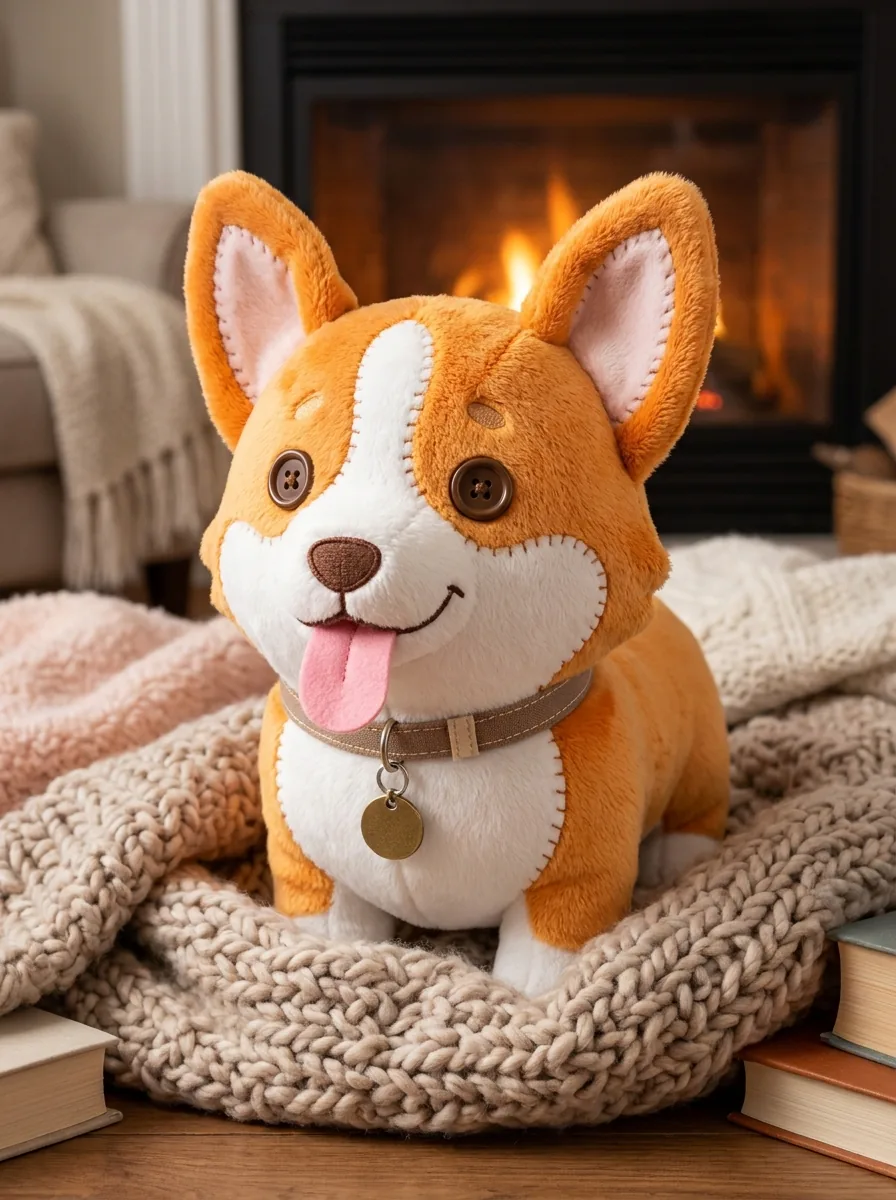
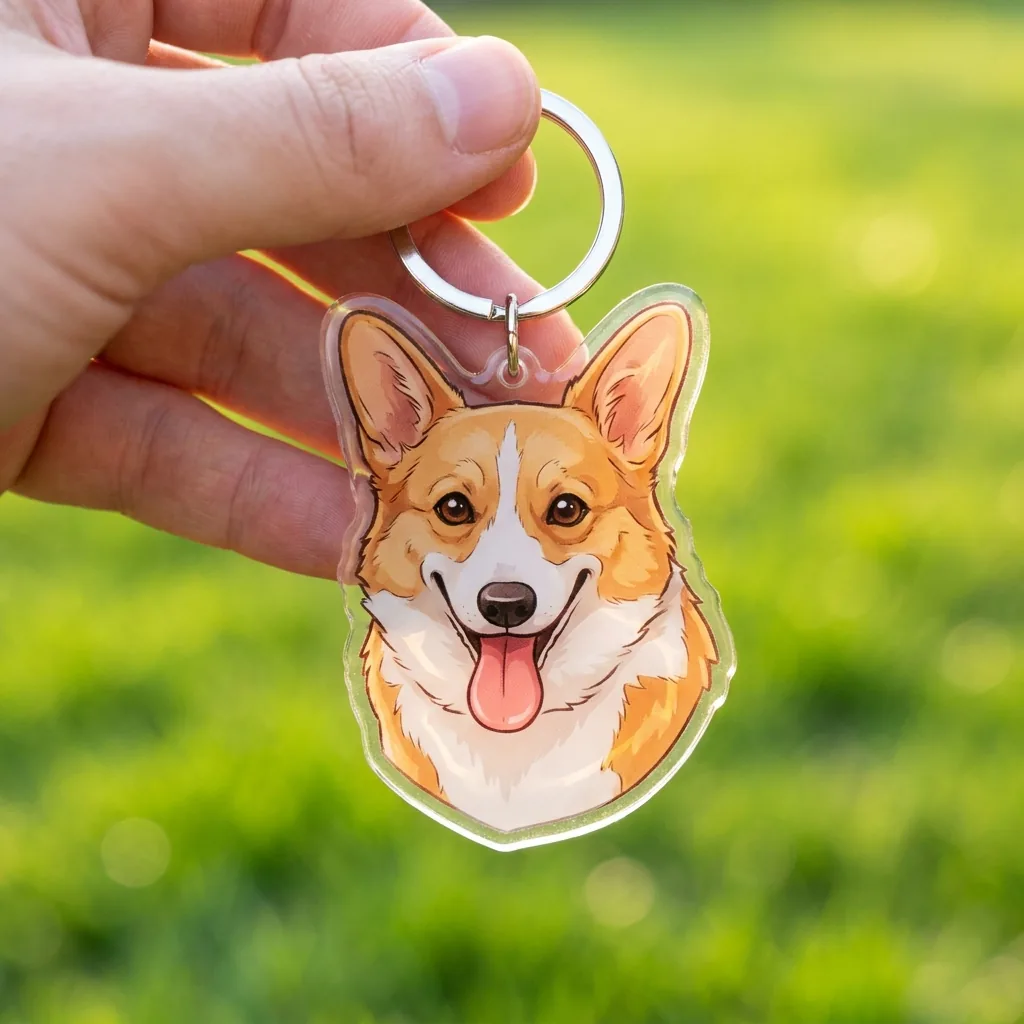
    Yes, with another template; this page always makes a decorated sugar cookie. AI Plushie turns the subject into a soft toy, Christmas Ornament Ideas puts it on a glass bauble, and Keychain Design makes a small acrylic charm.

  8. How many credits does a cookie art concept use?

    45 credits per run for one 3:4 PNG at HD, made with Nano Banana Pro. The quote appears on the Generate button before anything is charged.

Potto AI

Make your cookie art

Upload one clear photo of the subject, review the credit estimate, and compare the finished cookie with your reference before using it.