Skip to content
Potto AI

Christmas cards: the same photo before and after

One reference photo and the card artwork generated from it. The result uses the template's fixed 3:4 ratio and has no lettering.

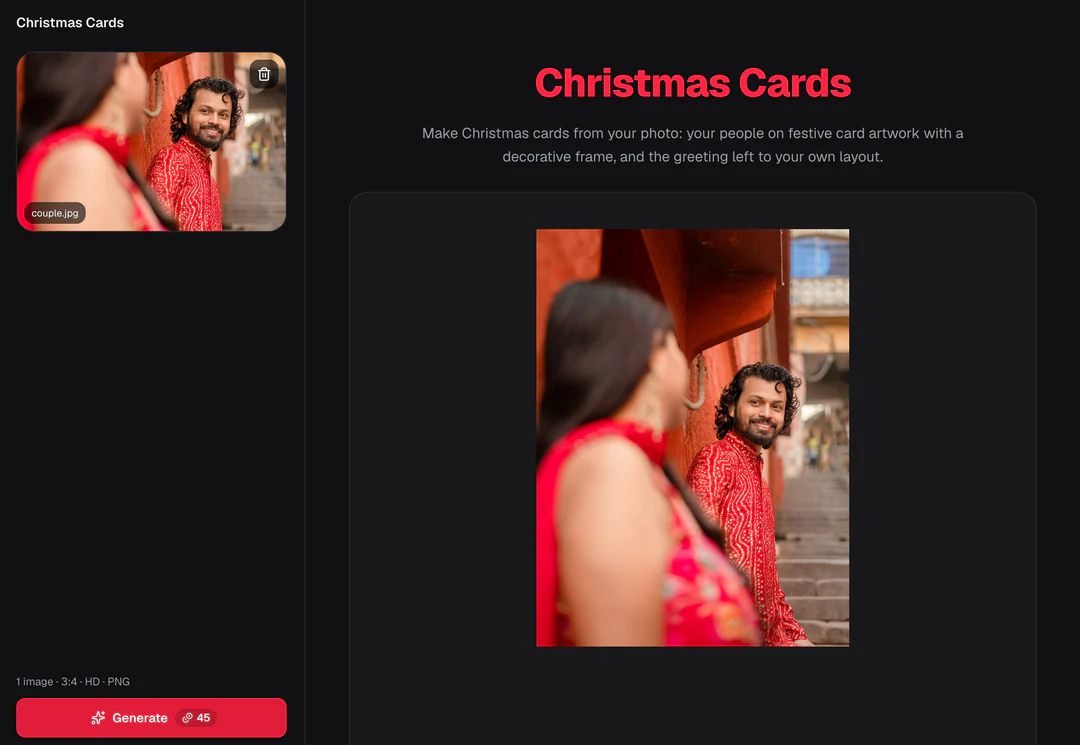
Original photo of a couple before the Christmas card treatment
Original photo
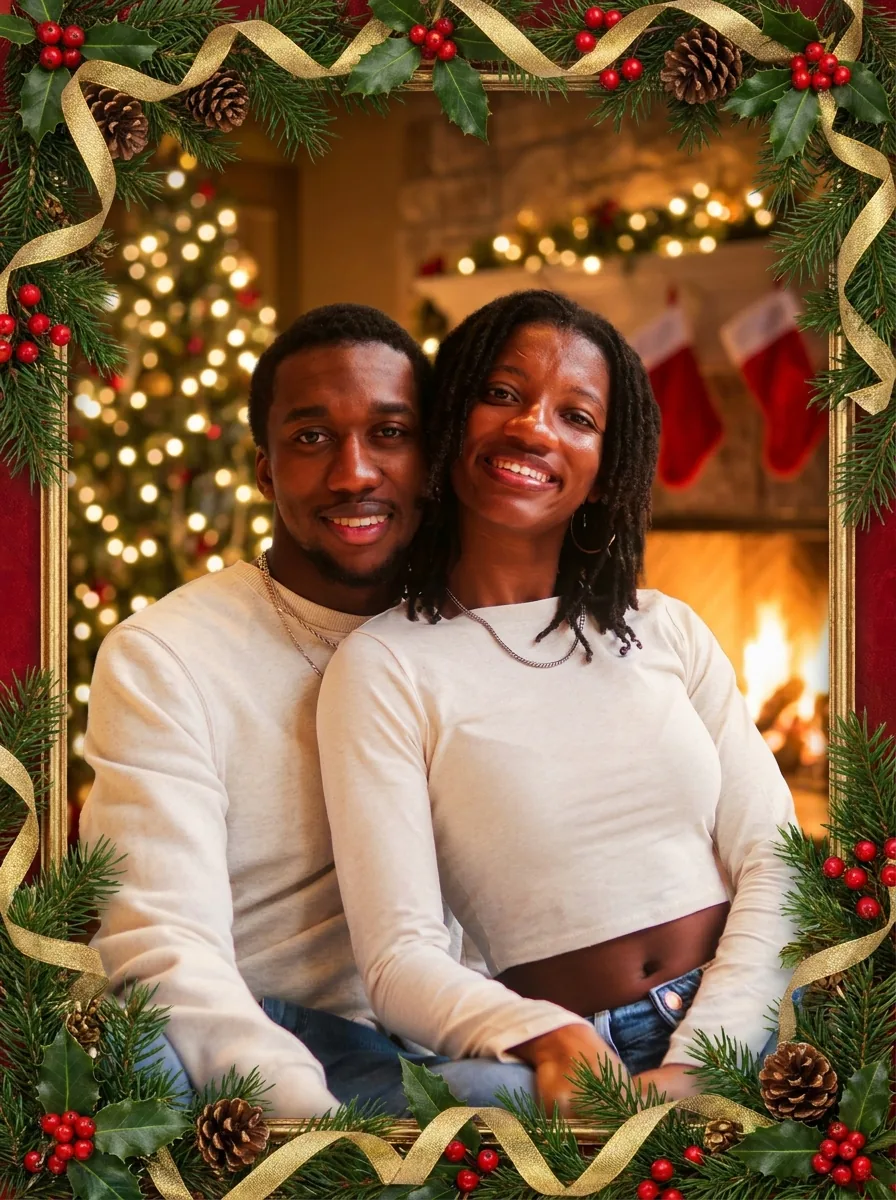
The same couple placed in a gold holiday frame with ornaments, holly and pine cones
Christmas card result · 3:4

What stayed

The recipe asks the model to keep the people's faces, poses and clothing the same. Compare one person at a time, starting with faces near the edges. Then count the people and check that nobody was merged, dropped or moved.

What changed

The people are placed on a festive holiday greeting card with a decorative frame and warm seasonal styling. The recipe asks for no text or lettering, so the result is artwork only and leaves the greeting to your own layout.

What to check

Check that the frame does not cut across a face and that hands and clothing have not fused. Ignore any marks that look like words, because names, dates and the greeting belong in your layout. The image is not a folded, print-ready card with trim or bleed.

Where Christmas card artwork fits

Three common uses. In each one the AI Christmas card artwork is the image, and your own layout carries the greeting.

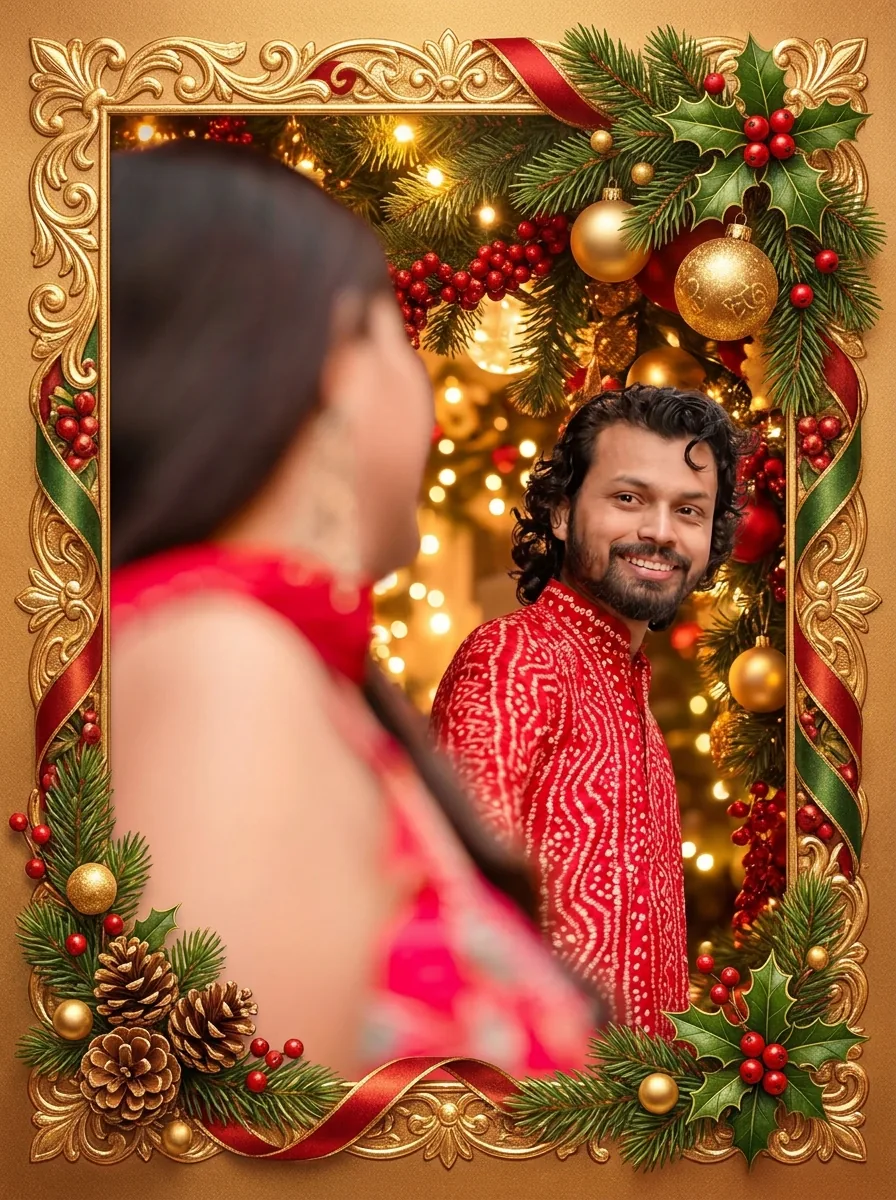
Christmas card artwork of a couple in a festive setting, with no lettering in the image

3:4 · Family

Family or couple card

Choose a photo where every face is clear and the expressions feel natural, even if it was not taken in a holiday setting. After generating, compare each person with the original, including children, glasses and people at the edges. Add the exact greeting as editable text in your layout, short enough to read in a phone preview.
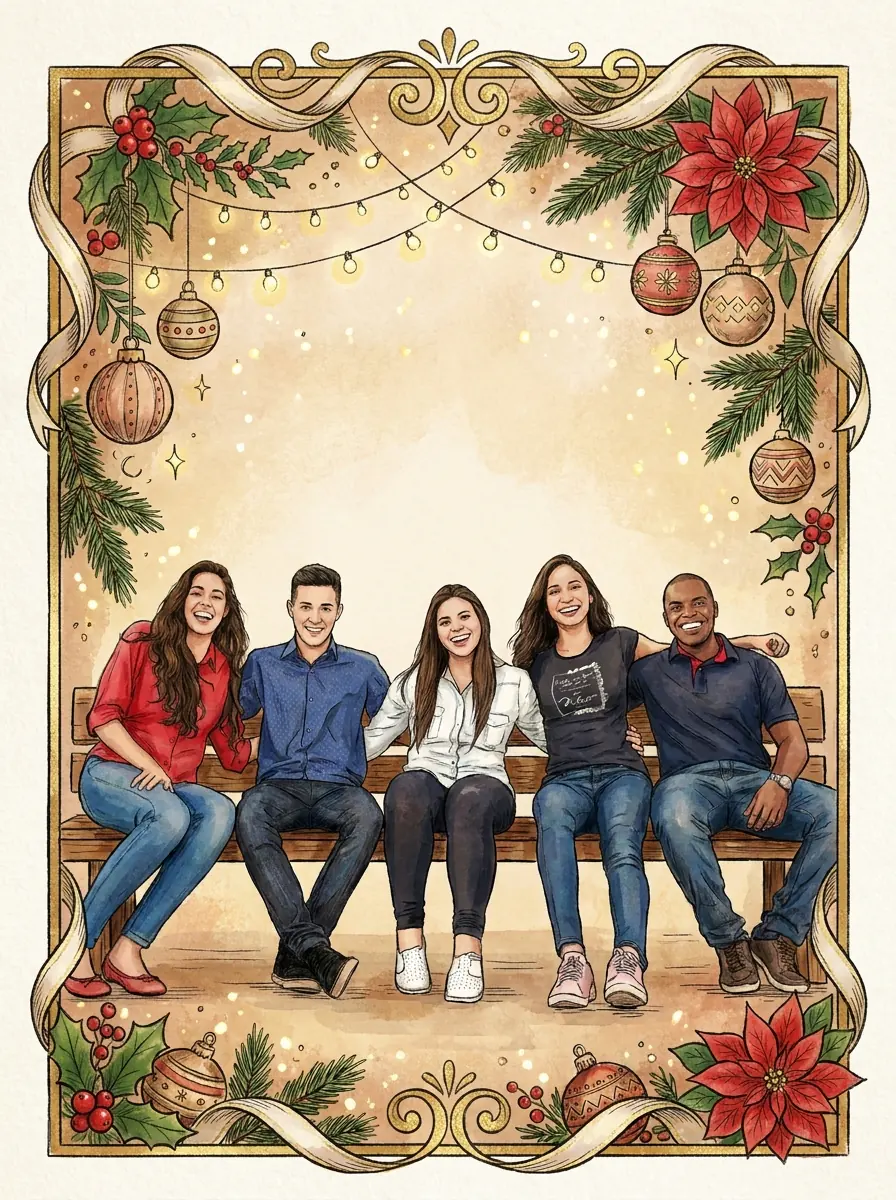
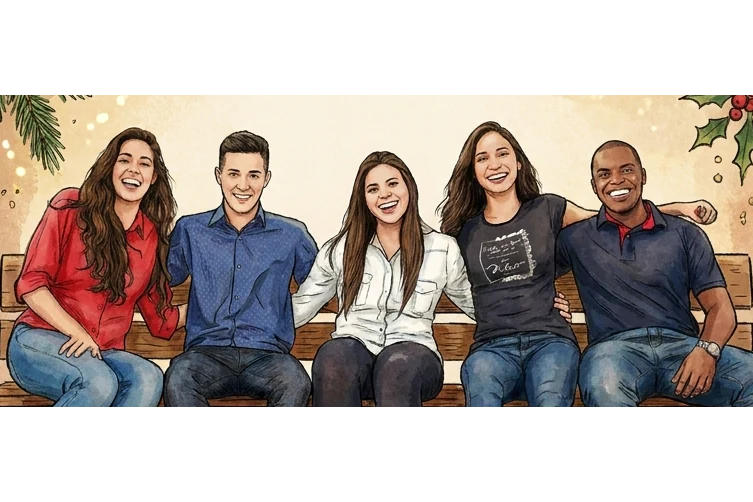
Christmas card artwork of a group of friends, every face clearly visible

3:4 · Group

Friends or team greeting

A group of friends or a small team can share a card-style image when everyone agrees to the photo and the treatment. Go through the image person by person, count the faces and check hands near faces. Keep names, roles and any logo in your own layout, because generated marks are not reliable lettering.

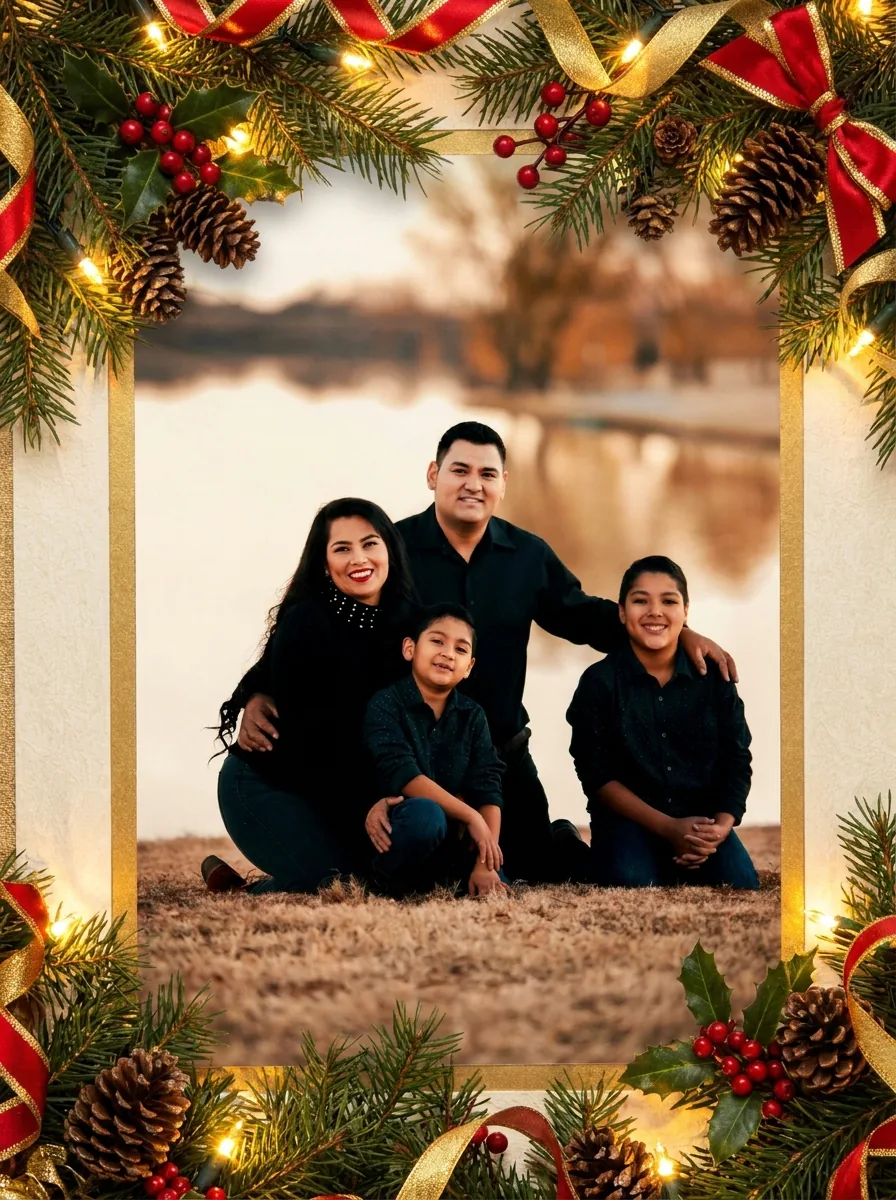
Christmas card artwork of a family of four in a decorative frame, with no lettering in the image

3:4 · Print or share

Printed card or phone greeting

One reviewed image can carry several greetings, because the text stays in your layout. For a phone, view it at the width a recipient will see. For print, check the downloaded pixel dimensions, leave room for trim, margins and folds, and get a proof. Printing, envelopes and mailing stay separate steps.

How to make Christmas card artwork

Upload a photo, check the fixed output, then compare each person before you download.

  1. 1. Upload one photo

    Add one JPG, PNG or WebP image up to 20 MB. A group photo works if every face is readable and the crop leaves room around the people. Check for blur, closed eyes and overlapping hands first, and use a photo you own or may edit and share.

  2. 2. Check the fixed settings

    There is no style, ratio or greeting-text field; the panel shows the fixed output, one 3:4 PNG at HD from Nano Banana Pro. Write the greeting later, in your own layout.

  3. 3. Generate and review

    Each Christmas card result costs 45 credits, shown on Generate before you confirm. When the card is done, compare each person with the original, check the frame at card size, then download it.

What the Christmas card template does with your photo

Christmas card artwork is the picture half of a card. Four features show what the template keeps, frames, leaves out and hands over to your layout.

  1. 01

    Everyone in your photo stays on the card

    The recipe places the people from your reference on a festive card and asks to keep their faces, poses and clothing the same. A group photo works when each face can be read clearly, and the result still needs a person-by-person check.

    • Count the people in the result
    • Faces near the edges need the most care
    Family photo used as the Christmas card reference
    The original photo
  2. 02

    A decorative frame with warm seasonal styling

    Each AI Christmas card gets the same decorative frame and warm seasonal styling around the people, so your photo does not need a holiday setting of its own. The frame should sit around the group without cutting across a face.

    • Frame and styling come from the template
    • No holiday props needed in the photo
    The photo placed on a festive holiday greeting card with a decorative frame
    Christmas card result
  3. 03

    Artwork only, so the greeting stays yours

    The recipe asks for no text or lettering, and there is no greeting field. Add names, dates and wishes as editable text in your own layout, where you can proofread them and change them for each recipient.

    • No generated words to proofread
    • Leave room for the greeting away from faces
    Christmas Cards control panel showing the fixed settings summary
    The panel shows the fixed settings before you generate
  4. 04

    One image for a printed card or a phone greeting

    The output is an image, not a folded card with trim or bleed. View it at phone width and at card size, check the downloaded pixel dimensions, and get a proof before ordering prints. One reviewed image can carry several greetings.

    • Check pixel size before printing
    • Printing and mailing are separate steps
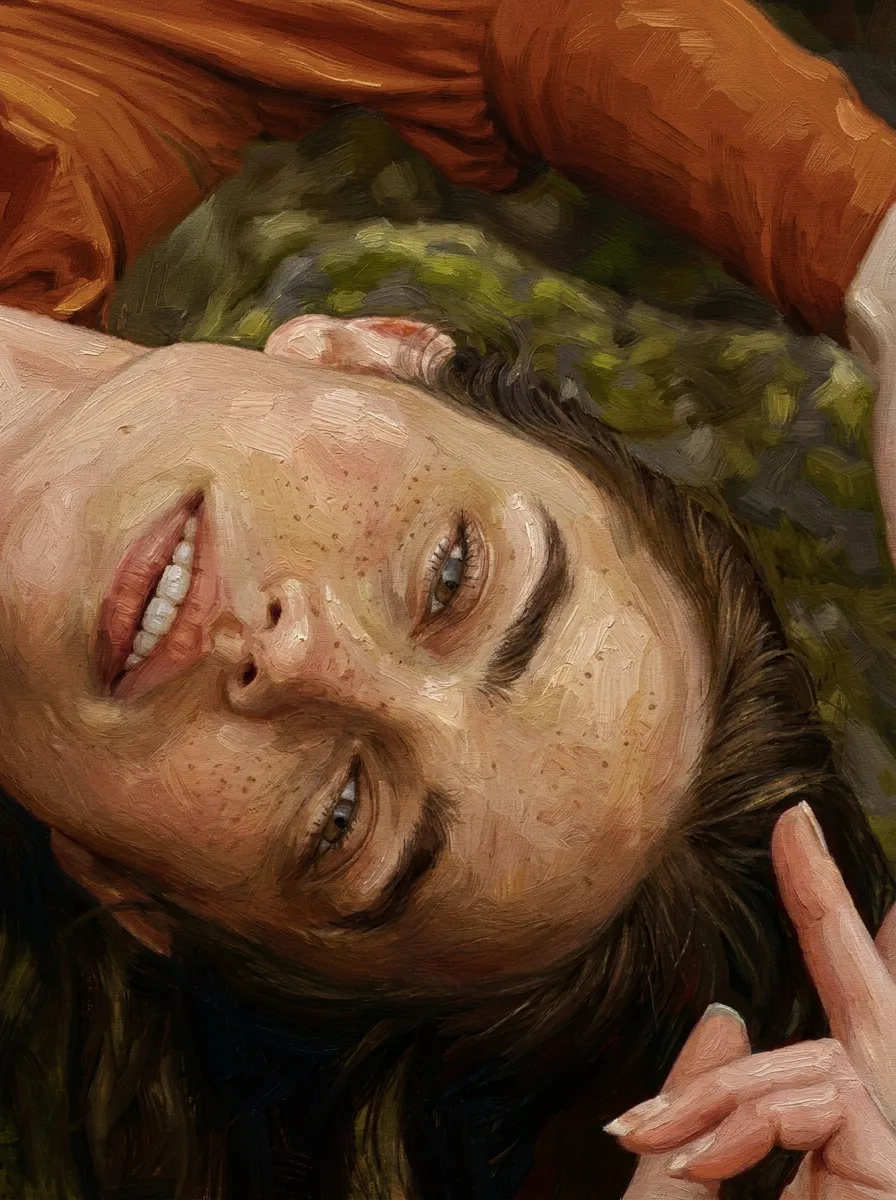
    Close view of faces in a finished Christmas card artwork of a group of friends
    Check the artwork at the size a recipient will see

Keep exploring Potto AI

Pick the task that matches the festive result you want.

Christmas Cards FAQs

  1. What are Christmas cards from this template?

    They are AI Christmas card artworks generated from a family, couple or friends photo, with a decorative frame, warm seasonal styling and no lettering. A complete Christmas card also needs your greeting and layout; this page makes the picture, not a printable card file, a folded card or a mailing service.

  2. Why does the template leave out greeting text?

    The recipe deliberately requests no text or lettering. Keep greetings, names, and dates in editable layout text so you can proofread and revise them without changing the generated people. This page does not expose a greeting-text field, and card artwork should not be mistaken for finished typography.

  3. Can I use a group photograph?

    You can provide a group reference, but choose one where every face is readable and the crop leaves enough room. Review each person, pose, and garment after generation. A successful decorative frame does not prove that all people survived the transformation accurately.

  4. Is the output a print-ready folded card?

    No. The output is an image, without a folded-card document, measured bleed, trim guides, or printing service. Place the reviewed artwork in your own layout, add text, and confirm the production requirements with your printer. Check a proof before ordering.

  5. Can I use one image with several greetings?

    Yes. Keep names and wording in your own layout, so one reviewed image can carry a family note, a friends' message and a more neutral workplace line without regenerating the people. Choose the greeting before you arrange the layout and leave a clear area for it, away from faces. Save each final version with its purpose so the wrong message does not go to the wrong audience.

  6. How do I check Christmas card artwork before sharing it?

    Check Christmas card artwork one person at a time. Count the people, compare every face and pose with the original, and make sure the decorative frame does not cut across a face or crowd the space you want for a greeting. View the image at the size of a printed card and at phone size, because small ornaments can look different at each. Names, dates and wishes belong in your own layout, where you can proofread them.

  7. Can I get a different festive look?

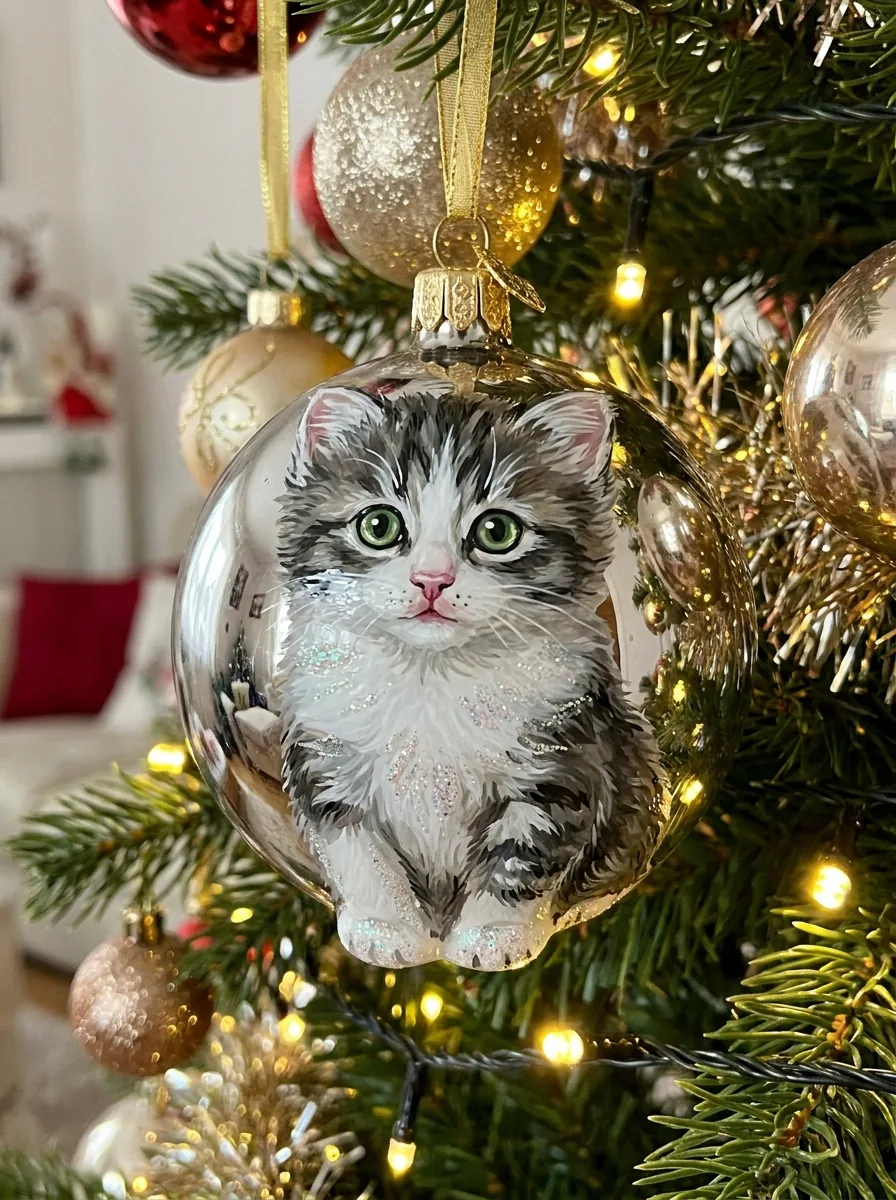
    Not on this page; it always makes the same framed card artwork. For a portrait with lights and a tree but no frame, use Christmas Photos; for a subject on a glass bauble, use Christmas Ornament Ideas; to dress a group in one shared palette first, use Matching Outfits.

  8. How much does a Christmas card design cost?

    45 credits per run for one 3:4 PNG at HD, made with Nano Banana Pro. The amount appears on the Generate button before you confirm.

Potto AI

Make your Christmas card artwork

Upload one clear photo, review the credit estimate, and compare each person with the original before adding your greeting in your own layout.