Skip to content
Potto AI

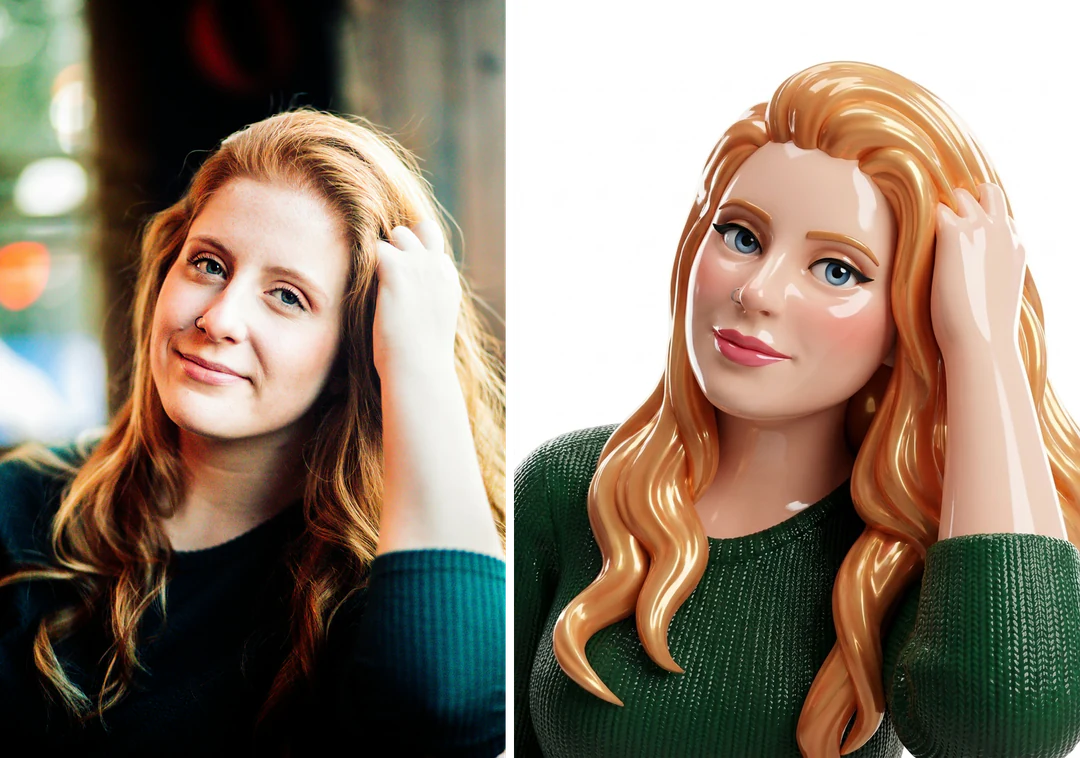
Doll maker: the same portrait before and after

One reference photo and the glam doll image generated from it. The result uses the template's fixed 3:4 ratio.

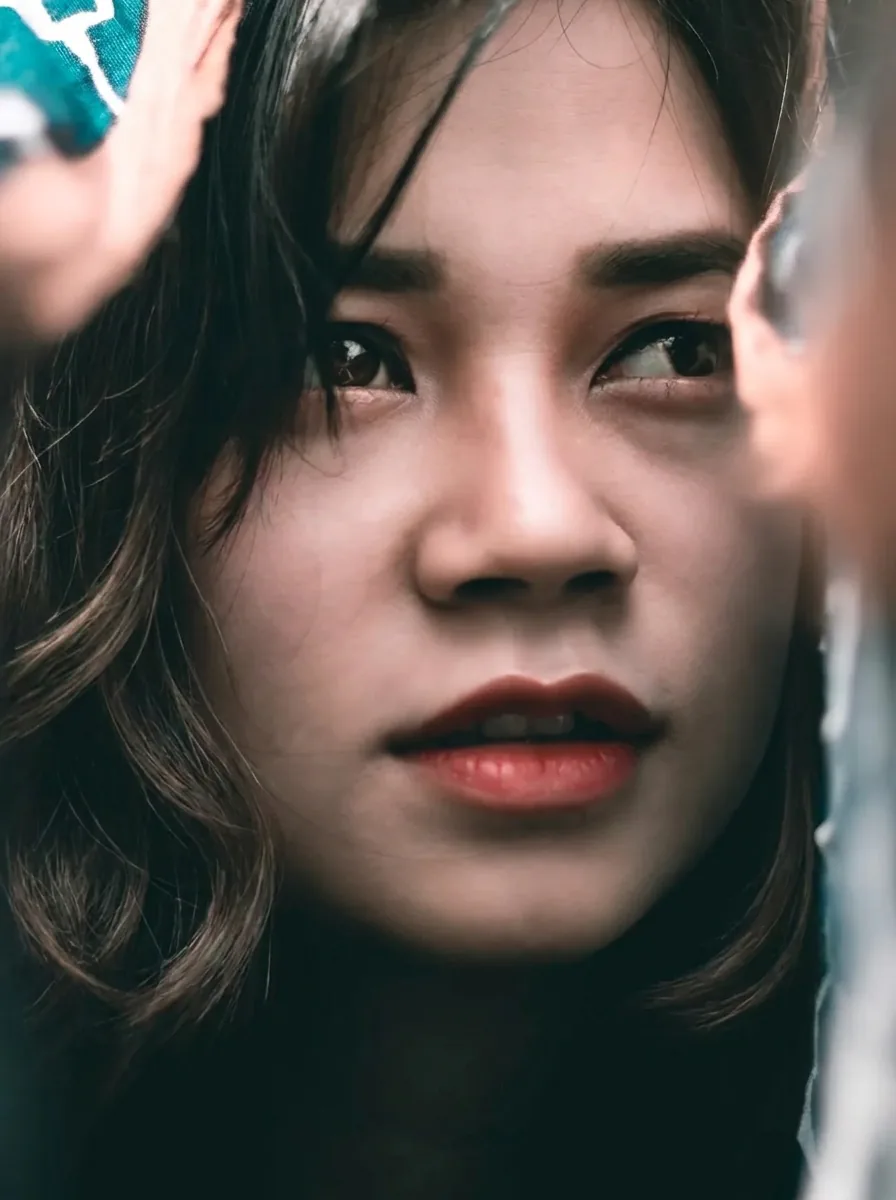
Original portrait photo before the doll treatment
Original photo
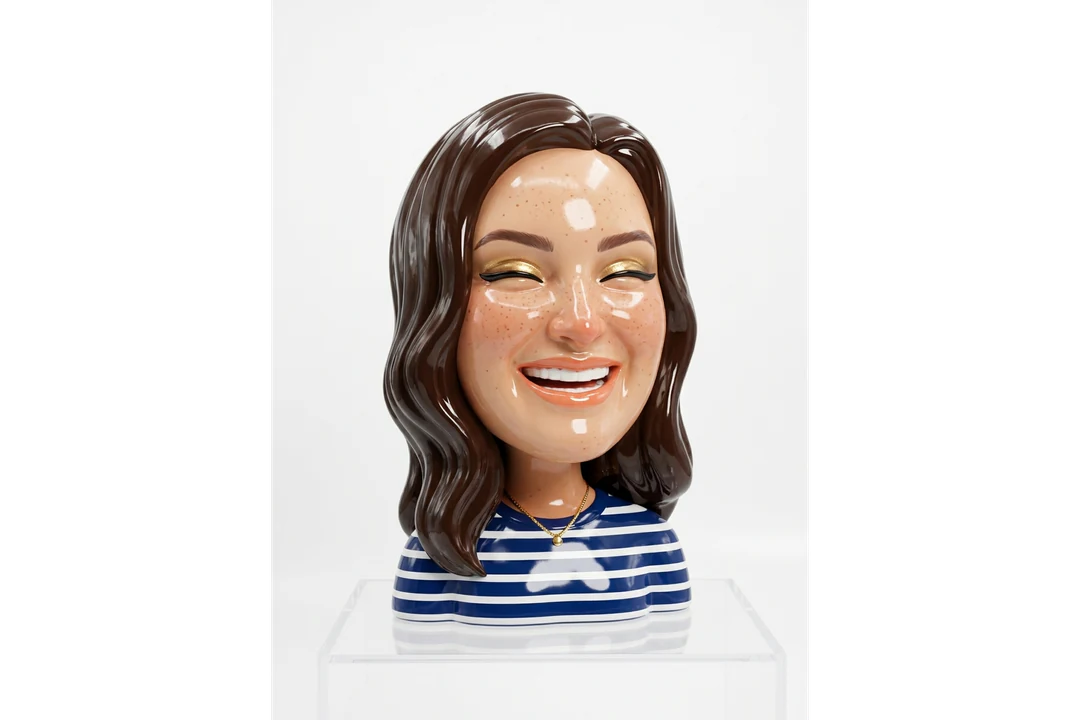
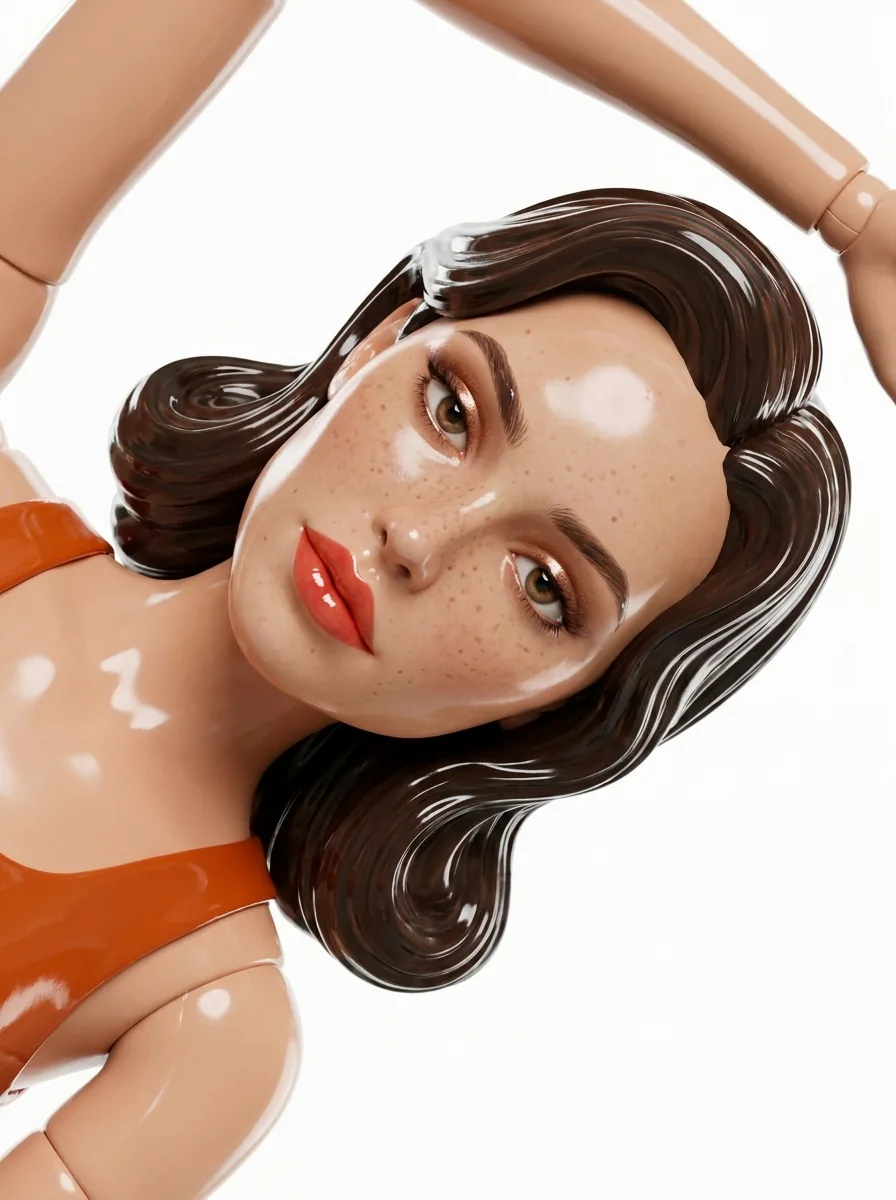
Glossy 3D-style glam doll generated from the same portrait
Doll maker result · 3:4

What stayed

The recipe asks the model to keep the face shape, hair color, skin tone and key features recognizable. Compare the mouth, jaw and hairline with the original, and note any change of expression. Gloss can hide an altered contour, so look closely around the lower face.

What changed

The person becomes a glossy 3D-looking glam doll: polished skin, stylized makeup, styled hair and a clean studio backdrop. Eyes can look larger and skin smoother, which changes apparent age and expression.

What to check

Check highlights that look like cracks or stripes, hands and fingers, and earrings or glasses merged into hair. The image looks dimensional but is a flat picture, with no mesh, rig or back view. Stray marks or lettering in the background are not accurate text. If a result drifts, run the same photo again or pick a clearer source; each run is a new 45-credit generation.

Where a doll maker image fits

Three common uses. In each one the doll is a picture, and your own layout carries names, dates and notes.

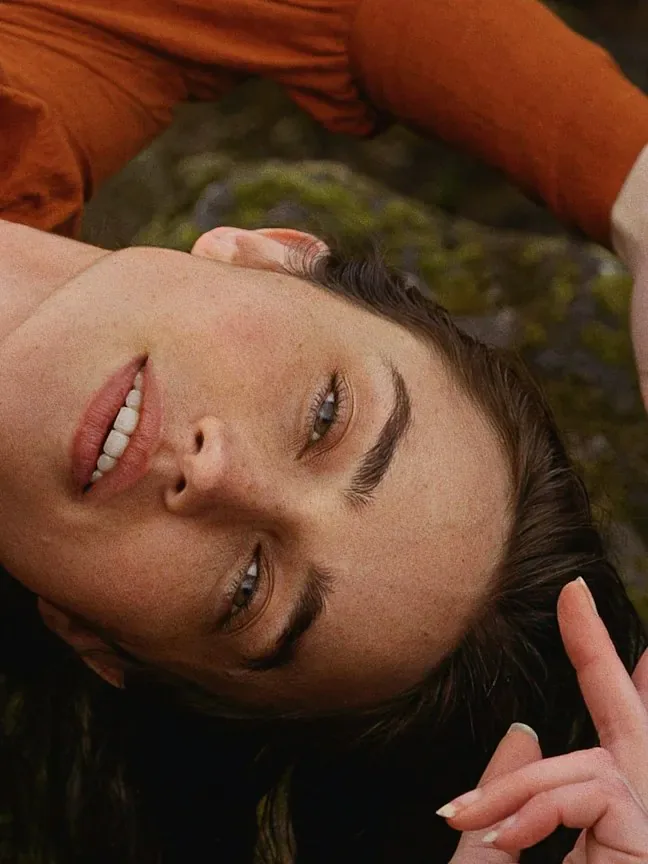
Glossy doll version of a person beside the original keepsake photo

3:4 · Keepsake

Personal keepsake

Choose a photo tied to a memory and keep the original beside the generated doll image so the link stays visible. Check that the expression and hairstyle still feel familiar, and keep file names clear so the source and the doll stay paired. Add names, dates and captions as editable text in a layout app; the template has no text field. Present it as a digital illustration, not as a doll that can be ordered.
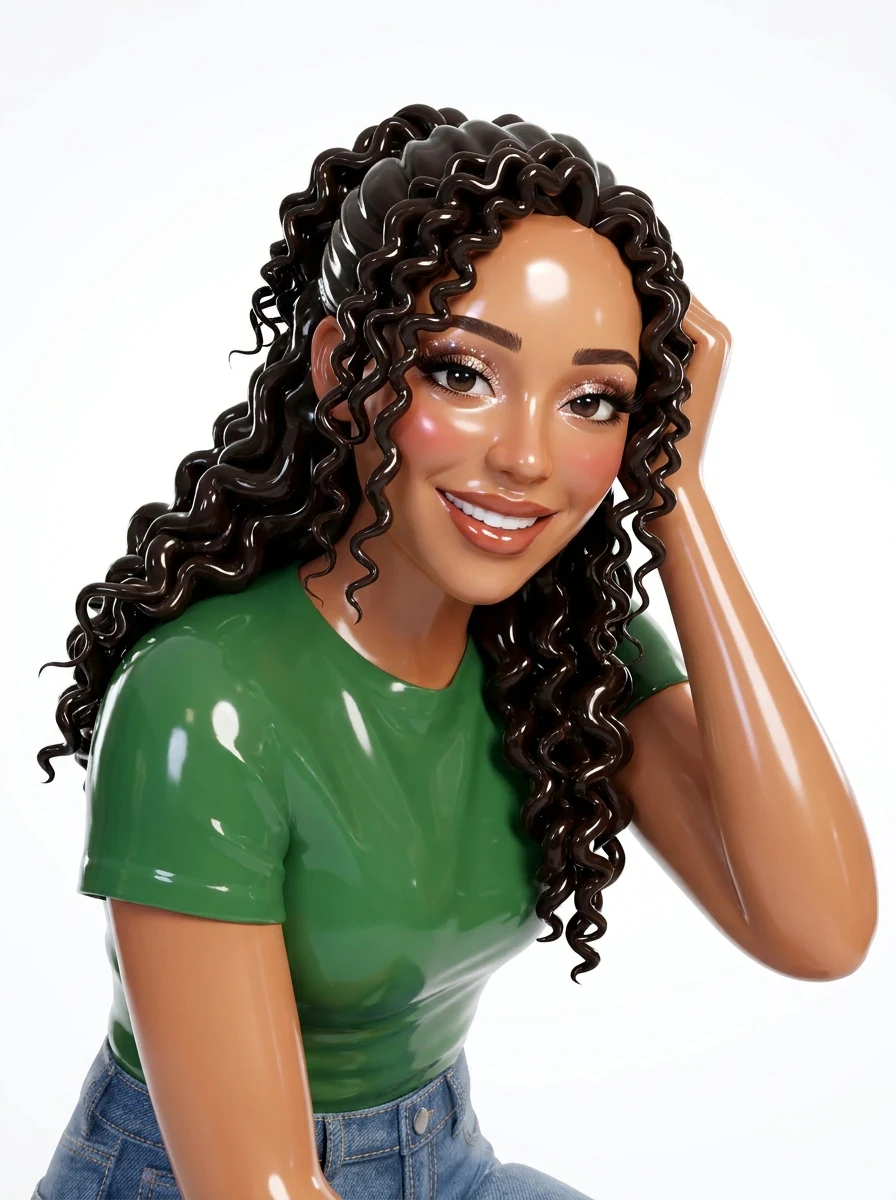
Glossy doll image of a woman with curly dark hair, polished skin and stylized makeup against a studio backdrop

3:4 · Styling

Fashion mood board or themed invitation

Pair the doll image with your own notes on silhouette, color and accessories, and keep those notes separate so viewers can tell what is decided. For an invitation, leave a plain margin for the date and location, and test the face at message-preview size. Check the actual pixel dimensions before printing.

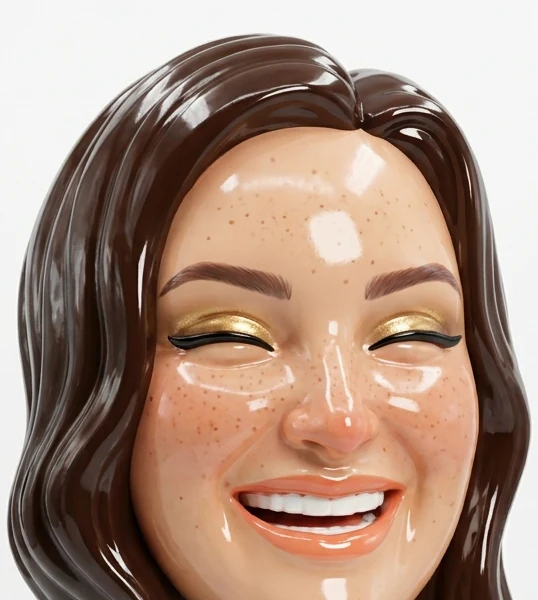
Close crop of a glossy doll image's face with styled hair, sized for a creator avatar

3:4 · Avatar

Creator avatar or original character

Test the result inside the real avatar crop, where the face, hairstyle and contrast around the head matter more than clothing. Save a full version and a separate crop. For an original character you own, compare the result with the design's essential rules, since another run may change the hairstyle or markings.

How to make a glam doll from a portrait

Upload a portrait, check the fixed output, then compare the doll's face with your photo before you download.

  1. 1. Upload one portrait reference

    Add one JPG, PNG or WebP image up to 20 MB with readable eyes, hair and face outline. Use one main person: crop a group photo to a single subject first, or choose another image. Use a photo you own or have permission to edit.

  2. 2. Check the fixed settings

    There is no clothing, pose or makeup catalog; the panel shows the fixed output, one 3:4 PNG at HD from Nano Banana Pro. Crop your photo first if the framing matters.

  3. 3. Generate and compare

    Each doll maker result costs 45 credits, shown on Generate before you confirm. When the doll is done, open it at full size and compare the face, hair, jewelry and hands with your original, then download it.

What the doll maker does to your portrait

One portrait becomes a glossy 3D doll image.

  1. 01

    One main person, with a readable face

    Upload one portrait with readable eyes, hair and face outline. The recipe asks the model to keep the face shape, hair color, skin tone and key features recognizable. Crop a group photo to a single subject first so the doll has one person to follow.

    • One photo per run, up to 20 MB
    • Choose a photo you own or may edit
    Original portrait photo before the doll treatment
    The reference: face shape, hair color and skin tone carry over.
  2. 02

    Polished skin, stylized makeup and styled hair

    The 3D doll look comes from polished skin, stylized makeup, styled hair and studio light. That polish has a cost: larger eyes and smoother skin can shift apparent age and expression, and gloss can hide an altered contour, so compare the lower face closely.

    • Makeup and styling come from the recipe
    • No clothing, pose or makeup catalog
    Glossy 3D-style glam doll generated from the same portrait
    The result: one 3:4 glam doll image.
  3. 03

    Dimensional in look, but a single picture

    The doll looks dimensional but is one flat PNG, not a mesh, rig or back view. Gloss and highlights are where errors hide, so check highlights that look like cracks, hands and fingers, and jewelry merged into hair at full size.

    • Run the same photo again if the face drifts
    • Use a clearer source for a closer likeness
    Glossy doll version of a second person with styled hair and bold makeup
    A second glam doll, made from a different portrait.

Keep exploring Potto AI

Toys, characters and styled portraits to try next.

Doll Maker FAQs

  1. What does this doll maker create?

    This doll maker works as an AI doll generator: it turns one portrait into a glossy 3D doll image with styled hair and makeup against a clean studio backdrop. The doll only looks three-dimensional; it is not a physical doll, a dress-up game or an editable 3D asset, so compare the face and the figure details with your photo before you choose it.

  2. Is the output a 3D doll model?

    No. A 3D-looking render is still a flat raster image. This template does not export a mesh, rig, printable model, or separate figure parts. Use the output to discuss a visual direction; a real 3D or manufacturing project requires separately built assets and specifications. Because the picture is flat, the back, sides and underside of the figure are never shown.

  3. Which photo works best for a doll maker image?

    Use one clear portrait with readable eyes, hair and face outline, and one main person. Avoid a hand across the face, large sunglasses and cropped hair edges, since they hide details you expect the doll to keep. A group photo has no way to pick one person, so crop it to a single subject first. Use a photo you own or have permission to transform.

  4. Can I choose clothes, poses, or makeup from a catalog?

    The preset has no configurable clothing, posing, or makeup catalog. It applies its fixed glam direction to the source. A different portrait can guide the person and initial pose, while an individually written image-generation request can explore a different concept. Do not assume pictured accessories are selectable controls.

  5. Can it represent an original character?

    A clear character reference can be used to explore a doll-like visual interpretation. Check the identifying face shape, hairstyle, colors, and silhouette after generation. The generated appearance may change the design, and it does not produce a character rig or guarantee consistency in later images. Upload the clearest single-view reference you have and keep the original design sheet beside the result while you compare.

  6. What if I want a different kind of doll or figure?

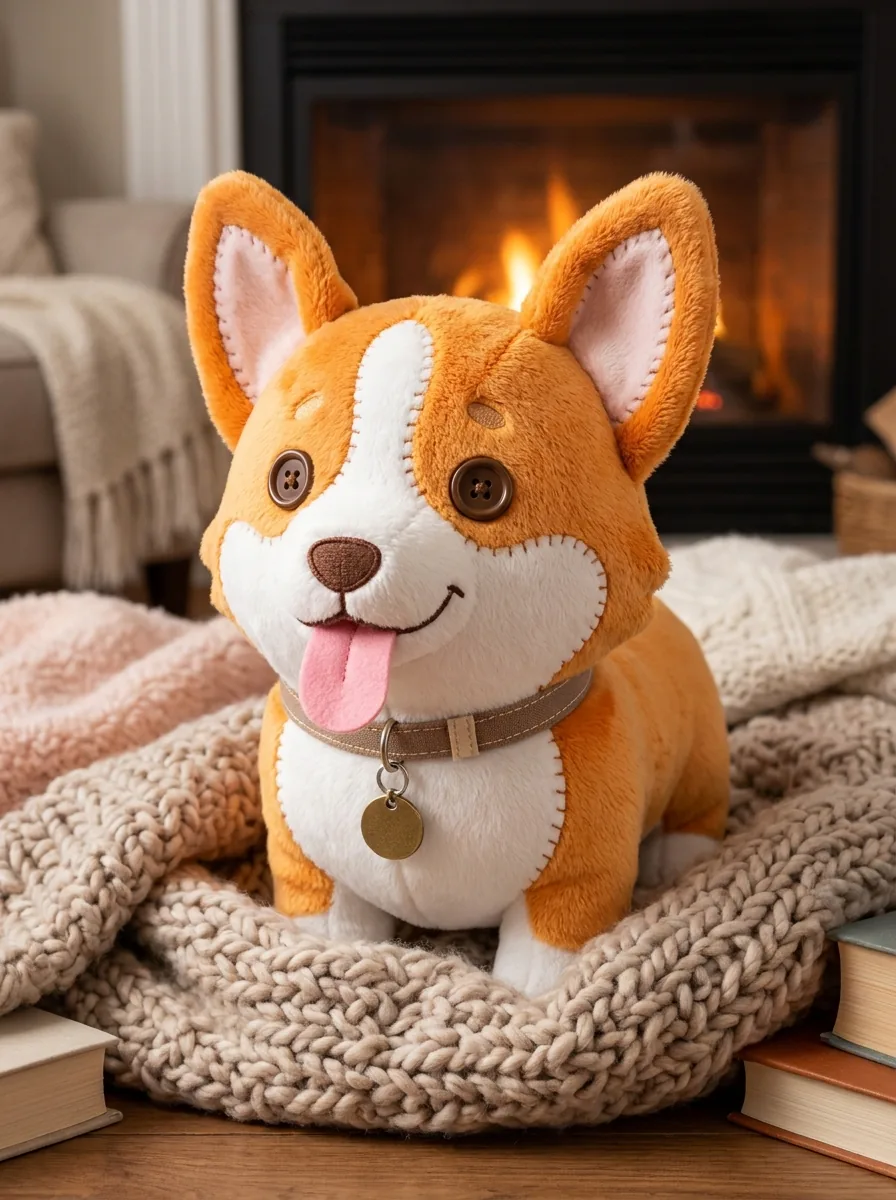
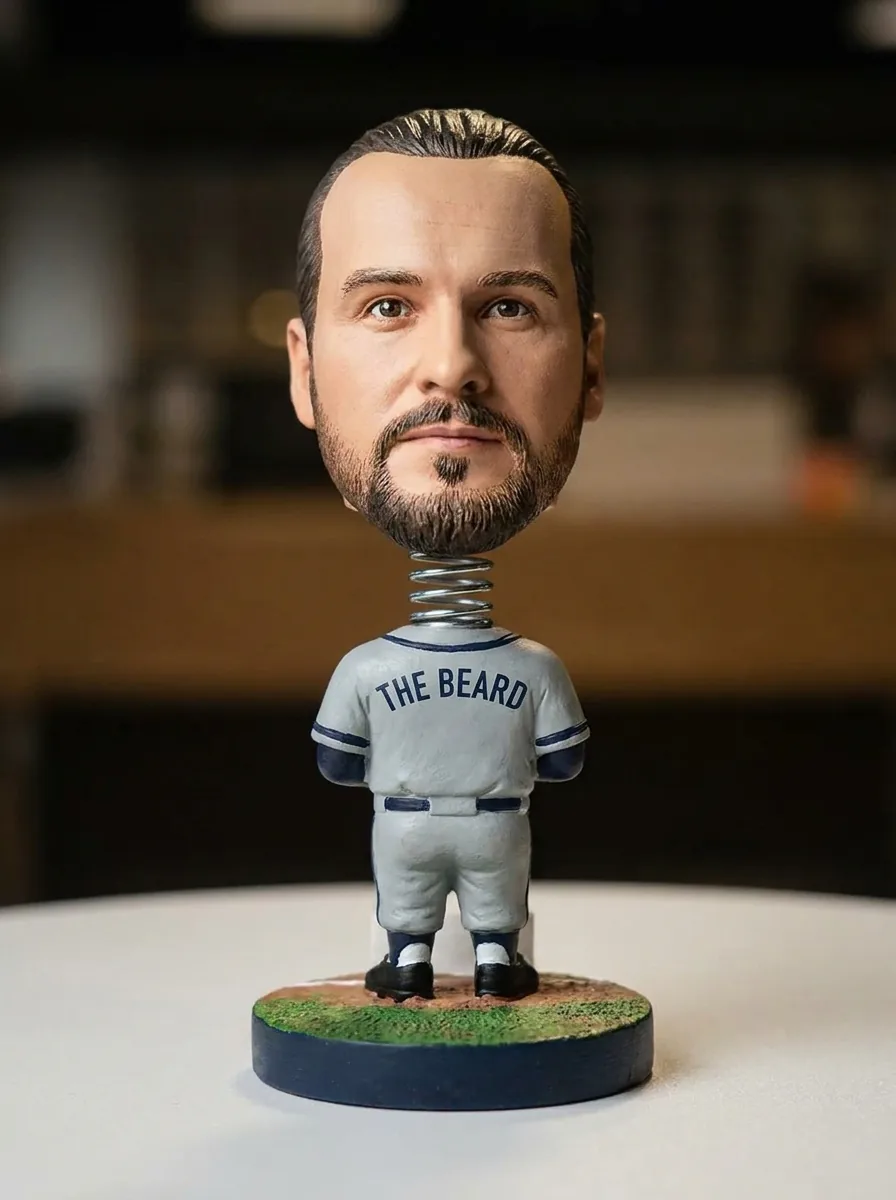
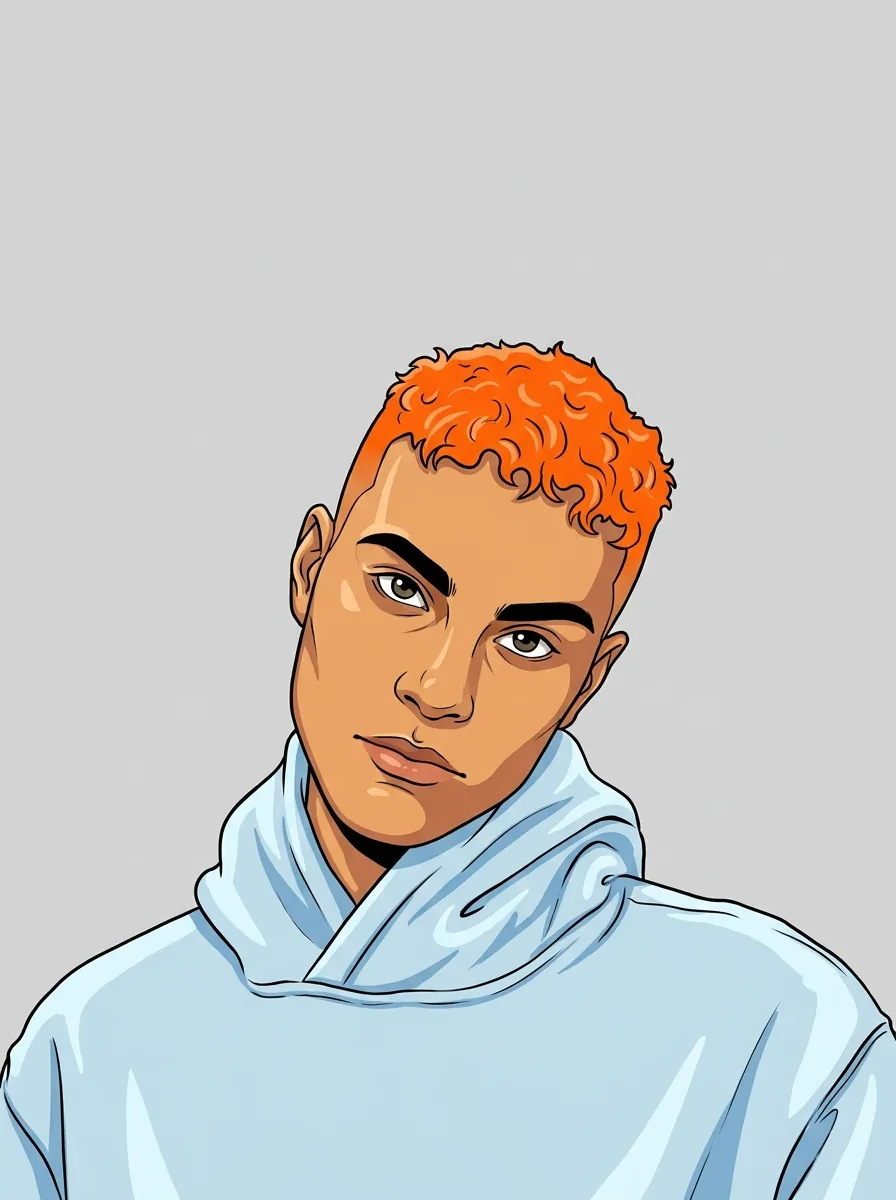
    Use another template; this page always makes the glossy glam doll. AI Plushie turns the subject into a soft fabric toy, Bobblehead Maker into a baseball figure with an oversized head, and Avatar Maker into a flat illustrated profile picture. For a doll in a specific outfit or setting, describe it in the AI image generator.

  7. How many credits does a doll portrait use?

    45 credits per run for one 3:4 PNG at HD, made with Nano Banana Pro. The quote appears on the Generate button before anything is charged.

Potto AI

Make your glam doll

Upload one clear portrait, review the credit estimate, and compare the doll image with your original before using it.