Claude Code Skills for Video: Free Skills for Motion Graphics, Launch Videos and Explainers
By Potto AI Team·
What a Claude Code skill for video is, how to install one, and which free skills to pick for Remotion videos, launch videos, hand-drawn explainers and product screens.
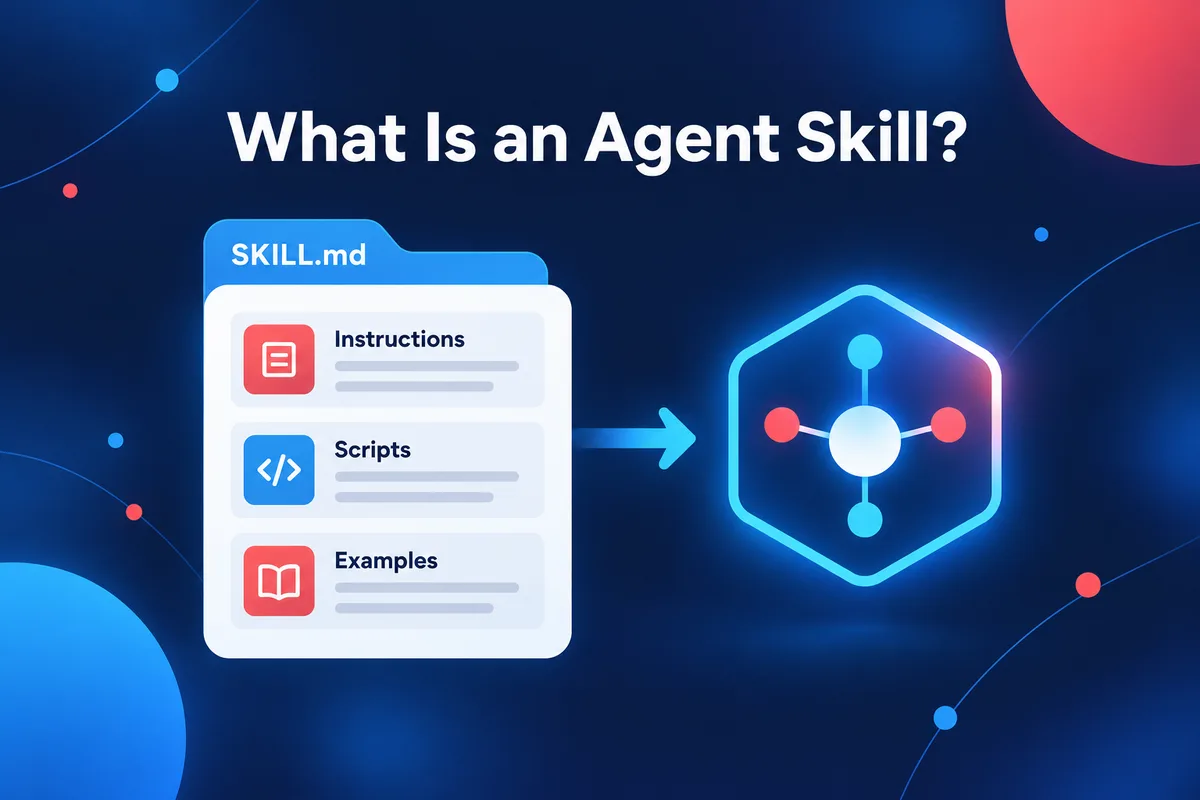
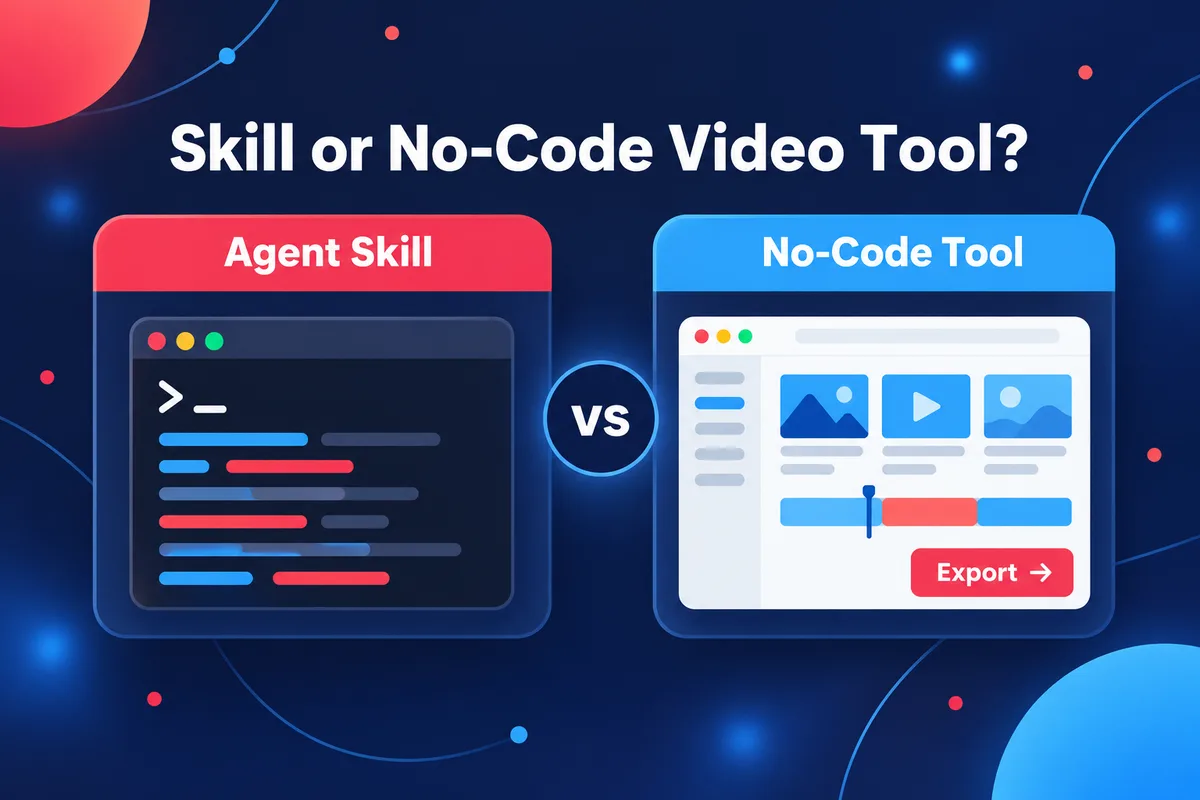
A Claude Code skill for video is a folder with a SKILL.md file, and sometimes scripts, that teaches a coding agent how to build one kind of video: a Remotion launch film, a hand-drawn explainer, an animated product screen. You install it by placing the folder in ~/.claude/skills/ or .claude/skills/, or by pasting an install prompt into the agent, and then you ask for a video in plain language. Pick by purpose: Remotion skills for code-built motion graphics, launch-video skills for product releases, explainer and hand-drawn skills for teaching, and product-interface skills when the video should show real screens.
Potto collects these skills on its agent skills page and offers them free: sign in, copy the install prompt or download the ZIP, and run the skill in your own agent, with your own model and your own keys. The skills are written by independent authors, not by Potto and not by Anthropic. Potto has no official relationship with Anthropic, and nothing in this guide is endorsed by Anthropic. Skill details below come from Potto's skill pages as they stood on 2026-10-12, and the definition of a skill comes from Anthropic's documentation.
What a skill is, and why video work suits it
Anthropic's Claude Code documentation puts it plainly: "Skills extend what Claude can do. Create a SKILL.md file with instructions, and Claude adds it to its toolkit. Claude uses skills when relevant, or you can invoke one directly with ." A skill is not a plugin that renders video by itself. It is written guidance, plus optional helper files, that your agent reads when your request matches the skill's description.
/skill-name
That design fits video for three reasons.
Video code is full of conventions. A frame-based animation needs timing rules, spring settings, safe margins, font handling and a render command. A skill stores those once, so you do not paste them into every chat.
Context stays small. Anthropic's Agent Skills overview describes progressive disclosure: only each skill's name and description sit in context until the skill is triggered, then the body of SKILL.md loads, and bundled files load only when referenced. You can keep many video skills installed without paying for all of them in every session.
Scripts do the repeatable parts. Skills can bundle scripts that the agent runs, so repeatable steps run as code instead of being re-invented by the model each time.
The Claude Code documentation also notes that skills follow the open Agent Skills standard, which is why one skill can list several agents on its Potto page: Claude Code, Codex and Cursor all understand SKILL.md.
How to install a video skill in Claude Code
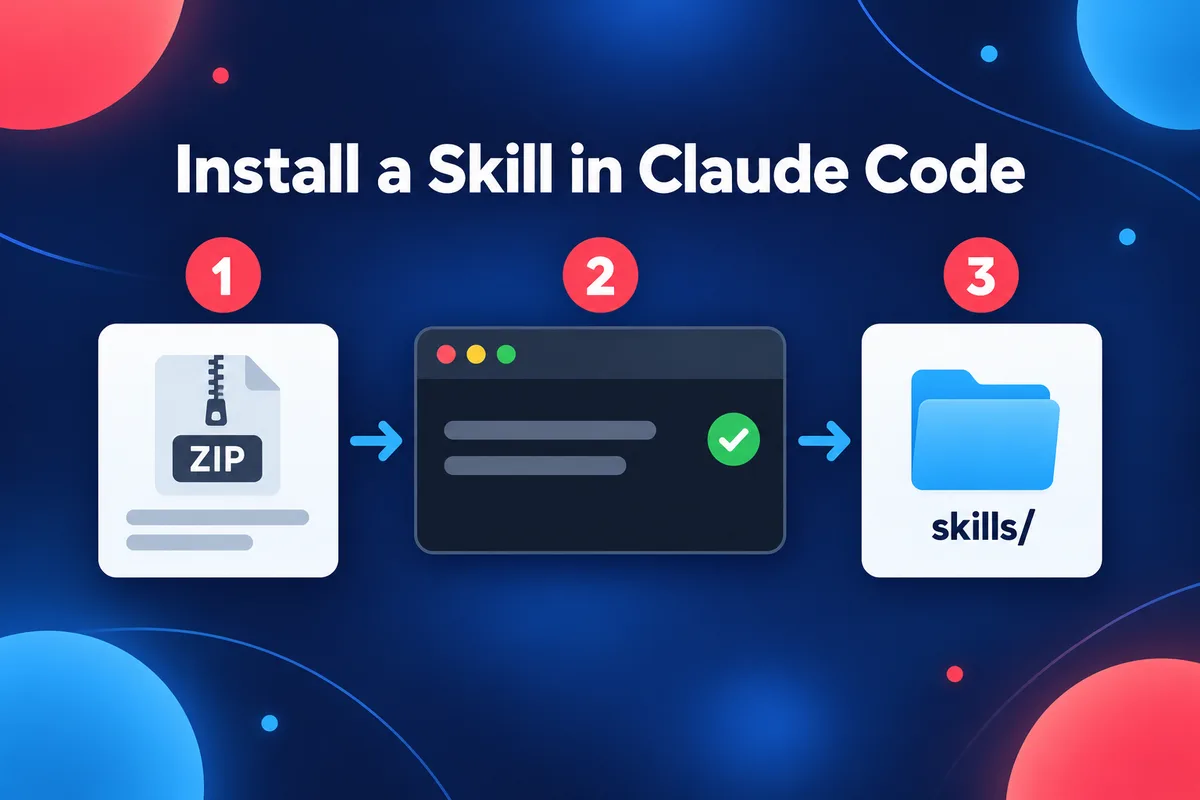
There are three ways to install, and they end in the same place: a folder containing SKILL.md in a skills directory.
Option 1: Copy the install prompt from Potto
Open a skill's page, sign in, and choose Copy install prompt. Paste the prompt into Claude Code, Codex or Cursor and the agent installs the skill for you. Every skill on Potto is free, and signing in is the only step; no card is asked for and nothing is charged. You can also choose Download ZIP to keep the files or share them in a team.
Option 2: Put the folder where Claude Code looks
Anthropic's documentation lists the locations. A personal skill lives at ~/.claude/skills/<skill-name>/SKILL.md and is available in all your projects on that machine. A project skill lives at .claude/skills/<skill-name>/SKILL.md in a repository, and you can commit it so the team shares it. If you downloaded a ZIP, unpack it so the skill's folder, with SKILL.md at its top level, sits in one of those places. Claude Code picks up changes to skill folders during a session. If you create a new top-level skills directory, run /reload-skills.
Option 3: Install the official Remotion skills
Remotion maintains its own set of Agent Skills for working in Remotion projects, and its install command is npx skills add remotion-dev/skills. The documentation names Claude Code, Codex, Kimi Code and Cursor as agents that can use them. Several third-party video skills below say they work alongside the official ones, so installing Remotion's set first is a sensible base for any Remotion-based skill.
Using a skill once it is installed
Claude can load a skill automatically when your request matches its description, or you can type /skill-name, optionally with arguments. If you want to be sure which skill runs, call it by name.
Check three things before you run any skill
A skill is instructions and code that your agent will follow on your machine, so read before you run. Anthropic's Agent Skills overview says to use skills only from trusted sources, and warns that a malicious skill can direct Claude to invoke tools or execute code in ways that do not match its stated purpose. For third-party skills that means opening SKILL.md and any bundled scripts, and looking for unexpected network calls or file access. Potto's skill pages show a SKILL.md preview to make that first read easier.
Then use the fields on the skill page to decide whether it fits your job.
Runs in. The agents the author lists, such as Claude Code, Codex or Cursor.
Needs. The environment variables the skill expects. Many video skills need none. Some need a key for a narration service or an image model, and the key is billed to you by that provider, not by Potto.
Output and generates with. What the skill produces (MP4, editable HTML, subtitles, audio) and which model does the creative work. For most video skills the answer is "your agent's own model", which means the cost and the quality follow whatever model you run in the agent.
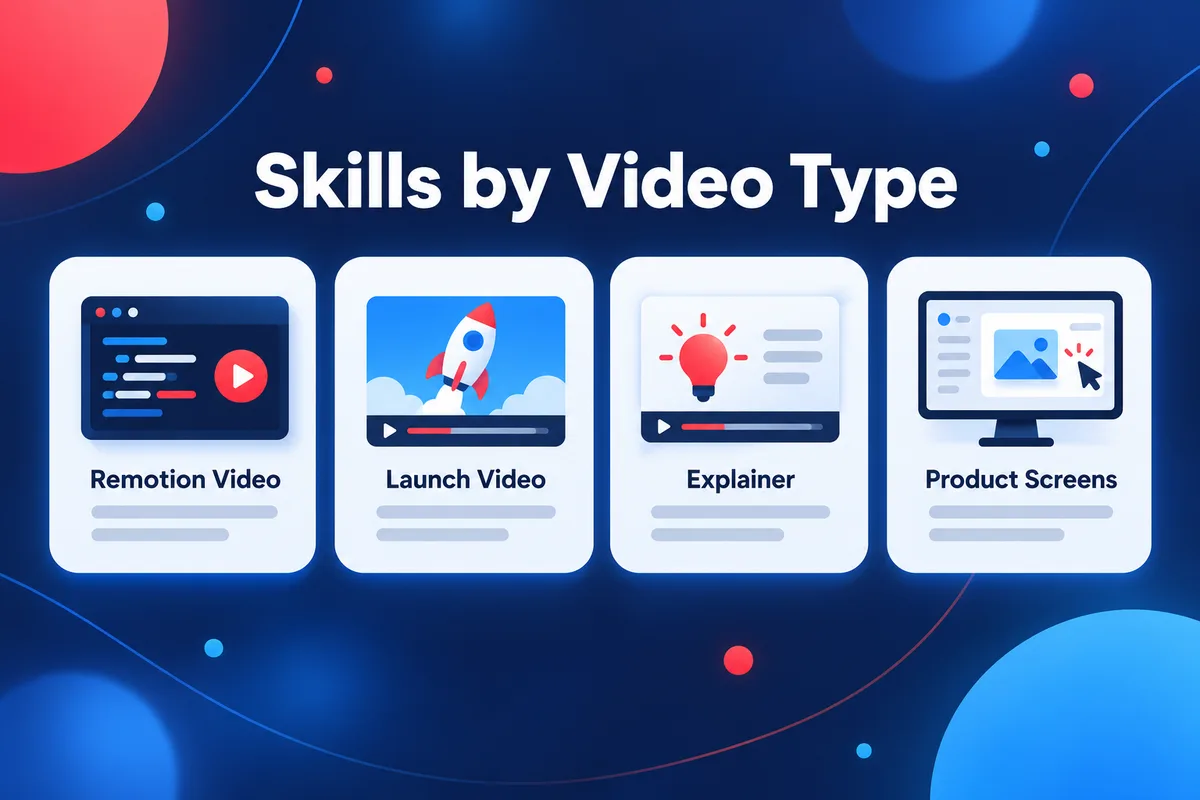
Claude Code skills by video type
The table groups the skills this guide covers by the job they do. Each one links to its page, where the author, agents, keys and outputs are listed. Details are as shown on 2026-10-12 and can change when an author updates a skill.
Job
Skill
Author
Runs in
Needs
Output
Remotion output
Remotion Director
Zane-0x5a
Claude Code, Codex
None
MP4
Remotion output
Remotion Video Director
BayramAnnakov
Claude Code
Narration service key
MP4
Remotion output
Apple Motion
IskakovDamir
Claude Code
None
MP4, audio
Launch video
Product Launch Video Skill
memex-lab
Claude Code
None
MP4
Launch video
Remotion Ad Video Skill
leosssvip-dot
Claude Code, Codex, Cursor
None
MP4, editable HTML, PNG stills
Explainer, hand-drawn
Hand Drawn Explainer Video Nikola
hi-nikola
Claude Code, Codex
Narration service key
MP4, editable HTML, SRT subtitles
Explainer, hand-drawn
Claude Animation Skill
buildwithhanif
Claude Code
None
MP4, audio
Explainer, hand-drawn
Manim Skill
adithya-s-k
Claude Code, Cursor
None
Video
Product interface
Onboarding Video Generator
gorkem-bwl
Claude Code
None
MP4, WebM
Product interface
Guizang Product Video Skill
op7418
Claude Code, Codex
None
MP4, editable HTML, audio
Product interface
Appshot
trunghaiy
Claude Code, Codex
None
MP4
Skills for Remotion output
Remotion turns a video into React components that draw one frame at a time, so a skill that knows Remotion's conventions saves an agent from guessing timing and layout. Start with the official skills above, then add one of these for a particular style of work.
Remotion Director by Zane-0x5a runs in Claude Code and Codex, needs no extra key, and outputs MP4. Its page describes a design-and-build pipeline: from a brief, it first lists several directions that differ at the idea level, renders a first full cut of each, lets you pick the most promising base, and then runs a critic loop on the picked one. The default frame is vertical 1080×1920, with landscape and square also supported. It suits someone who wants options to look at before committing, and accepts more model usage for the design phase.
Remotion Video Director by BayramAnnakov runs in Claude Code and outputs MP4. It is an interactive guide that walks from strategic concept to a rendered video: expert deliberation, scenario design, build and review. Its description says it works alongside the official remotion-dev/skills. It needs an API key for a narration service, so it expects one you set up and pay for yourself.
Apple Motion by IskakovDamir runs in Claude Code and outputs MP4 and audio. It writes Remotion videos in the style of short, upbeat recap videos, with pacing, kinetic typography, springs and easing, transitions, device and interface shots, music and loudness settings. The author says the numbers come from measuring six recaps frame by frame. Pick it for a keynote-recap rhythm, not a neutral house style.
Skills for launch and release videos
Launch videos have a stable shape: a hook, the product, three or four features, a close. Skills in this group encode that structure.
Product Launch Video Skill by memex-lab runs in Claude Code and outputs MP4. It designs and builds high-impact launch videos in Remotion, and its description says to use it for product launch videos, promo videos, demo videos, feature announcements and brand reveals, including storyboarding.
Remotion Ad Video Skill by leosssvip-dot runs in Claude Code, Codex and Cursor. It turns product links, app store listings, landing pages or product briefs into advertising videos with Remotion or HyperFrames projects. Its page lists MP4, editable HTML and PNG stills as outputs and describes storyboards, render checks and handoff assets. Choose it when the starting material is a page or a listing, not a blank brief.
Decide the delivery format before you pick: a launch film for a landing page is usually landscape, and the same story for a social feed is vertical. Say which in the brief, because a skill cannot guess where the video will play.
Skills for explainers and hand-drawn styles
Explainers rely on clear sequence and narration more than on spectacle. Hand-drawn styles add a visual signature: strokes, paper, ink.
Hand Drawn Explainer Video Nikola by hi-nikola runs in Claude Code and Codex and outputs MP4, editable HTML and SRT subtitles. It makes Chinese "narrate while drawing" whiteboard explainers, and offers two routes: a stroke-by-stroke whiteboard animation, or a programmatic route with HTML and SVG for flow cards and diagrams. It needs an API key for its default narration service, and its description says it needs FFmpeg, Node.js and a browser on your machine. It is Chinese-first, so check the page before using it for another language.
Claude Animation Skill by buildwithhanif runs in Claude Code, needs no extra key, and outputs MP4 and audio. It makes short hand-drawn 2D animations entirely in JavaScript, in a storybook or textured-editorial look with paper grain and hatching, rendered frame by frame with node canvas and ffmpeg, with synthesized sound. Its description is explicit about limits: it is not meant for interface micro-interactions, slide decks or talking-head editing.
Manim Skill by adithya-s-k runs in Claude Code and Cursor and is a pack of three skills for Manim, the library behind 3Blue1Brown-style math animations. Pick it when the explainer is about equations, graphs or geometry, where a diagram that builds step by step carries the lesson. For an explainer about a product or a process, a Remotion or hand-drawn skill is a closer match.
Whichever skill you pick, an explainer video holds together when it has one idea per scene, narration written before the visuals, and a close that tells the viewer what to do.
Skills for product screens and interface videos
When the video is meant to show software, the hard part is making real interfaces move without looking like a screen recording.
Onboarding Video Generator by gorkem-bwl runs in Claude Code and outputs MP4 and WebM. It produces short onboarding videos in Remotion by animating isolated pieces of an interface, cropped components and not full pages, from screenshots you supply. The default output is column-sized, meant to sit next to copy in a two-column block on a marketing page. Choose it for a feature clip embedded in a page.
Guizang Product Video Skill by op7418 runs in Claude Code and Codex and outputs MP4, editable HTML and audio. It generates a product-update promo from the product's own code repository: it reads recent commits, mounts the real interface components, storyboards scenes animated with GSAP, composes original music and sound effects, and renders with React, esbuild, Playwright and FFmpeg. It is a good fit for a changelog video made by the team that owns the code.
Appshot by trunghaiy runs in Claude Code and Codex and outputs MP4. It builds App Store and Google Play preview videos and screenshots from a TypeScript configuration, on Remotion, React and Tailwind, and ships as a pack of four skills. Use it when the destination is a store listing.
A note on design skills such as Taste Skill
Some popular skills are not video skills but improve the look of what an agent builds. Taste Skill, published on GitHub by Leonxlnx under an MIT license, is a set of Agent Skills for improving AI-built interfaces: layout, typography, motion and spacing. It has no video content, so treat it as a companion. If your video shows an interface that an agent designed, a design skill can raise the quality of the screens before a video skill animates them. The repository is in Sources; read its SKILL.md first, as with any skill.
A first run: from skill to rendered video
The steps are the same for most skills on this list.
Install the base. Add the official Remotion skills with npx skills add remotion-dev/skills if the skill uses Remotion, and make sure Node.js is installed. Some skills also need FFmpeg or a browser, which the skill page or SKILL.md states.
Install the skill. Copy the install prompt from its Potto page into your agent, or place the unpacked folder in ~/.claude/skills/.
Set any keys. If the page lists a key under Needs, set it in your agent's environment before you run the skill, as the skill pages instruct.
Write the brief. The same six items work for every skill: purpose, audience, where it plays and how long, facts that must appear, the order of ideas, and the last frame. The brief in Claude Motion alternatives explains each item.
Run the skill and review. Call it by name, read the storyboard the agent proposes before it writes code, and approve or edit. Then preview the project and render.
A brief that works across the launch skills looks like this:
Use the product-launch-video skill. Make a 30-second landscape launch video for a budgeting app. Audience: freelancers. Three features in this order: invoice reminders, expense tagging, tax summary. Facts that must appear: "12,000 freelancers" and "free for the first 3 invoices". Close on the app name and the line "Get paid on time". Show the storyboard before writing code.
The brief gives a length, a ratio, an audience, an order and exact numbers. Skills improve structure and craft, but they cannot know facts you did not supply.
What skills do not do
They do not render in the cloud. The agent builds a project on your computer, and rendering happens there, using the runtime the skill names.
They do not guarantee quality. The output depends on the model you run, the skill's author and your brief.
They cost whatever your agent costs. Potto charges nothing for skills, but your agent plan or API usage applies, and so does any narration key a skill requires.
They leave you a project to maintain. That is a benefit if you want the source, and a burden if you want one finished video.
To see what this kind of work looks like, browse the motion graphics videos gallery on Potto. Those pieces were made by independent creators with tools such as Claude Opus 5.5, each is credited to its original author, and none of them was generated by Potto.
If you do not want an agent or code
Skills suit people who already work in a terminal or code editor and want to own the project. If you only want a finished video, a no-code route is simpler, and Potto offers one next to its skills library. This is a separate product from the skills above and does not use them.
Potto is an AI video generator for narrated motion graphics. You describe a video, paste a public web link, or attach a document, and Potto produces a storyboard you can edit before anything is exported. Claude Opus 5.5 writes the outline, the scene-by-scene storyboard and the narration, and Potto renders the video with its own Remotion scene components. You never write or see code. The Claude video page explains how that relationship works, and AI motion graphics is the page where you can start a video from a description.
What you get:
Eleven scene types (hook, title, screenshot, features, list, stat, compare, chart, illustration, quote and a closing call to action), and 12 built-in styles plus brand kits for colors, fonts and your logo.
Narration in 32 languages or automatic language detection, captions shown by sentence, and an original soundtrack from Potto's music library.
Lengths of 15, 30, 45, 60 or 90 seconds, exported as a 1080p MP4 at 30 frames per second in 16:9, 9:16 or 1:1.
Inputs of a description, a public link, or documents (PDF, PPTX or DOCX, up to 20 MB each, up to 8 attachments), plus images such as product screenshots. The product demo video page turns screenshots into scenes.
Generation and the browser preview do not use credits; only export does, and current prices are on the pricing page.
What it does not do: it does not give you the code behind a video, it does not generate filmed footage or digital presenters, it does not edit videos you already have, and it has no public API. If you need source code, a custom visual style or an automated pipeline, use a skill. If you need a narrated explainer or launch video from existing material and no codebase to maintain, use Potto. This guide does not rank the two; they answer different needs.
FAQs
What is a Claude Code skill for video?
A Claude Code skill for video is a folder with a SKILL.md file, and sometimes scripts, that teaches a coding agent how to build one type of video, such as a Remotion launch film or a hand-drawn explainer. Claude loads the skill when your request matches its description, or when you type /skill-name. The agent still writes and renders the project on your computer.
How do I install a Claude Code skill?
Place the skill's folder, with SKILL.md inside, in ~/.claude/skills/<skill-name>/ for all your projects or .claude/skills/<skill-name>/ for one repository. On Potto, sign in and use Copy install prompt to have your agent do it, or download the ZIP. Claude Code picks up changes during a session, and /reload-skills covers a new top-level skills directory.
Are the skills on Potto free?
Yes. Every skill on Potto is free: sign in, then copy the install prompt or download the ZIP. Potto charges nothing for them. The skills run in your own agent with your own model, so your agent plan or API usage still applies, and a skill that lists a key under Needs, such as a narration key, uses an account you hold with that provider.
Who writes the skills, and are they made by Anthropic?
The skills are written by independent authors, and each page names the author. They are not made by Anthropic, and Potto has no official relationship with Anthropic. Potto collects and offers them. Because they are third-party code, open SKILL.md and any scripts before you run one, as Anthropic's documentation advises for skills from sources you did not create yourself.
Which Claude Code skill should I start with for a product launch video?
Start with Product Launch Video Skill if you want a Remotion launch film from a brief, since it needs no extra key and runs in Claude Code. Choose Remotion Ad Video Skill if you are starting from a landing page or store listing, and Guizang Product Video Skill if the video should use your product's real interface from your own repository.
Is Potto the same as Claude Code?
No. Claude Code is Anthropic's coding agent. Potto is an independent product with no official relationship with Anthropic. Potto offers a free library of third-party skills that run in your own agent, and it also has its own video generator that uses Claude Opus 5.5 to write the outline, storyboard and narration and Remotion to render the MP4.
Sources
All sources were checked on 2026-10-12.
Anthropic, Claude Code documentation, Extend Claude with skills. Used for the definition of a skill, where skills are stored, automatic and /skill-name invocation, /reload-skills, supporting files, and the note that Claude Code skills follow the Agent Skills standard.
Anthropic, Agent Skills overview. Used for progressive disclosure (metadata, instructions, resources), the SKILL.md structure, and the security guidance to use skills from trusted sources and audit them.
Remotion documentation, Agent Skills. Used for what the official skills are, the supported agents and the npx skills add remotion-dev/skills command.
Potto, the Skills page and the skill detail pages linked above. Used for each skill's author, agents, required keys, outputs and description, and for the install and download steps. Details as shown on 2026-10-12.
GitHub, Leonxlnx/taste-skill. Used for the description of Taste Skill as Agent Skills for improving AI-built interfaces, and for its MIT license.
Potto AI
Make your next launch video.
Take what sparked your interest and turn it into a video or an image of your own. Bring screenshots, a topic or a prompt.