 Motion graphics
Claude Motion Alternatives for Animated Videos
Claude Motion alternatives compared by checkable facts: write Remotion code, use a coding agent with Remotion skills, or use a no-code tool like Potto.
Making product launch videos, explainers and AI images with Potto AI: practical guides, examples and ideas for your next launch.
Take what sparked your interest and turn it into a video or an image of your own. Bring screenshots, a topic or a prompt.
Motion graphicsClaude Motion alternatives compared by checkable facts: write Remotion code, use a coding agent with Remotion skills, or use a no-code tool like Potto.
 Explainer videos
Twelve explainer video examples from Potto's own samples, each broken down by use, length, aspect ratio, scene order and the structure you can borrow.
 AI images
Nano Banana 2.1 API facts from Google's docs: model ID gemini-nano-banana-2.1, request fields, 1K/2K/4K sizes, 14 references, prices and limits.
 Motion graphics
Claude Motion is Anthropic's animation tool for Claude. Here is what it makes, who can use it, how Remotion fits in, and how it differs from Potto.
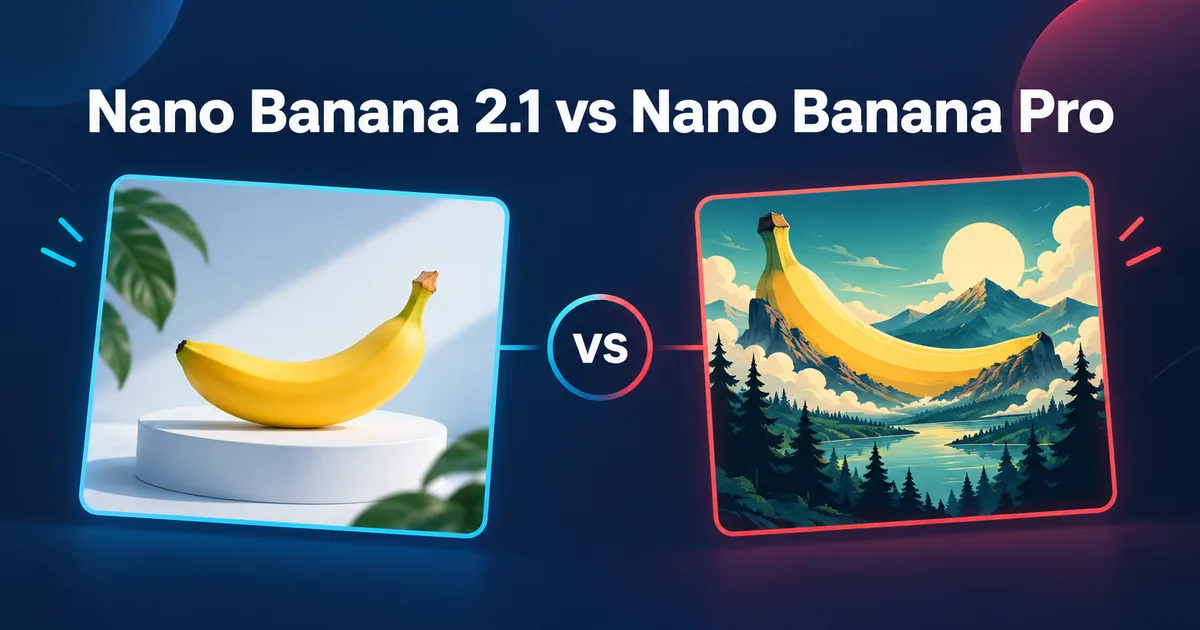 AI images
Nano Banana 2.1 vs Nano Banana Pro compared on resolution, references, text, official API prices and Potto credits, with advice on which to use for each job.
 Explainer videos
What an explainer video is, the main types, a four-part script structure, real examples, what they cost and how to make one yourself or with a company.
Updated
The Potto AI blog covers AI video creation from first idea to finished MP4: product launch videos, explainer videos, motion graphics, and Claude and Remotion animation. It also covers AI images, from Nano Banana models to image generation and editing. Each article is a practical tutorial or explainer you can apply to your next video.
It covers AI video creation and AI images: how to plan and script product launch videos and explainers, how motion graphics and code-based animation with Claude and Remotion work, and how to choose and prompt image models such as Nano Banana for product shots, posters and edits.
Open the AI video generator, describe your video in one sentence or add a link, screenshots or a document, and Potto AI drafts the outline, storyboard and narration. You preview the scenes and edit any of them without using credits, and credits are charged when you export the MP4; your balance must cover the length you choose at 5 credits per second before you start. New accounts get 100 credits, enough to start a 15-second video.