
Premium00
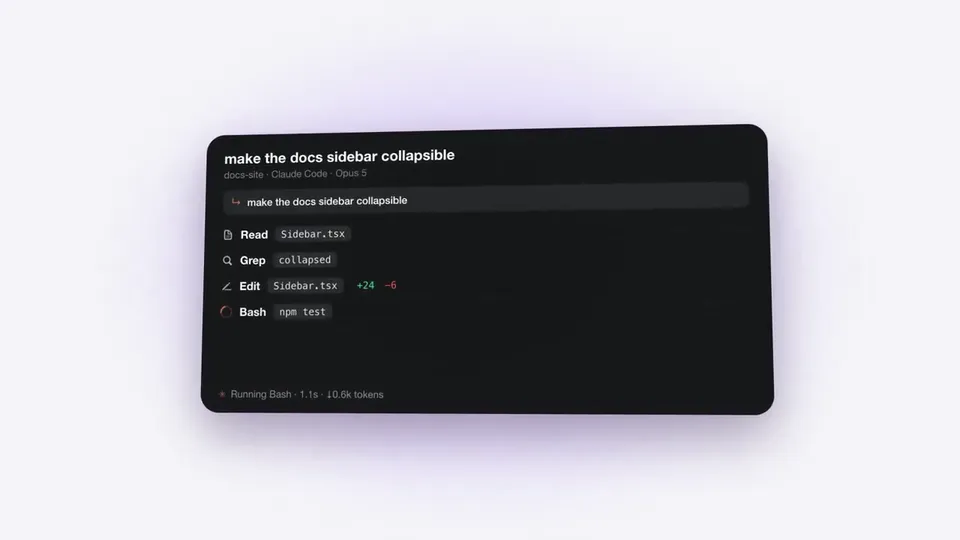
వీడియో 1 / 1A 40-second brand launch ad
వీడియో పేజీని తెరవండి
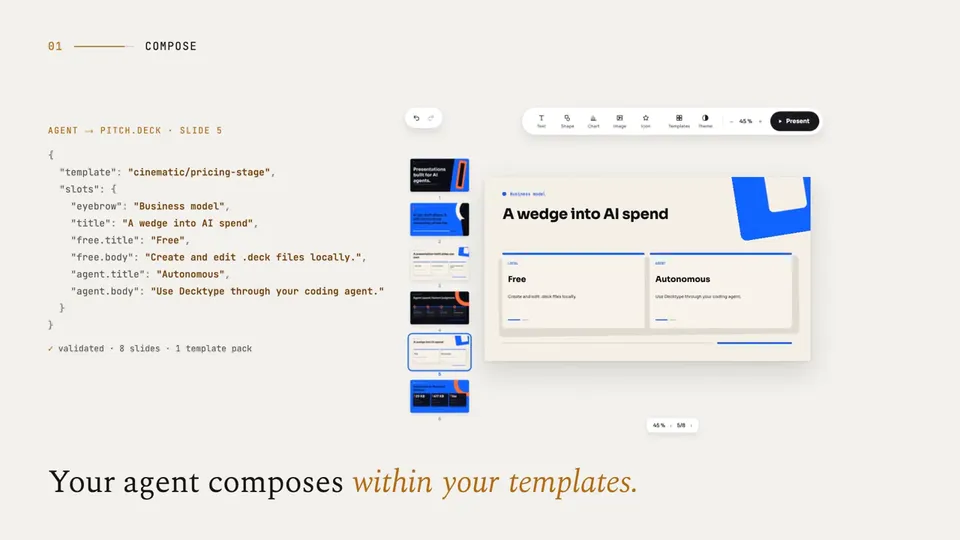
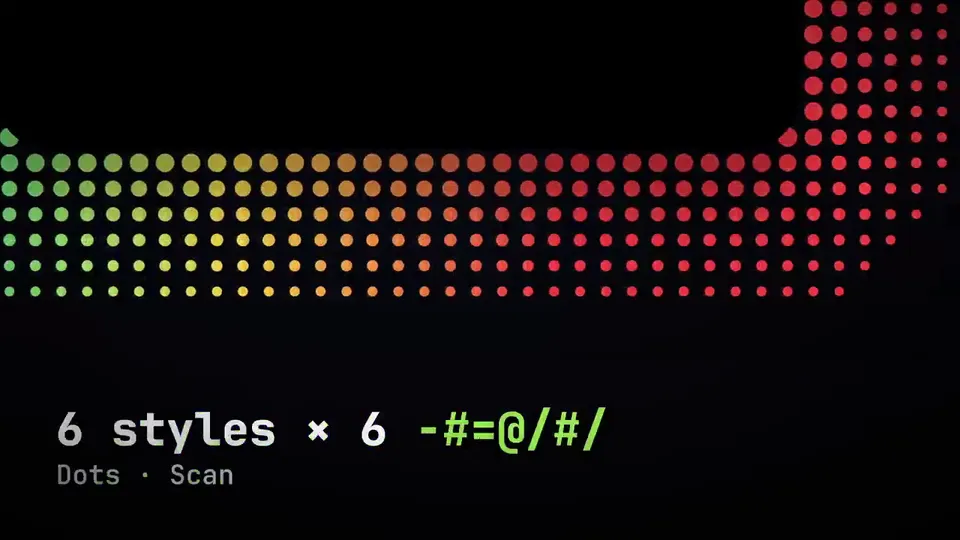
ఏఐ వీడియోలు మరియు ఏఐ ఇమేజ్లకు ఒకే క్రెడిట్ బ్యాలెన్స్. నెలవారీ లేదా వార్షికంగా సబ్స్క్రైబ్ చేయండి, లేదా ఒకసారి క్రెడిట్ ప్యాక్ కొనండి.
ఒకసారి చెల్లించండి · సబ్స్క్రిప్షన్ లేదు
ప్యాక్లో వీడియోలు
ఒకసారి చెల్లించండి · సబ్స్క్రిప్షన్ లేదు
ప్యాక్లో వీడియోలు
ఒకసారి చెల్లించండి · సబ్స్క్రిప్షన్ లేదు
ప్యాక్లో వీడియోలు
నెలవారీ బిల్
నెలకు వీడియోలు
నెలవారీ బిల్
నెలకు వీడియోలు
నెలవారీ బిల్
నెలకు వీడియోలు
వార్షిక బిల్ · $240 → $192/సంవత్సరం
నెలకు వీడియోలు
వార్షిక బిల్ · $600 → $480/సంవత్సరం
నెలకు వీడియోలు
వార్షిక బిల్ · $1,200 → $960/సంవత్సరం
నెలకు వీడియోలు
Videos use credits when you export, and starting one needs a balance that covers its export. Counts assume a 30-second product demo and a 60-second explainer with narration and 3 illustrations.
Floating Island Launch Ad ఏం చేస్తుంది, ఏ ఏజెంట్లలో నడుస్తుంది, ఏ కీలు అవసరం, ఎలా ఇన్స్టాల్ చేయాలో తెలుసుకోండి.
లాంచ్ వీడియోలను రూపొందించడానికి Potto తయారు చేసిన ఏజెంట్ స్కిల్ Floating Island Launch Ad. Create 40-second launch films for macOS menu bar, notch, and floating-panel developer tools.
Floating Island Launch Ad ఒక Premium స్కిల్. ఏ చెల్లింపు Potto ప్లాన్లోనైనా (Lite, Pro లేదా Max) లభిస్తుంది, లేదా ఒకసారి $5 చెల్లించి శాశ్వతంగా పొందవచ్చు.
Floating Island Launch Ad స్కిల్ ఇంగ్లీష్లో రాయబడింది. మీరు ఇచ్చే ఏ భాషలోనైనా తెరపై వచనాన్ని రూపొందిస్తుంది.
Floating Island Launch Ad అనేది Remotion ఆధారంగా పనిచేస్తుంది. నడపడానికి ముందు Bun, Python 3 మరియు FFmpeg ఇన్స్టాల్ చేయండి.
Floating Island Launch Ad MP4 తయారు చేస్తుంది.
Floating Island Launch Ad Claude Code మరియు Codex లో నడుస్తుంది, లేదా SKILL.md చదివే ఇతర agent లో.
వద్దు. Floating Island Launch Ad అదనపు API కీ లేకుండా పని చేస్తుంది.
ఈ పేజీ నుంచి Floating Island Launch Ad ఇన్స్టాల్ ప్రాంప్ట్ను కాపీ చేసి మీ ఏజెంట్లో అతికించండి, లేదా దాని ZIP డౌన్లోడ్ చేయండి.
Floating Island Launch Ad ను Potto గ్యాలరీలో 1 వీడియో తయారు చేయడానికి ఉపయోగించారు, ఉదాహరణకు A 40-second brand launch ad.
Potto లో Floating Island Launch Ad v1.0.0 ఉంది, 21 అక్టో, 2026 న అప్డేట్ అయింది. తాజా వెర్షన్ కోసం ఇన్స్టాల్ ప్రాంప్ట్ మళ్లీ కాపీ చేయండి.