- 时长与比例
- 0:27
- 16:9
- 制作工具
- Canvas
- SVG
- GSAP
- AI image
提示词
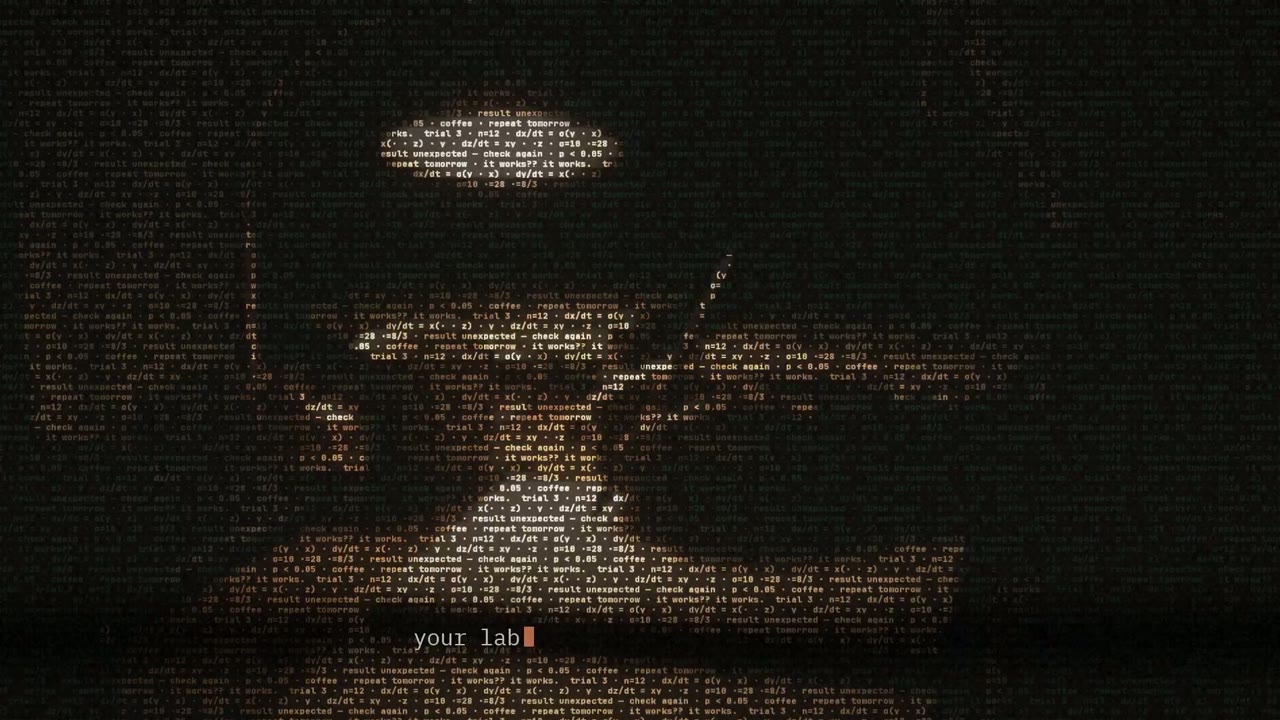
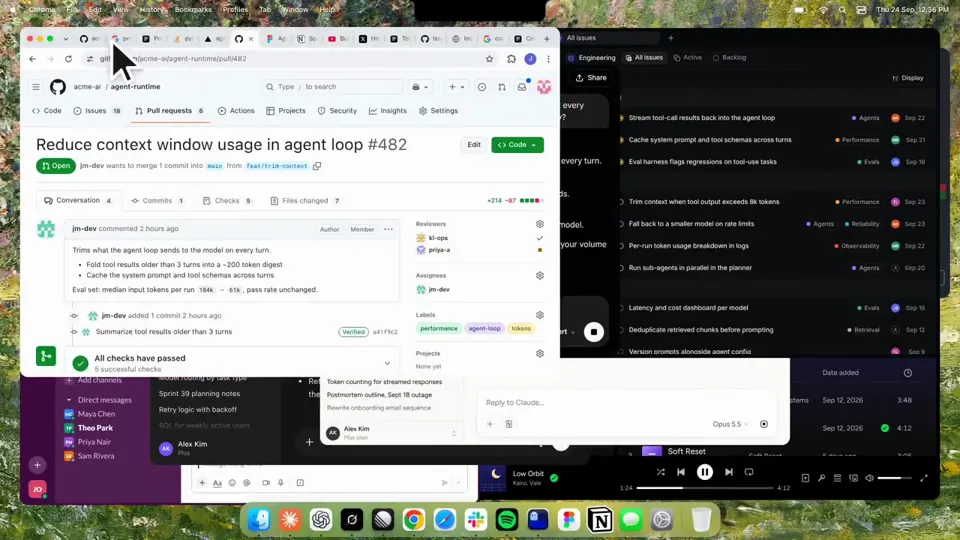
Using HyperFrames, make a hype teaser for the product in this post - [link]. Landscape, around 27 seconds. Match the product UI, wallpaper and copy from the post's video Motion should feel slow and polished - one continuous camera over one Mac desktop, no hard cuts. Camera pushes, pulls and pans run like 1.5 to 3 seconds on gentle ease-in-out curves, nothing snappy - aim for half the speed you'd default to. Add motion blur on fast moves and a light film grain finish. Use an oversized macOS cursor. No audio. All on-screen copy lowercase like the post. 1. Open on a big centered line - "in the AI era, the hard part is" - entering word by word from the right with an orange colorama text wipe over it (the `colorama-wipe` registry component). Hold it about a second, then scale it down into place above a spinning list. 2. The list rotates through 30 hard things about working in the AI era - spending tokens wisely, picking the right model, managing context windows, etc - each with a real app icon. Go fast, it's not meant to be read, then land slowly on "managing your desktop". 0.2s after it lands a question mark pops on after it. 3. Pull the camera back to reveal the Mac desktop as windows pile in on top of each other, arriving from behind the camera - Claude, ChatGPT, Grok, Linear, Chrome, Spotify, Slack and Claude Code in a terminal. Build these as accurate recreations of the real apps with real icons. 4. Push back in so the windows fly past the camera, back to text - "don't make your browser / one of them". 5. Pan up to a really tight framing of just the notch and the top of the wallpaper. A cursor comes up and hovers - the notch morphs into a pill with the name "NotchBrowser", then opens into the browser panel exactly like in the video. 6. Click through the tabs like the video does, then click the collapse chevron so the panel retracts into the notch. 7. End on a checklist of the post's claims with rings and ticks drawing on
更多类似视频
查看全部
选择你的方案
同一份积分余额,可用于 AI 视频和 AI 图片。按月或按年订阅,或一次性购买积分包。
2,000 积分
US$20一次性
一次付清 · 不用订阅
每包视频数
30 秒产品演示13 个视频
60 秒讲解视频5 个视频
- 2,000 积分,一次性到账
- 最多 86 张快速出图
- 不添加 Potto 水印
- 视频和图片工具共用
5,000 积分
US$50一次性
一次付清 · 不用订阅
每包视频数
30 秒产品演示33 个视频
60 秒讲解视频13 个视频
- 5,000 积分,一次性到账
- 最多 217 张快速出图
- 不添加 Potto 水印
- 视频和图片工具共用
15,000 积分
US$100一次性
一次付清 · 不用订阅
每包视频数
30 秒产品演示100 个视频
60 秒讲解视频40 个视频
- 15,000 积分,一次性到账
- 最多 652 张快速出图
- 不添加 Potto 水印
- 视频和图片工具共用
Lite
选择 LiteUS$20/月按月计费
每月视频条数
30 秒产品演示13 个视频60 秒讲解视频5 个视频- 每月 2,000 积分
- 最多 86 张快速出图
- 标准队列
- 不添加 Potto 水印
- AI 工具批量处理
- 不列入公开图库
Pro
选择 ProUS$50/月按月计费
每月视频条数
30 秒产品演示33 个视频60 秒讲解视频13 个视频- 每月 5,000 积分
- 最多 217 张快速出图
- 优先排队
- 不添加 Potto 水印
- AI 工具批量处理
- 不列入公开图库
- 推荐
Max
选择 MaxUS$100/月按月计费
每月视频条数
30 秒产品演示100 个视频60 秒讲解视频40 个视频- 每月 15,000 积分
- 最多 652 张快速出图
- 最高优先排队
- 不添加 Potto 水印
- AI 工具批量处理
- 不列入公开图库
Lite
-20%选择 LiteUS$20US$16/月按年计费 · US$240 → US$192/年
每月视频条数
30 秒产品演示13 个视频60 秒讲解视频5 个视频- 每月 2,000 积分
- 最多 86 张快速出图
- 标准队列
- 不添加 Potto 水印
- AI 工具批量处理
- 不列入公开图库
Pro
-20%选择 ProUS$50US$40/月按年计费 · US$600 → US$480/年
每月视频条数
30 秒产品演示33 个视频60 秒讲解视频13 个视频- 每月 5,000 积分
- 最多 217 张快速出图
- 优先排队
- 不添加 Potto 水印
- AI 工具批量处理
- 不列入公开图库
- 推荐
Max
-20%选择 MaxUS$100US$80/月按年计费 · US$1,200 → US$960/年
每月视频条数
30 秒产品演示100 个视频60 秒讲解视频40 个视频- 每月 15,000 积分
- 最多 652 张快速出图
- 最高优先排队
- 不添加 Potto 水印
- AI 工具批量处理
- 不列入公开图库
Videos use credits when you export, and starting one needs a balance that covers its export. Counts assume a 30-second product demo and a 60-second explainer with narration and 3 illustrations.
Kinetic text teaser for a notch-dwelling browser app 常见问题
Kinetic text teaser for a notch-dwelling browser app 的制作方式、提示词内容,以及如何用 Potto 做出同类的 动态文字 视频。
Kinetic text teaser for a notch-dwelling browser app 是什么?
Kinetic text teaser for a notch-dwelling browser app 是 jake11moran 制作的 动态文字 动态图形视频。 A 27-second kinetic text teaser for a notch-dwelling browser app, built with canvas, SVG, GSAP and AI imagery.
Kinetic text teaser for a notch-dwelling browser app 是怎么制作的?
Kinetic text teaser for a notch-dwelling browser app 使用 Canvas、SVG、GSAP和AI image 制作,属于 Potto 上 动态文字 分类的 AI 动画视频。
可以查看 Kinetic text teaser for a notch-dwelling browser app 的提示词吗?
可以。本页有 Kinetic text teaser for a notch-dwelling browser app 的完整提示词。你可以复制,或点击「使用此提示词」,在 Potto 工作台中打开。
Kinetic text teaser for a notch-dwelling browser app 有多长,画面比例是多少?
Kinetic text teaser for a notch-dwelling browser app 时长为 0:27,画幅为 16:9。
我能用 Potto 做出像 Kinetic text teaser for a notch-dwelling browser app 这样的 动态文字 视频吗?
可以。点击「使用此提示词」,把 Kinetic text teaser for a notch-dwelling browser app 的提示词载入 Potto 工作台。Potto 会渲染自己的版本,导出前你可以修改文字和风格。
制作 Kinetic text teaser for a notch-dwelling browser app 用的是哪个 agent 技能?
Kinetic text teaser for a notch-dwelling browser app 使用 Hyperframes 技能制作。登录后点击「查看技能」,即可免费安装到 Claude Code、Codex 或 Cursor。
在哪里观看 Kinetic text teaser for a notch-dwelling browser app 的原片?
Kinetic text teaser for a notch-dwelling browser app 最初由创作者发布。点击「查看原片」,即可在新标签页打开该帖。
在哪里可以找到更多像 Kinetic text teaser for a notch-dwelling browser app 这样的 动态文字 视频?
在 Potto 上浏览 动态文字 合集:85 支视频,每支都附有提示词、规格和来源。