Intro & Outro
YouTube intro, bold type · 0:10
Make a YouTube intro or outro in 5, 10 or 15 seconds. Start from a YouTube intro template or one line about your channel, add your logo and tagline, and export an MP4, a transparent video or a GIF.
Channel intros, podcast openers and outros made with Potto. Play one, then open it as a template and put in your own channel name.
6 টেমপ্লেট — Intro & Outro
Intro & Outro
YouTube intro, bold type · 0:10
Intro & Outro
Vertical series opener · 0:05
Intro & Outro
Subscribe and next video · 0:10
Intro & Outro
Square course end card · 0:05
Intro & Outro
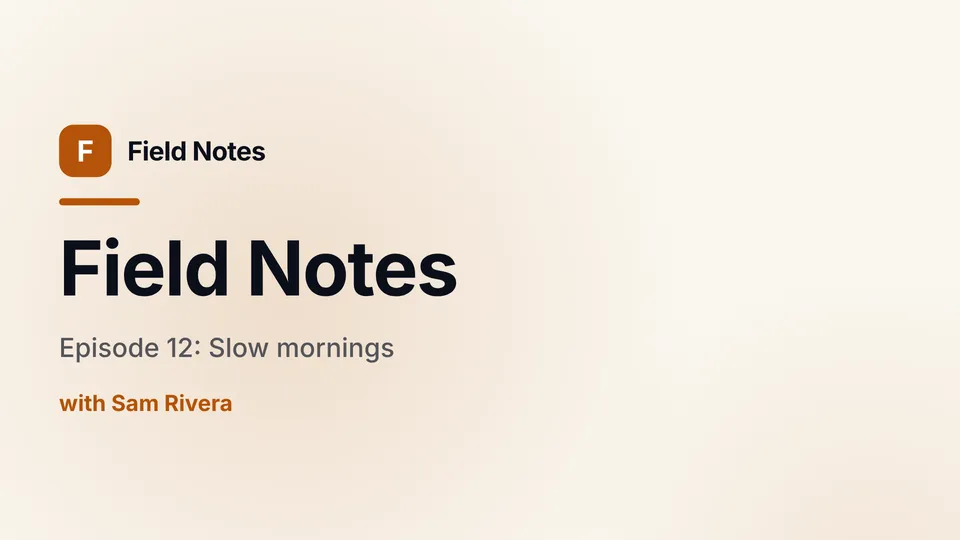
Show, episode and host · 0:05

Intro & Outro
Logo, offer and URL · 0:05
A YouTube intro is a short branded clip at the start of a video that shows the channel name, logo or show title before the content begins. Most YouTube intros last 3 to 10 seconds, so they introduce the channel without delaying the video.
A YouTube outro is the closing clip of a video that thanks the viewer, repeats the channel name and makes room for a subscribe prompt or a link to the next video. Outros often run 10 to 20 seconds so YouTube end screen elements have time to appear, and Potto works as a YouTube outro maker with the same templates as your intro.
A YouTube intro maker is a tool that turns your channel name, logo and a short description into a finished intro clip without editing it frame by frame. Potto's YouTube intro maker uses AI to plan the motion from your brief or from a YouTube intro template, renders a preview and revises it when you ask.
Open a YouTube intro template in the YouTube intro maker on this page, choose Use this template, and replace the channel name, logo and tagline with your own. Ask for changes in the chat, such as a different color or a faster title, then export when the preview looks right.
A YouTube intro should usually be 5 to 10 seconds so viewers reach the content quickly. Potto makes intros and outros of 5, 10 or 15 seconds, starting at 10 seconds in 16:9.
The YouTube intro maker needs only your channel or brand name; a logo and a tagline are optional. Upload the logo as an SVG to have it drawn stroke by stroke, or as a PNG, JPEG or WebP for wipes, scale-ins and light sweeps.
You can export an intro or outro as an MP4, as a transparent WebM or MOV to place over your own footage, or as a GIF. Transparent files have no sound, and GIFs are made at 720 pixels on the short side.
Yes. Switch the ratio to 9:16 and keep the intro at 5 seconds, because Shorts viewers decide quickly whether to keep watching. The same channel name, logo and colors carry over from your 16:9 intro.
A YouTube intro comes with music but no voiceover or captions: Potto picks a track from its music library to match the style, and you can swap it or choose None. Turn on a voiceover when you create the video if the intro should speak; transparent WebM and MOV exports have no sound.
A YouTube intro or outro costs credits only when you export it: 25 credits for 5 seconds, 50 for 10 seconds and 75 for 15 seconds. MP4, transparent WebM or MOV, and GIF cost the same, and a voiceover adds a few credits based on its length.
Open the YouTube intro maker, pick a template or describe your channel in one line, add your logo, then use the YouTube outro maker for the closing clip and preview both before you spend any credits. You only pay when you export.