Ten artykuł nie jest jeszcze dostępny w tym języku. Czytasz wersję angielską.
Motion Graphics Examples: AI-Assisted Videos Sorted by What They Do
Autor: Potto AI Team·
Motion graphics examples sorted by job: launch films, product screens, kinetic type, data stories, explainers and logo reveals, each from a credited creator.
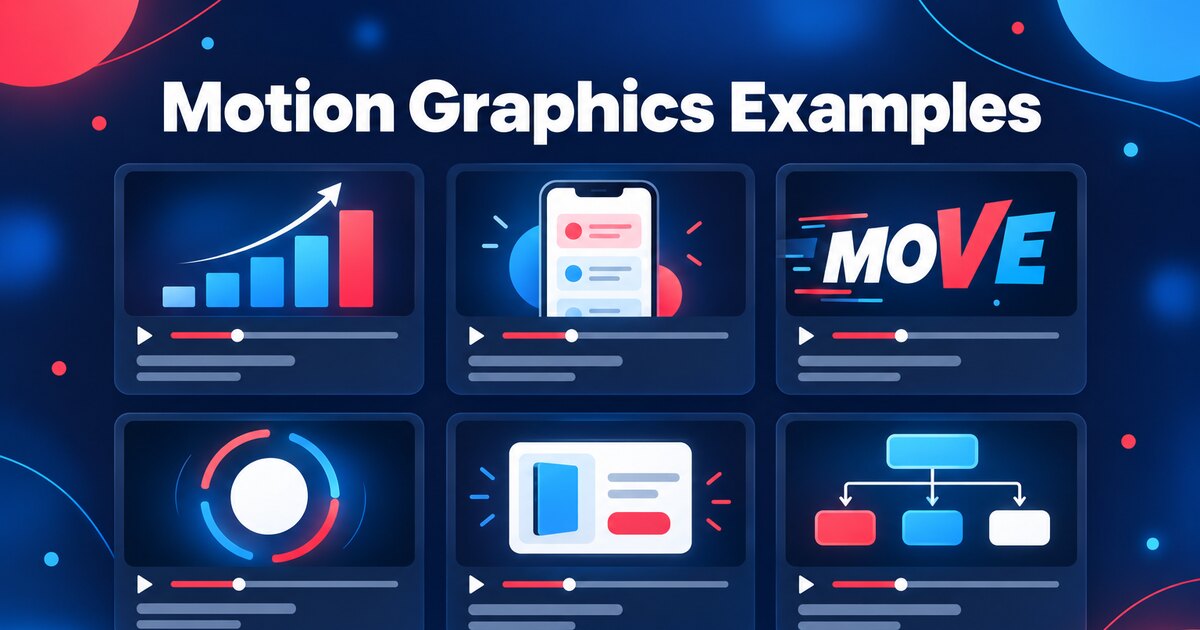
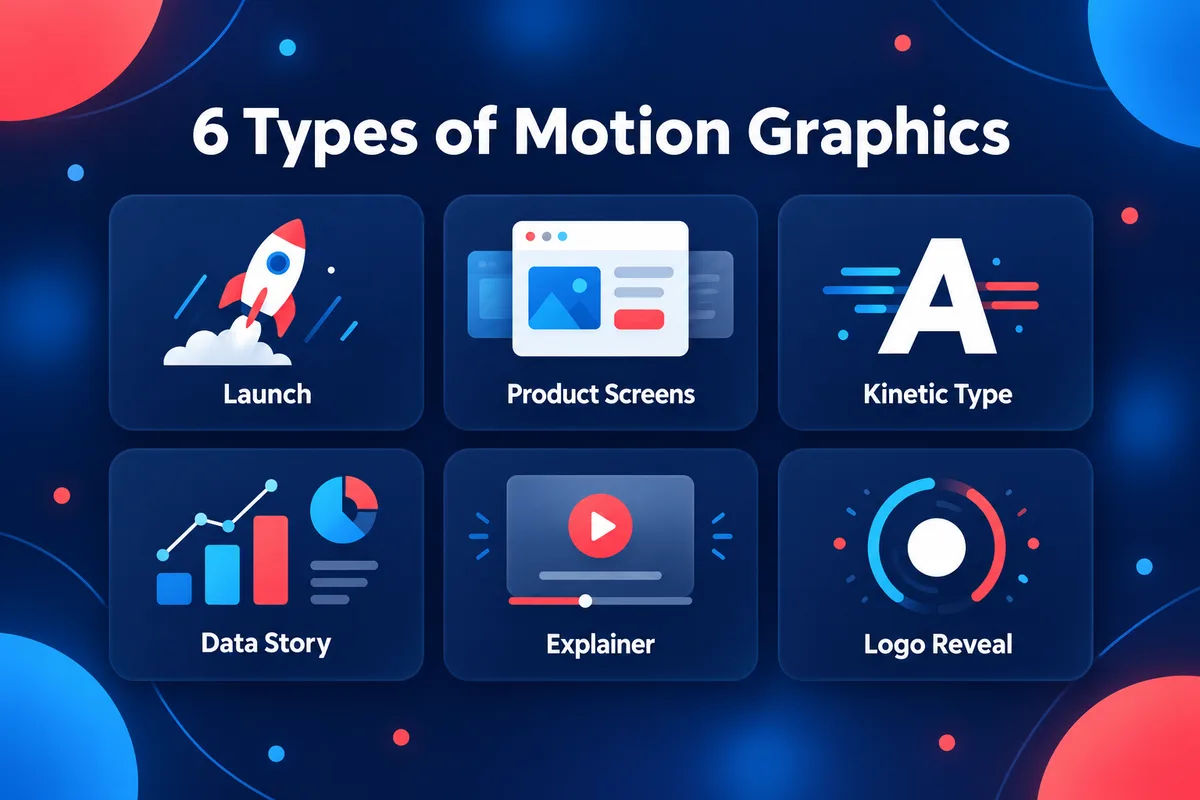
The most useful motion graphics examples are sorted by the job the video does, not by visual style: a launch film, an animated product screen, a kinetic type reel, a data story, an explainer or a logo reveal. Each job has its own length, its own ratio and its own order of ideas, so a "good example" only helps if it is the right kind of example. This guide picks 21 motion graphics examples from the library of AI motion graphics videos on Potto, sorts them into those six jobs, and lists for each one the author, length, aspect ratio and what to watch for.
One thing first: none of these videos was made by Potto. They were made and published by independent creators, who are credited by their X handles below. Potto collects them so you can watch them, read the prompt where the author shared one, and start your own video from the idea. The descriptions use only each video's title and the details on its page (author, category, length, ratio, tools), because the goal is to help you choose what to study, not to review other people's work. Everything about Potto's own tool comes from the product as it works today.
What counts as motion graphics
Motion graphics are graphic design set in motion: text, shapes, icons, charts and images that move to explain something, announce something or give a brand a look. Adobe's guide to motion graphics defines them as "graphics with movement" and calls them "shorter pieces of animation that entertain or impart information", in contrast to full-length animated films with characters and a plot. Wikipedia's article on motion graphic design says motion design is typically associated with setting abstract objects, text and other graphic design elements in motion.
Between them, the two sources name the places the work shows up: opening credits for film and television, broadcast and news graphics, advertising and branding, animated typography, user interface design, and explainer and promotional videos. That list is organized by industry. This guide organizes by task instead, because when you are making a video the question is "what am I trying to get across?" rather than "which industry is this?" The six jobs below map to the categories used by the library and cover most of what a business or a creator actually needs.
Job
What it does
Typical question it answers
Launch
Announces a product or release
Potto AI
Zrób swój następny film premierowy.
Weź to, co Cię zainteresowało, i zamień w swój film lub obraz. Przynieś zrzuty ekranu, temat lub prompt.
What is new and why should I care?
Product screens
Animates an interface
How does this product look and work?
Kinetic type
Moves words as the main visual
What is the line I should remember?
Data story
Makes a number or a trend land
What changed, and by how much?
Explainer
Teaches an idea in steps
How does this work?
Logo animation
Reveals a brand mark
Who made this?
How the 21 examples were chosen
The library is large and keeps growing, so this guide does not quote totals; the page always shows the current numbers. To pick examples, the guide used four filters. Each work must have a credited author, a recorded length and aspect ratio, a working video, and a title that says what the video is about. Within each job, it favored works that vary in length, ratio and tools, so you see the range rather than one repeated pattern.
Two facts about the whole library are worth knowing before the examples. These come from the library's records as checked on 2026-10-12, and they will drift as works are added:
Most works are 16:9. About four in five works are 16:9, roughly one in eight is 9:16 and the rest are 1:1. Every job below follows the same skew, which matches where people watch: websites, presentations and X.
Length depends on the job. The median length is about 9 seconds for logo animation, 15 for kinetic type, 30 for launch, 35 for data story, 36 for product screens and 60 for explainer. The per-job medians appear in each section.
The 21 works appear in their own sections below, each linked to its page, where you can play it. For every work the guide gives the author's X handle, the length, the ratio, the tools where the page lists them, and whether the author shared the prompt. "Prompt shared" means the author published the prompt on the work's page, so you can read it before you decide to reuse it.
Launch film examples
A launch film announces something and asks the viewer to remember one thing: the name. Among the library's launch videos, the median length is 30 seconds, and about half are 30 seconds or shorter. The category is also the one with the widest spread of ratios, with roughly one in five in 9:16 for phones.
Reddit marketing tool launch video by @anthonyriera runs 52.8 seconds in 16:9. The page lists Remotion as the tool, the same renderer Potto uses, which makes it a useful reference for what a code-built launch film can hold at close to a minute.
TypingMind showreel announces team features by @ann_nnng is 15.0 seconds in 16:9, built on canvas, and the author shared the prompt. Its title names the content, team features, and its form, a showreel.
CodePilot promo floats 17 model-provider logos by @op7418 runs 50.0 seconds in 16:9. The title is a precise brief in itself: one repeated visual device, 17 logos, on a 50-second clock.
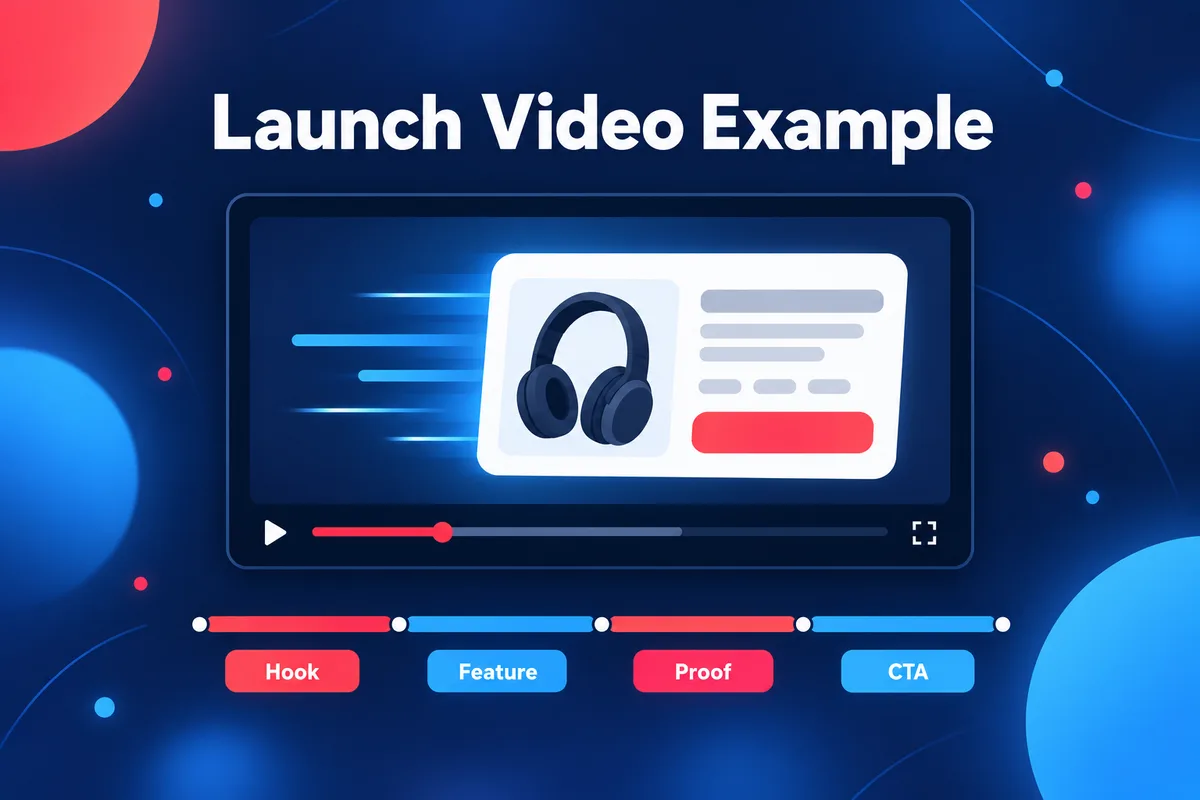
What to watch for. Play a launch film once with the sound off and note the second at which the product name first appears. Then count how many separate claims the film makes. The examples above suggest a rule that holds across the category: the shorter the film, the fewer the claims. A 15-second film carries one idea and a name; a 50-second film has room for a problem, a few features and a closing line.
Borrow it with Potto. Potto's product video maker builds launch films from a description or a link. A brief that works well names the audience, the length and the beats:
Launch film for a fictional budgeting app called Ledgerly, 30 seconds, 16:9. Open with the problem of tracking spending in spreadsheets, show three features, end on the app name and a call to action.
Product screen examples
Product screens animation shows an interface doing something: a list sorts itself, a dashboard fills, a phone walks through a flow. The category's median length is 36 seconds, but the middle half of works runs from about 24 to about 67 seconds, so it is the most varied of the six. It is also where the 9:16 and 1:1 examples are most useful, since app flows are often shown on phones.
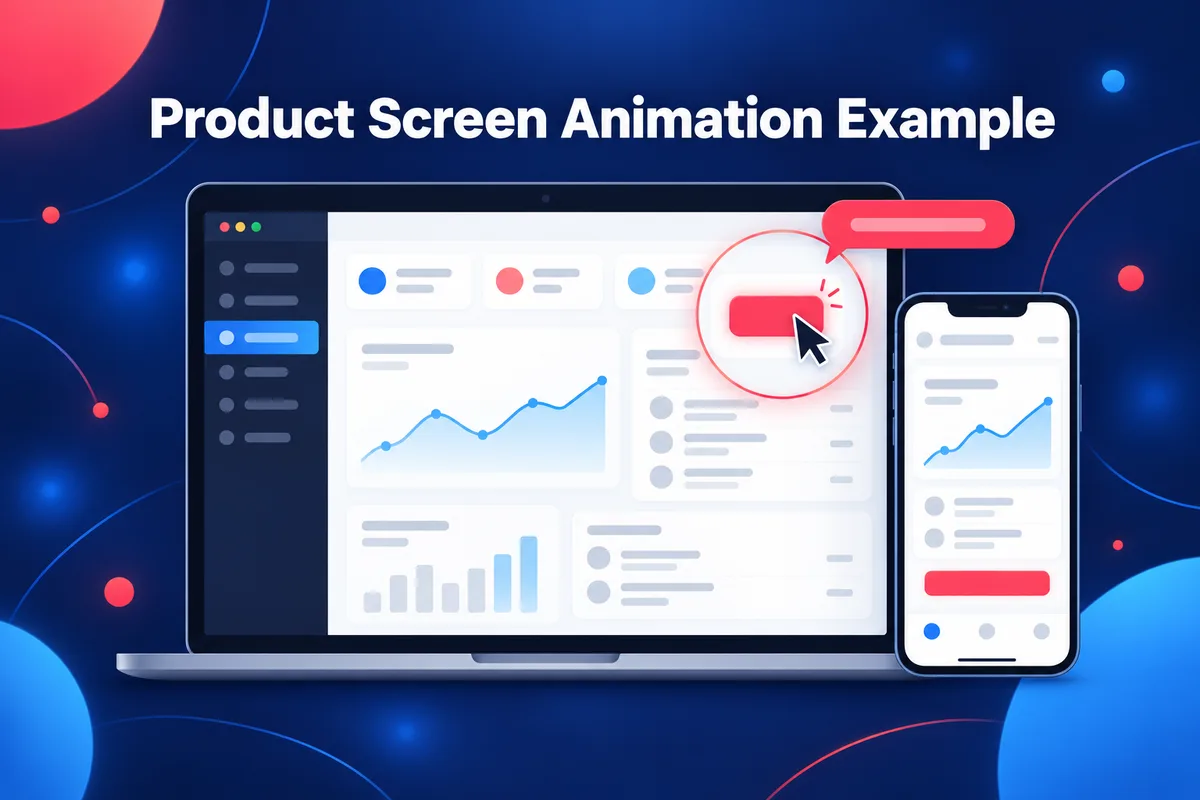
What to watch for. Pause on the first frame that shows the interface and ask what the viewer is meant to look at. Then look at how long each state stays on screen. Product screen animation fails when the screen changes before the eye has found the change, which is why the shortest examples here show one transformation and the longer ones group their states into steps.
Borrow it with Potto. A product demo video starts from screenshots you upload, up to eight images, documents or audio files per project. Screenshot scenes zoom in and follow a cursor path, and each scene can carry a caption, so the usual brief is a list of steps:
Product demo for a fictional invoicing app, 30 seconds, 16:9. Use my three screenshots: create an invoice, send it, see it paid. One short caption per screenshot, closing on the app name.
Kinetic type examples
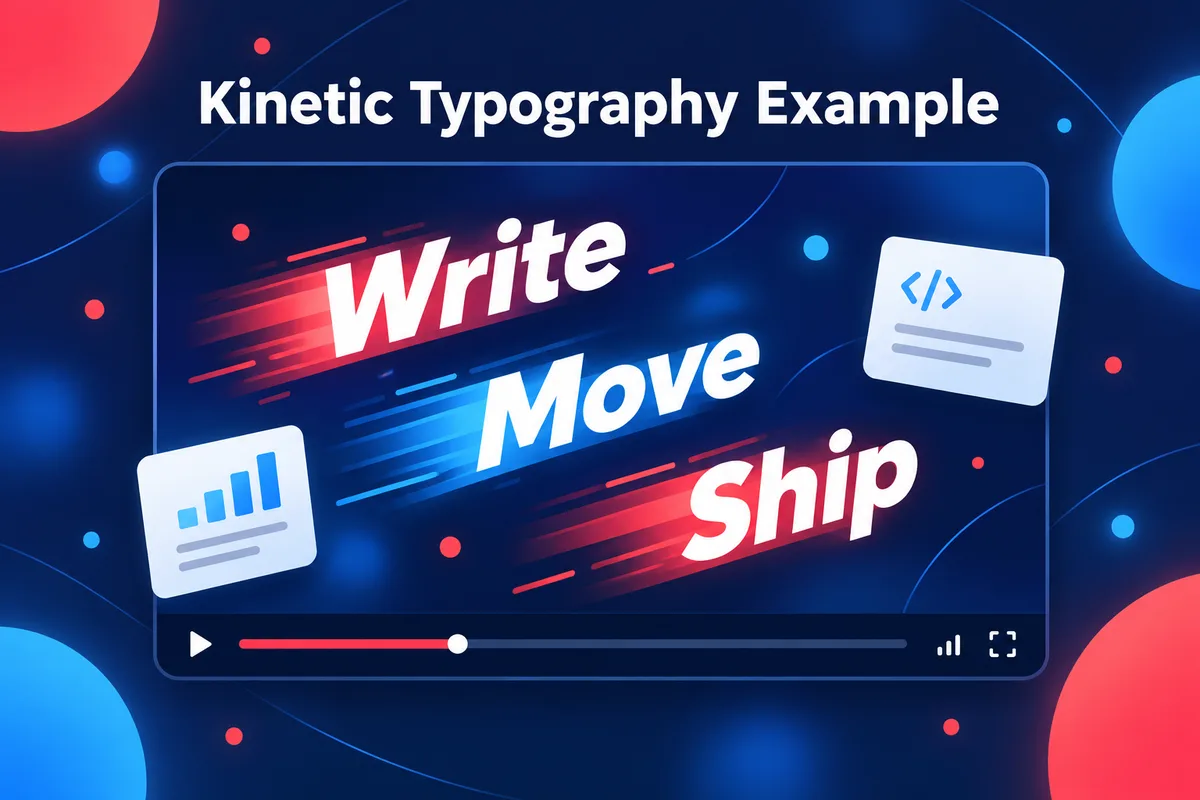
Kinetic type puts words in motion as the main visual. It is the shortest of the text-led jobs: the median is about 15 seconds, and about seven in ten works run 30 seconds or less. Because there is no interface or chart to carry the meaning, the writing has to.
Showreel opens on a bold Decision title card by @kenn is 15.0 seconds in 16:9, and the author shared the prompt. It is a typography showreel, so the title card is the opening move.
Slanted credit names glide over an orange grid by @goodside runs 75.0 seconds in 16:9, with a prompt shared. At that length, the repeated device is a list of names moving over a single background.
What to watch for. Mute the video and read it. Kinetic type should work as text: if the sentences are weak, motion will not rescue them. Then unmute and check whether the timing of each word follows the sound. The two 15-second examples tie their motion to a title card or a tempo, while the two 75-second examples rely on structure, a credits list and chapter titles, to hold attention.
Borrow it with Potto. Potto's text scenes build in on cue, and its quote, title and list scenes carry short lines. It does not offer free-form letter animation, so a 128 BPM ripple is outside what it renders. What it handles well is a short script where each line gets its own screen:
Kinetic text video, 15 seconds, 16:9, Bold Pop style. Five short lines, one per screen, about a team that ships every Friday. End on the line "Ship it."
Data story examples
A data story makes one number or one trend land. Among the library's data story videos, the median is about 35 seconds, and the spread is wide, from 15 seconds to well over a minute. The category is among the smallest, which makes these a good place to study each example.
LLM release timeline tracks 2026 models month by month by @nummanali is 62.1 seconds in 16:9, built on canvas, with the prompt shared. The page describes a canvas animation that steps through 2026 month by month, so time is the axis.
What to watch for. Find the one number the video wants you to remember, then check how the video earns it: what comes before it, and what is shown after. The three examples use three different devices for the same task. One states a result, one walks a timeline and one pairs a number with a picture of what it measures.
Borrow it with Potto. Stat scenes show a single large number, and chart scenes draw bar or donut charts with three to six values that count up. If you write the figures into the brief, the video uses them as written, so check each number against your source before exporting. The animated chart page collects more of these:
Data story, 30 seconds, 16:9. A fictional coffee shop's average cups per day rose from 120 in June to 190 in September. Open with the question, show the four months as a bar chart, end on the 58% rise.
Explainer examples
An explainer teaches an idea in steps. It is the longest of the six: the median length is 60 seconds, and only about one in five runs 30 seconds or less. The library's explainer videos also have the widest range of treatments, from pixel art to hand-drawn whiteboards.
Kinetic word cloud pitches an AI inference startup by @deedydas is 26.0 seconds in 16:9, built with SVG and GSAP, with the prompt shared. It is the shortest explainer here and compresses a pitch into a single moving device.
What to watch for. An explainer should pass the sentence test: after one viewing, can you state the idea in one sentence? Watch for the moment the problem turns into the solution, and count the steps between that moment and the end. Two of the three examples reach for one small, concrete subject (a digit, an onboarding flow) and let it carry the whole lesson.
Borrow it with Potto. The structure behind most explainers is problem, solution, how it works and next step, which the guide to what an explainer video is covers in detail, and 12 explainer video examples breaks down by scene order.
Potto's explainer video maker can start from a topic, a link or a document such as a PDF. It has no hand-drawn or whiteboard style: the twelve built-in styles are Clean Modern, Midnight Tech, Editorial Paper, Bold Pop, Blueprint, Warm Organic, Neon Night, Soft Pastel, Mono Minimal, Sunset Gradient, Studio Noir and Fresh Mint.
Logo animation examples
A logo reveal is the shortest job: the median length in the library is under 9 seconds, and the examples here run from 8.7 to 21.0 seconds. There is one thing to look at, so the video is mostly about timing and the shape of the motion.
TypingMind logo reveal by @tdinh_me runs 21.0 seconds in 16:9, with the prompt shared. The page describes a slow reveal in which the mark assembles gradually.
What to watch for. Look at the last frame. A logo reveal succeeds if the final mark is clean, centered and readable for long enough to register, and the movement before it is what gives the mark its personality. The 8.7-second example shows how much a single motion, one shape changing into another, can do.
Borrow it with Potto. Potto's closing call-to-action scene can end a video on your logo, and the logo animation category in the library is the place to study standalone reveals. Potto renders from a fixed set of scene types and styles, with no custom animation code, so a specific easing curve such as the elastic morph above is something to study rather than something to copy exactly.
Make your own version
You have three routes to a video like these. Write the code yourself, ask a coding agent to write it, or describe the video to a tool that renders it for you.
Many creators in the library build with code. Remotion, the renderer Potto uses, describes itself as a way to create videos and motion graphics with React, and it publishes agent skills so coding agents can work with it. Potto's skills page collects free agent skills from third-party authors that you can install in an agent that reads SKILL.md files; they run in your own agent with your own model.
Anthropic's Claude Motion, announced on October 8, 2026 and in beta on Team and Enterprise plans as of 2026-10-12, animates text, charts, shapes and images from a prompt and exports an MP4. Potto is not Claude Motion and has no official relationship with Anthropic. The post on Claude Motion alternatives compares the routes by facts you can check.
The description route is Potto's AI motion graphics tool. You give it a prompt, a public link or a document. Claude Opus 5.5 writes the brief, script and storyboard, and Remotion renders the scenes into an MP4 with voiceover, captions and music, in 16:9, 9:16 or 1:1. You can edit the storyboard screen by screen or ask in chat for a change. On the library pages, a video with a shared prompt has a Use this prompt button that sends it to the Potto video creator. The result is Potto's own version, with its own scene types and styles, so it will not match the original; treat the original as a reference for the idea, the pacing and the look.
Previews and storyboards use no credits; your balance needs to cover the export before you start, and credits are charged when you export, and the total is shown before you confirm (see pricing). Potto does not generate live-action footage, avatars or people, and it does not edit video you already have.
FAQs
What are the types of motion graphics?
The types of motion graphics are usually grouped by where they appear: film and television title sequences, broadcast and news graphics, advertising and branding, kinetic typography, user interface animation, and explainer or promotional videos. This guide sorts them by job instead: launch films, product screens, kinetic type, data stories, explainers and logo animations. Wikipedia's article on motion graphic design also separates explainer, emotive and promotional graphics, according to whether the aim is to clarify, to evoke a feeling or to raise awareness.
What is considered motion graphics?
Motion graphics are animated graphic design: text, shapes, icons, charts and images set in motion to inform, promote or brand. Adobe defines them as "graphics with movement" and describes them as shorter pieces of animation that entertain or impart information. A video that animates a product screenshot, a bar chart or a logo is motion graphics. A full-length animated film with characters and a plot is usually called animation instead.
What is the difference between motion graphics and animation?
Motion graphics move graphic design elements, such as type, shapes and charts, usually to convey information in a short piece, while animation more broadly tells stories with characters and plots. The two overlap, so the line is a matter of purpose and scale more than technique. Adobe's guide draws the line by length and purpose: motion graphics are shorter pieces that entertain or impart information.
How long should a motion graphics video be?
It depends on the job. In the Potto library as of 2026-10-12, the median length is about 9 seconds for logo animation, 15 for kinetic type, 30 for launch videos, 35 for data stories, 36 for product screens and 60 for explainers. Match the length to the number of ideas: one idea fits in 15 seconds, and a problem, three features and a closing line fit in 30 to 45. Potto's length options are 15, 30, 45, 60 and 90 seconds.
Were the videos in this guide made with Potto?
No. They were made by independent creators and each is credited to its author by their X handle. Potto does not claim them as its own work. They are included as references, and the page for each work links the original post where one is available.
Can I make motion graphics like these with Potto?
Yes, for the kinds of motion graphics Potto offers: launch films, product screens, text-led videos, data stories and explainers built from its eleven scene types, twelve styles and your own brand colors. Potto renders its own version from your prompt, so the result will not copy an original, and it does not support custom animation code, hand-drawn styles or free-form letter animation.