هذا المقال غير متاح بهذه اللغة بعد. وأنت تقرأ النسخة الإنجليزية.
Nano Banana 2.1 vs Nano Banana Pro: Differences, Pricing and When to Use Each
بقلم Potto AI Team·
Nano Banana 2.1 vs Nano Banana Pro compared on resolution, references, text, official API prices and Potto credits, with advice on which to use for each job.
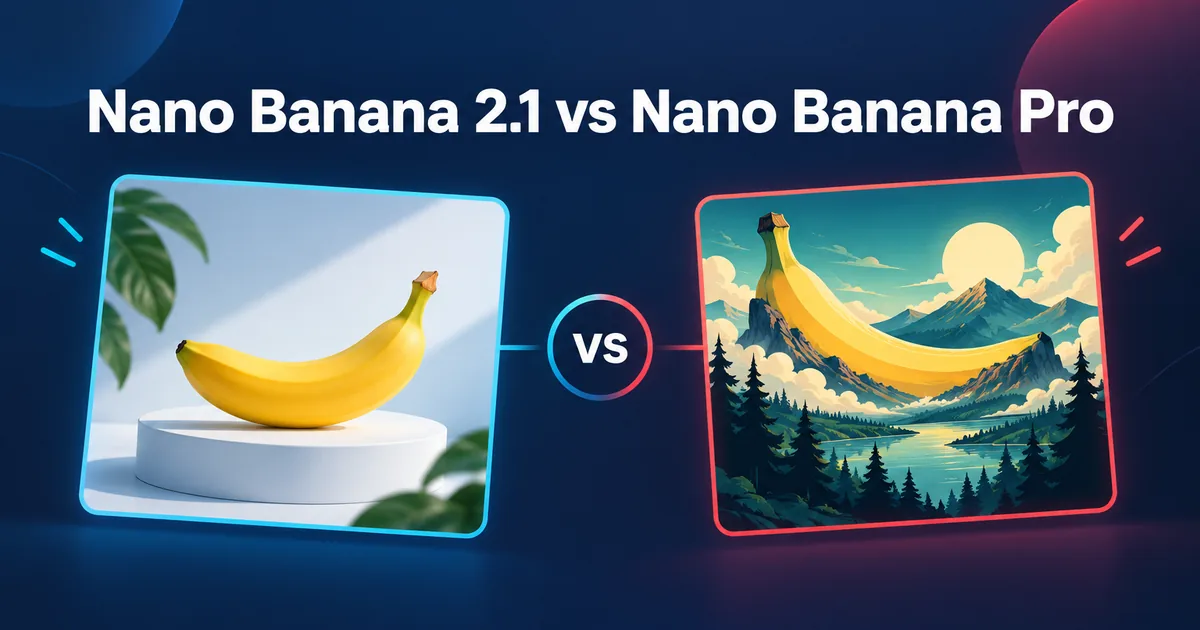
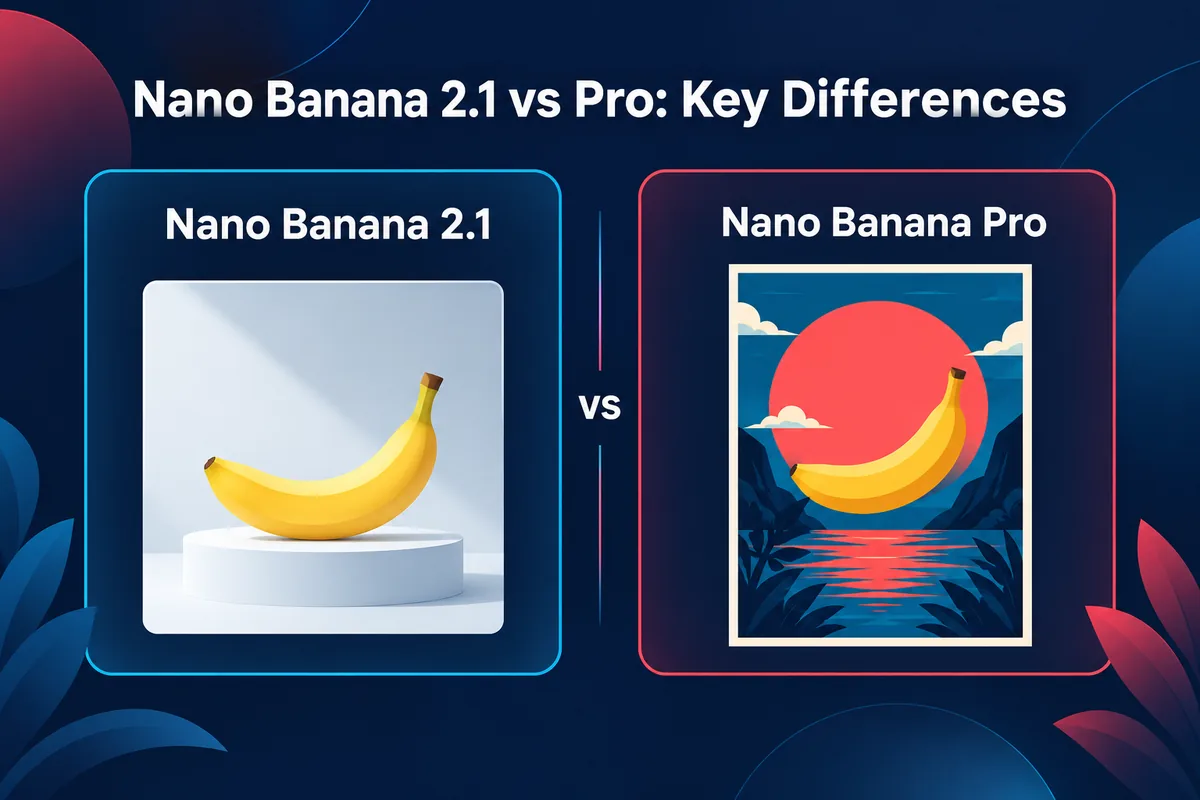
Nano Banana 2.1 is Google's newer, lower-priced image model, and Nano Banana Pro is the reasoning-driven model Google positions for complex graphic design, product mockups and text-accurate layouts. The short answer to "nano banana 2.1 vs pro" is this: use Nano Banana 2.1 for drafts, variations, everyday images and recurring characters, and use Nano Banana Pro when a brief has dense lettering, many parts or a final render at 4K. Both models offer 1K, 2K and 4K output and accept up to 14 reference images through Google's API, but they differ in price, in what each reference slot is for, and in how thinking is handled. Google's own pricing page lists Nano Banana 2.1 at $0.0336 per 1K image and Nano Banana Pro at $0.134, which makes Pro about four times the price at 1K.
This guide compares the two models using only Google's official documentation (checked on 2026-10-10), then shows what each costs in credits inside Potto's image generator and which one to pick for e-commerce images, posters with text, consistent characters and draft iteration. If you only want to try both, open Nano Banana 2.1 and Nano Banana Pro in two tabs and run the same brief through each.
Nano Banana 2.1 vs Nano Banana Pro at a glance
Nano Banana 2.1
Nano Banana Pro
Google's model name
Gemini Nano Banana 2.1
Gemini 3 Pro Image
API model ID
gemini-nano-banana-2.1
gemini-3-pro-image
Positioning (Google docs)
"Latest high-efficiency image generation and conversational editing model"
Potto AI
أنشئ فيديو إطلاقك التالي.
خُذ ما أثار اهتمامك وحوّله إلى فيديو أو صورة خاصة بك. أحضِر لقطات شاشة أو موضوعًا أو وصفًا.
Reasoning-driven model for professional image editing and generation
API output resolutions
1K (default), 2K, 4K
1K (default), 2K, 4K
API reference images
14 total: up to 10 objects and 4 characters
14 total: up to 6 objects, 5 characters and 3 style references
Thinking
Configurable: minimal, medium (default), high
Always on, cannot be disabled
Search grounding
Google Search (web and image)
Google Search (web only)
Inputs / outputs
Text, image, video, PDF in; image and text out
Text and image in; image and text out
Official standard price per image
$0.0336 (1K), $0.0504 (2K), $0.113 (4K)
$0.134 (1K and 2K), $0.24 (4K)
Potto credits per image
12 (HD), 17 (2K), 38 (4K)
45 (HD), 45 (2K), 80 (4K)
Sources: Google's Nano Banana 2.1 model page, the Nano Banana Pro model page, the image generation guide and the Gemini API pricing page, all read on 2026-10-10. Potto credits come from Potto's own model pages and are covered further down.
What are Nano Banana 2.1 and Nano Banana Pro?
"Nano Banana" started as the popular name for Google's image generation and editing models in the Gemini family. Several models now carry the name, so people ask which one fits which job.
Nano Banana Pro (Gemini 3 Pro Image)
Google announced Nano Banana Pro on November 20, 2025, in its official Nano Banana Pro post. The post describes an image generation and editing model from Google DeepMind, officially named Gemini 3 Pro Image, built on Gemini 3 Pro and succeeding the original Nano Banana (Gemini 2.5 Flash Image). Google's headline claim was legible text: "Nano Banana Pro is the best model for creating images with correctly rendered and legible text directly in the image."
The post also lists blending up to 14 input images while keeping up to 5 people consistent, 2K and 4K output, localized edits, camera angle and focus changes, color grading and lighting changes such as day-to-night. These are vendor claims, not independent benchmarks.
Google's API documentation describes the stable model gemini-3-pro-image as a reasoning-driven model for professional image editing and generation, best for complex graphic design, high-fidelity product mockups and factual data visualizations that need accurate text and Google Search grounding. The model page shows November 2025 as the latest update and lists an input limit of 65,536 tokens and an output limit of 32,768 tokens.
Nano Banana 2.1 (Gemini Nano Banana 2.1)
Nano Banana 2.1 is newer. Google's model page for Gemini Nano Banana 2.1 shows "October 2026" as the latest update and a last-updated date of 2026-10-06 UTC; it does not print a separate launch date, so this article treats early October 2026 as the release window rather than quoting a specific day. The page calls it "the latest high-efficiency image generation and conversational editing model" and describes it as an update to Nano Banana 2 (Gemini 3.1 Flash Image) and the more efficient counterpart to Nano Banana Pro.
The improvements Google lists are specific:
Improved visual quality and realism across 1K, 2K and 4K output.
Fixed tiling artifacts on wide and panoramic aspect ratios at 2K and 4K.
Enhanced text rendering and infographic layout accuracy.
Multi-image fusion with up to 14 reference images, covering character consistency for up to 4 characters and object fidelity for up to 10 objects.
Grounding with Google Web and Image Search.
Configurable thinking levels: minimal, medium (the default) and high.
It gives no head-to-head quality numbers against Pro, so "2.1 beats Pro" is not something Google's documentation states.
Where Nano Banana 2 and the original Nano Banana fit
Google's image generation guide also lists Nano Banana 2 Lite, Nano Banana 2 (gemini-3.1-flash-image) and the original Nano Banana (gemini-2.5-flash-image). The guide treats Nano Banana 2 as the previous generation and recommends 2.1 for new projects, and the pricing page marks the original as deprecated with a shutdown date of October 2, 2026. Potto's creator lists Nano Banana Pro, Nano Banana and Nano Banana 2.1, so its menu names do not map one to one onto Google's list; the AI models comparison covers every image model in the creator.
Key differences between Nano Banana 2.1 and Nano Banana Pro
Resolution and output size
Both models list 1K, 2K and 4K output in the API. Potto's creator labels the tiers HD, 2K and 4K, with HD as the base tier. The exact pixel size depends on the model and the aspect ratio, so check the downloaded file if a layout needs fixed dimensions. Nano Banana 2.1 in Potto offers 10 aspect ratios and PNG or JPEG files from the generator.
Google specifically mentions that 2.1 fixes tiling artifacts on unusually wide or panoramic ratios at 2K and 4K. If you make banners or panoramic backgrounds, that is a reason to test 2.1 first, because the fix is a documented change for that case.
Reference images: same total, different slots
Through the API, both models accept 14 reference images in total, but Google splits the slots differently: Nano Banana 2.1 takes up to 10 objects and 4 characters; Nano Banana Pro takes up to 6 objects, 5 characters and 3 style references. In Potto's creator, Pro takes up to 14 reference images and 2.1 takes up to 10, so plan against what the creator accepts. Give each reference one job, such as supplying a subject, a product or a palette, and say so in the prompt. More references do not guarantee every detail survives, so compare the details you care about with each source. If you start from a photo rather than words, image to image is the matching workflow.
Text rendering and layout
Both models list text rendering as a strength. Google credits 2.1 with "enhanced text rendering and infographic layout accuracy", and credits Pro with correctly rendered, legible text and recommends it for professional asset production in the image generation guide. Neither statement guarantees correct spelling in your image. Short headlines are the safest test; long paragraphs are the stress case.
Keep approved wording such as prices in editable layout text, and read every letter of anything baked into the image.
Thinking and grounding
Nano Banana Pro's thinking is always on and cannot be disabled. Nano Banana 2.1 has configurable levels (minimal, medium by default, high), and Google's guide notes that thinking tokens are billed by default for thinking models. Both support Google Search grounding, billed at $14 per 1,000 requests after 5,000 free requests per month. In Potto's creator the model does not browse the web or verify facts in your prompt, so check names, figures and dates yourself.
Nano Banana 2.1 vs Nano Banana Pro: official API pricing
Google lists these prices on its Gemini API pricing page, which we read on 2026-10-10. Prices change, so confirm on Google's pricing page before you budget.
Standard pricing per generated image (USD)
Resolution
Nano Banana 2.1
Nano Banana Pro
1K
$0.0336
$0.134
2K
$0.0504
$0.134
4K
$0.113
$0.24
Using Google's numbers, Pro costs about four times as much as 2.1 at 1K (0.134 ÷ 0.0336), about 2.7 times as much at 2K and about 2.1 times as much at 4K. The gap narrows as the resolution rises. Google also lists batch prices at half the standard rate for both models, and no free tier for image models in the API; Google AI Studio testing is described separately as free in available regions. All images from Google's tools carry a SynthID watermark.
Nano Banana 2.1 API: what developers should know
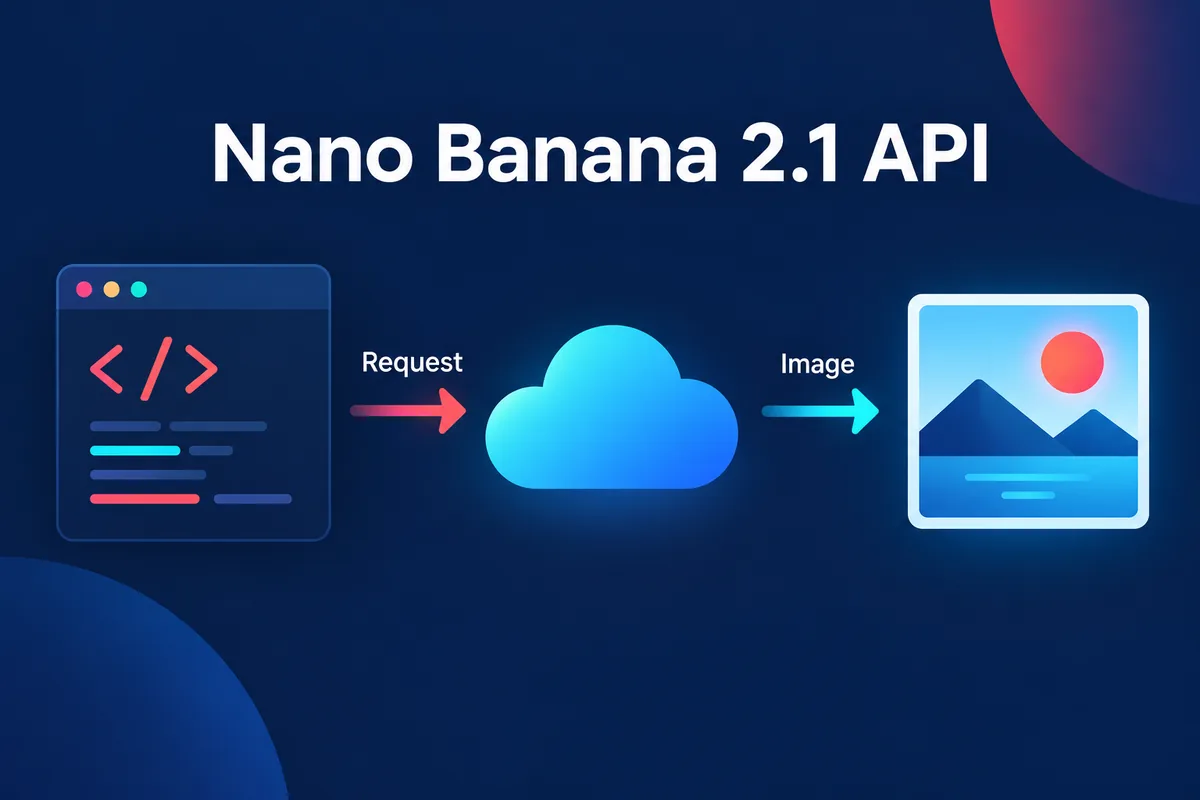
Many searches for "nano banana 2.1 api" come from developers who want to call the model from code.
Potto does not currently offer a public API. You use Nano Banana 2.1 and Nano Banana Pro through the AI image generator in the browser. To call a model from your own application, use Google's official Gemini API directly.
What Google's documentation says:
The model IDs are gemini-nano-banana-2.1 and gemini-3-pro-image.
Nano Banana 2.1 accepts text, image, video and PDF input; Nano Banana Pro accepts text and image. Both return image and text.
Both support image generation, search grounding, thinking and the Batch API, and neither supports function calling, structured outputs or caching.
Resolution defaults to 1K for both, and image models have no free tier in the API.
For a first integration, generate at 1K while you compare prompts and move up only when a layout needs it. Read the current model page when you build, because limits and prices can change. If you are not writing code, the creator offers the same workflow without the API.
Prices and credits in Potto
Potto's pricing is in credits, its own unit, and the total shows on the Generate button before you confirm. A failed request releases its credits. Credits are not a conversion of Google's dollar prices, so do not compare the two columns as if they were the same currency.
Resolution
Nano Banana 2.1
Nano Banana Pro
HD
12 credits
45 credits
2K
17 credits
45 credits
4K
38 credits
80 credits
More images in one request multiply the price: two 2K images on Nano Banana 2.1 cost 34 credits, and two on Pro cost 90. Pro charges the same at HD and 2K, so if you are already paying for Pro, 2K costs no more than HD.
A practical budget pattern: make four HD drafts on Nano Banana 2.1 (4 × 12 = 48 credits), pick the best composition, then render one 4K final on Nano Banana Pro (80 credits), for 128 credits in total. Four HD drafts on Pro alone would already cost 180 credits before the final.
When to use Nano Banana 2.1 or Nano Banana Pro
The recommendations below are tied to Google's documented differences and to Potto's own model pages. They are starting points to confirm with your brief, not rankings.
E-commerce and product images
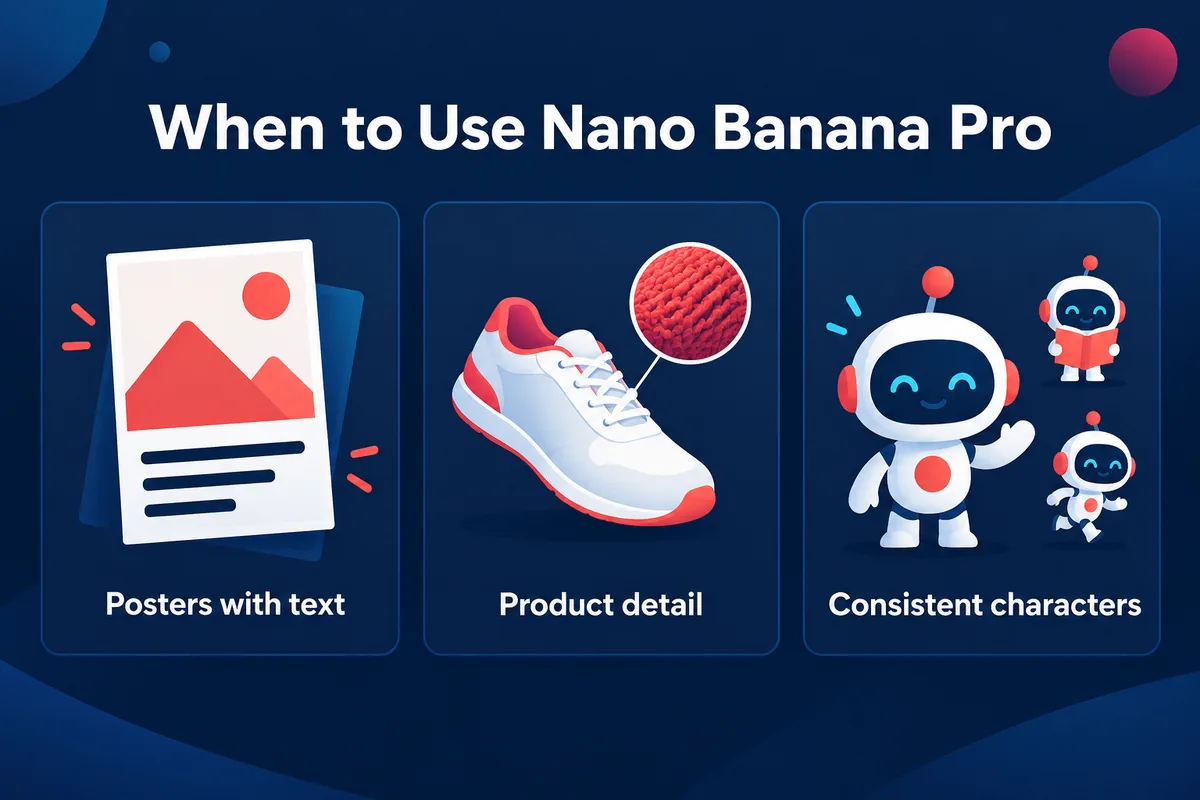
For a clean product image on a plain background, start with Nano Banana 2.1: it is lower priced, documents 10 object slots in the API and lists improved visual quality and realism. Use 2K for marketplace images that will be cropped, and keep label wording short. Remove a cluttered photo background with the background remover first. Move to Nano Banana Pro for a high-fidelity product mockup, the use Google's model page names for Pro, or when a label has several lines of text. Put the real product photo in as a reference, say what it is for ("keep the bottle shape and cap"), and compare the label detail against the source.
Posters and graphics with text
If the poster has a single headline of one to four words, test Nano Banana 2.1 first: Google lists enhanced text rendering for it, and the price is lower. If the poster has a subtitle, a date line, a price list or a menu, test Nano Banana Pro, since Google calls Pro the best model for correctly rendered and legible text and recommends it for professional asset production.
For both, write the exact words in quotation marks in the prompt, state where they sit ("centered in the upper third"), keep to a few capital words where possible, and read each letter in the result. Keep legal lines and prices in editable layout text.
Character consistency
Both models document character consistency: 2.1 for up to 4 characters, and Pro for up to 5. If your project has a recurring mascot or a cast, start with 2.1 for exploration, supply the same character reference each time and describe the pose and scene in the prompt. Potto's own AI models page suggests testing 2.1 for text-heavy images and recurring characters. When a scene needs five characters, or when you need a separate style reference alongside characters, Pro's documented slots (5 characters and 3 style references) fit better.
Consistency is a goal you verify, not a lock. Compare face shape, clothing and proportions across a set before you commit credits to a full batch.
Draft iteration and variations
Draft work is where the price gap matters most. Generate at HD on Nano Banana 2.1 (12 credits an image), compare four layouts, and take one forward. Change one thing per iteration so you can tell which edit caused which change. To change one area of a finished image, use the AI Image Editor; a prompt that changes one object is not an exact mask, so check the rest of the picture.
Infographics and 4K finals
Google lists infographic layout accuracy as a 2.1 improvement and names factual data visualizations as a Pro use. In Potto's creator the model does not browse the web, so a data visual only contains the numbers you put in the prompt; verify each one. Use 4K when the placement needs more pixels, at 38 credits on 2.1 and 80 on Pro. A larger tier does not fix an unclear composition or a misspelled word, so settle the composition at HD or 2K first. The image upscaler can enlarge a keeper without a new generation, and AI motion graphics can turn a finished poster into a short clip.
How to test both models on your own brief
A fair comparison changes one variable: the model. Write one brief with a clear success test (for example, headline readable, label matches the reference, space on the right for a button), keep the prompt, references, ratio and resolution identical, and run Nano Banana 2.1 and then Nano Banana Pro at HD. Score both against the success test, not against which looks nicer at a glance. If both pass, use 2.1 for the rest of the batch; if only Pro passes, note whether the failure was lettering, detail or reference handling. Repeat once with a harder brief before generalizing from one result.
Prompt tips for Nano Banana 2.1 and Nano Banana Pro
Google's image generation guide says the more specific you are, the more control you have, and suggests naming subject, setting, lighting, camera angle and lens. For illustrations, it recommends naming the style and the visual details, such as bold lines and colors. These tips apply to both models and to any text to image prompt.
Lead with the subject and the job, such as a product photo for an online shop.
Specify light and camera: soft window light from the left, a 50 mm lens look, a slight overhead angle.
Quote exact text, say where it sits and keep it short.
Give each reference a role: the first image for the shape, the second for the palette.
Say what must not change, and ask for one change at a time when you edit.
Two prompts you can paste into either model to compare them:
A matte black wireless speaker on a light grey seamless background, soft window light from the left, 50 mm lens, slight overhead angle, clean shadows, product photo for an online shop, space on the right for a text block.
A poster with the headline "OPEN STUDIO" in bold capital letters centered in the upper third, a flat illustration of a potter at a wheel below it, warm cream background with terracotta and teal accents, plenty of margin around the text.
Run the first for object detail and the second for lettering. Then open Nano Banana 2.1 or Nano Banana Pro to reuse the gallery prompts as starting points, or start from image templates.
FAQs
What is the difference between Nano Banana 2.1 and Nano Banana Pro?
Nano Banana 2.1 is Google's newer high-efficiency image model, and Nano Banana Pro (Gemini 3 Pro Image) is the reasoning-driven model for professional image work. Both output 1K, 2K and 4K and take 14 reference images in the API, but Pro costs more per image, has thinking always on and splits references into 6 objects, 5 characters and 3 style references, while 2.1 splits them into 10 objects and 4 characters and has configurable thinking. Google's documentation does not publish quality scores comparing the two, so test both on your brief.
Is Nano Banana 2.1 better than Nano Banana Pro?
Not by any measure Google publishes. Google positions 2.1 as the high-efficiency model with improved visual quality, text rendering and infographic accuracy, and positions Pro for complex graphic design, product mockups and text-accurate layouts. Choose 2.1 for lower-priced drafts and everyday images, and choose Pro when a brief has dense lettering or needs the strongest detail. Pro costs 45 credits at HD in Potto, against 12 for 2.1.
How much does Nano Banana 2.1 cost?
On Google's Gemini API, Nano Banana 2.1 costs $0.0336 per 1K image, $0.0504 at 2K and $0.113 at 4K at standard prices, as listed on Google's pricing page on 2026-10-10. In Potto it costs 12 credits at HD, 17 at 2K and 38 at 4K per image. Check Google's pricing page for current API rates, because they can change.
How much does Nano Banana Pro cost?
On Google's Gemini API, Nano Banana Pro costs $0.134 per image at 1K and 2K and $0.24 at 4K at standard prices, per Google's pricing page on 2026-10-10. In Potto it costs 45 credits per image at HD or 2K and 80 credits at 4K. Batch prices on Google's page are roughly half the standard rates.
Does Potto have a Nano Banana 2.1 API?
No. Potto does not currently offer a public API, so you use Nano Banana 2.1 and Nano Banana Pro through the image generator in the browser. Developers who need programmatic access should use Google's official Gemini API with the model ID gemini-nano-banana-2.1 for 2.1 or gemini-3-pro-image for Pro, and read Google's documentation for current limits and prices.
Which model is better for text in images?
Both are positioned for text, so test your actual wording. Google lists enhanced text rendering for Nano Banana 2.1 and calls Nano Banana Pro the best model for legible text in images. A few capital words are the safest test on either; for long or dense text, start with Pro, and always read every letter. Keep approved wording such as prices in editable layout text.
Which model should I use for character consistency?
Start with Nano Banana 2.1 for exploration and move to Pro for complex casts. Google documents consistency for up to 4 characters on 2.1 and up to 5 people on Pro, and Pro also has 3 style reference slots. Use the same character reference in every request, describe each scene in the prompt and compare faces, clothing and proportions across a set before generating a full batch.
Sources
All sources were read on 2026-10-10. Prices, limits and model details are Google's and may change.