Premium00
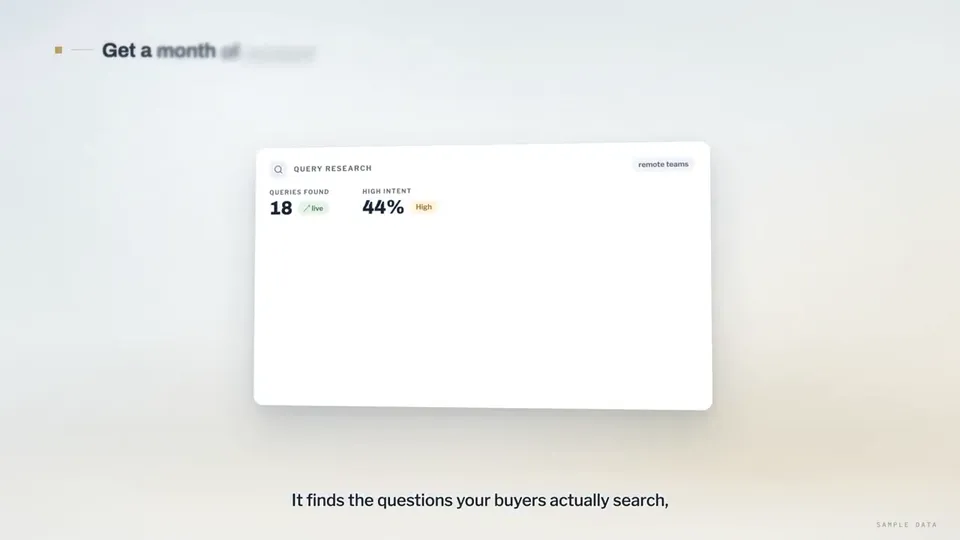
Vidéo 1 sur 1Search-ranking dashboards explain the rctrl content tool
Ouvrir la page vidéo

Un seul solde de crédits pour les vidéos IA et les images IA. Abonnez-vous au mois ou à l’année, ou achetez un pack de crédits une fois.
Paiement unique · sans abonnement
Vidéos par pack
Paiement unique · sans abonnement
Vidéos par pack
Paiement unique · sans abonnement
Vidéos par pack
Facturé mensuellement
Vidéos par mois
Facturé mensuellement
Vidéos par mois
Facturé mensuellement
Vidéos par mois
Facturé annuellement · 240 $US → 192 $US/an
Vidéos par mois
Facturé annuellement · 600 $US → 480 $US/an
Vidéos par mois
Facturé annuellement · 1 200 $US → 960 $US/an
Vidéos par mois
Videos use credits when you export, and starting one needs a balance that covers its export. Counts assume a 30-second product demo and a 60-second explainer with narration and 3 illustrations.
Ce que fait Product Walkthrough for Silent Viewing (UI Flythrough), les agents compatibles, les clés nécessaires et la marche à suivre pour l’installer.
Product Walkthrough for Silent Viewing (UI Flythrough) est un skill d’agent créé par Potto pour réaliser des vidéos Vidéo explicative. Create 60–90-second, 16:9 product walkthroughs in Remotion, designed for silent viewing: a continuous 3D camera flies through code-drawn UI cards on a studio backdrop, with…
Product Walkthrough for Silent Viewing (UI Flythrough) est un skill Premium. Il est inclus dans tous les forfaits Potto payants (Lite, Pro ou Max). Vous pouvez aussi l’acheter une fois pour 5 $US et le garder.
Le skill Product Walkthrough for Silent Viewing (UI Flythrough) est rédigé en anglais. Il génère le texte à l’écran dans la langue de votre choix.
Product Walkthrough for Silent Viewing (UI Flythrough) s’appuie sur Remotion. Installez Bun, Python 3 et FFmpeg avant de l’exécuter.
Product Walkthrough for Silent Viewing (UI Flythrough) produit MP4.
Product Walkthrough for Silent Viewing (UI Flythrough) s’exécute dans Claude Code et Codex, ou dans tout autre agent qui lit SKILL.md.
Non. Product Walkthrough for Silent Viewing (UI Flythrough) fonctionne sans clé API supplémentaire.
Copiez le prompt d’installation de Product Walkthrough for Silent Viewing (UI Flythrough) sur cette page et collez-le dans votre agent, ou téléchargez son ZIP.
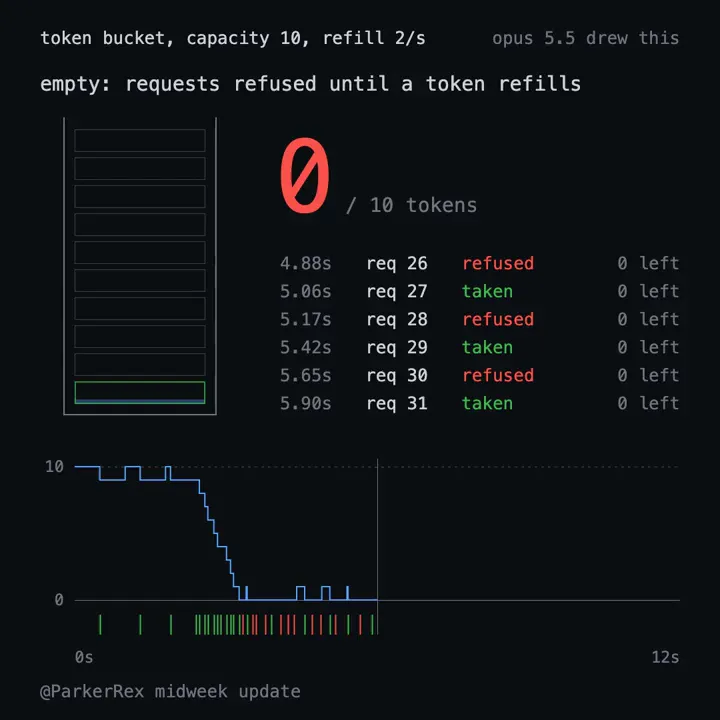
Product Walkthrough for Silent Viewing (UI Flythrough) a servi à créer 1 vidéo dans la galerie Potto, comme Search-ranking dashboards explain the rctrl content tool.
Potto propose Product Walkthrough for Silent Viewing (UI Flythrough) v1.0.0, mis à jour le 21 oct. 2026. Copiez à nouveau le prompt d’installation pour obtenir la dernière version.