- Durée et format
- 0:27
- 16:9
- Créé avec
- Canvas
- SVG
- GSAP
- AI image
Prompt
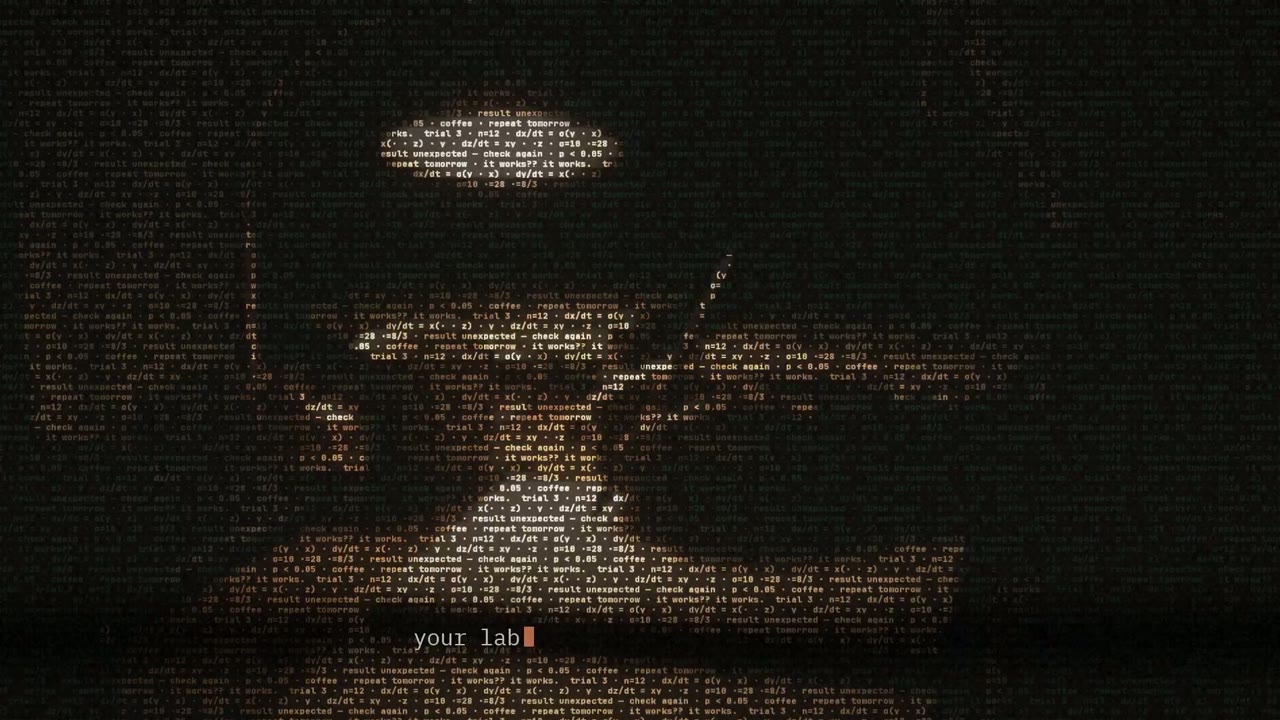
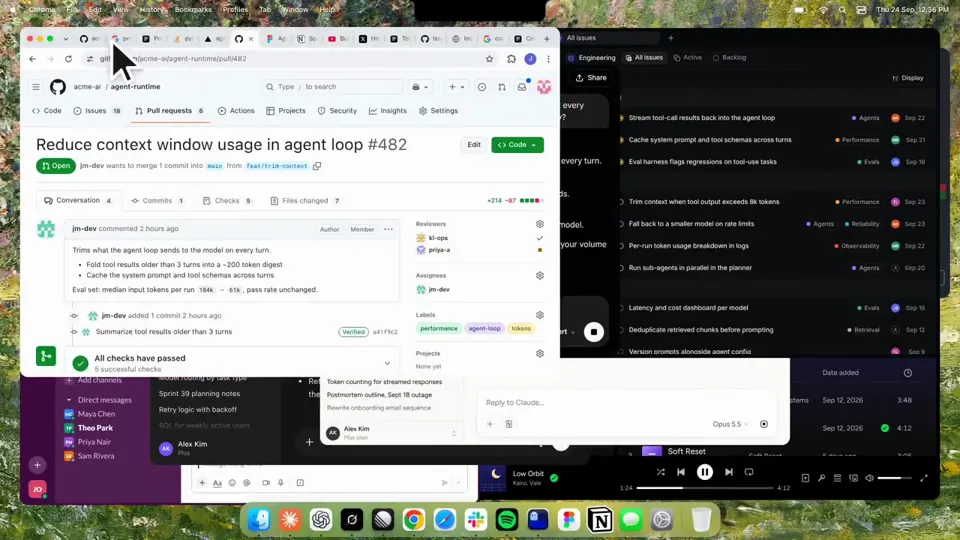
Using HyperFrames, make a hype teaser for the product in this post - [link]. Landscape, around 27 seconds. Match the product UI, wallpaper and copy from the post's video Motion should feel slow and polished - one continuous camera over one Mac desktop, no hard cuts. Camera pushes, pulls and pans run like 1.5 to 3 seconds on gentle ease-in-out curves, nothing snappy - aim for half the speed you'd default to. Add motion blur on fast moves and a light film grain finish. Use an oversized macOS cursor. No audio. All on-screen copy lowercase like the post. 1. Open on a big centered line - "in the AI era, the hard part is" - entering word by word from the right with an orange colorama text wipe over it (the `colorama-wipe` registry component). Hold it about a second, then scale it down into place above a spinning list. 2. The list rotates through 30 hard things about working in the AI era - spending tokens wisely, picking the right model, managing context windows, etc - each with a real app icon. Go fast, it's not meant to be read, then land slowly on "managing your desktop". 0.2s after it lands a question mark pops on after it. 3. Pull the camera back to reveal the Mac desktop as windows pile in on top of each other, arriving from behind the camera - Claude, ChatGPT, Grok, Linear, Chrome, Spotify, Slack and Claude Code in a terminal. Build these as accurate recreations of the real apps with real icons. 4. Push back in so the windows fly past the camera, back to text - "don't make your browser / one of them". 5. Pan up to a really tight framing of just the notch and the top of the wallpaper. A cursor comes up and hovers - the notch morphs into a pill with the name "NotchBrowser", then opens into the browser panel exactly like in the video. 6. Click through the tabs like the video does, then click the collapse chevron so the panel retracts into the notch. 7. End on a checklist of the post's claims with rings and ticks drawing on
D’autres vidéos similaires
Tout voir
Choisissez votre forfait
Un seul solde de crédits pour les vidéos IA et les images IA. Abonnez-vous au mois ou à l’année, ou achetez un pack de crédits une fois.
2 000 crédits
20 $USunique
Paiement unique · sans abonnement
Vidéos par pack
Vidéo démo produit de 30 secondes13 vidéos
Vidéo explicative de 60 secondes5 vidéos
- 2 000 crédits, ajoutés une seule fois
- Jusqu’à 86 images rapides
- Aucun filigrane Potto ajouté
- Partagés par les outils vidéo et image
5 000 crédits
50 $USunique
Paiement unique · sans abonnement
Vidéos par pack
Vidéo démo produit de 30 secondes33 vidéos
Vidéo explicative de 60 secondes13 vidéos
- 5 000 crédits, ajoutés une seule fois
- Jusqu’à 217 images rapides
- Aucun filigrane Potto ajouté
- Partagés par les outils vidéo et image
15 000 crédits
100 $USunique
Paiement unique · sans abonnement
Vidéos par pack
Vidéo démo produit de 30 secondes100 vidéos
Vidéo explicative de 60 secondes40 vidéos
- 15 000 crédits, ajoutés une seule fois
- Jusqu’à 652 images rapides
- Aucun filigrane Potto ajouté
- Partagés par les outils vidéo et image
Lite
Choisir Lite20 $US/moisFacturé mensuellement
Vidéos par mois
Vidéo démo produit de 30 secondes13 vidéosVidéo explicative de 60 secondes5 vidéos- 2 000 crédits par mois
- Jusqu’à 86 images rapides
- File standard
- Aucun filigrane Potto ajouté
- Traitement par lot avec les outils IA
- Non répertoriés dans les galeries publiques
Pro
Choisir Pro50 $US/moisFacturé mensuellement
Vidéos par mois
Vidéo démo produit de 30 secondes33 vidéosVidéo explicative de 60 secondes13 vidéos- 5 000 crédits par mois
- Jusqu’à 217 images rapides
- File d’attente prioritaire
- Aucun filigrane Potto ajouté
- Traitement par lot avec les outils IA
- Non répertoriés dans les galeries publiques
- Recommandé
Max
Choisir Max100 $US/moisFacturé mensuellement
Vidéos par mois
Vidéo démo produit de 30 secondes100 vidéosVidéo explicative de 60 secondes40 vidéos- 15 000 crédits par mois
- Jusqu’à 652 images rapides
- File d’attente haute priorité
- Aucun filigrane Potto ajouté
- Traitement par lot avec les outils IA
- Non répertoriés dans les galeries publiques
Lite
-20%Choisir Lite20 $US16 $US/moisFacturé annuellement · 240 $US → 192 $US/an
Vidéos par mois
Vidéo démo produit de 30 secondes13 vidéosVidéo explicative de 60 secondes5 vidéos- 2 000 crédits par mois
- Jusqu’à 86 images rapides
- File standard
- Aucun filigrane Potto ajouté
- Traitement par lot avec les outils IA
- Non répertoriés dans les galeries publiques
Pro
-20%Choisir Pro50 $US40 $US/moisFacturé annuellement · 600 $US → 480 $US/an
Vidéos par mois
Vidéo démo produit de 30 secondes33 vidéosVidéo explicative de 60 secondes13 vidéos- 5 000 crédits par mois
- Jusqu’à 217 images rapides
- File d’attente prioritaire
- Aucun filigrane Potto ajouté
- Traitement par lot avec les outils IA
- Non répertoriés dans les galeries publiques
- Recommandé
Max
-20%Choisir Max100 $US80 $US/moisFacturé annuellement · 1 200 $US → 960 $US/an
Vidéos par mois
Vidéo démo produit de 30 secondes100 vidéosVidéo explicative de 60 secondes40 vidéos- 15 000 crédits par mois
- Jusqu’à 652 images rapides
- File d’attente haute priorité
- Aucun filigrane Potto ajouté
- Traitement par lot avec les outils IA
- Non répertoriés dans les galeries publiques
Videos use credits when you export, and starting one needs a balance that covers its export. Counts assume a 30-second product demo and a 60-second explainer with narration and 3 illustrations.
FAQ Kinetic text teaser for a notch-dwelling browser app
Comment Kinetic text teaser for a notch-dwelling browser app a été réalisé, ce que dit son prompt et comment créer une vidéo Texte animé semblable avec Potto.
Qu’est-ce que Kinetic text teaser for a notch-dwelling browser app ?
Kinetic text teaser for a notch-dwelling browser app est une vidéo de motion design Texte animé par jake11moran. A 27-second kinetic text teaser for a notch-dwelling browser app, built with canvas, SVG, GSAP and AI imagery.
Comment Kinetic text teaser for a notch-dwelling browser app a-t-il été réalisé ?
Kinetic text teaser for a notch-dwelling browser app a été réalisé avec Canvas, SVG, GSAP et AI image. Il fait partie de la collection Texte animé de vidéos de motion design IA sur Potto.
Le prompt de Kinetic text teaser for a notch-dwelling browser app est-il disponible ?
Oui. Le prompt complet derrière Kinetic text teaser for a notch-dwelling browser app est sur cette page. Copiez-le, ou cliquez sur Utiliser ce prompt pour l’ouvrir dans l’espace de travail Potto.
Quelle est la durée de Kinetic text teaser for a notch-dwelling browser app, et quel est son format ?
Kinetic text teaser for a notch-dwelling browser app dure 0:27 dans un cadre 16:9.
Puis-je réaliser avec Potto une vidéo Texte animé comme Kinetic text teaser for a notch-dwelling browser app ?
Oui. Cliquez sur Utiliser ce prompt pour charger le prompt derrière Kinetic text teaser for a notch-dwelling browser app dans l’espace de travail Potto. Potto en rend sa propre version, et vous pouvez modifier le texte et le style avant l’export.
Quel skill d’agent a servi à réaliser Kinetic text teaser for a notch-dwelling browser app ?
Kinetic text teaser for a notch-dwelling browser app a été réalisé avec le skill Hyperframes. Cliquez sur Voir le skill pour l’installer gratuitement dans Claude Code, Codex ou Cursor après connexion.
Où puis-je regarder l’original de Kinetic text teaser for a notch-dwelling browser app ?
Kinetic text teaser for a notch-dwelling browser app a d’abord été publié par son créateur. Cliquez sur Voir l’original pour ouvrir cette publication dans un nouvel onglet.
Où trouver d’autres vidéos Texte animé comme Kinetic text teaser for a notch-dwelling browser app ?
Parcourez la collection Texte animé sur Potto : 85 vidéos, chacune avec son prompt, ses caractéristiques et sa source.