- 時長與比例
- 0:41
- 16:9
- 製作工具
- three.js
- Canvas
- SVG
提示詞
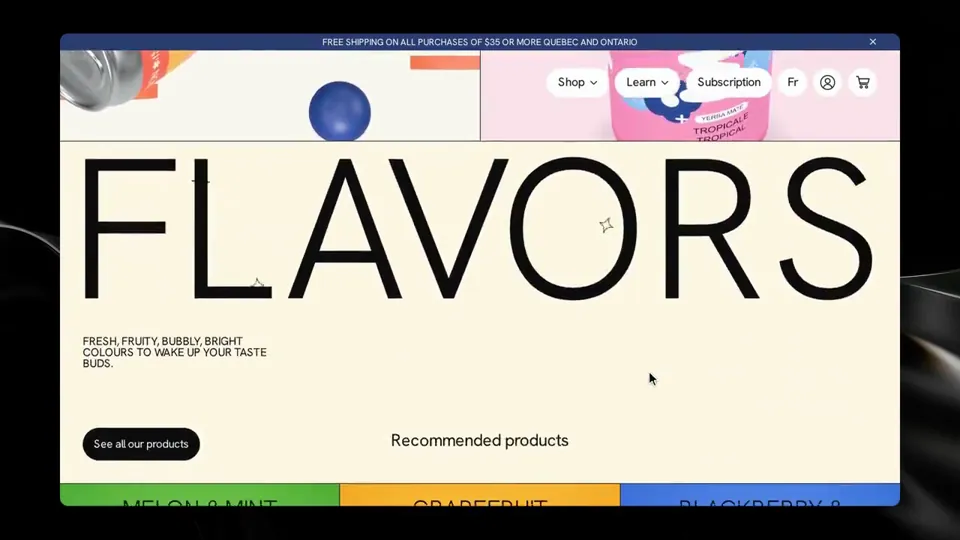
Rebuild https://en.manayerbamate.com/ as closely as you can, using the cloning methodology in ./clone-skill/. Context you should know: this is going into a video watched by a large audience, your build is put on screen next to the real site against two other frontier models doing the same task, and your work will be credited to you by name. Every model gets this identical prompt and the identical target. The comparison is literal, so anything you skip will be visible. This is an evaluation exercise, not a site to ship. It is never published as the brand's own site. **Read the methodology first.** `./clone-skill/SKILL.md` and `references/00-contract.md` before you do anything else, then each stage reference as you reach it. `references/stage-prompts.md` and `references/tooling.md` are worth reading early. The contract defines the workspace layout, the artifact filenames, the stage inputs and outputs, the verification gate and the convergence loop. Follow it. `scripts/assert-styles.mjs` is the gate. Two overrides that win where they conflict with the skill: - **Ignore the stop-and-check-in gate.** That skill was written for an interactive session with a human. You are running unattended. Do not stop between stages, do not ask for approval, do not ask questions. Run the whole pipeline start to finish and report only when it is done. - **Use your own browser automation** — headless Playwright or Puppeteer, installed and driven by you — anywhere the skill says to use the Claude Chrome extension. The contract's real rule is unchanged and it is the one that matters: **computed styles read off the live page are ground truth.** Read them through the CSSOM. Screenshots are visual reference only; never build the gate on a pixel diff. Requirements: 1. **Recon every view before you write code.** Every route, every breakpoint, every interactive state: hover, focus, active, open menus, modals, scroll-triggered states, loading and transition states, the language switcher. What you miss in recon you will not build. 2. **Extract, do not guess.** Pull real computed values off the live page: the full type scale, the colour palette with exact values, spacing, radii, shadows, borders, grid and container widths, breakpoints, easing curves and durations, font families and weights. Never read a value off a screenshot. 3. **Rebuild it.** Every section, every component, every state, at every breakpoint. The motion is part of the clone: scroll behaviour, page transitions, hover choreography, entrance animations, any canvas or WebGL work. A static skin over a site whose identity is motion is a failed clone. 4. **No lifted assets.** Do not hotlink from the original and do not download its images, video or fonts. Regenerate imagery in code, substitute freely-licensed equivalents, or author placeholders that match the original's role, aspect and colour. Fonts come from an open CDN, matching the metrics as closely as you can. List every substitution in the README. 5. **Prove the match.** Run the verification gate: read your clone's computed styles, compare them to the extracted design tokens with `scripts/assert-styles.mjs`, and iterate the convergence loop until there are zero style-assertion failures and the project builds clean. Then eyeball your clone against the real site at the same viewport, at every breakpoint, and fix what your eye catches that the assertions did not. 6. **Ship it runnable.** A real project that installs and runs with a documented command, plus a README naming what you substituted and your final assertion results. 7. **Depth over breadth if you have to choose.** One page cloned to a genuinely indistinguishable standard beats five that are approximately right.
更多類似影片
查看全部


選擇你的方案
同一份點數餘額,可用於 AI 影片與 AI 圖片。按月或按年訂閱,或一次性購買點數包。
2,000 點數
US$20一次性
一次付清 · 無訂閱
每包影片數
30 秒產品示範影片13 支
60 秒解說影片5 支
- 2,000 點數,一次入帳
- 最多 86 張快速生成圖片
- 不加上 Potto 浮水印
- 影片與圖片工具共用
5,000 點數
US$50一次性
一次付清 · 無訂閱
每包影片數
30 秒產品示範影片33 支
60 秒解說影片13 支
- 5,000 點數,一次入帳
- 最多 217 張快速生成圖片
- 不加上 Potto 浮水印
- 影片與圖片工具共用
15,000 點數
US$100一次性
一次付清 · 無訂閱
每包影片數
30 秒產品示範影片100 支
60 秒解說影片40 支
- 15,000 點數,一次入帳
- 最多 652 張快速生成圖片
- 不加上 Potto 浮水印
- 影片與圖片工具共用
Lite
選擇 LiteUS$20/月按月計費
每月影片支數
30 秒產品示範影片13 支60 秒解說影片5 支- 每月 2,000 點數
- 最多 86 張快速生成圖片
- 標準佇列
- 不加上 Potto 浮水印
- AI 工具批次處理
- 不列入公開作品集
Pro
選擇 ProUS$50/月按月計費
每月影片支數
30 秒產品示範影片33 支60 秒解說影片13 支- 每月 5,000 點數
- 最多 217 張快速生成圖片
- 優先排隊
- 不加上 Potto 浮水印
- AI 工具批次處理
- 不列入公開作品集
- 推薦
Max
選擇 MaxUS$100/月按月計費
每月影片支數
30 秒產品示範影片100 支60 秒解說影片40 支- 每月 15,000 點數
- 最多 652 張快速生成圖片
- 最高優先排隊
- 不加上 Potto 浮水印
- AI 工具批次處理
- 不列入公開作品集
Lite
-20%選擇 LiteUS$20US$16/月按年計費 · US$240 → US$192/年
每月影片支數
30 秒產品示範影片13 支60 秒解說影片5 支- 每月 2,000 點數
- 最多 86 張快速生成圖片
- 標準佇列
- 不加上 Potto 浮水印
- AI 工具批次處理
- 不列入公開作品集
Pro
-20%選擇 ProUS$50US$40/月按年計費 · US$600 → US$480/年
每月影片支數
30 秒產品示範影片33 支60 秒解說影片13 支- 每月 5,000 點數
- 最多 217 張快速生成圖片
- 優先排隊
- 不加上 Potto 浮水印
- AI 工具批次處理
- 不列入公開作品集
- 推薦
Max
-20%選擇 MaxUS$100US$80/月按年計費 · US$1,200 → US$960/年
每月影片支數
30 秒產品示範影片100 支60 秒解說影片40 支- 每月 15,000 點數
- 最多 652 張快速生成圖片
- 最高優先排隊
- 不加上 Potto 浮水印
- AI 工具批次處理
- 不列入公開作品集
Videos use credits when you export, and starting one needs a balance that covers its export. Counts assume a 30-second product demo and a 60-second explainer with narration and 3 illustrations.
Yerba mate can scrolls through a drink brand site 常見問題
Yerba mate can scrolls through a drink brand site 的製作方式、提示詞內容,以及如何用 Potto 做出同類的 視覺系統 影片。
Yerba mate can scrolls through a drink brand site 是什麼?
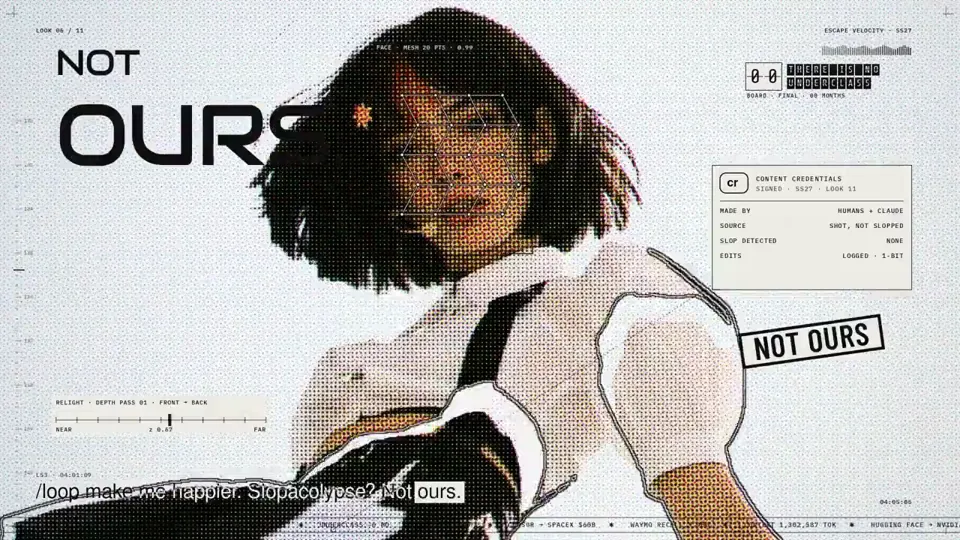
Yerba mate can scrolls through a drink brand site 是 per_simmons_ 製作的 視覺系統 類型 AI 動態圖形影片。 A 41-second motion video showing yerba mate can scrolls moving through a drink brand site.
Yerba mate can scrolls through a drink brand site 是怎麼製作的?
Yerba mate can scrolls through a drink brand site 使用 three.js、Canvas和SVG 製作,屬於 Potto 上 視覺系統 分類的 AI Motion Graphics 影片。
可以查看 Yerba mate can scrolls through a drink brand site 的提示詞嗎?
可以。本頁有 Yerba mate can scrolls through a drink brand site 的完整提示詞。你可以複製,或點選「使用此提示詞」,在 Potto 工作區中開啟。
Yerba mate can scrolls through a drink brand site 有多長,畫面比例是多少?
Yerba mate can scrolls through a drink brand site 時長為 0:41,畫幅為 16:9。
我能用 Potto 做出像 Yerba mate can scrolls through a drink brand site 這樣的 視覺系統 影片嗎?
可以。點選「使用此提示詞」,把 Yerba mate can scrolls through a drink brand site 的提示詞載入 Potto 工作區。Potto 會算繪自己的版本,匯出前你可以修改文字和風格。
在哪裡觀看 Yerba mate can scrolls through a drink brand site 的原片?
Yerba mate can scrolls through a drink brand site 最初由創作者發布。點擊「查看原片」,即可在新分頁開啟該貼文。
在哪裡可以找到更多像 Yerba mate can scrolls through a drink brand site 這樣的 視覺系統 影片?
在 Potto 上瀏覽 視覺系統 合集:480 支影片,每支都附有提示詞、規格和來源。