AI 模型
依任務、輸出等級與每張圖片的點數,比較 Potto AI 的五款圖片 AI 模型,挑選適合下一次生成的模型。
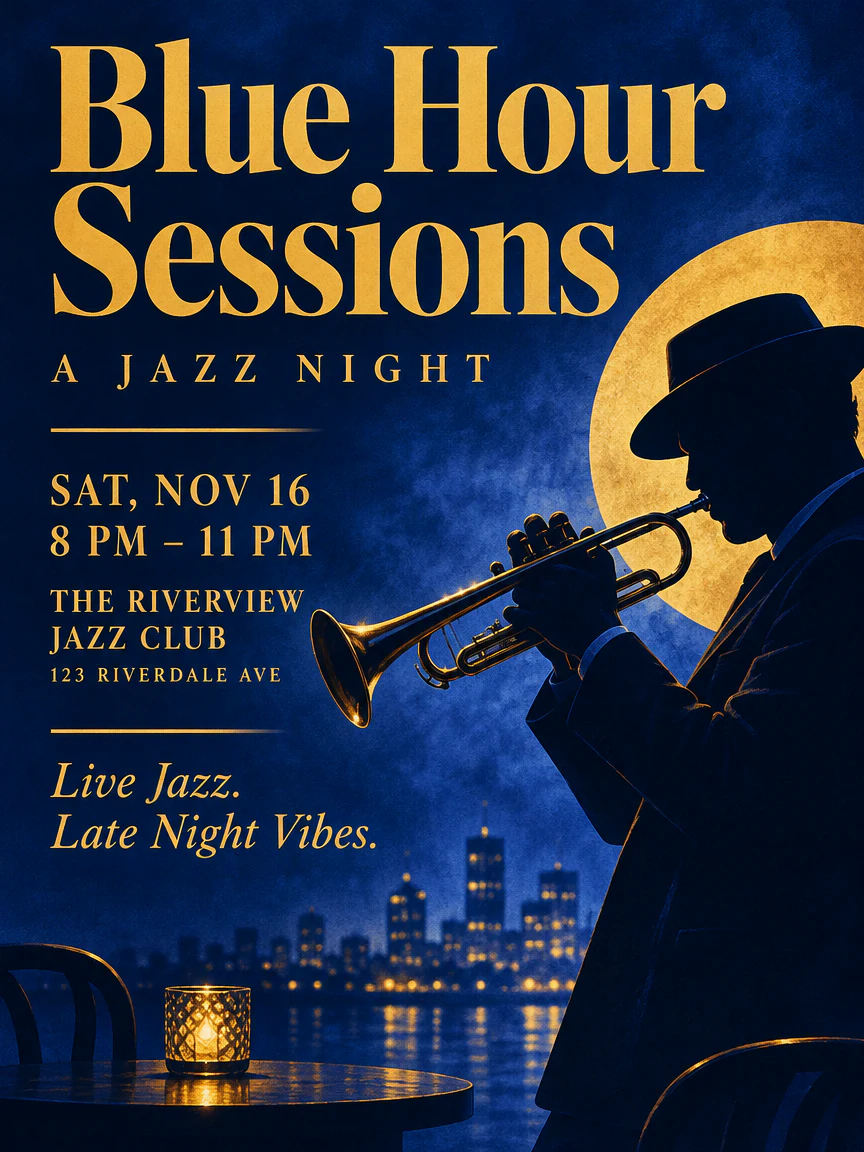
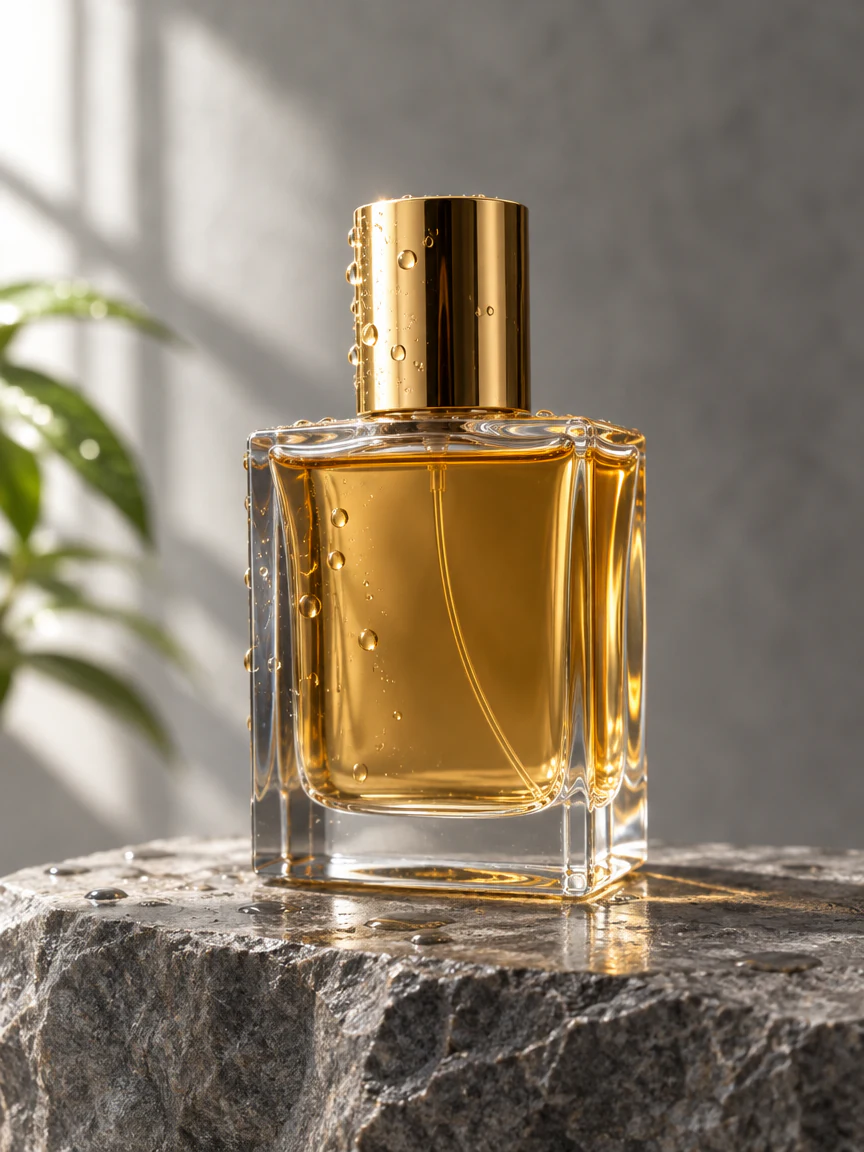
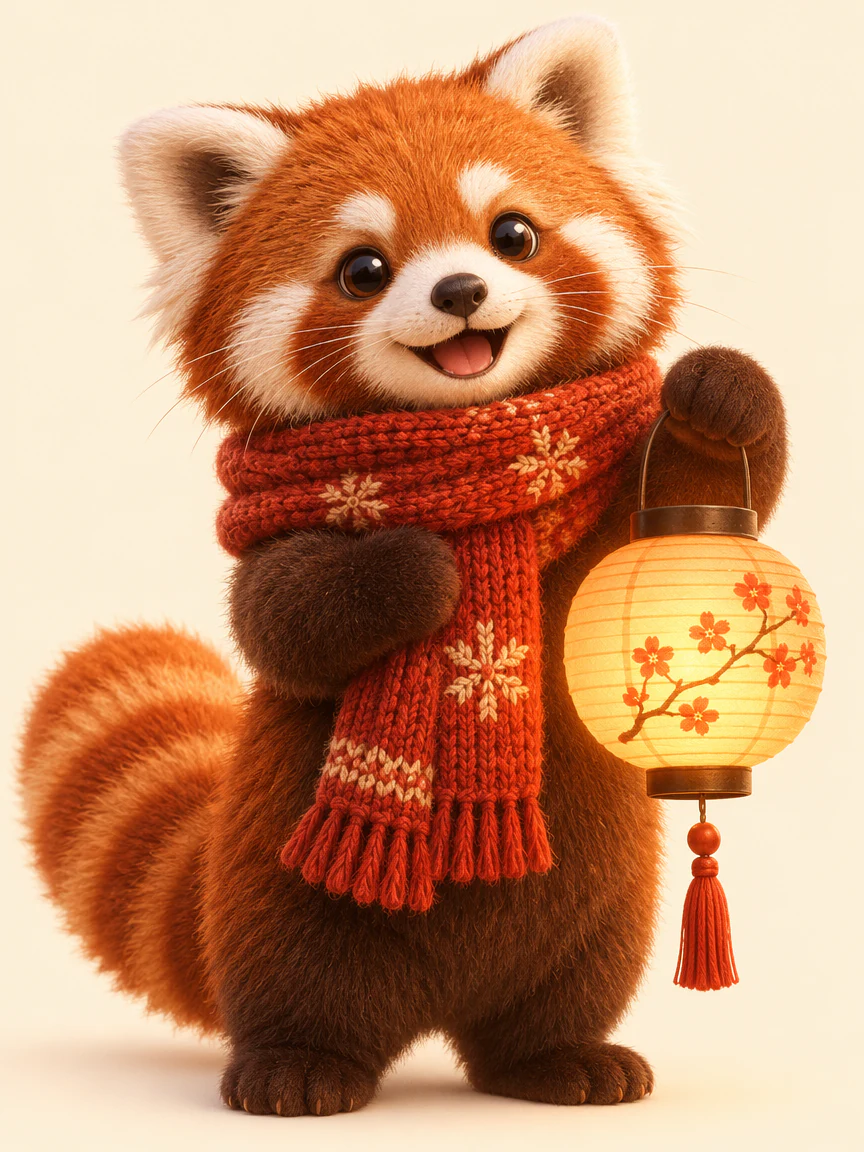
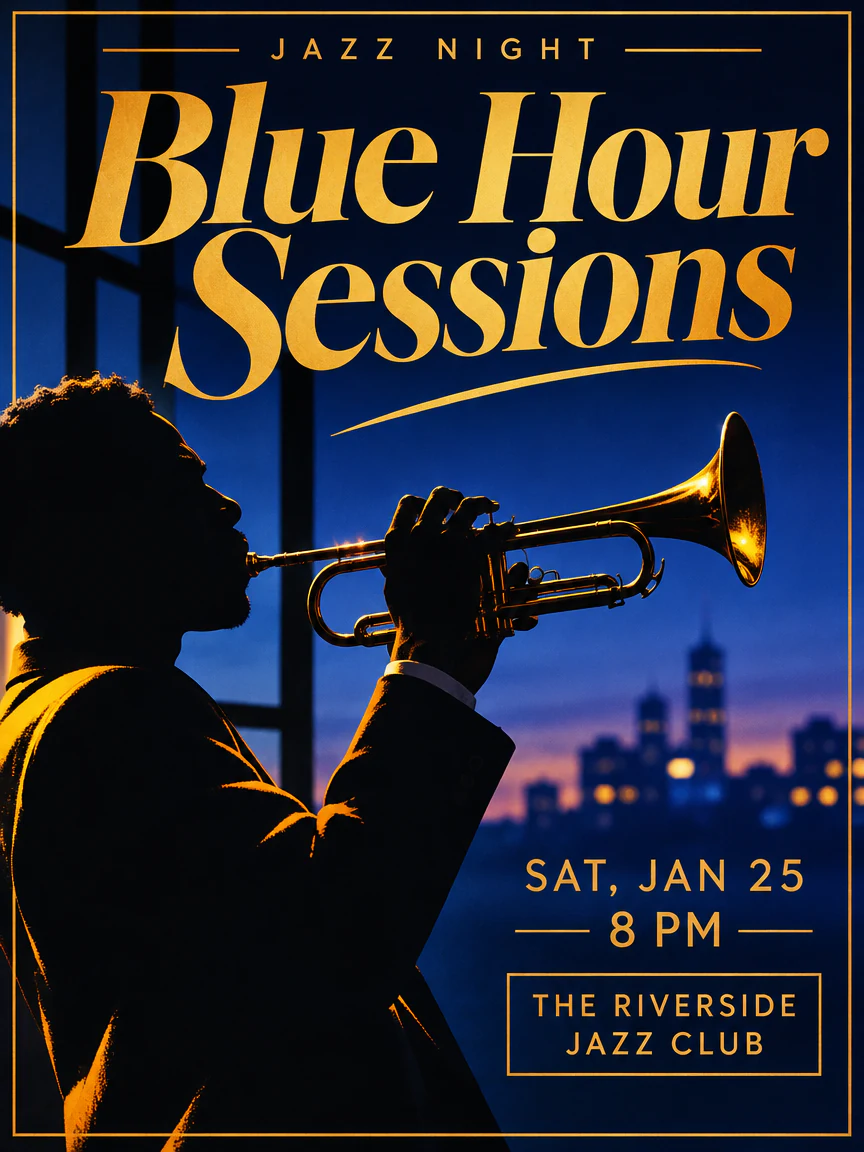
NewJust added · OpenAI
GPT Image 2.6
The API models from the ChatGPT Images 2.6 release. Two variants share one prompt box: switch between them without losing your prompt or references.
Flare
Fast drafts and many quick tries
Sunburst
Detail and consistent multi-step edits
- Resolution
- HD · 2K · 4K
- References
- Up to 14
- Credits
- From 15
Image models9
Generate from text or edit with reference images. Every image model works in AI Image and in all image tools.
Nano Bananaby GoogleGemini image models, strong at exact text and keeping one subject across references
- Popular
- New
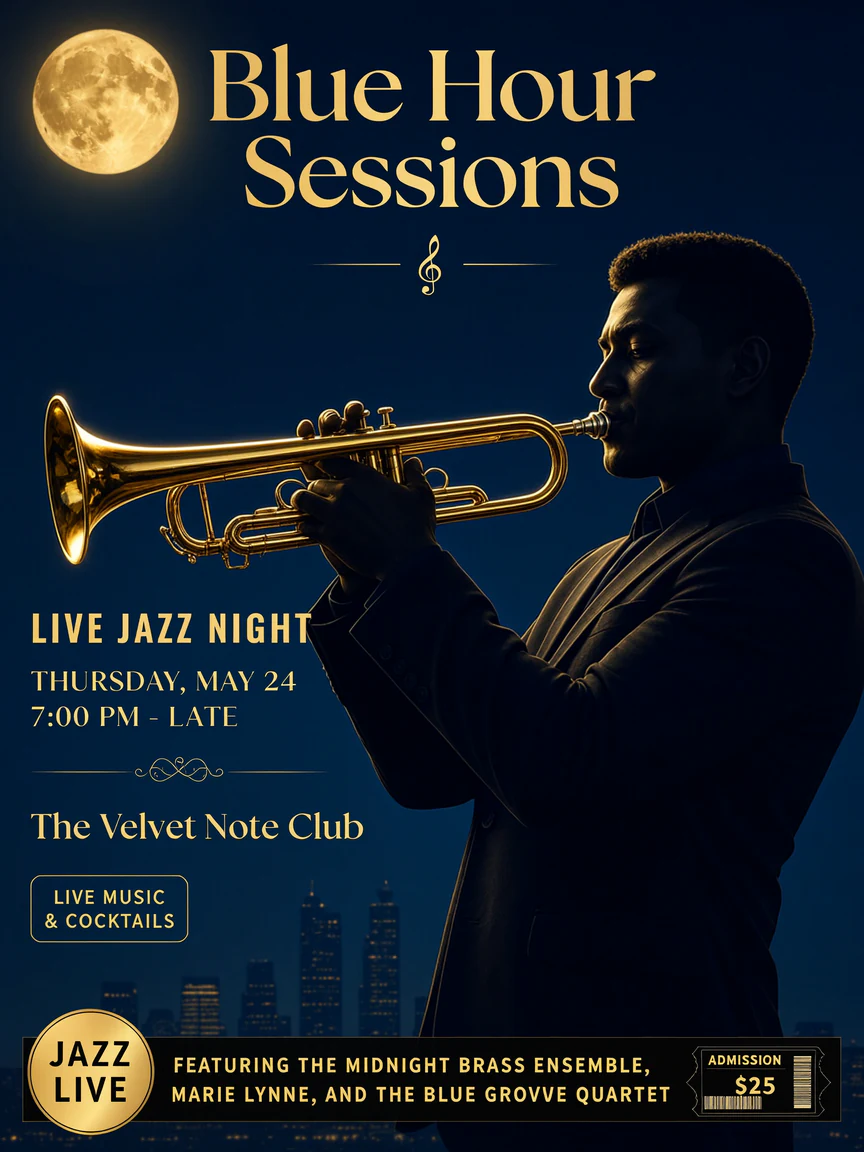
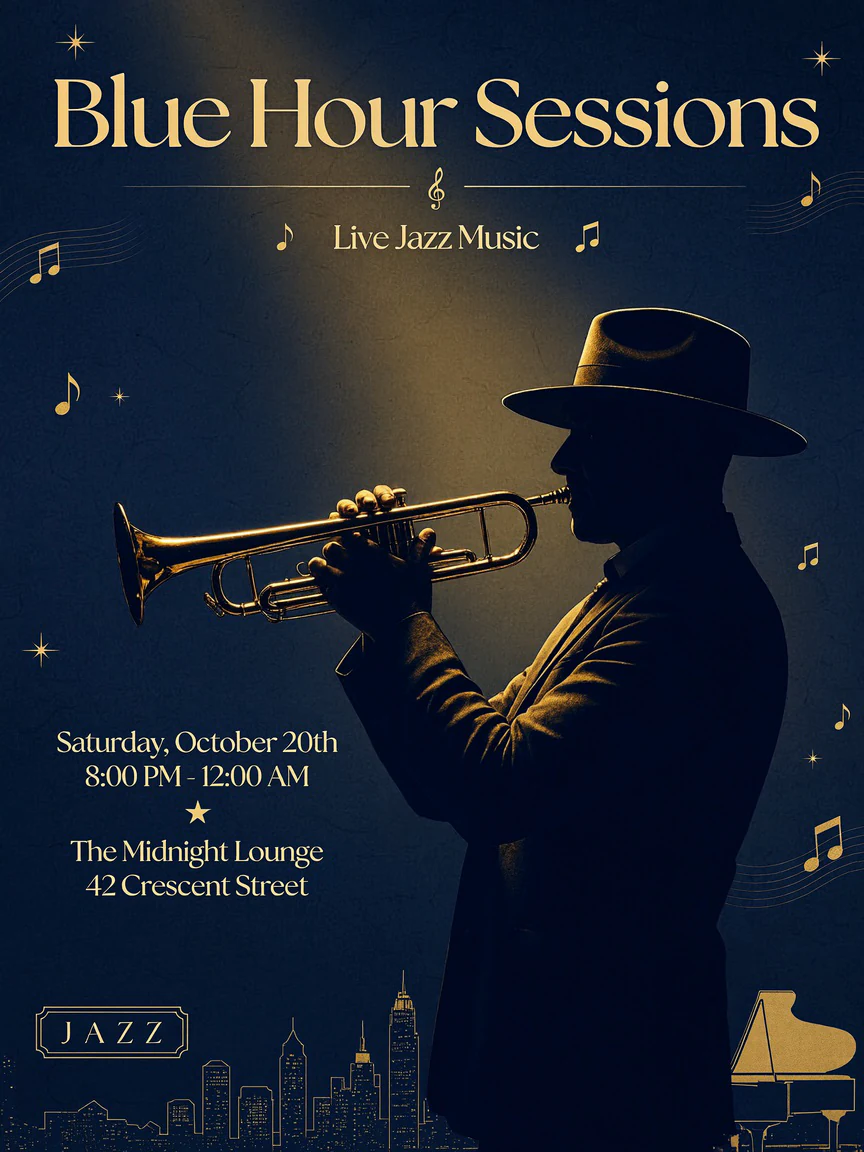
GPT Imageby OpenAITwo variants per release: Flare for speed, Sunburst for detail
- New
- New
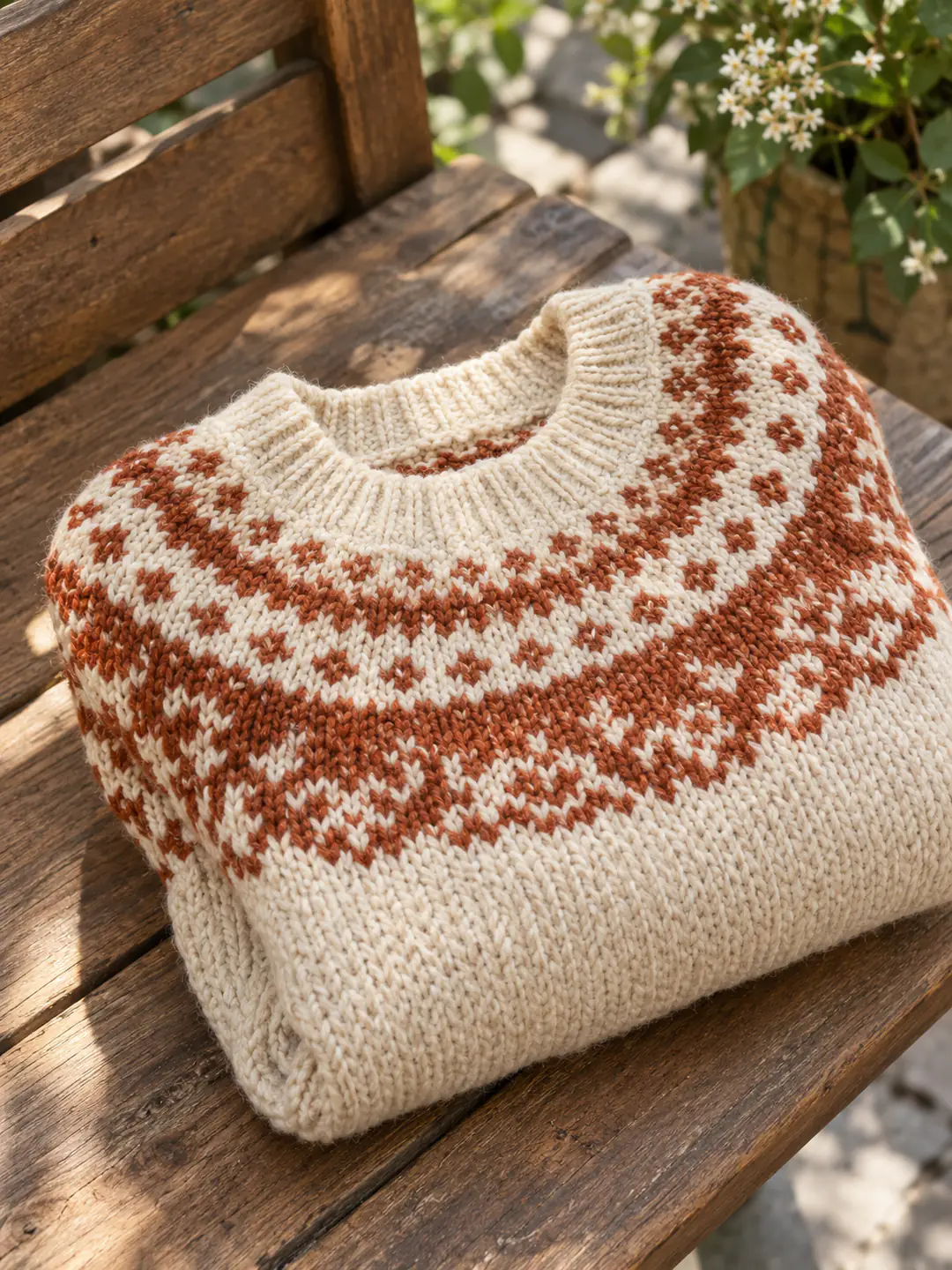
MiniMax H3 Imageby MiniMaxOne model, two variants: Standard and Highspeed. Strong with text and many reference images
- New
Video models1
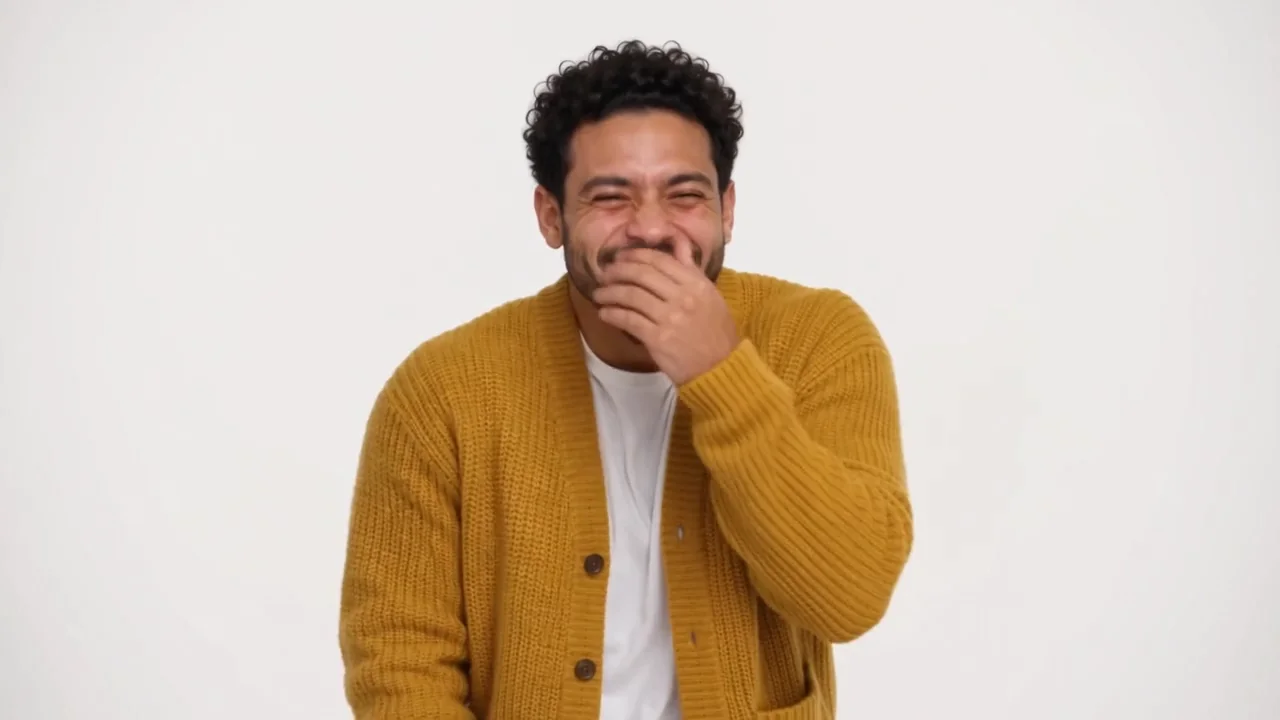
The model behind Potto’s video effects and custom video prompts.
 Sound
Seedance 2.5
by ByteDance · Text or images to video
Short clips with sound made in one pass: voices, beat and the scene together. Add reference photos to keep real people and pets in the shot.
- 4–30s clips
- 480p–1080p
- Sound
- Up to 4 photos
From 172 cr · 5s at 480p
Which model should I use?
Start from the job. Each pick opens the generator with that model selected, and you can switch later without losing your prompt.
- Posters, ads and menus with exact textBest pickNano Banana ProAlso goodGPT Image 2.6 Sunburst, MiniMax H3 ImageStart
- Product shots from your own photosBest pickNano Banana ProAlso goodGPT Image 2.6 SunburstStart
- Many quick drafts to explore an ideaBest pickGPT Image 2.6 FlareAlso goodNano Banana, MiniMax H3 Image HighspeedStart
- Several edits on the same imageBest pickGPT Image 2.6 SunburstAlso goodNano Banana ProStart
- Quick edits at HDBest pickNano BananaAlso goodGPT Image 2.6 FlareStart
- A short video with voices and musicBest pickSeedance 2.5Start
Compare all AI models
Resolution, reference images and credits for every model in one table. Credits are per image, or per clip for video, and the exact estimate shows before you confirm.
| Nano Banana Pro | Image | Exact text and professional detail | HD · 2K · 4K | Up to 14 | 45 · 45 · 80 |
|---|---|---|---|---|---|
| Nano Banana | Image | Fast, low-cost drafts and quick edits | HD · 2K · 4K | Up to 14 | 23 · 34 · 51 |
| Nano Banana 2.1New | Image | Sharp text and recurring characters | HD · 2K · 4K | Up to 10 | 12 · 17 · 38 |
| GPT Image 2.6 FlareNew | Image | Fast drafts and many quick tries | HD · 2K · 4K | Up to 14 | 15 · 28 · 49 |
| GPT Image 2.6 SunburstNew | Image | Detail and consistent multi-step edits | HD · 2K · 4K | Up to 14 | 15 · 28 · 49 |
| GPT Image 2.5 Flare | Image | Previous Flare, for matching earlier results | HD · 2K · 4K | Up to 14 | 5 · 9 · 15 |
| GPT Image 2.5 Sunburst | Image | Previous Sunburst, for matching earlier results | HD · 2K · 4K | Up to 14 | 5 · 9 · 15 |
| MiniMax H3 ImageNew | Image | Text in images and edits with many references | HD · 2K · 4K | Up to 14 | 10 · 10 · 26 |
| MiniMax H3 Image Highspeed | Image | The same results, served faster | HD · 2K · 4K | Up to 14 | 15 · 15 · 47 |
| Seedance 2.5 | Video | Short clips with sound in one pass | 480p · 720p · 1080p | Up to 4 photos | 172 · 385 · 949 per 5s clip |
AI 模型常見問題
創作流程中的 AI 模型是什麼?
AI 模型是經過訓練、用來執行特定任務的系統,例如生成圖片、整理文字或產生語音。需要哪些 AI 模型取決於創作流程:Potto AI 的圖片創作區提供五款圖片 AI 模型供你選擇,影片專案則結合文字模型、語音模型與渲染器。每個模型的輸出都仍須依任務需求檢查。
什麼是圖片生成模型?
圖片生成模型會將文字需求轉換成新圖片,也可以搭配參考圖。在 Potto AI 的創作區,你可以選擇圖片 AI 模型,並設定畫面比例、解析度、輸出張數與格式。可用模型以創作區提供的選項為準;「去背」與「圖片放大」等工具使用各自的引擎。
Potto AI 可以選擇哪些 AI 圖片模型?
五款圖片 AI 模型各有專屬模型頁:Nano Banana Pro、Nano Banana、Nano Banana 2.1、GPT Image 2.5 Flare 與 GPT Image 2.5 Sunburst。創作區選單也提供 GPT Image 2.5 Flare High,這是 Flare 的較高畫質設定,沒有獨立頁面。去背與圖片放大使用內部引擎,不在模型選項中。開始生成時,請以實際選單為準。
我該選哪款 AI 模型?
先依任務選擇 AI 模型,再用自己的創作簡述確認。最終成品或需求較多的創作簡述可選 Pro;低成本草稿與變化版本可選 Nano Banana;文字較多的圖片與反覆出現的角色可試用 2.1;日常圖片需要快速生成時可選 Flare,再用 Flare High 生成較高畫質的版本;精準編輯可選 Sunburst。在投入點數批次生成前,先用同一份提示詞測試五款圖片 AI 模型中的兩款。
什麼是 Nano Banana 2.1?
它是 Potto AI 中 Nano Banana 系列的最新成員。其介紹列出的改善包括視覺品質、提示詞遵循度、角色一致性、文字呈現與多參考圖支援,最高可輸出 4K。HD 需要 12 點數、2K 需要 17 點數、4K 需要 38 點數,最多可用 10 張參考圖。這些能力仍值得實測:用自己的創作簡述,確認文字與角色是否維持預期效果。
什麼是 GPT Image 2.5 Flare 與 Sunburst?
它們是 OpenAI 的兩款圖片模型。OpenAI 將 Flare 定位為旗下最快、適合日常高畫質圖片生成的模型,Sunburst 則是旗下圖片生成與編輯能力最強的模型,適合最重視編輯精準度的任務。在 Potto AI,兩者的 HD 均為 5 點數、2K 為 9 點數、4K 為 15 點數,最多可用 14 張參考圖。
Flare High 選項有什麼不同?
它會以較高畫質設定執行 GPT Image 2.5 Flare。輸入方式、三種等級與 14 張參考圖上限不變,但每張圖片的 HD 費用為 18 點數、2K 為 33 點數、4K 為 60 點數,而不是 5、9、15 點數。畫質等級固定在選單選項中,並非滑桿設定,因此草稿可選 Flare,預計保留的版本則可選 Flare High。
擴圖與其他編輯工具使用哪款模型?
「擴圖」與「去浮水印」使用創作區的預設模型 Nano Banana Pro。「去背」與「圖片放大」使用專用引擎,無須選擇模型。各工具分別計費:擴圖為 81 點數、去浮水印為 60 點數、去背為 4 點數;圖片放大 2 倍為 2 點數,放大 4 倍為 6 點數。
三款 Nano Banana 模型有什麼不同?
它們使用不同引擎,價格也不同:Pro 模型使用 Gemini 3 Pro Image,標準模型使用 Gemini 3.1 Flash Image,2.1 使用 Gemini Nano Banana 2.1。Pro 每張圖片的 HD 與 2K 均為 45 點數,4K 為 80 點數;標準模型分別為 23、34、51 點數;2.1 分別為 12、17、38 點數。Pro 與標準模型最多支援 14 張參考圖,2.1 則為 10 張。Pro 通常更擅長細節與文字,建議用自己的創作簡述逐一測試這些 AI 模型後再決定。
這些圖片 AI 模型的 HD、2K 與 4K 代表什麼?
它們是每次生成時可選擇的輸出等級,HD 為基本等級。實際像素尺寸取決於模型與所選畫面比例;若版面需要固定尺寸,請檢查下載的檔案。除了 Pro 模型的 HD 與 2K 費用相同,其他 AI 模型的輸出等級越高,需要的點數也越多。
圖片模型可以使用多少張參考圖?
五款圖片 AI 模型中,有四款最多可用 14 張,Nano Banana 2.1 則為 10 張,所有附加圖片合併計算。參考圖會引導生成結果,提示詞應說明每張圖的用途,例如參考人物、產品或風格。參考圖不保證能完全複製原圖,使用前請將輸出與原圖比較。
這些圖片模型可以生成透明背景嗎?
五款 AI 模型的創作區都沒有這項設定。創作區提供 PNG 或 JPEG 檔案,沒有透明背景選項,因此不能只靠提示詞就期待得到真正透明的像素。若需要透明 PNG,請將完成的圖片交給「去背」處理;這項工具使用專用引擎,每張圖片需要 4 點數。
影片渲染器也是生成式模型嗎?
不是。渲染會依專案結構,將已確認的場景與素材組合成影片檔案。AI 模型能協助產生文字、插畫或旁白,但渲染出的 MP4 並不代表這些輸入內容正確。請同時檢查內容與播放效果。
文字模型與語音模型在影片專案中做什麼?
文字模型協助將創作簡述與原始素材整理成大綱、畫面文字和旁白。語音模型則用你選擇的聲音朗讀腳本。兩者都不會查證事實:請依原始資料核對腳本,並在確認旁白音軌前,聆聽人名、數字與節奏是否正確。兩者都在影片流程內執行,不屬於本頁供你挑選的 AI 模型。
如何公平比較圖片模型?
讓每款 AI 模型使用相同的提示詞、參考圖、畫面比例、輸出等級與檢查標準,再將結果放到預計使用的位置評估。依任務判斷:人像看人物特徵與表情,產品概念圖看形狀與標籤,圖文設計則看拼字。除了最佳版本,也要記錄失敗結果;使用不同提示詞生成的結果,不能證明某款模型整體較好。每次只改一項設定,因為只有其他輸入一致時,AI 模型之間的比較才有意義。
模型官方文件中的所有功能都能在 Potto AI 使用嗎?
不能。模型官方文件可能列出產品尚未提供的輸入方式與工具。在 Potto AI,可用功能以創作區和各模型頁顯示的選項為準。AI 模型名稱可能不變,但底層版本已更新,因此請查看模型頁標示的版本。
比較 AI 模型需要帳號嗎?
不需要。無須登入就能閱讀每張模型卡片與 AI 模型比較內容。只有生成圖片時才需要帳號。
使用 AI 模型生成失敗時會怎樣?
無論使用哪款 AI 模型,任務都會顯示停止原因並提供重試選項,預留的點數也會釋放。執行中的請求可透過任務控制項取消;對已完成的圖片重新生成,會再次計費。
AI 模型需要多少點數?
以每張圖片計算,Nano Banana Pro 的 HD 或 2K 為 45 點數,4K 為 80 點數;Nano Banana 為 23、34 或 51 點數;Nano Banana 2.1 為 12、17 或 38 點數;Flare 與 Sunburst 為 5、9 或 15 點數,Flare High 則為 18、33 或 60 點數。確認前,「生成」按鈕會顯示所選模型與設定的總點數。
為下一張圖片挑選 AI 模型
開啟任一 AI 模型頁,查看設定與點數,或直接前往創作區挑選。確認前,「生成」按鈕會顯示預估消耗點數。