এই লেখাটি এখনও এই ভাষায় উপলব্ধ নয়। আপনি ইংরেজি সংস্করণ পড়ছেন।
Claude Motion Alternatives: Other Ways to Make an Animated Explainer
লিখেছেন Potto AI Team·
Claude Motion alternatives compared by checkable facts: write Remotion code, use a coding agent with Remotion skills, or use a no-code tool like Potto.
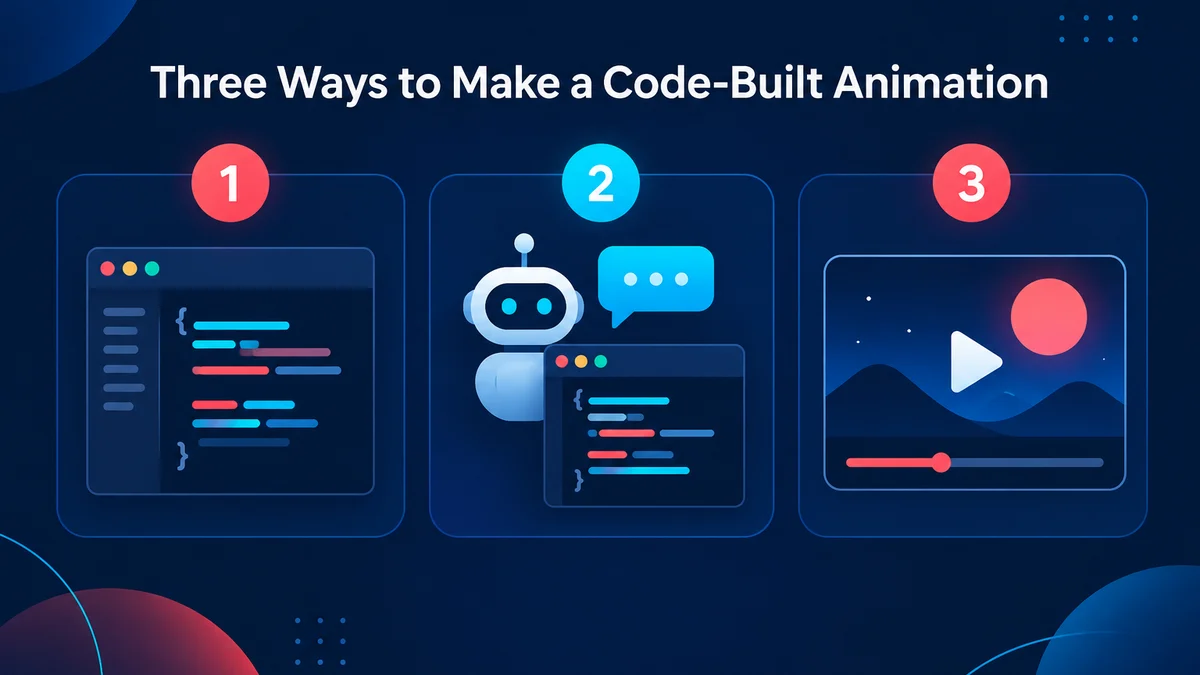
If you cannot use Claude Motion, or it does not cover what your video needs, there are three other routes to a code-built animation: write the Remotion code yourself, ask a coding agent such as Claude Code to write it with Remotion's agent skills, or use a no-code tool such as Potto that renders motion graphics from a description, a link or a document. The right one depends on four things you can check: which plan or tools you already have, whether you need narration and music in the file, which aspect ratios you must deliver, and whether you want to own and edit code.
One point first, because the names sound alike: Potto is not Claude Motion, and Potto has no official relationship with Anthropic. Potto is an independent product. This guide does not rank the three routes. It lists differences that can be verified on public pages, and it did not run one identical brief through all three routes, so it makes no claim about which result looks better. Everything said about Claude Motion and Claude plans comes from Anthropic's own pages, checked on 2026-10-10.
Why people look for a Claude Motion alternative
Claude Motion turns your content into a short animation inside Claude, and you can export it as an MP4. There are four common reasons to look elsewhere.
Plan availability. Anthropic's pricing page lists Claude Motion (beta) as "Yes" for Team and Enterprise plans and "No" for Free, Pro, Max 5x and Max 20x. Education is not mentioned. If you are on Pro or Max, the feature is not in your plan as of 2026-10-10.
Narration and music. Anthropic's announcement and help article do not mention sound, narration or music. If you need a voiceover in the file, the published pages give you no information, so you have to look at the product itself.
Aspect ratio. The help article does not specify aspect ratios or resolutions. If you must deliver 9:16 or 1:1 as well as 16:9, check what the beta exports.
Code ownership. The help article says each animation is code, but it does not describe a way to export that code. If you want the source in your own repository, that is a different workflow.
None of these is a flaw. They are gaps in what the published pages say, and they are the questions that send people looking at other options. If you want the full description of the feature, read Claude Motion explained. In one paragraph: Anthropic announced Claude Motion on October 8, 2026, and its announcement, Dashboards and Motion, says Claude writes code that animates your text, charts, shapes and images, with no generated footage and no AI-generated people. It plays like a short video, you can edit it in a built-in editor or by asking Claude, and you can download it as an MP4. That is all this guide assumes about it.
Potto AI
আপনার পরের লঞ্চ ভিডিওটি তৈরি করুন।
আপনার আগ্রহ জাগানো বিষয়টি নিয়ে নিজের একটি ভিডিও বা ছবি বানান। স্ক্রিনশট, একটি বিষয় বা একটি প্রম্পট আনুন।
The three routes at a glance
All three routes make the same kind of thing as Claude Motion: designed motion graphics built from text, charts, shapes and images, not filmed footage. They differ in who writes the code, what you need installed, and what the output includes.
Write Remotion code yourself
Coding agent + Remotion skills
No-code tool such as Potto
Who writes the code
You
The agent, reviewed by you
Nobody on your side; you never see code
What you start from
A React project
A prompt in an agent that supports skills
A description, a public link, or a document
What you need
A Node environment and React knowledge
A Node environment, an agent, and the ability to review code
A browser
What you receive
A project you own, and a rendered video
A project you own, and a rendered video
A rendered MP4; no code
Narration and music
You build them in code
The agent can be asked to build them in code
Built in: AI narration and an original soundtrack
Aspect ratios
Any size you set in code
Any size you set in code
16:9, 9:16 or 1:1
Plan or license to check
Remotion's license terms
Remotion's license terms, plus your agent's plan
Potto credits for export
The rest of this guide goes route by route, then turns the table into a decision.
Route 1: Write Remotion code yourself
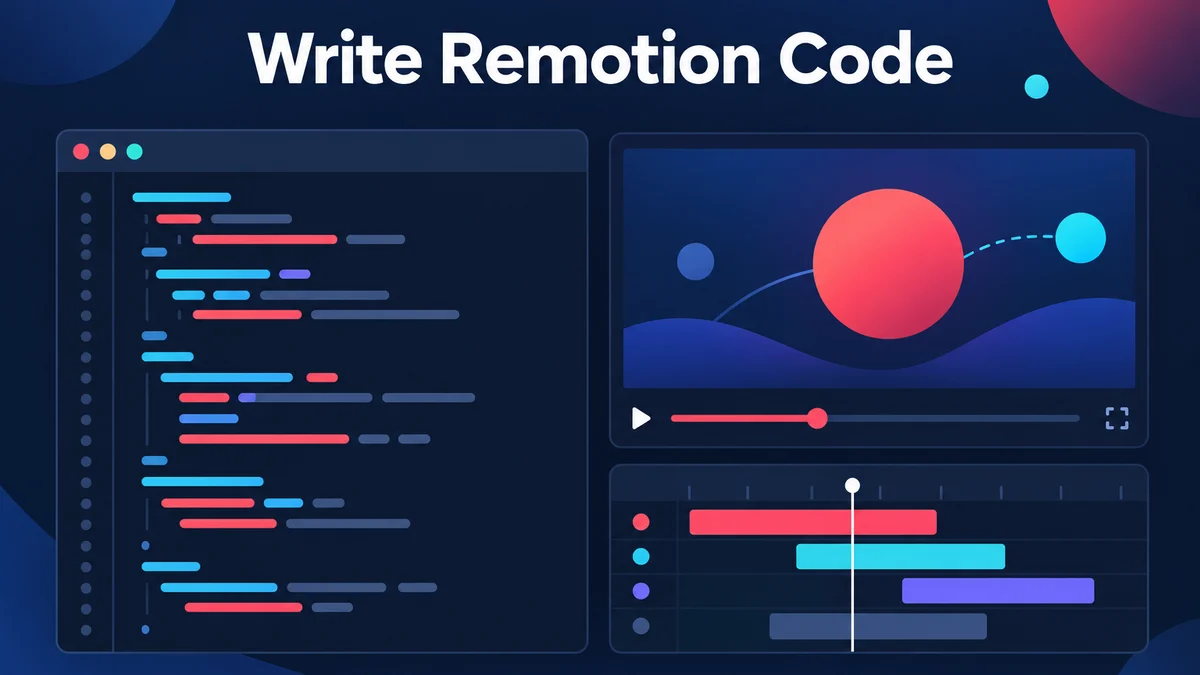
Remotion describes itself as a tool to "make videos programmatically": you build videos and motion graphics with React. Its documentation starts a project with npx create-video@latest and previews it in Remotion Studio. The core idea is that a video is a function of images over time. A React component receives the current frame number and draws that frame. A composition adds the metadata, which is width and height in pixels, frames per second and the number of frames. Duration is the frame count divided by the frame rate, so 900 frames at 30 fps last 30 seconds.
What this route gives you
Full control of every pixel and timing. If you can express it in React, you can animate it, including data pulled from your own systems.
Repeatability. The same code produces the same video, and a change is a code change. One number is one line.
Ownership. The project is yours. You can version it in Git, review changes and generate many variants from data.
What it asks of you
React and a development environment. You need to be comfortable writing components, running a dev server and installing packages.
Everything is built from scratch. Narration, captions, a soundtrack, brand colors and scene transitions are all things you write or integrate. Remotion supports audio and captions, and its documentation covers both, but nothing happens until you build it.
Licensing. Remotion has its own license terms, and companies should read the current terms before building on it. They are Remotion's to define, so this guide links them in Sources and does not summarize them.
Who this route fits
This route fits developers and technical teams who want a repeatable video pipeline, such as a monthly report video generated from a data file, or who need a visual style no template-based tool offers. If your goal is one explainer for one launch and nobody on the team writes React, the effort is likely out of proportion to the task.
Route 2: A coding agent with Remotion agent skills
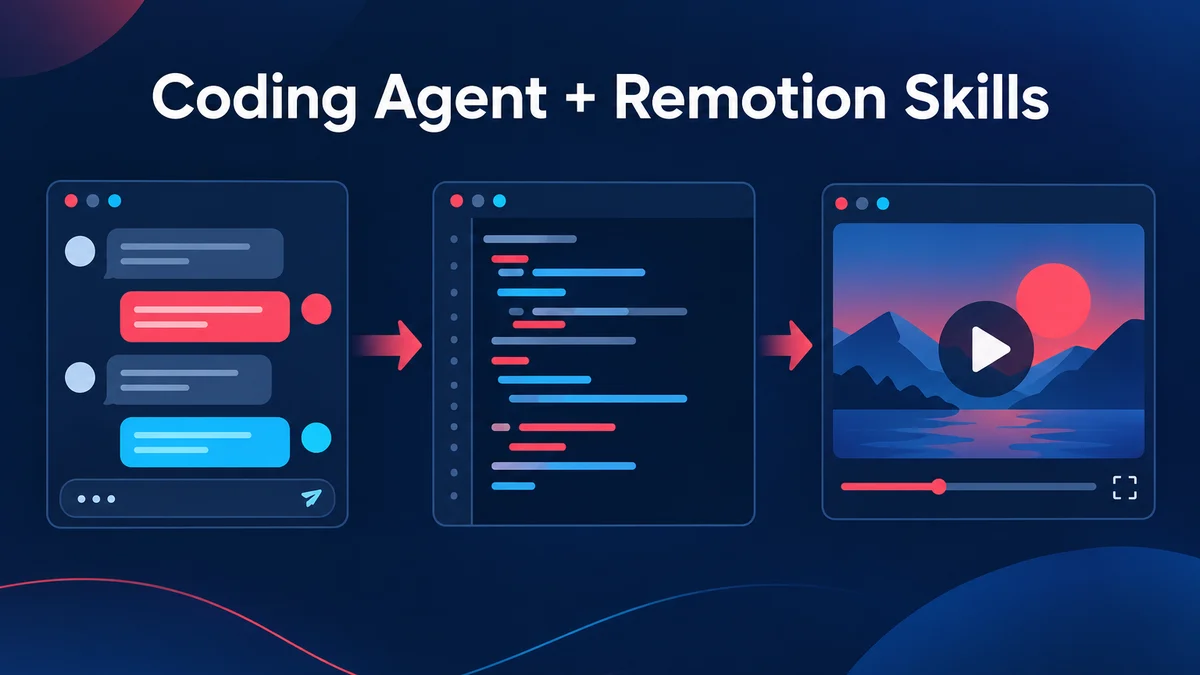
This is the route most people mean when they say "Claude video" in a developer context. You keep the Remotion project, but a coding agent writes and revises the code from your instructions.
What the skills are
Remotion publishes Agent Skills: best-practice guides, maintained by Remotion, that help AI agents work correctly in Remotion projects. The documentation says they are useful for agents such as Claude Code, Codex, Kimi Code and Cursor. The install command is npx skills add remotion-dev/skills. You can also add them when creating a new project with bun create video.
The documentation lists the skills as slash commands. Among them are /remotion-create to start a project or composition, /remotion-markup for compositions, animation, layout, typography, media, audio, fonts and timing, /remotion-captions for captions and subtitles, /remotion-maps for map animations, /remotion-studio to preview, and /remotion-render to render a video or still image. An umbrella skill, /remotion-best-practices, covers all the others. One of the example prompts on the page is "Make a promo video for a record store."
What this route changes compared with writing it yourself
You describe, the agent codes. You still need to run the project, preview it in Studio and read what the agent wrote.
Narration and music are still your job. The skills include guidance for audio and captions, but a voiceover or soundtrack means choosing and wiring up the sources yourself, and the quality depends on what you connect.
Plan check for Claude Code
If you want Claude Code specifically, Anthropic's pricing page lists it as "Yes" on Pro, Max 5x, Max 20x, Team and both Enterprise columns, and "No" on Free (checked 2026-10-10). A Pro or Max subscriber does not get Claude Motion, but does get Claude Code.
Who this route fits
It fits people who already work in a code editor and want to describe an animation instead of writing every component, and who want to keep and edit the source. It is a developer workflow with a lower typing burden, not a workflow without code.
Route 3: A no-code tool such as Potto
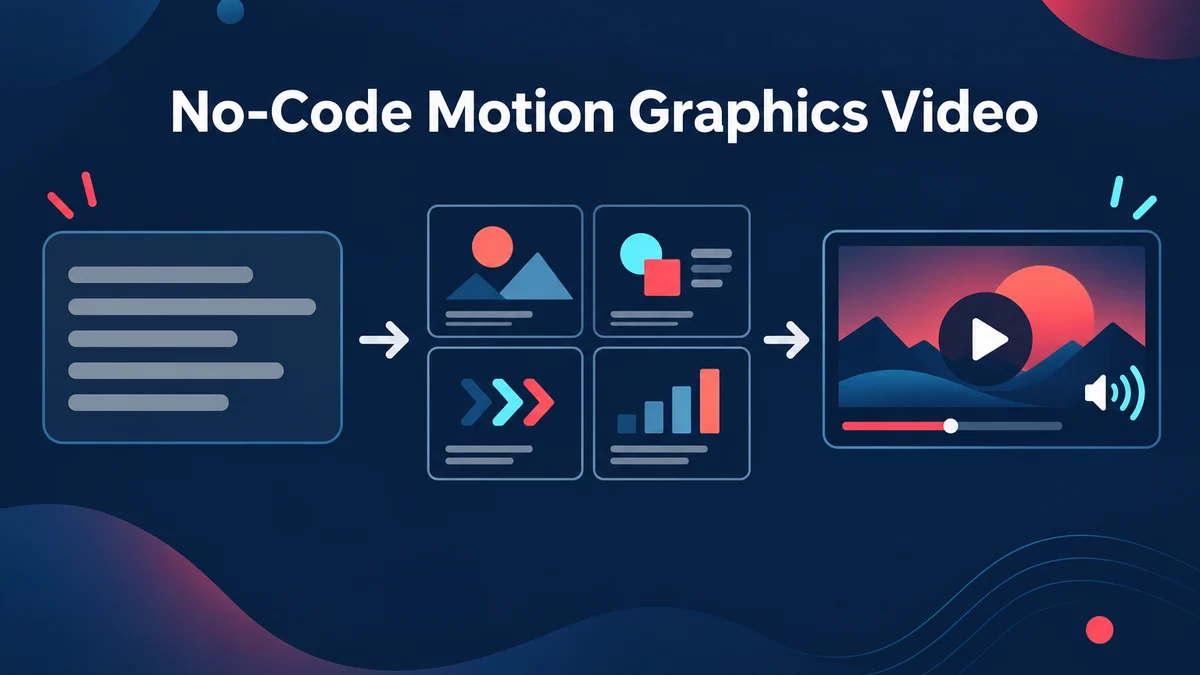
The third route skips code entirely. Potto is an AI video generator for narrated motion graphics. You describe a video, paste a public web link, or attach a document, and Potto produces a storyboard you can edit before anything is exported.
Potto uses Claude Opus 5.5 through an API to write the outline, the scene-by-scene storyboard and the narration, and it draws the video with its own Remotion scene components. That is the same open-source rendering library as Route 1, but wrapped in a product, so you never write or see the code. The Claude video page explains the relationship in more detail. To repeat the opening point: this does not make Potto a version of Claude Motion, and Potto is not affiliated with Anthropic.
What you get
Eleven scene types. Hook, title, screenshot, features, list, stat, compare, chart, illustration, quote and a closing call to action. These are what AI motion graphics animates, and the browser preview and the exported video are the same composition.
Video presets and styles. There are 21 video presets (including an audiogram preset for audio) and 12 built-in styles, plus brand kits that bring in colors, fonts and your logo.
Narration in 32 languages or automatic language detection, with captions that have an optional word-highlight style.
An original soundtrack from Potto's own music library, which you can swap.
Length options. 15, 30, 45, 60 and 90 seconds.
Export as 1080p MP4 at 30 frames per second in 16:9, 9:16 or 1:1.
Edits before export. Change a scene's text and narration, swap screenshots, or regenerate or replace an illustration.
What it takes as input
Inputs are a description, a public web link, or a document. For links, Potto reads only public http or https pages and cannot read pages behind a login. Documents can be PDF, PPTX or DOCX, up to 20 MB each, with up to 8 attachments per project. That makes PDF to video and article to video the usual starting points when the content already exists. Images can be added as material too.
Cost and limits
Generation and the browser preview do not use credits; only export does. Current credit prices are on the pricing page and depend on length, narration and illustrations. Potto has no public API, so it is not a replacement for a code pipeline.
What Potto does not do
It does not give you the code behind a video. You receive the MP4.
It does not generate filmed footage or digital presenters.
It is not an editor for videos you already have. It creates new videos from descriptions, links and documents.
It exports 16:9, 9:16 and 1:1 only.
Who this route fits
It fits marketers, founders, product teams and educators who want a finished narrated video with captions and a soundtrack, and who do not want to maintain a codebase. Typical starting points are an explainer video from a product page or a product demo video from a feature list.
Claude Motion next to the three routes
The table below puts Claude Motion in the same frame, using only what Anthropic's pages, Remotion's documentation and Potto's product pages state. Where a page is silent, the cell says so.
Claude Motion
Remotion by hand
Agent + Remotion skills
Potto
Availability
Beta on Team and Enterprise
Anyone, subject to Remotion's license terms
Any plan that includes your agent
Any user; export uses credits
Do you see code
Animations are code; code export is not described
Yes
Yes
No
Narration
Not mentioned on the pages
You build it
You build it with the agent
Built in, 32 languages
Music
Not mentioned on the pages
You build it
You build it with the agent
Original soundtrack
Aspect ratios
Not specified
Any you configure
Any you configure
16:9, 9:16, 1:1
Read it as a map of differences, not a ranking. Claude Motion is in beta, so "not specified" cells may change.
Which route fits your brief?
Match the route to the first requirement you cannot compromise on.
If you need to own the code
Choose Route 1 or Route 2. A tool that exports an MP4 only, including Potto, will not give you a project to put in Git. Between the two, Route 2 reduces typing, and Route 1 gives the most direct control. Check Remotion's license terms before you plan a company workflow around either.
If you need narration and music in the file
Choose Potto if you want them included without wiring anything yourself. Choose Route 1 or Route 2 if you want to build the audio yourself or connect your own voice and music. Claude Motion's pages do not describe audio, so check the product before relying on it.
If you need vertical or square versions
Potto exports 16:9, 9:16 and 1:1, which covers widescreen, vertical feeds and square placements; its YouTube Shorts maker page covers the vertical case. Remotion lets you set any size in code. Claude Motion's help article does not specify aspect ratios.
If you are on Pro or Max
Claude Motion is not in those plans as of 2026-10-10, but Claude Code is. That makes Route 2 the closest match if you want to stay in Anthropic's tools. Potto is the alternative if you do not want to work with code at all.
If you are starting from a document
A report, a deck or an article is a natural brief for a no-code tool. Potto reads PDF, PPTX and DOCX files, and PPT to video is the page for slides. With a coding agent you can give the agent the document, but you decide how it becomes scenes.
If you need a data-driven series
If a video must be regenerated every month from a spreadsheet or a database, Route 1 and Route 2 are built for it because the video is code that takes data. For a single chart story, Potto's animated chart page takes values and labels and animates them without code.
What to write in the brief for any route
A good brief is the one thing every route shares. The same six items help a person, a coding agent and a no-code tool, and Anthropic's own advice for Claude Motion points the same way: state the audience, where the animation will play, roughly how long it should be, and attach the source material.
Purpose. One sentence on what a viewer should understand or do afterwards.
Audience. Who watches, and what they already know.
Placement and length. A meeting, a landing page or a vertical feed each call for a different length and ratio. Pick one.
Facts that must appear. Numbers, names and claims, with sources. Animation tools present figures well and invent correct ones poorly, so supply them.
Order of ideas. Three to six beats, each with one thing on screen: a statement, a chart or a comparison.
Ending. Decide the last frame, whether it is a call to action, a summary figure or a logo.
For a launch, a product video or a video ad maker project follows the same six items. If you already have the facts, the brief is short to write, and it is the part that decides whether the result is usable.
FAQs
What are the alternatives to Claude Motion?
There are three routes, and the right one depends on your constraints. If you want code you own, write Remotion code yourself or have a coding agent write it with Remotion's agent skills. If you want a narrated video with captions and music from a description, link or document, with no code, a tool such as Potto fits. Potto is not Claude Motion and has no official relationship with Anthropic.
Who can use Claude Motion?
Claude Motion is in beta on Team and Enterprise plans. Anthropic's pricing page marks it "No" for Free, Pro, Max 5x and Max 20x, and does not mention it for Education. The help article says it is on by default for Team plans and off for Enterprise until an owner enables it in Organization settings under Artifacts. These facts were checked on 2026-10-10 and the beta may expand.
Does Claude Motion include narration or music?
Anthropic's pages do not say. The announcement and the help article describe animation of text, charts, shapes and images and an MP4 export, but they do not mention narration, sound or music. If audio matters, test the feature yourself or choose a route where you control the audio source, such as writing it in Remotion or using a tool that includes narration.
Can I use Claude Code instead of Claude Motion?
Yes, as a different workflow. Claude Code is listed as available on Pro, Max, Team and Enterprise plans on Anthropic's pricing page. With Remotion's agent skills installed, it can write Remotion code for an animation. You then preview and render the project yourself, so you need a development environment and you review the code. Claude Motion works inside Claude without that setup, but it is only on Team and Enterprise.
What are Remotion agent skills?
Remotion agent skills are best-practice guides, maintained by Remotion, that help AI agents work correctly in Remotion projects. The documentation names agents such as Claude Code, Codex, Kimi Code and Cursor as targets and gives npx skills add remotion-dev/skills as the install command. They include commands such as /remotion-create, /remotion-captions and /remotion-render.
Is Potto the same as Claude Motion?
No. Claude Motion is Anthropic's feature inside Claude. Potto is an independent product with no official relationship with Anthropic. Potto uses the Claude Opus 5.5 model through an API to write outlines, storyboards and narration, and renders the video with its own Remotion scene components. You receive a 1080p MP4, not code.
Can I get the code behind a Potto video?
No. Potto delivers an MP4 and does not provide the code behind a video or let you run it. If you need the source, use Route 1 or Route 2, where the Remotion project is yours. Potto also has no public API, so it cannot be called from your own pipeline.
Sources
All sources were checked on 2026-10-10.
Anthropic, Dashboards and Motion, announcement dated October 8, 2026. Used for what Claude Motion is, the beta on Team and Enterprise, MP4 download, editing, and the statement that it uses no video generation model.
Anthropic Help Center, Get started with Claude Motion. Used for how to start, MP4 export, plan defaults, admin controls, and the absence of stated aspect ratios, audio and code export.
Anthropic, Claude pricing. Used for which plans list Claude Motion (beta) and Claude Code.
Remotion documentation, Agent Skills. Used for what the skills are, the supported agents, the install commands and the list of skills.
Remotion documentation, The fundamentals. Used for frames, compositions and video properties.
Remotion documentation, License. Listed for companies to read the current terms; this guide does not summarize them.
Remotion, Remotion home page. Used for the description of Remotion and the project setup command.