Premium00
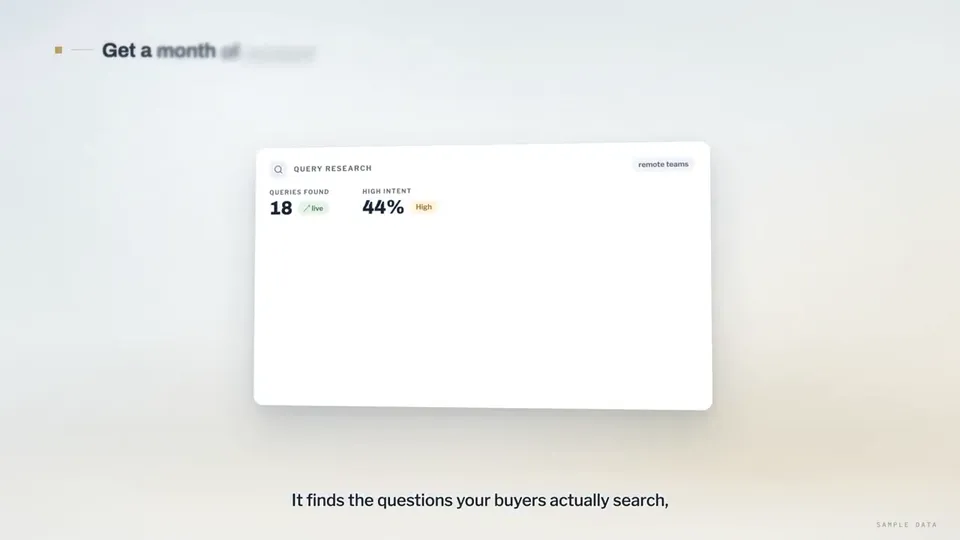
Video 1 di 1Search-ranking dashboards explain the rctrl content tool
Apri la pagina del video

Un unico saldo di crediti per video AI e immagini AI. Abbonati al mese o all’anno, oppure acquista una volta un pacchetto di crediti.
Paga una volta · niente abbonamento
Video per pacchetto
Paga una volta · niente abbonamento
Video per pacchetto
Paga una volta · niente abbonamento
Video per pacchetto
Fatturazione mensile
Video al mese
Fatturazione mensile
Video al mese
Fatturazione mensile
Video al mese
Fatturazione annuale · 240 USD → 192 USD/anno
Video al mese
Fatturazione annuale · 600 USD → 480 USD/anno
Video al mese
Fatturazione annuale · 1200 USD → 960 USD/anno
Video al mese
Videos use credits when you export, and starting one needs a balance that covers its export. Counts assume a 30-second product demo and a 60-second explainer with narration and 3 illustrations.
Cosa fa Product Walkthrough for Silent Viewing (UI Flythrough), quali agent la eseguono, quali chiavi richiede e come installarla.
Product Walkthrough for Silent Viewing (UI Flythrough) è una skill per agent creata da Potto per realizzare video Video esplicativo. Create 60–90-second, 16:9 product walkthroughs in Remotion, designed for silent viewing: a continuous 3D camera flies through code-drawn UI cards on a studio backdrop, with…
Product Walkthrough for Silent Viewing (UI Flythrough) è una skill Premium. È inclusa in qualsiasi piano Potto a pagamento (Lite, Pro o Max), oppure puoi acquistarla a 5 USD una tantum e sarà tua per sempre.
La skill Product Walkthrough for Silent Viewing (UI Flythrough) è scritta in inglese. Genera testo a schermo in qualsiasi lingua tu le indichi.
Product Walkthrough for Silent Viewing (UI Flythrough) si basa su Remotion. Installa Bun, Python 3 e FFmpeg prima di eseguirla.
Product Walkthrough for Silent Viewing (UI Flythrough) produce MP4.
Product Walkthrough for Silent Viewing (UI Flythrough) viene eseguito in Claude Code e Codex, o in qualsiasi altro agent che legge SKILL.md.
No. Product Walkthrough for Silent Viewing (UI Flythrough) funziona senza alcuna chiave API aggiuntiva.
Copia il prompt di installazione di Product Walkthrough for Silent Viewing (UI Flythrough) da questa pagina e incollalo nel tuo agent, oppure scarica il relativo ZIP.
Product Walkthrough for Silent Viewing (UI Flythrough) è stato usato per creare 1 video nella galleria Potto, come Search-ranking dashboards explain the rctrl content tool.
Potto ha Product Walkthrough for Silent Viewing (UI Flythrough) v1.0.0, aggiornato il 21 ott 2026. Copia di nuovo il prompt di installazione per ottenere l’ultima versione.