- Durata e formato
- 0:27
- 16:9
- Creato con
- Canvas
- SVG
- GSAP
- AI image
Prompt
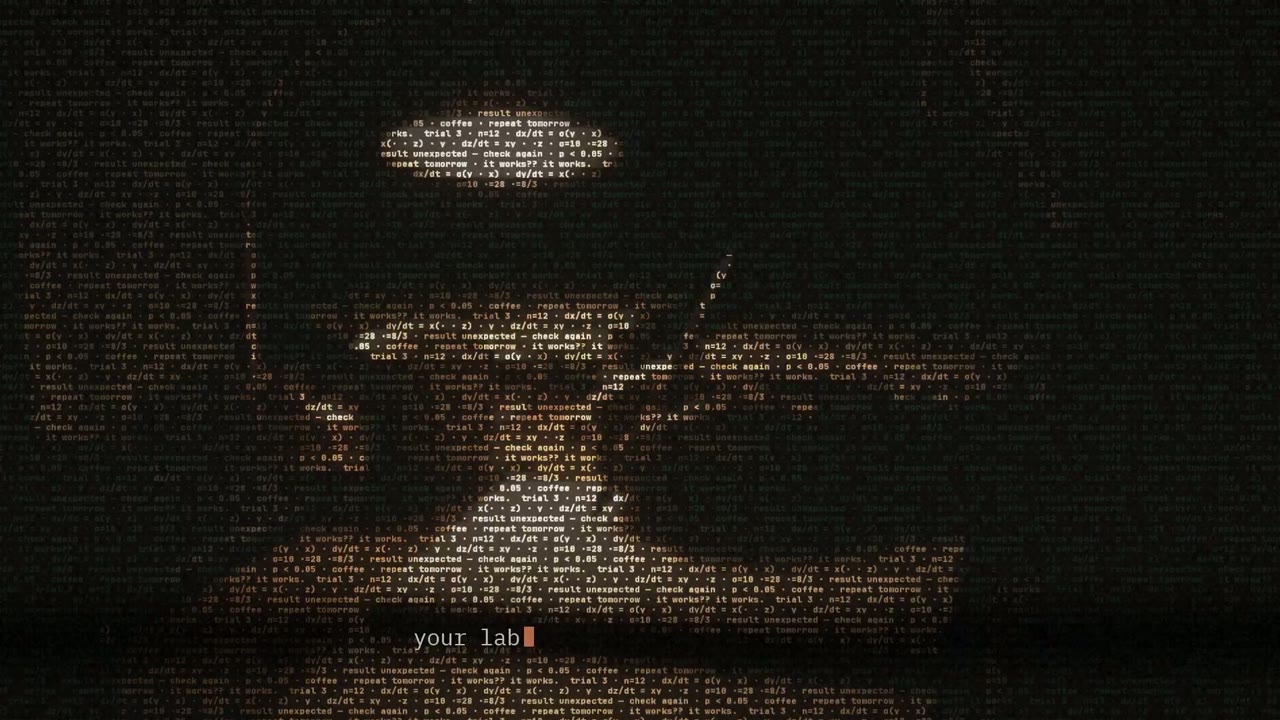
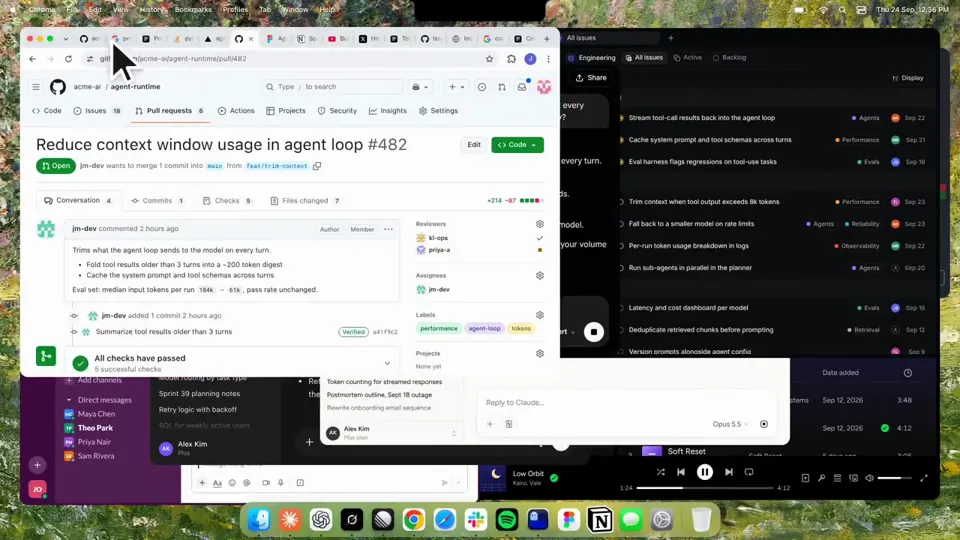
Using HyperFrames, make a hype teaser for the product in this post - [link]. Landscape, around 27 seconds. Match the product UI, wallpaper and copy from the post's video Motion should feel slow and polished - one continuous camera over one Mac desktop, no hard cuts. Camera pushes, pulls and pans run like 1.5 to 3 seconds on gentle ease-in-out curves, nothing snappy - aim for half the speed you'd default to. Add motion blur on fast moves and a light film grain finish. Use an oversized macOS cursor. No audio. All on-screen copy lowercase like the post. 1. Open on a big centered line - "in the AI era, the hard part is" - entering word by word from the right with an orange colorama text wipe over it (the `colorama-wipe` registry component). Hold it about a second, then scale it down into place above a spinning list. 2. The list rotates through 30 hard things about working in the AI era - spending tokens wisely, picking the right model, managing context windows, etc - each with a real app icon. Go fast, it's not meant to be read, then land slowly on "managing your desktop". 0.2s after it lands a question mark pops on after it. 3. Pull the camera back to reveal the Mac desktop as windows pile in on top of each other, arriving from behind the camera - Claude, ChatGPT, Grok, Linear, Chrome, Spotify, Slack and Claude Code in a terminal. Build these as accurate recreations of the real apps with real icons. 4. Push back in so the windows fly past the camera, back to text - "don't make your browser / one of them". 5. Pan up to a really tight framing of just the notch and the top of the wallpaper. A cursor comes up and hovers - the notch morphs into a pill with the name "NotchBrowser", then opens into the browser panel exactly like in the video. 6. Click through the tabs like the video does, then click the collapse chevron so the panel retracts into the notch. 7. End on a checklist of the post's claims with rings and ticks drawing on
Altri video simili
Vedi tutti
Scegli il tuo piano
Un unico saldo di crediti per video AI e immagini AI. Abbonati al mese o all’anno, oppure acquista una volta un pacchetto di crediti.
2000 crediti
20 USDuna tantum
Paga una volta · niente abbonamento
Video per pacchetto
Video dimostrativo del prodotto da 30 secondi13 video
Video esplicativo da 60 secondi5 video
- 2000 crediti, aggiunti una sola volta
- Fino a 86 immagini veloci
- Nessuna filigrana Potto aggiunta
- Condivisi dagli strumenti video e immagine
5000 crediti
50 USDuna tantum
Paga una volta · niente abbonamento
Video per pacchetto
Video dimostrativo del prodotto da 30 secondi33 video
Video esplicativo da 60 secondi13 video
- 5000 crediti, aggiunti una sola volta
- Fino a 217 immagini veloci
- Nessuna filigrana Potto aggiunta
- Condivisi dagli strumenti video e immagine
15.000 crediti
100 USDuna tantum
Paga una volta · niente abbonamento
Video per pacchetto
Video dimostrativo del prodotto da 30 secondi100 video
Video esplicativo da 60 secondi40 video
- 15.000 crediti, aggiunti una sola volta
- Fino a 652 immagini veloci
- Nessuna filigrana Potto aggiunta
- Condivisi dagli strumenti video e immagine
Lite
Scegli Lite20 USD/meseFatturazione mensile
Video al mese
Video dimostrativo del prodotto da 30 secondi13 videoVideo esplicativo da 60 secondi5 video- 2000 crediti al mese
- Fino a 86 immagini veloci
- Coda standard
- Nessuna filigrana Potto aggiunta
- Elaborazione in batch con gli strumenti AI
- Nessuna pubblicazione nelle gallerie pubbliche
Pro
Scegli Pro50 USD/meseFatturazione mensile
Video al mese
Video dimostrativo del prodotto da 30 secondi33 videoVideo esplicativo da 60 secondi13 video- 5000 crediti al mese
- Fino a 217 immagini veloci
- Coda prioritaria
- Nessuna filigrana Potto aggiunta
- Elaborazione in batch con gli strumenti AI
- Nessuna pubblicazione nelle gallerie pubbliche
- Consigliato
Max
Scegli Max100 USD/meseFatturazione mensile
Video al mese
Video dimostrativo del prodotto da 30 secondi100 videoVideo esplicativo da 60 secondi40 video- 15.000 crediti al mese
- Fino a 652 immagini veloci
- Coda con massima priorità
- Nessuna filigrana Potto aggiunta
- Elaborazione in batch con gli strumenti AI
- Nessuna pubblicazione nelle gallerie pubbliche
Lite
-20%Scegli Lite20 USD16 USD/meseFatturazione annuale · 240 USD → 192 USD/anno
Video al mese
Video dimostrativo del prodotto da 30 secondi13 videoVideo esplicativo da 60 secondi5 video- 2000 crediti al mese
- Fino a 86 immagini veloci
- Coda standard
- Nessuna filigrana Potto aggiunta
- Elaborazione in batch con gli strumenti AI
- Nessuna pubblicazione nelle gallerie pubbliche
Pro
-20%Scegli Pro50 USD40 USD/meseFatturazione annuale · 600 USD → 480 USD/anno
Video al mese
Video dimostrativo del prodotto da 30 secondi33 videoVideo esplicativo da 60 secondi13 video- 5000 crediti al mese
- Fino a 217 immagini veloci
- Coda prioritaria
- Nessuna filigrana Potto aggiunta
- Elaborazione in batch con gli strumenti AI
- Nessuna pubblicazione nelle gallerie pubbliche
- Consigliato
Max
-20%Scegli Max100 USD80 USD/meseFatturazione annuale · 1200 USD → 960 USD/anno
Video al mese
Video dimostrativo del prodotto da 30 secondi100 videoVideo esplicativo da 60 secondi40 video- 15.000 crediti al mese
- Fino a 652 immagini veloci
- Coda con massima priorità
- Nessuna filigrana Potto aggiunta
- Elaborazione in batch con gli strumenti AI
- Nessuna pubblicazione nelle gallerie pubbliche
Videos use credits when you export, and starting one needs a balance that covers its export. Counts assume a 30-second product demo and a 60-second explainer with narration and 3 illustrations.
Domande frequenti su Kinetic text teaser for a notch-dwelling browser app
Come è stato realizzato Kinetic text teaser for a notch-dwelling browser app, cosa dice il prompt e come creare un video Testo cinetico simile con Potto.
Che cos’è Kinetic text teaser for a notch-dwelling browser app?
Kinetic text teaser for a notch-dwelling browser app è un video di motion graphics Testo cinetico di jake11moran. A 27-second kinetic text teaser for a notch-dwelling browser app, built with canvas, SVG, GSAP and AI imagery.
Come è stato realizzato Kinetic text teaser for a notch-dwelling browser app?
Kinetic text teaser for a notch-dwelling browser app è stato realizzato con Canvas, SVG, GSAP e AI image. Fa parte della raccolta Testo cinetico di video di motion graphics AI su Potto.
Il prompt di Kinetic text teaser for a notch-dwelling browser app è disponibile?
Sì. Il prompt completo di Kinetic text teaser for a notch-dwelling browser app è in questa pagina. Copialo, oppure fai clic su Usa questo prompt per aprirlo nell’area di lavoro di Potto.
Quanto dura Kinetic text teaser for a notch-dwelling browser app e qual è il rapporto d’aspetto?
Kinetic text teaser for a notch-dwelling browser app dura 0:27 in un formato 16:9.
Posso realizzare con Potto un video Testo cinetico come Kinetic text teaser for a notch-dwelling browser app?
Sì. Fai clic su Usa questo prompt per caricare il prompt di Kinetic text teaser for a notch-dwelling browser app nell’area di lavoro di Potto. Potto ne esegue il rendering in una versione propria, e puoi cambiare testo e stile prima di esportare.
Quale skill per agent è stato usato per realizzare Kinetic text teaser for a notch-dwelling browser app?
Kinetic text teaser for a notch-dwelling browser app è stato realizzato con lo skill Hyperframes. Fai clic su Vedi skill per installarlo gratis in Claude Code, Codex o Cursor dopo l’accesso.
Dove posso guardare l’originale di Kinetic text teaser for a notch-dwelling browser app?
Kinetic text teaser for a notch-dwelling browser app è stato pubblicato per la prima volta dal suo creatore. Fai clic su Vedi l’originale per aprire quel post in una nuova scheda.
Dove trovo altri video Testo cinetico come Kinetic text teaser for a notch-dwelling browser app?
Sfoglia la raccolta Testo cinetico su Potto: 85 video, ognuno con prompt, specifiche e fonte.