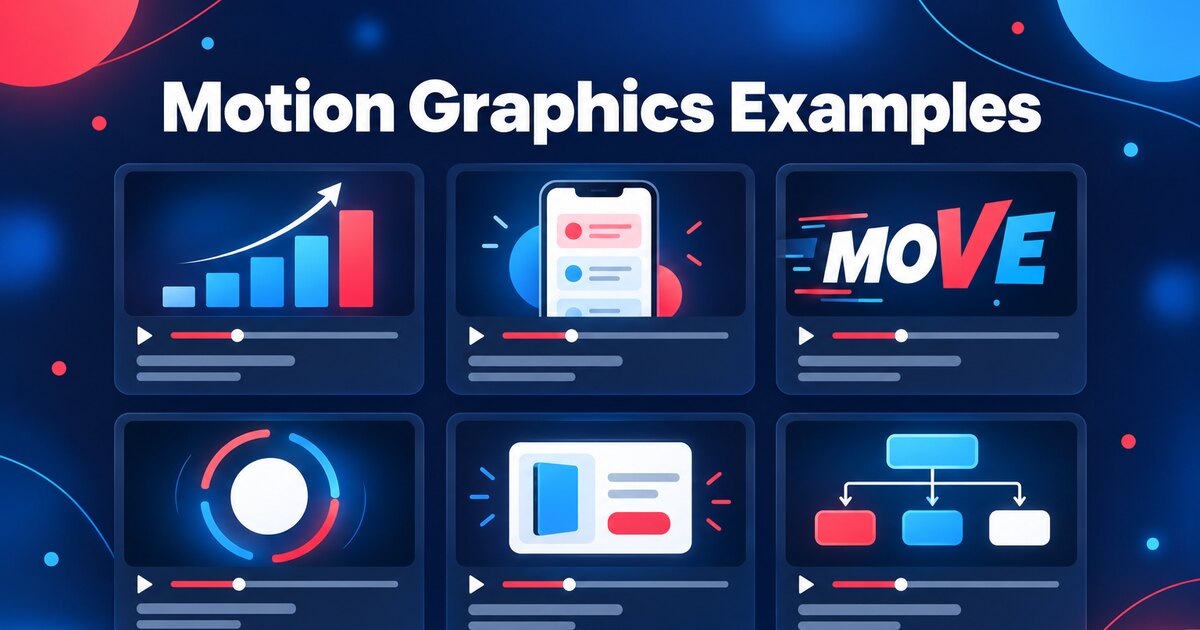
 Motion graphicsen
Motion Graphics Examples Sorted by What They Do
Motion graphics examples sorted by job: launch films, product screens, kinetic type, data stories, explainers and logo reveals, each from a credited creator.
Potto AIతో ప్రొడక్ట్ లాంచ్ వీడియోలు, ఎక్స్ప్లెయినర్లు మరియు AI ఇమేజ్లను తయారు చేయడం: మీ తదుపరి లాంచ్ కోసం ఆచరణాత్మక మార్గదర్శకాలు, ఉదాహరణలు మరియు ఆలోచనలు.
మీకు ఆసక్తి కలిగించిన దాన్ని తీసుకుని మీ సొంత వీడియో లేదా ఇమేజ్గా మార్చండి. స్క్రీన్షాట్లు, ఒక అంశం లేదా ఒక ప్రాంప్ట్ తీసుకురండి.
Motion graphicsenMotion graphics examples sorted by job: launch films, product screens, kinetic type, data stories, explainers and logo reveals, each from a credited creator.
 Motion graphicsen
Claude Motion alternatives compared by checkable facts: write Remotion code, use a coding agent with Remotion skills, or use a no-code tool like Potto.
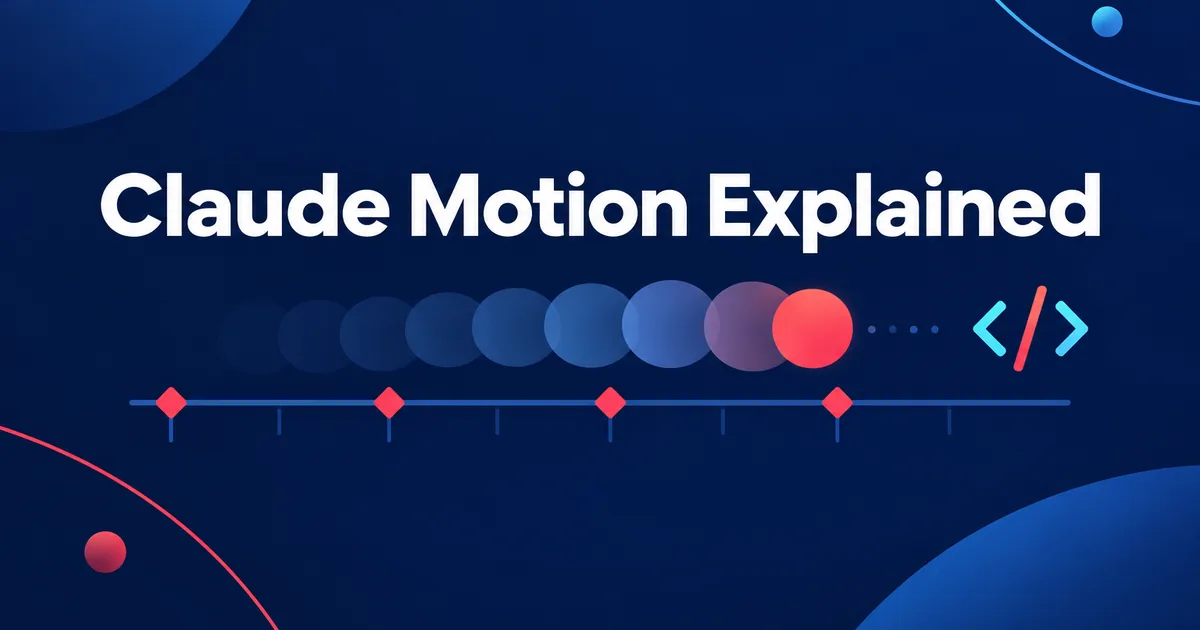 Motion graphicsen
Claude Motion is Anthropic's animation tool for Claude. Here is what it makes, who can use it, how Remotion fits in, and how it differs from Potto.
అప్డేట్ చేయబడింది
ప్రాంప్ట్లు, కోడ్తో తయారయ్యే మోషన్ గ్రాఫిక్స్కు ఆచరణాత్మక గైడ్లు: Claude Motion, Remotion వంటి టూల్స్ ఏమి తయారు చేస్తాయి, యానిమేటెడ్ టెక్స్ట్, చార్ట్లు, ప్రొడక్ట్ స్క్రీన్లను ఎలా నిర్మిస్తారు, యానిమేషన్ కోసం వివరణను ఎలా రాయాలి, కోడ్ రాయడం బదులు బ్రౌజర్ టూల్ను ఎప్పుడు వాడాలి.
Potto AIతో మోషన్ గ్రాఫిక్స్ తయారు చేయండిఒక టూల్ ఏమి తయారు చేస్తుంది, దానికి మీ నుండి ఏమి కావాలో వివరించే ఆర్టికల్స్తో ప్రారంభించండి — ఉదా. Claude Motion, Remotion గైడ్. తర్వాత వివరణ రాయడంపై ఉన్నవి చదవండి, ఎందుకంటే ప్రేక్షకులు, నిడివి, మూల వాస్తవాలు ప్రతి యానిమేటెడ్ సీన్ను రూపొందిస్తాయి.
కోడ్ రాయకుండా, వాయిస్ఓవర్కు సరిపోయే యానిమేటెడ్ టెక్స్ట్, ప్రొడక్ట్ స్క్రీన్లు, చార్ట్లు కావాల్సినప్పుడు Potto AIని వాడండి: ఇది రూపురేఖ, స్టోరీబోర్డ్ను రాసి, సీన్లను క్యాప్షన్లు, సంగీతంతో రెండర్ చేసి, మీరు ప్రివ్యూ చూసిన తర్వాత MP4 ఎక్స్పోర్ట్ చేస్తుంది.