 AI imagesen
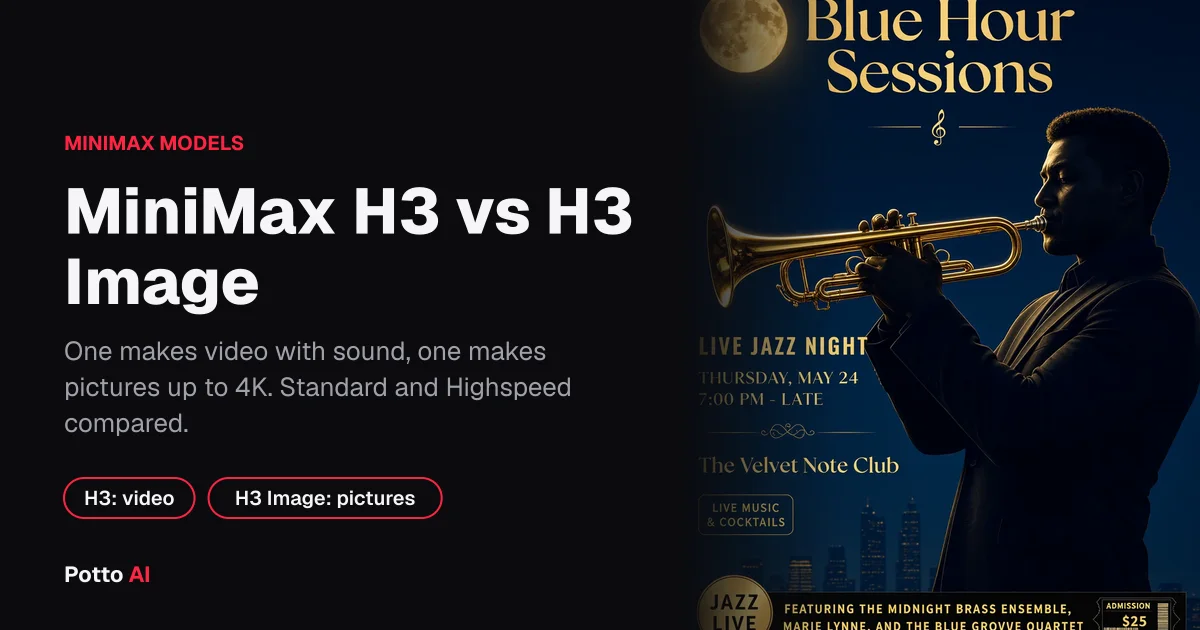
MiniMax H3 vs H3 Image: What Each Makes
MiniMax H3 vs H3 Image: H3 makes video with sound, H3 Image makes 4K pictures. Compare Standard and Highspeed, credits, test times, text and references.
Potto AIతో ప్రొడక్ట్ లాంచ్ వీడియోలు, ఎక్స్ప్లెయినర్లు మరియు AI ఇమేజ్లను తయారు చేయడం: మీ తదుపరి లాంచ్ కోసం ఆచరణాత్మక మార్గదర్శకాలు, ఉదాహరణలు మరియు ఆలోచనలు.
మీకు ఆసక్తి కలిగించిన దాన్ని తీసుకుని మీ సొంత వీడియో లేదా ఇమేజ్గా మార్చండి. స్క్రీన్షాట్లు, ఒక అంశం లేదా ఒక ప్రాంప్ట్ తీసుకురండి.
AI imagesenMiniMax H3 vs H3 Image: H3 makes video with sound, H3 Image makes 4K pictures. Compare Standard and Highspeed, credits, test times, text and references.
 AI imagesen
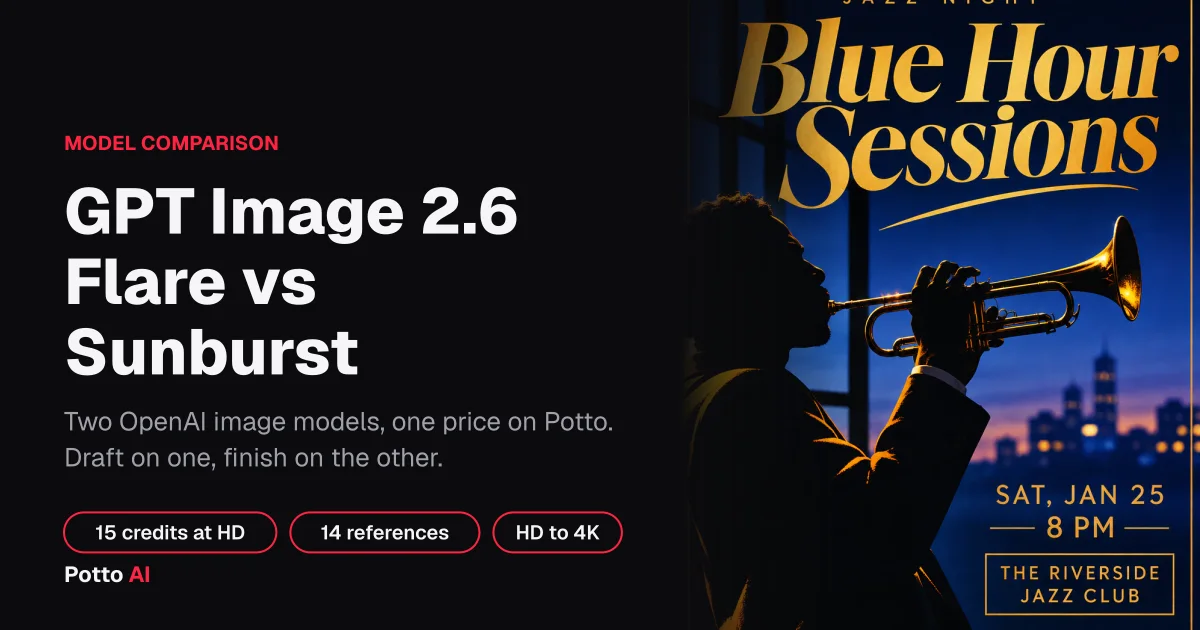
GPT Image 2.6 Flare vs Sunburst: what each OpenAI model is for, same-prompt results, token costs, a draft-then-finish workflow and prompt tips.
 AI imagesen
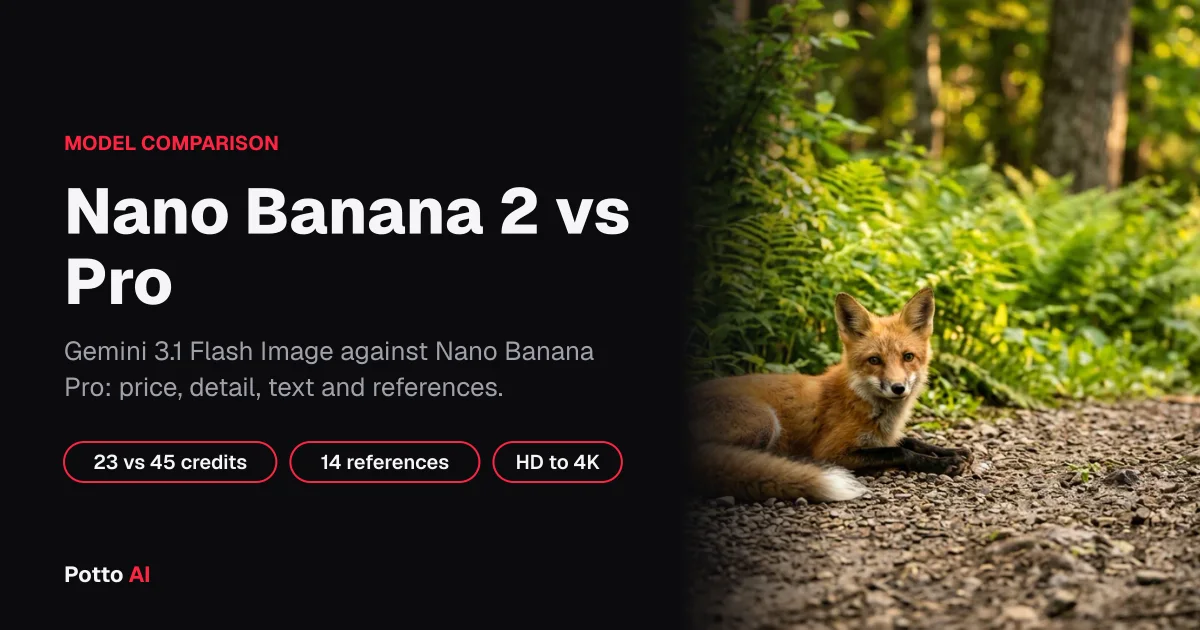
Nano Banana 2 vs Pro: Gemini 3.1 Flash Image against Nano Banana Pro on price, references and text, with Potto credits and a fair way to test both.
 AI imagesen
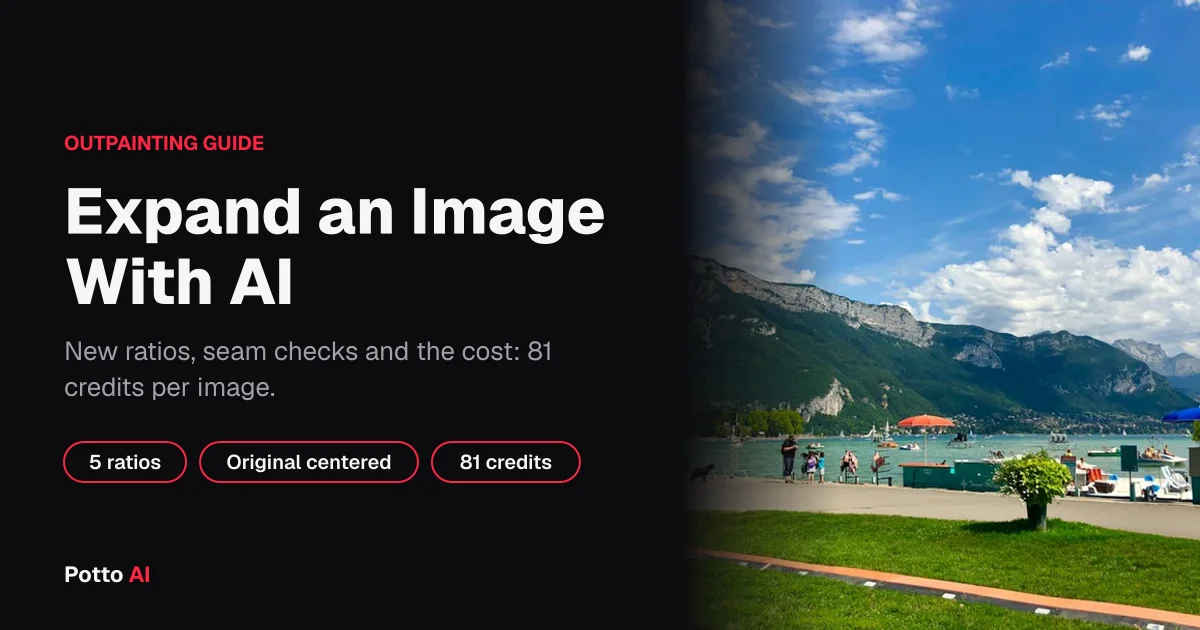
How to expand an image with AI: pick 1:1, 3:4, 4:3, 9:16 or 16:9, keep the original in the center, check the seam. One image costs 81 credits.
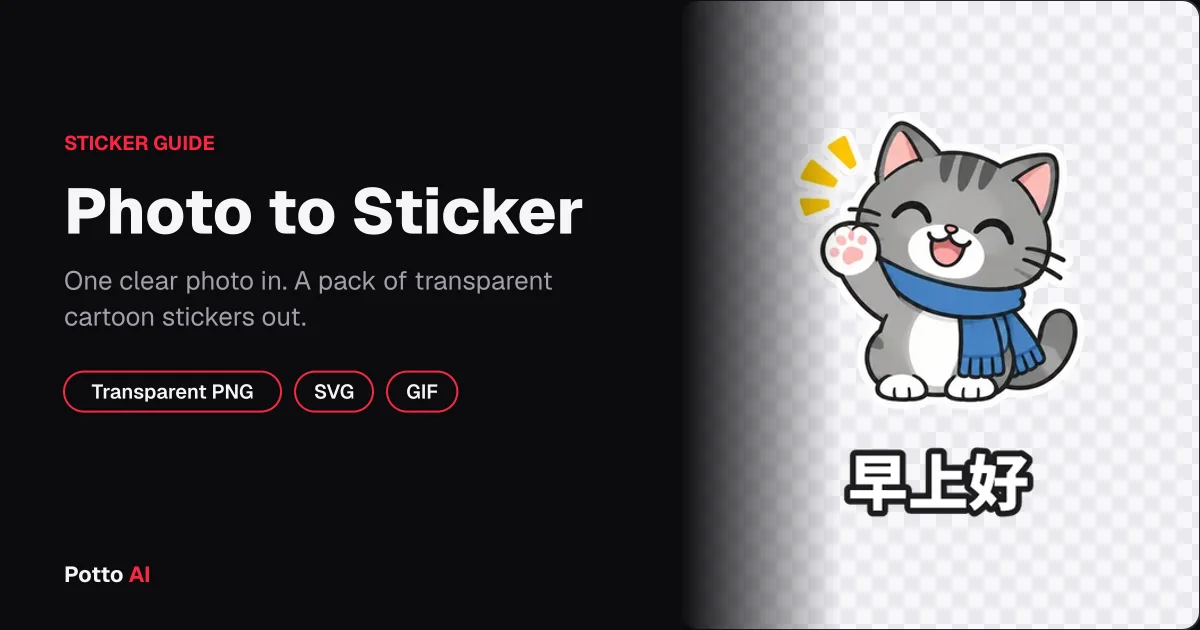 AI imagesen
Turn a photo into stickers with AI: upload one clear photo, pick a style, and get a pack of transparent PNG stickers with SVG files, or an animated GIF sticker.
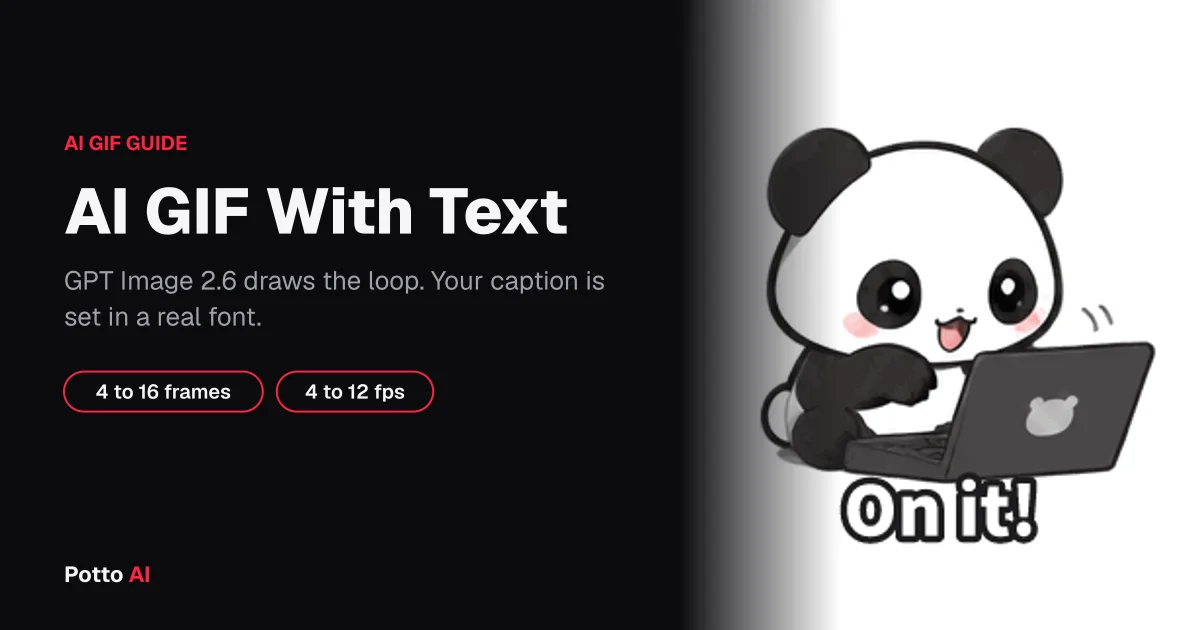 AI imagesen
Make an AI GIF with text from one sentence. GPT Image 2.6 draws the frames of the loop, and Potto sets your caption in a real font, spelled exactly as typed.
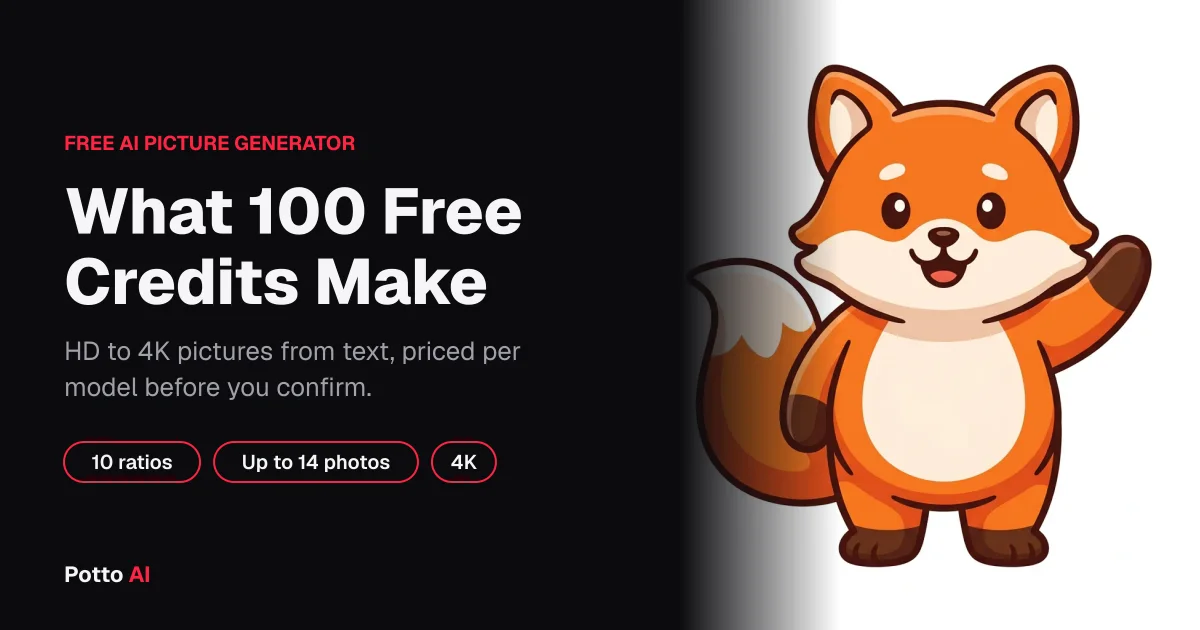 AI imagesen
How far a free AI picture generator goes on 100 sign-up credits: up to 20 HD pictures, 10 shapes, 4K, up to 14 reference photos, priced before you confirm.
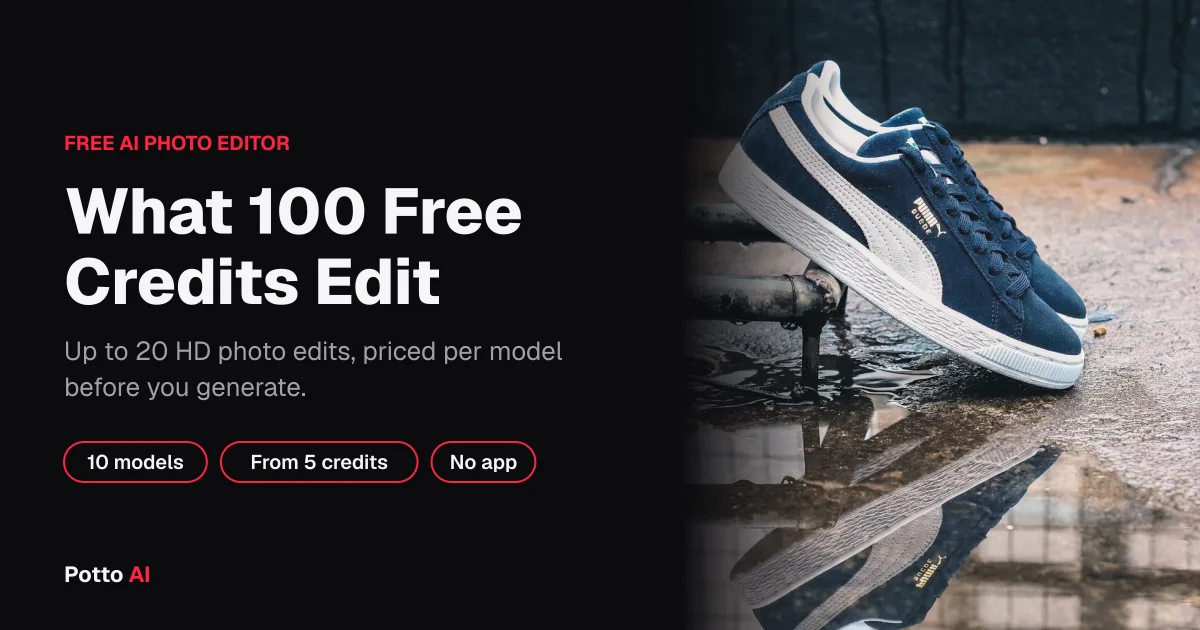 AI imagesen
A free AI photo editor with 100 sign-up credits: up to 20 HD edits, 10 models from GPT Image to Nano Banana Pro, and the price shown before you generate.
 AI imagesen
Make a GIF from a video clip or up to 60 photos in your browser. Pick the frame rate and width, keep the file small, and download with no upload or watermark.
అప్డేట్ చేయబడింది
AI ఇమేజ్లను సృష్టించడం, ఎడిట్ చేయడానికి ఆచరణాత్మక గైడ్లు: సబ్జెక్ట్, స్టైల్, లైటింగ్ను వివరించే ప్రాంప్ట్లు రాయడం, ఒక ఫోటోను కొత్త ఇమేజ్గా మార్చడం, బ్యాక్గ్రౌండ్లను తొలగించడం లేదా మార్చడం, ప్రింట్ కోసం అప్స్కేల్ చేయడం, ప్రొడక్ట్ పేజీలు, క్యాంపెయిన్ల కోసం ఇమేజ్లను సిద్ధం చేయడం.
Potto AIతో ఇమేజ్ సృష్టించండిప్రాంప్ట్లు రాయడంపై ఉన్న ఆర్టికల్స్తో ప్రారంభించండి, ఎందుకంటే సబ్జెక్ట్, స్టైల్, లైటింగ్ ఫలితంలో ఎక్కువ భాగాన్ని నిర్ణయిస్తాయి. మీరు దాచుకోవాలనుకునే ఇమేజ్ సిద్ధమైన తర్వాత ఎడిటింగ్, బ్యాక్గ్రౌండ్ తొలగింపు, అప్స్కేల్కు వెళ్లండి.
మీకు ప్రాంప్ట్ నుండి ఇమేజ్ కావాల్సినప్పుడు లేదా ఫోటోను ఎడిట్ చేయాలనుకున్నప్పుడు Potto AIని వాడండి: Nano Banana Pro లేదా Nano Bananaతో జనరేట్ చేయండి, తర్వాత అదే ఖాతాలో బ్యాక్గ్రౌండ్ను తొలగించండి, ఫలితాన్ని అప్స్కేల్ చేయండి లేదా విస్తరించండి — వీడియోలతో పంచుకునే ఒకే క్రెడిట్ బ్యాలెన్స్తో.