图片生成模型
按用途、输出档位和单张积分消耗,对比 Potto AI 的五款图片生成模型,为下一次生成选择合适的模型。
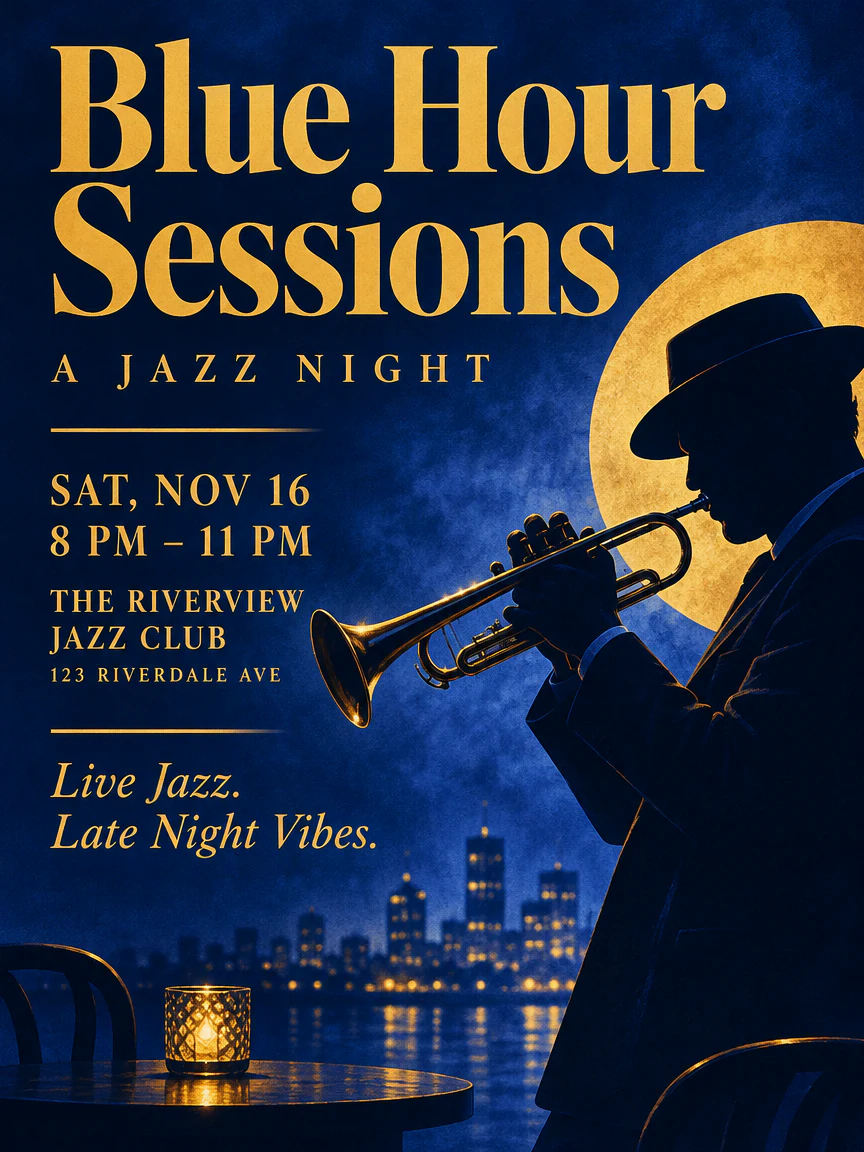
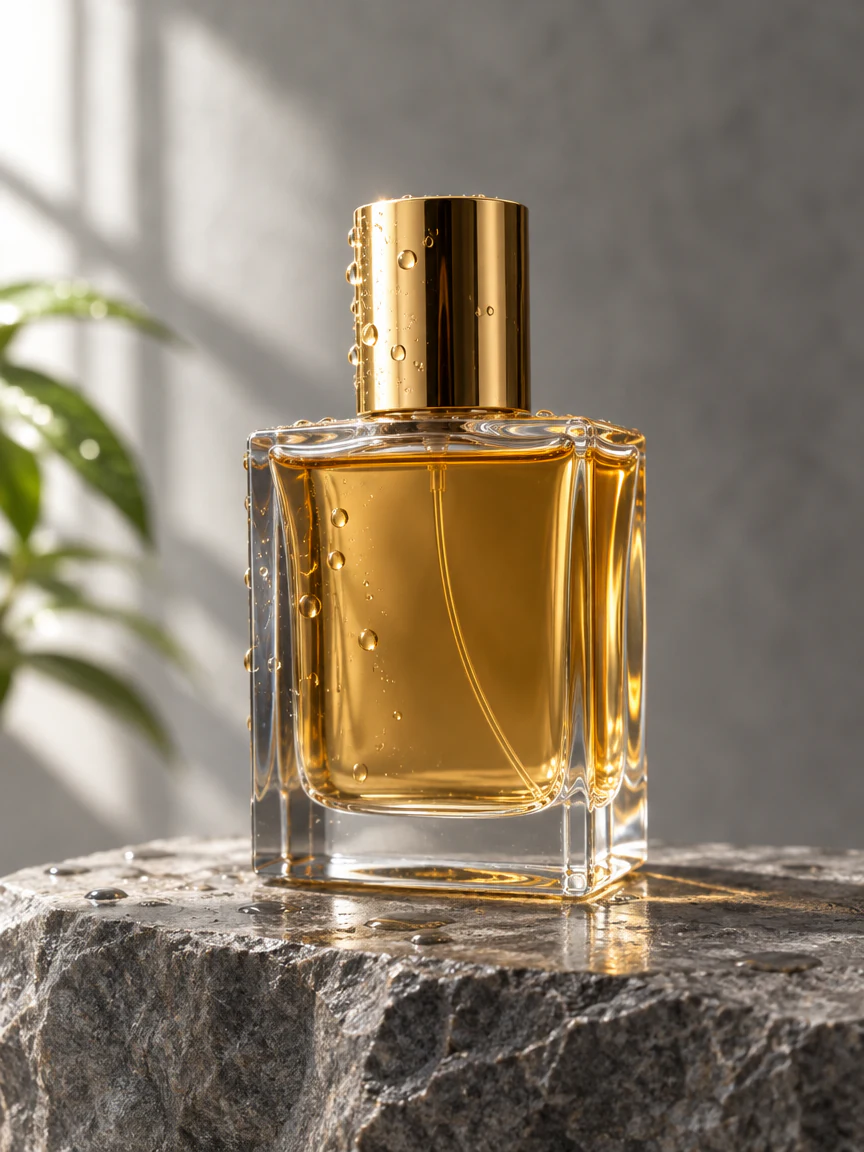
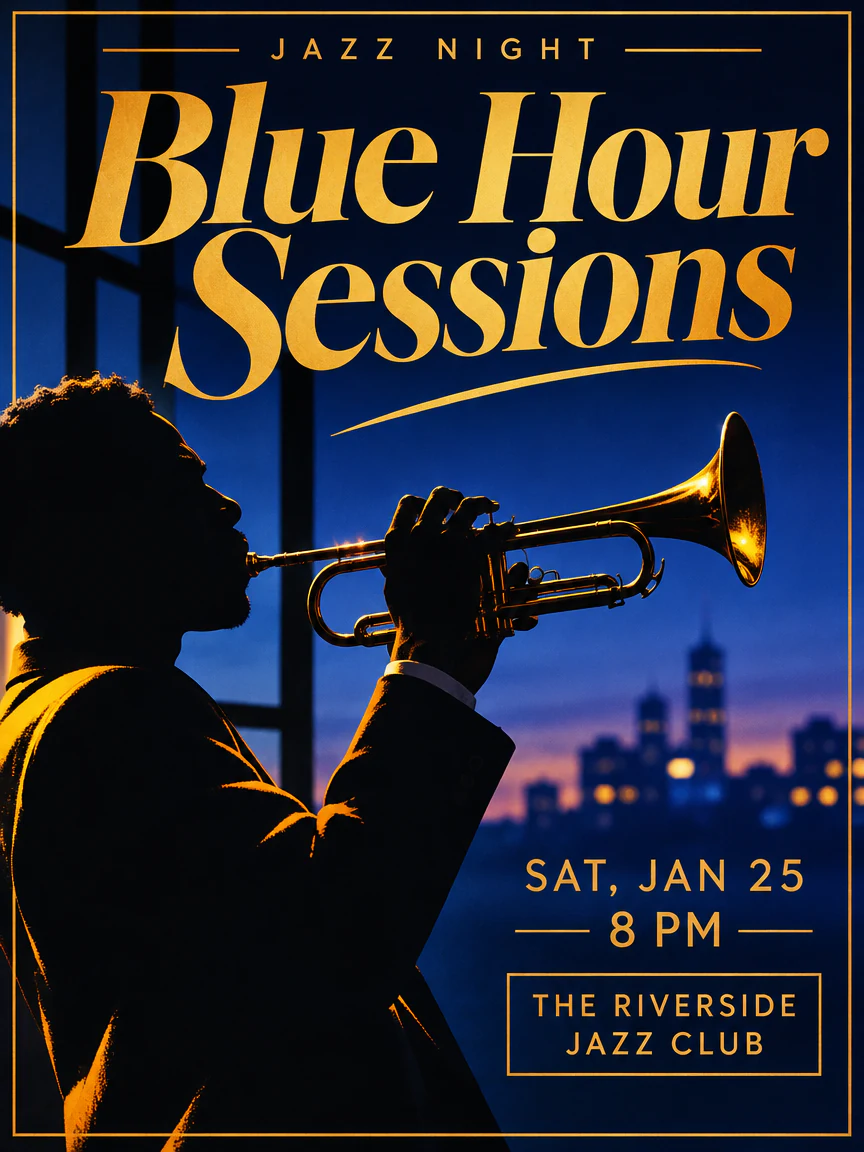
NewJust added · OpenAI
GPT Image 2.6
The API models from the ChatGPT Images 2.6 release. Two variants share one prompt box: switch between them without losing your prompt or references.
Flare
Fast drafts and many quick tries
Sunburst
Detail and consistent multi-step edits
- Resolution
- HD · 2K · 4K
- References
- Up to 14
- Credits
- From 15
Image models9
Generate from text or edit with reference images. Every image model works in AI Image and in all image tools.
Nano Bananaby GoogleGemini image models, strong at exact text and keeping one subject across references
- Popular
- New
GPT Imageby OpenAITwo variants per release: Flare for speed, Sunburst for detail
- New
- New
MiniMax H3 Imageby MiniMaxOne model, two variants: Standard and Highspeed. Strong with text and many reference images
- New
Video models1
The model behind Potto’s video effects and custom video prompts.
 Sound
Seedance 2.5
by ByteDance · Text or images to video
Short clips with sound made in one pass: voices, beat and the scene together. Add reference photos to keep real people and pets in the shot.
- 4–30s clips
- 480p–1080p
- Sound
- Up to 4 photos
From 172 cr · 5s at 480p
Which model should I use?
Start from the job. Each pick opens the generator with that model selected, and you can switch later without losing your prompt.
- Posters, ads and menus with exact textBest pickNano Banana ProAlso goodGPT Image 2.6 Sunburst, MiniMax H3 ImageStart
- Product shots from your own photosBest pickNano Banana ProAlso goodGPT Image 2.6 SunburstStart
- Many quick drafts to explore an ideaBest pickGPT Image 2.6 FlareAlso goodNano Banana, MiniMax H3 Image HighspeedStart
- Several edits on the same imageBest pickGPT Image 2.6 SunburstAlso goodNano Banana ProStart
- Quick edits at HDBest pickNano BananaAlso goodGPT Image 2.6 FlareStart
- A short video with voices and musicBest pickSeedance 2.5Start
Compare all AI models
Resolution, reference images and credits for every model in one table. Credits are per image, or per clip for video, and the exact estimate shows before you confirm.
| Nano Banana Pro | Image | Exact text and professional detail | HD · 2K · 4K | Up to 14 | 45 · 45 · 80 |
|---|---|---|---|---|---|
| Nano Banana | Image | Fast, low-cost drafts and quick edits | HD · 2K · 4K | Up to 14 | 23 · 34 · 51 |
| Nano Banana 2.1New | Image | Sharp text and recurring characters | HD · 2K · 4K | Up to 10 | 12 · 17 · 38 |
| GPT Image 2.6 FlareNew | Image | Fast drafts and many quick tries | HD · 2K · 4K | Up to 14 | 15 · 28 · 49 |
| GPT Image 2.6 SunburstNew | Image | Detail and consistent multi-step edits | HD · 2K · 4K | Up to 14 | 15 · 28 · 49 |
| GPT Image 2.5 Flare | Image | Previous Flare, for matching earlier results | HD · 2K · 4K | Up to 14 | 5 · 9 · 15 |
| GPT Image 2.5 Sunburst | Image | Previous Sunburst, for matching earlier results | HD · 2K · 4K | Up to 14 | 5 · 9 · 15 |
| MiniMax H3 ImageNew | Image | Text in images and edits with many references | HD · 2K · 4K | Up to 14 | 10 · 10 · 26 |
| MiniMax H3 Image Highspeed | Image | The same results, served faster | HD · 2K · 4K | Up to 14 | 15 · 15 · 47 |
| Seedance 2.5 | Video | Short clips with sound in one pass | 480p · 720p · 1080p | Up to 4 photos | 172 · 385 · 949 per 5s clip |
图片生成模型常见问题
创作流程中的 AI 模型是什么?
AI 模型是经过训练、用来完成特定任务的系统,例如生成图片、整理文字或生成语音。需要哪些 AI 模型取决于工作流程:Potto AI 的图片创作区提供五款图片生成模型供你选择,视频项目则结合文本模型、语音模型和渲染器。每个模型的输出仍需根据任务要求检查。
什么是图片生成模型?
图片生成模型将文字要求以及可选的参考图转成一张新图片。在 Potto AI 的创作区,你可以选择图片生成模型,同时设置画面比例、分辨率、输出数量和格式。可用模型以创作区提供的选项为准;抠图、图片放大等工具使用各自的引擎。
在 Potto AI 可以选择哪些图片生成模型?
五款图片生成模型各有独立页面:Nano Banana Pro、Nano Banana、Nano Banana 2.1、GPT Image 2.5 Flare 和 GPT Image 2.5 Sunburst。创作区菜单还列有 GPT Image 2.5 Flare High,这是 Flare 的更高画质设置,没有独立页面。抠图和图片放大使用内部引擎,不在可选模型之列。发起生成时,请以实际菜单为准。
我该选哪款 AI 模型?
先按任务选择 AI 模型,再用自己的创作简述验证。最终成图或包含多项要求的创作简述可选 Pro;低成本草稿和变体可选 Nano Banana;文字较多的图片和反复出现的角色可试 2.1;日常快速出图可选 Flare,需要更高画质时再用 Flare High;精准编辑可选 Sunburst。在投入积分批量生成前,先从五款图片生成模型中选两款,用同一段提示词对比。
Nano Banana 2.1 是什么?
它是 Potto AI 中 Nano Banana 系列的最新成员。据介绍,它在画面质量、提示词遵循、角色一致性、文字渲染和多参考图支持方面有所提升,最高可输出 4K。HD 消耗 12 积分,2K 消耗 17 积分,4K 消耗 38 积分,最多可用 10 张参考图。这些能力仍需验证:用自己的创作简述试一试,检查文字和角色是否符合要求。
GPT Image 2.5 Flare 和 Sunburst 是什么?
它们是 OpenAI 的两款图片模型。OpenAI 将 Flare 定位为旗下用于日常高质量图片生成的最快模型,将 Sunburst 定位为旗下图片生成和编辑能力最强的模型,适合最看重编辑精度的任务。在 Potto AI 中,两者的 HD 均消耗 5 积分,2K 消耗 9 积分,4K 消耗 15 积分,最多可用 14 张参考图。
Flare High 选项有什么不同?
它以更高画质设置运行 GPT Image 2.5 Flare。输入、三个输出档位和 14 张参考图上限均不变,但每张图片的消耗从 5、9、15 积分变为 HD 18 积分、2K 33 积分、4K 60 积分。画质由菜单选项固定,不通过滑块调节,因此草稿可选 Flare,准备保留的成图可选 Flare High。
AI 扩图和其他编辑工具使用哪款模型?
AI 扩图和去水印使用创作区的默认模型 Nano Banana Pro。抠图和图片放大使用专用引擎,无需选择模型。各工具分别计价:AI 扩图消耗 81 积分,去水印消耗 60 积分,抠图消耗 4 积分;图片放大 2 倍消耗 2 积分,放大 4 倍消耗 6 积分。
三款 Nano Banana 模型有什么区别?
它们使用不同引擎,价格也不同:Pro 使用 Gemini 3 Pro Image,标准版使用 Gemini 3.1 Flash Image,2.1 使用 Gemini Nano Banana 2.1。Pro 每张 HD 和 2K 图片均消耗 45 积分,4K 消耗 80 积分;标准版分别消耗 23、34、51 积分;2.1 分别消耗 12、17、38 积分。Pro 和标准版最多支持 14 张参考图,2.1 支持 10 张。Pro 通常更擅长精细细节和文字,建议用自己的创作简述分别测试这些 AI 模型,再做选择。
这些图片生成模型的 HD、2K 和 4K 是什么意思?
它们是每次生成时可选的输出档位,HD 为基础档。实际像素尺寸取决于模型和所选画面比例;如果版式要求固定尺寸,请检查下载的文件。除 Pro 的 HD 和 2K 同价外,其他 AI 模型的档位越高,消耗的积分越多。
图片模型最多能用多少张参考图?
五款图片生成模型中,四款最多支持 14 张,Nano Banana 2.1 最多支持 10 张,所有附加图片合并计数。参考图用于引导结果,提示词中应说明每张图的用途,例如参考人物、产品或风格。参考图不保证精确复刻,使用前请将输出与原图对比。
这些图片模型能生成透明背景吗?
五款 AI 模型在创作区都没有透明背景设置。创作区提供 PNG 或 JPEG 文件,不提供透明背景选项,因此不能只靠提示词就认定结果含有真正的透明像素。需要透明 PNG 时,可将成图交给抠图工具处理;该工具使用独立引擎,每张消耗 4 积分。
视频渲染器也是一种生成模型吗?
不是。渲染器按项目结构,将已确认的场景与素材合成为视频文件。AI 模型可以辅助生成文字、插画或旁白,但渲染出 MP4 并不代表这些输入内容准确。请同时检查内容和播放效果。
文本模型和语音模型在视频项目中做什么?
文本模型帮助将创作简述和原始素材整理成大纲、画面文字与旁白。语音模型用你选择的声音朗读脚本。两者都不负责核实事实:请对照原始资料检查脚本,确认配音前试听名称、数字和节奏。它们都在视频流程内运行,不属于本页可选的图片生成模型。
怎样公平比较图片模型?
让各个 AI 模型使用相同的提示词、参考图、画面比例、档位和评判标准,再放到预定使用场景中比较输出。按任务判断:人像看人物特征和表情,产品概念图看外形和标签,图文设计看拼写。既记录最佳结果,也记录失败情况;使用不同提示词得出的结果,不能证明某款模型整体更好。每次只改一个设置,其他输入一致时,AI 模型对比才有意义。
模型官方文档里的全部功能都能在 Potto AI 中使用吗?
不一定。模型官方文档可能介绍产品尚未提供的输入方式和工具。在 Potto AI 中,可用功能以创作区和各模型页面显示的选项为准。AI 模型名称不变时,底层版本也可能更新,因此请查看模型页面标明的版本。
比较 AI 模型需要账号吗?
不需要。无需登录就能阅读所有模型卡片和 AI 模型对比内容。只有生成图片时才需要账号。
使用 AI 模型生成失败怎么办?
无论使用哪款 AI 模型,任务都会显示停止原因并提供重试入口,预留积分也会释放。运行中的请求可通过任务控件取消;对已完成的图片再次发起生成会重新计费。
这些 AI 模型消耗多少积分?
按每张图片计,Nano Banana Pro 的 HD 或 2K 消耗 45 积分,4K 消耗 80 积分;Nano Banana 分别消耗 23、34、51 积分;Nano Banana 2.1 分别消耗 12、17、38 积分;Flare 和 Sunburst 分别消耗 5、9、15 积分;Flare High 分别消耗 18、33、60 积分。确认前,“生成”按钮会显示当前模型和设置对应的总积分。
为下一张图片选择合适的 AI 模型
打开任一 AI 模型页面查看设置和积分消耗,或直接进入创作区选择模型。确认前,“生成”按钮会显示预计消耗积分。