 AI imagesen
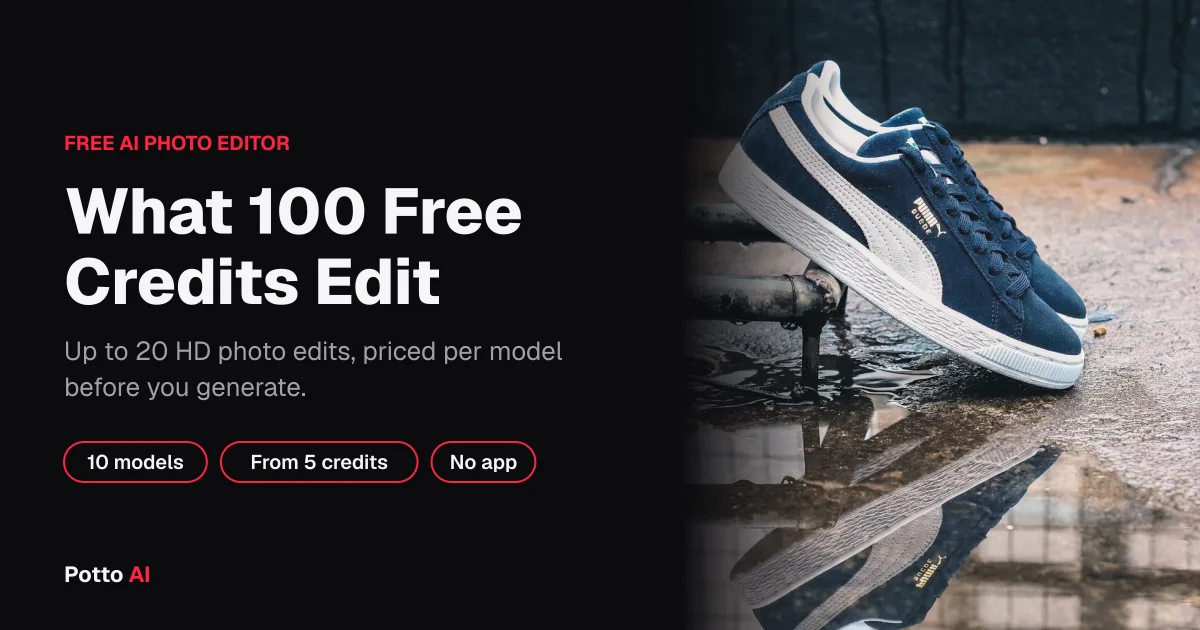
Free AI Photo Editor: What 100 Credits Do
A free AI photo editor with 100 sign-up credits: up to 20 HD edits, 10 models from GPT Image to Nano Banana Pro, and the price shown before you generate.
Potto AI로 제품 출시 영상, 설명 영상, AI 이미지를 만들어 보세요. 다음 출시를 위한 실용적인 가이드, 예시, 아이디어를 소개해요.
흥미로웠던 내용을 나만의 영상이나 이미지로 만들어 보세요. 스크린샷, 주제 또는 프롬프트만 준비하면 돼요.
AI imagesenA free AI photo editor with 100 sign-up credits: up to 20 HD edits, 10 models from GPT Image to Nano Banana Pro, and the price shown before you generate.
 AI imagesen
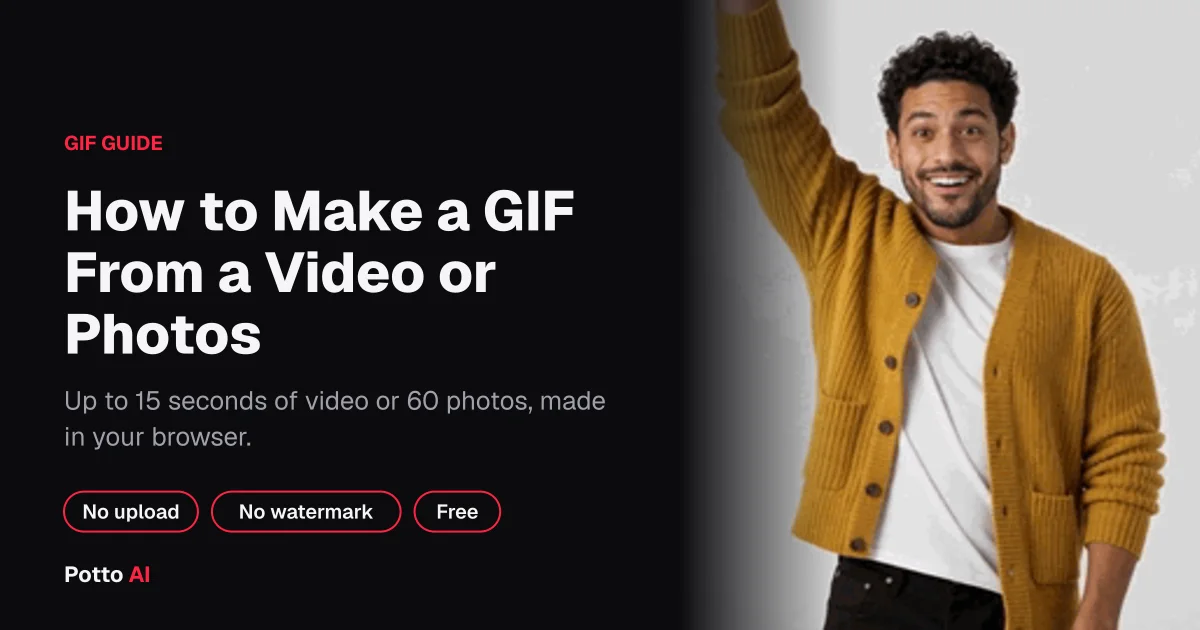
Make a GIF from a video clip or up to 60 photos in your browser. Pick the frame rate and width, keep the file small, and download with no upload or watermark.
 Motion graphicsen
HyperFrames vs Remotion compared: HTML or React scenes, preview, rendering to MP4, skills for Claude Code, licenses for teams, and a route with no code.
 AI imagesen
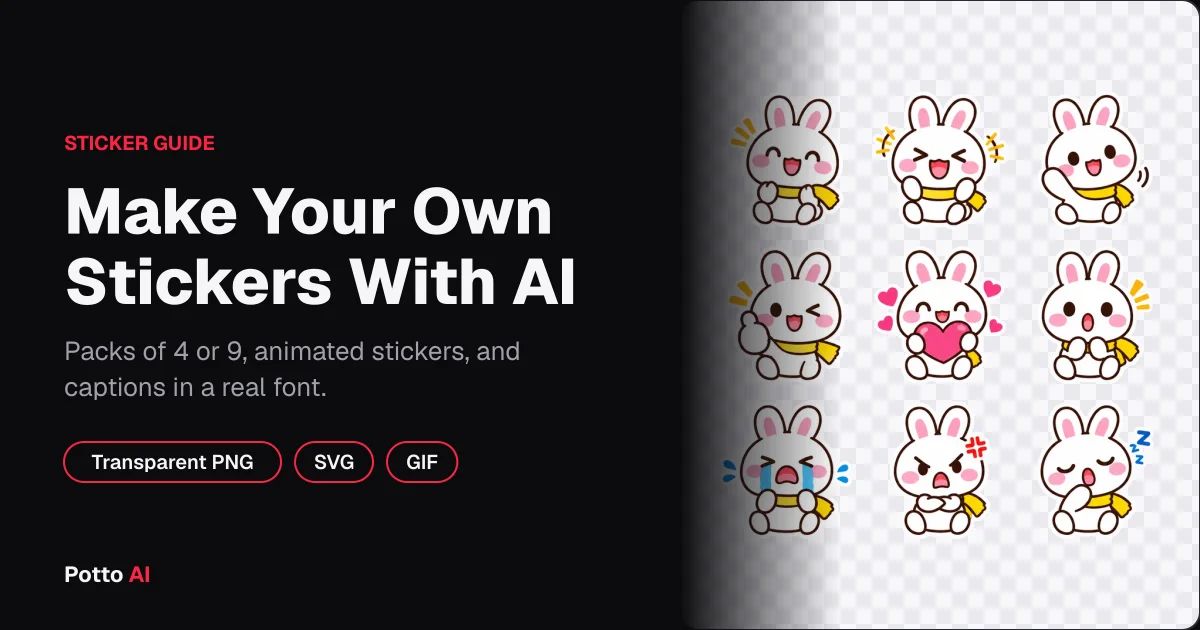
Make your own stickers with AI: describe one character, pick a pack of 4 or 9 or an animated sticker, add captions and download transparent PNG, SVG or GIF.
 Motion graphicsen
What is Claude Fable 5.2? Anthropic's November 2026 model explained: official price, specs, benchmarks, and what it can make as a video model on Potto.
 Motion graphicsen
Set up Blender MCP with Claude Code: requirements, install steps, safety limits, and two alternatives for Claude 3D animation without Blender.
 Motion graphicsen
Fable 5.2 vs Opus 5.5 for animation: official prices, which model fits which job, custom 3D scenes as code, and what a 15-second video costs on Potto.
 Product launch videosen
Is EveryGen AI free? New accounts get 10 one-time credits and free video has a watermark. See its plans, its MCP and ways to make AI video without a plan.
 AI imagesen
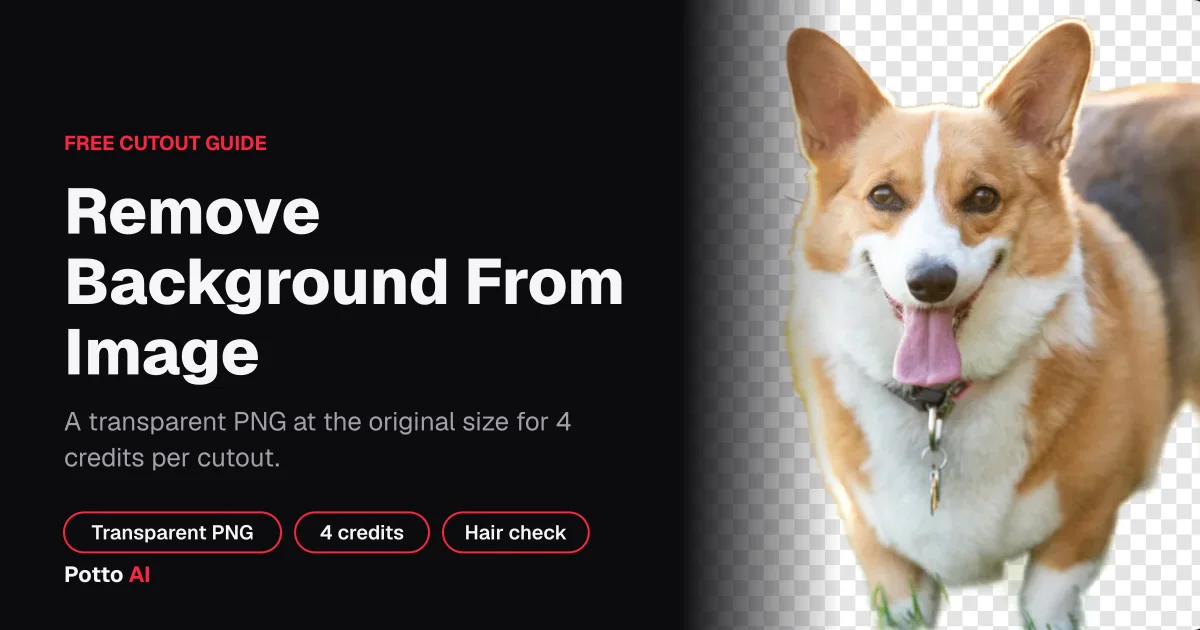
Remove the background from an image and get a transparent PNG at the original size. 4 credits per cutout, so a new account's 100 credits cover 25.
수정됨
Potto AI 블로그는 첫 아이디어부터 완성된 MP4까지 AI 영상 만들기의 전 과정을 다뤄요. 제품 출시 영상, 설명 영상, 모션그래픽, Claude와 Remotion을 활용한 애니메이션을 소개해요. Nano Banana 모델부터 이미지 생성과 편집까지 AI 이미지도 다뤄요. 각 글은 다음 영상을 만들 때 바로 활용할 수 있는 실용적인 튜토리얼이나 해설이에요.
Potto AI로 AI 영상 만들기 시작AI 영상 만들기와 AI 이미지를 다뤄요. 제품 출시 영상과 설명 영상의 기획 및 대본 작성법, 모션그래픽과 Claude 및 Remotion을 활용한 코드 기반 애니메이션의 원리, 제품 사진과 포스터 제작 및 이미지 편집을 위한 Nano Banana 등 이미지 모델 선택법과 프롬프트 작성법을 소개해요.
AI 영상 만들기를 열고 원하는 영상을 한 문장으로 설명하거나 링크, 스크린샷, 문서를 추가해 주세요. Potto AI가 구성안, 스토리보드, 내레이션을 작성해요. 장면을 무료로 미리 보고 원하는 장면을 편집할 수 있으며, MP4로 내보낼 때만 크레딧을 사용해요.