Premium00

動画 1/1Pulse Video Explainer
動画ページを開く

AI 動画と AI 画像で使える、一つのクレジット残高です。月額または年額で登録するか、クレジットパックを一度だけ購入できます。
一回払い · サブスクなし
パックあたりの動画数
一回払い · サブスクなし
パックあたりの動画数
一回払い · サブスクなし
パックあたりの動画数
月額請求
月あたりの動画本数
月額請求
月あたりの動画本数
月額請求
月あたりの動画本数
年額請求 · $240 → $192/年
月あたりの動画本数
年額請求 · $600 → $480/年
月あたりの動画本数
年額請求 · $1,200 → $960/年
月あたりの動画本数
Videos use credits when you export, and starting one needs a balance that covers its export. Counts assume a 30-second product demo and a 60-second explainer with narration and 3 illustrations.
Product Explainer (Kinetic Typography + Simulated App Demo) でできること、対応エージェント、必要なキー、インストール方法を紹介します。
Product Explainer (Kinetic Typography + Simulated App Demo) は、解説 動画を制作するために Potto が作成したエージェントスキルです。 Create 16:9 SaaS and product explainers of about 40–60 seconds with black-background kinetic typography, white simulated app demos, green pills and badge chains, and pulse-ring…
Product Explainer (Kinetic Typography + Simulated App Demo) は Premium スキルです。Potto のすべての有料プラン(Lite、Pro、Max)に含まれます。$5 で買い切って、継続して使うこともできます。
Product Explainer (Kinetic Typography + Simulated App Demo) スキルは英語で書かれています。画面内の文字は、指定したどの言語でも生成できます。
Product Explainer (Kinetic Typography + Simulated App Demo) は Remotion を使用します。実行前に Bun、Python 3、FFmpeg をインストールしてください。
Product Explainer (Kinetic Typography + Simulated App Demo) は MP4 を出力します。
Product Explainer (Kinetic Typography + Simulated App Demo) は Claude Code、Codex で実行できます。SKILL.md を読める他の agent でも実行できます。
いいえ。Product Explainer (Kinetic Typography + Simulated App Demo) は追加の API キーなしで使えます。
このページから Product Explainer (Kinetic Typography + Simulated App Demo) のインストール用プロンプトをコピーしてエージェントに貼り付けるか、ZIP をダウンロードしてください。
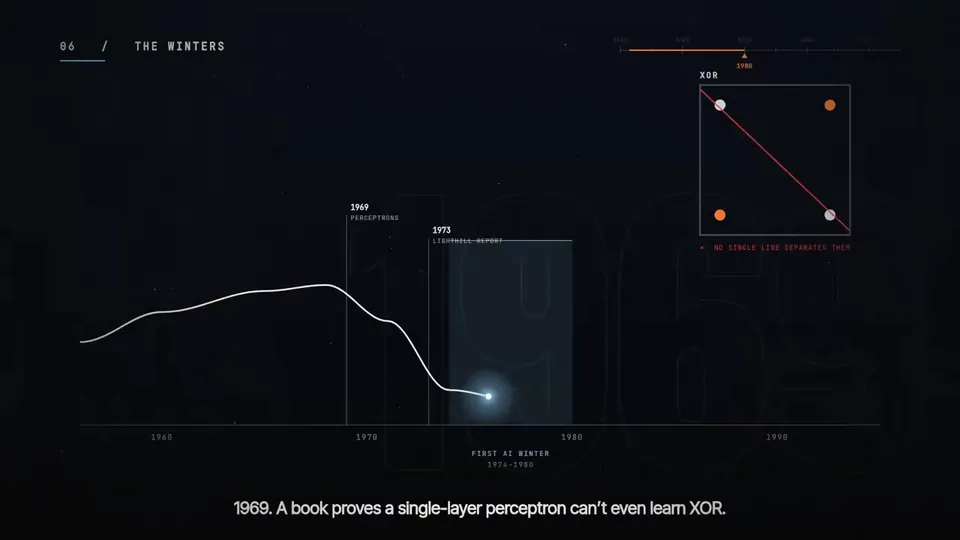
Product Explainer (Kinetic Typography + Simulated App Demo) は Potto のギャラリーで 1 本の動画 を作るのに使われました。たとえば Pulse Video Explainer です。
Potto にあるのは Product Explainer (Kinetic Typography + Simulated App Demo) v1.0.0 で、2026/10/21 に更新されています。インストール用プロンプトを再度コピーすると最新版を取得できます。