Premium00
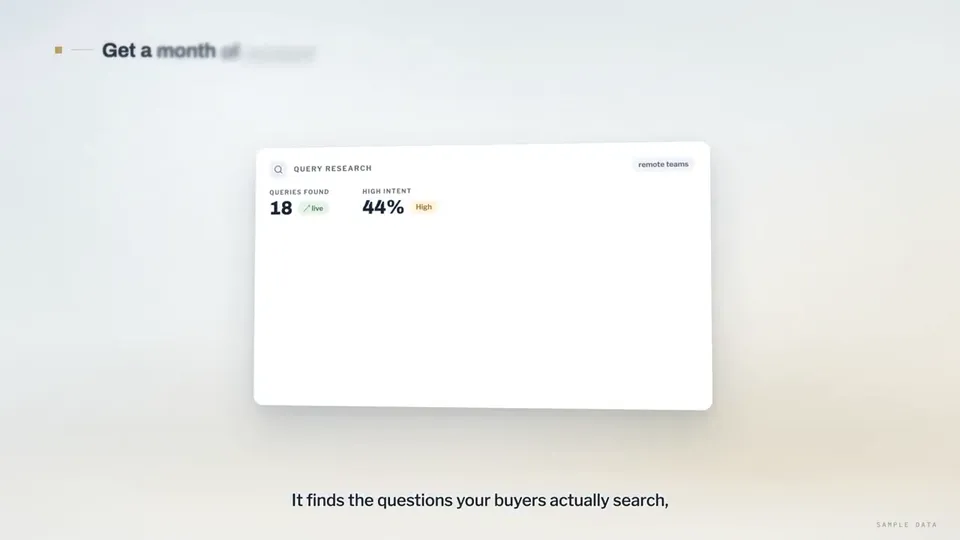
動画 1/1Search-ranking dashboards explain the rctrl content tool
動画ページを開く

AI 動画と AI 画像で使える、一つのクレジット残高です。月額または年額で登録するか、クレジットパックを一度だけ購入できます。
一回払い · サブスクなし
パックあたりの動画数
一回払い · サブスクなし
パックあたりの動画数
一回払い · サブスクなし
パックあたりの動画数
月額請求
月あたりの動画本数
月額請求
月あたりの動画本数
月額請求
月あたりの動画本数
年額請求 · $240 → $192/年
月あたりの動画本数
年額請求 · $600 → $480/年
月あたりの動画本数
年額請求 · $1,200 → $960/年
月あたりの動画本数
Videos use credits when you export, and starting one needs a balance that covers its export. Counts assume a 30-second product demo and a 60-second explainer with narration and 3 illustrations.
Product Walkthrough for Silent Viewing (UI Flythrough) でできること、対応エージェント、必要なキー、インストール方法を紹介します。
Product Walkthrough for Silent Viewing (UI Flythrough) は、解説 動画を制作するために Potto が作成したエージェントスキルです。 Create 60–90-second, 16:9 product walkthroughs in Remotion, designed for silent viewing: a continuous 3D camera flies through code-drawn UI cards on a studio backdrop, with…
Product Walkthrough for Silent Viewing (UI Flythrough) は Premium スキルです。Potto のすべての有料プラン(Lite、Pro、Max)に含まれます。$5 で買い切って、継続して使うこともできます。
Product Walkthrough for Silent Viewing (UI Flythrough) スキルは英語で書かれています。画面内の文字は、指定したどの言語でも生成できます。
Product Walkthrough for Silent Viewing (UI Flythrough) は Remotion を使用します。実行前に Bun、Python 3、FFmpeg をインストールしてください。
Product Walkthrough for Silent Viewing (UI Flythrough) は MP4 を出力します。
Product Walkthrough for Silent Viewing (UI Flythrough) は Claude Code、Codex で実行できます。SKILL.md を読める他の agent でも実行できます。
いいえ。Product Walkthrough for Silent Viewing (UI Flythrough) は追加の API キーなしで使えます。
このページから Product Walkthrough for Silent Viewing (UI Flythrough) のインストール用プロンプトをコピーしてエージェントに貼り付けるか、ZIP をダウンロードしてください。
Product Walkthrough for Silent Viewing (UI Flythrough) は Potto のギャラリーで 1 本の動画 を作るのに使われました。たとえば Search-ranking dashboards explain the rctrl content tool です。
Potto にあるのは Product Walkthrough for Silent Viewing (UI Flythrough) v1.0.0 で、2026/10/21 に更新されています。インストール用プロンプトを再度コピーすると最新版を取得できます。