- 長さと比率
- 0:27
- 16:9
- 制作ツール
- Canvas
- SVG
- GSAP
- AI image
プロンプト
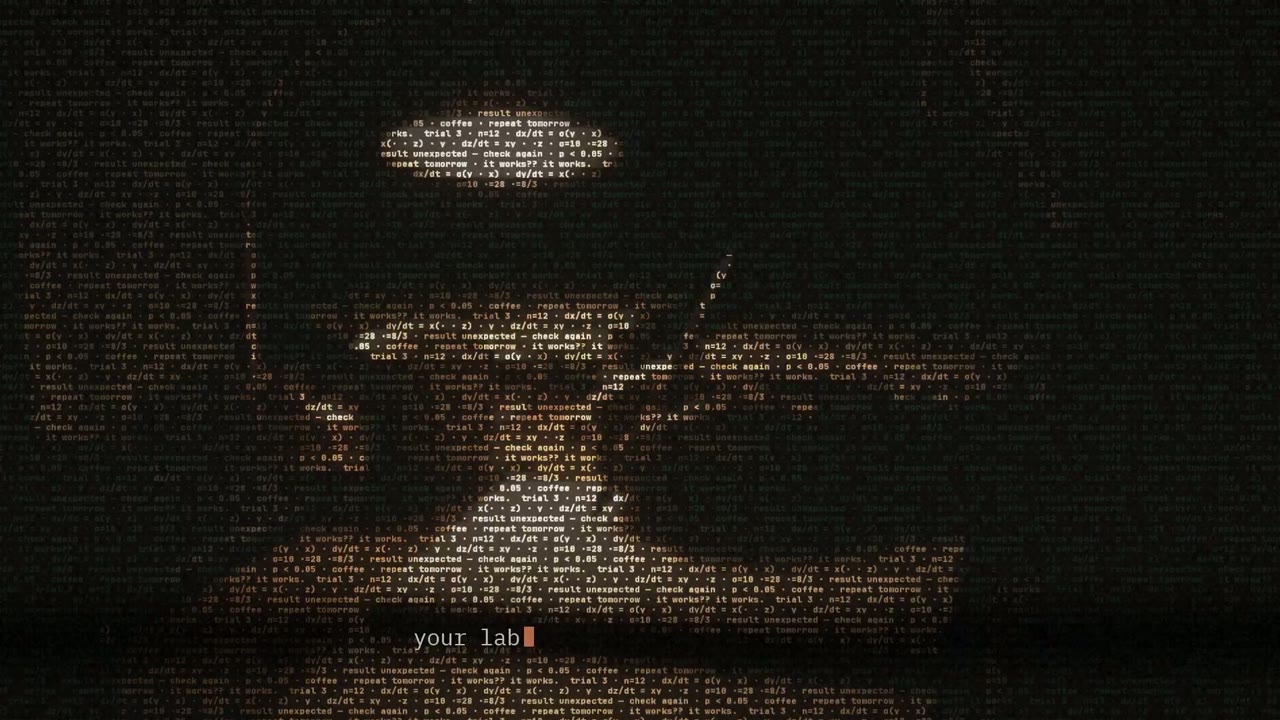
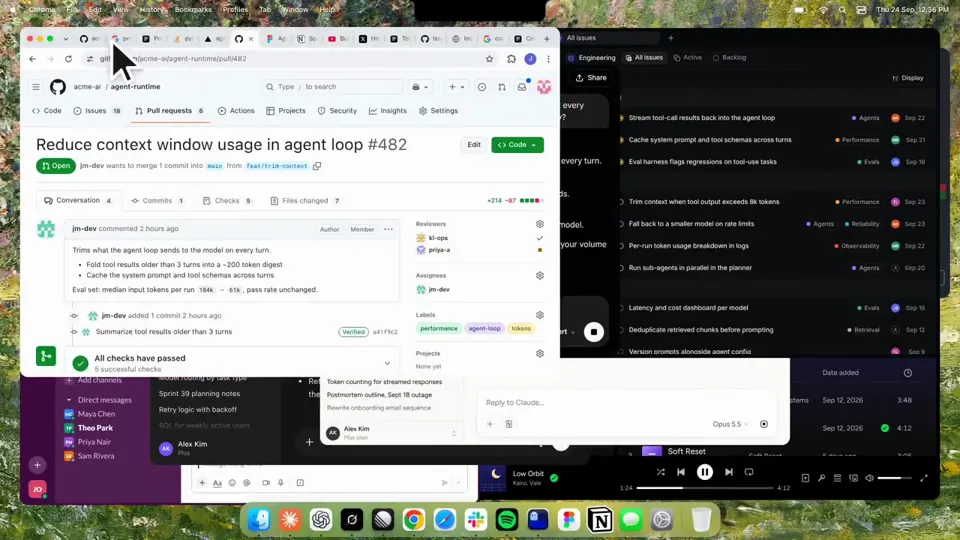
Using HyperFrames, make a hype teaser for the product in this post - [link]. Landscape, around 27 seconds. Match the product UI, wallpaper and copy from the post's video Motion should feel slow and polished - one continuous camera over one Mac desktop, no hard cuts. Camera pushes, pulls and pans run like 1.5 to 3 seconds on gentle ease-in-out curves, nothing snappy - aim for half the speed you'd default to. Add motion blur on fast moves and a light film grain finish. Use an oversized macOS cursor. No audio. All on-screen copy lowercase like the post. 1. Open on a big centered line - "in the AI era, the hard part is" - entering word by word from the right with an orange colorama text wipe over it (the `colorama-wipe` registry component). Hold it about a second, then scale it down into place above a spinning list. 2. The list rotates through 30 hard things about working in the AI era - spending tokens wisely, picking the right model, managing context windows, etc - each with a real app icon. Go fast, it's not meant to be read, then land slowly on "managing your desktop". 0.2s after it lands a question mark pops on after it. 3. Pull the camera back to reveal the Mac desktop as windows pile in on top of each other, arriving from behind the camera - Claude, ChatGPT, Grok, Linear, Chrome, Spotify, Slack and Claude Code in a terminal. Build these as accurate recreations of the real apps with real icons. 4. Push back in so the windows fly past the camera, back to text - "don't make your browser / one of them". 5. Pan up to a really tight framing of just the notch and the top of the wallpaper. A cursor comes up and hovers - the notch morphs into a pill with the name "NotchBrowser", then opens into the browser panel exactly like in the video. 6. Click through the tabs like the video does, then click the collapse chevron so the panel retracts into the notch. 7. End on a checklist of the post's claims with rings and ticks drawing on
似た動画をもっと見る
すべて見る
プランを選ぶ
AI 動画と AI 画像で使える、一つのクレジット残高です。月額または年額で登録するか、クレジットパックを一度だけ購入できます。
2,000 クレジット
$20一回限り
一回払い · サブスクなし
パックあたりの動画数
30 秒の製品デモ動画13 本
60 秒の解説動画5 本
- 2,000 クレジットを一度だけ追加
- 高速生成は最大 86 枚
- Potto のウォーターマークを追加しません
- 動画と画像ツールで共有
5,000 クレジット
$50一回限り
一回払い · サブスクなし
パックあたりの動画数
30 秒の製品デモ動画33 本
60 秒の解説動画13 本
- 5,000 クレジットを一度だけ追加
- 高速生成は最大 217 枚
- Potto のウォーターマークを追加しません
- 動画と画像ツールで共有
15,000 クレジット
$100一回限り
一回払い · サブスクなし
パックあたりの動画数
30 秒の製品デモ動画100 本
60 秒の解説動画40 本
- 15,000 クレジットを一度だけ追加
- 高速生成は最大 652 枚
- Potto のウォーターマークを追加しません
- 動画と画像ツールで共有
Lite
Lite を選ぶ$20/月月額請求
月あたりの動画本数
30 秒の製品デモ動画13 本60 秒の解説動画5 本- 月 2,000 クレジット
- 高速生成は最大 86 枚
- 標準キュー
- Potto のウォーターマークを追加しません
- AI ツールの一括処理
- 公開ギャラリーには掲載されません
Pro
Pro を選ぶ$50/月月額請求
月あたりの動画本数
30 秒の製品デモ動画33 本60 秒の解説動画13 本- 月 5,000 クレジット
- 高速生成は最大 217 枚
- 優先キュー
- Potto のウォーターマークを追加しません
- AI ツールの一括処理
- 公開ギャラリーには掲載されません
- おすすめ
Max
Max を選ぶ$100/月月額請求
月あたりの動画本数
30 秒の製品デモ動画100 本60 秒の解説動画40 本- 月 15,000 クレジット
- 高速生成は最大 652 枚
- 最優先キュー
- Potto のウォーターマークを追加しません
- AI ツールの一括処理
- 公開ギャラリーには掲載されません
Lite
-20%Lite を選ぶ$20$16/月年額請求 · $240 → $192/年
月あたりの動画本数
30 秒の製品デモ動画13 本60 秒の解説動画5 本- 月 2,000 クレジット
- 高速生成は最大 86 枚
- 標準キュー
- Potto のウォーターマークを追加しません
- AI ツールの一括処理
- 公開ギャラリーには掲載されません
Pro
-20%Pro を選ぶ$50$40/月年額請求 · $600 → $480/年
月あたりの動画本数
30 秒の製品デモ動画33 本60 秒の解説動画13 本- 月 5,000 クレジット
- 高速生成は最大 217 枚
- 優先キュー
- Potto のウォーターマークを追加しません
- AI ツールの一括処理
- 公開ギャラリーには掲載されません
- おすすめ
Max
-20%Max を選ぶ$100$80/月年額請求 · $1,200 → $960/年
月あたりの動画本数
30 秒の製品デモ動画100 本60 秒の解説動画40 本- 月 15,000 クレジット
- 高速生成は最大 652 枚
- 最優先キュー
- Potto のウォーターマークを追加しません
- AI ツールの一括処理
- 公開ギャラリーには掲載されません
Videos use credits when you export, and starting one needs a balance that covers its export. Counts assume a 30-second product demo and a 60-second explainer with narration and 3 illustrations.
Kinetic text teaser for a notch-dwelling browser app のよくある質問
Kinetic text teaser for a notch-dwelling browser app の作り方、プロンプトの内容、そして Potto で同じような 動く文字 動画を作る方法。
Kinetic text teaser for a notch-dwelling browser app とは?
Kinetic text teaser for a notch-dwelling browser app は jake11moran による 動く文字 のモーショングラフィックス動画です。 A 27-second kinetic text teaser for a notch-dwelling browser app, built with canvas, SVG, GSAP and AI imagery.
Kinetic text teaser for a notch-dwelling browser app はどう作られましたか?
Kinetic text teaser for a notch-dwelling browser app は Canvas、SVG、GSAP、AI image で制作されました。Potto の 動く文字 に含まれる AI モーショングラフィックス動画です。
Kinetic text teaser for a notch-dwelling browser app のプロンプトは見られますか?
はい。Kinetic text teaser for a notch-dwelling browser app のプロンプト全文がこのページにあります。コピーするか、「このプロンプトを使う」をクリックして Potto のワークスペースで開いてください。
Kinetic text teaser for a notch-dwelling browser app の長さとアスペクト比は?
Kinetic text teaser for a notch-dwelling browser app の長さは 0:27、フレームは 16:9 です。
Potto で Kinetic text teaser for a notch-dwelling browser app のような 動く文字 動画を作れますか?
はい。「このプロンプトを使う」をクリックすると、Kinetic text teaser for a notch-dwelling browser app のプロンプトが Potto のワークスペースに読み込まれます。Potto が独自のバージョンをレンダリングし、書き出す前に文字とスタイルを変えられます。
Kinetic text teaser for a notch-dwelling browser app の制作に使われた agent の skill はどれですか?
Kinetic text teaser for a notch-dwelling browser app は Hyperframes skill で制作されました。ログイン後に「skill を見る」をクリックすると、Claude Code、Codex、Cursor に無料でインストールできます。
Kinetic text teaser for a notch-dwelling browser app のオリジナルはどこで見られますか?
Kinetic text teaser for a notch-dwelling browser app は作成者が最初に投稿しました。「オリジナルを見る」をクリックすると、その投稿が新しいタブで開きます。
Kinetic text teaser for a notch-dwelling browser app のような 動く文字 動画はどこで見つかりますか?
Potto の 動く文字 コレクションを見てください。85 本あり、それぞれにプロンプト、仕様、出典が付いています。