- Länge und Format
- 0:27
- 16:9
- Erstellt mit
- Canvas
- SVG
- GSAP
- AI image
Prompt
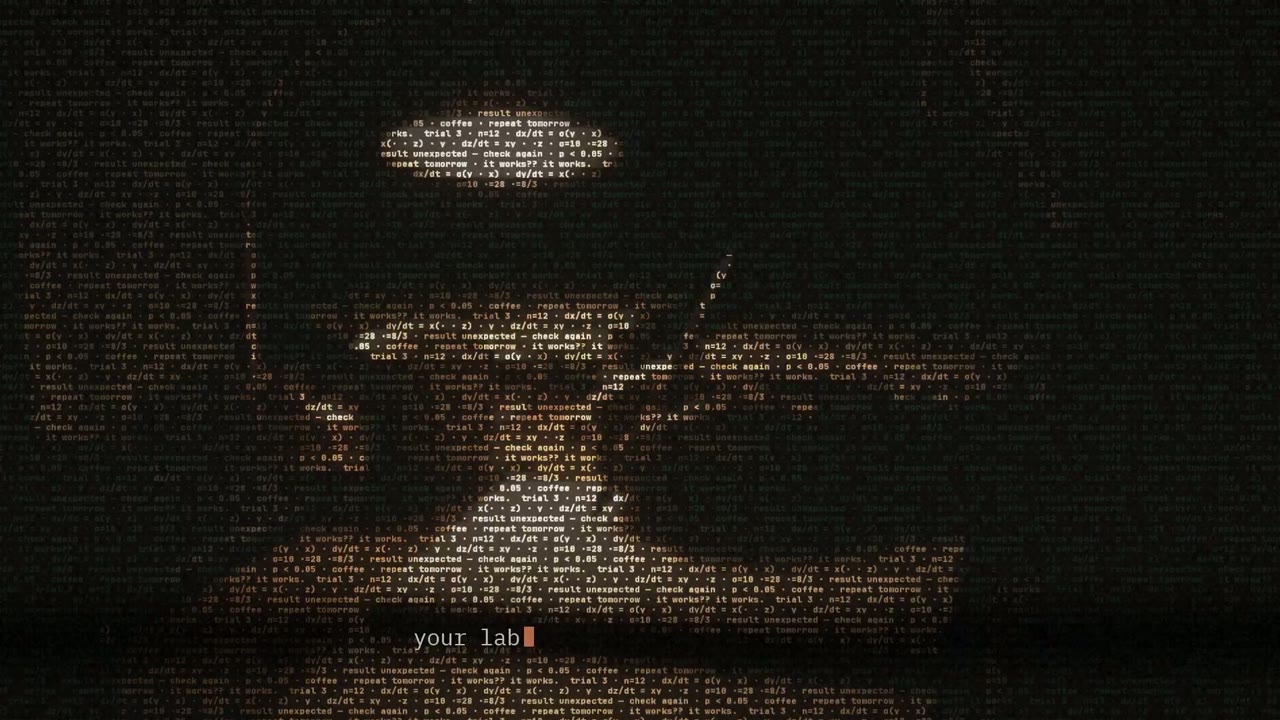
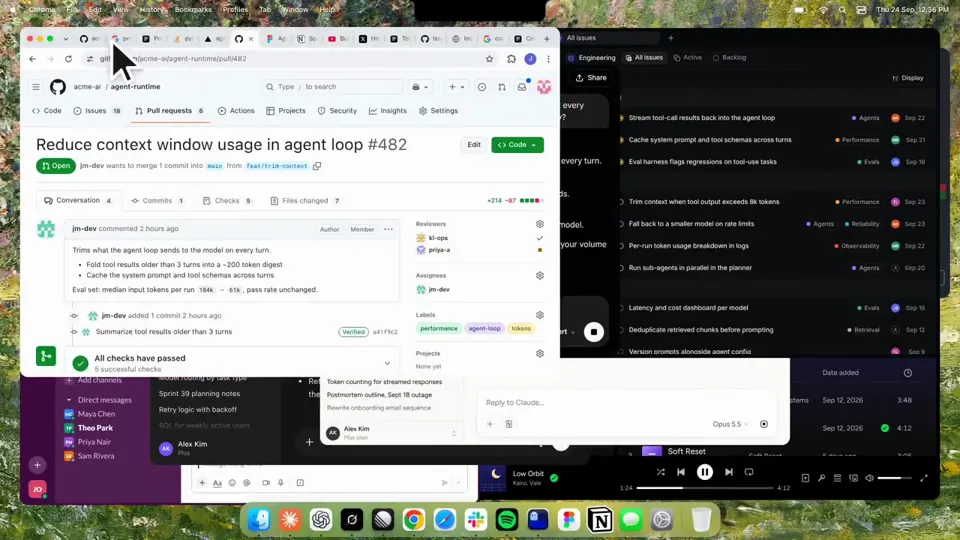
Using HyperFrames, make a hype teaser for the product in this post - [link]. Landscape, around 27 seconds. Match the product UI, wallpaper and copy from the post's video Motion should feel slow and polished - one continuous camera over one Mac desktop, no hard cuts. Camera pushes, pulls and pans run like 1.5 to 3 seconds on gentle ease-in-out curves, nothing snappy - aim for half the speed you'd default to. Add motion blur on fast moves and a light film grain finish. Use an oversized macOS cursor. No audio. All on-screen copy lowercase like the post. 1. Open on a big centered line - "in the AI era, the hard part is" - entering word by word from the right with an orange colorama text wipe over it (the `colorama-wipe` registry component). Hold it about a second, then scale it down into place above a spinning list. 2. The list rotates through 30 hard things about working in the AI era - spending tokens wisely, picking the right model, managing context windows, etc - each with a real app icon. Go fast, it's not meant to be read, then land slowly on "managing your desktop". 0.2s after it lands a question mark pops on after it. 3. Pull the camera back to reveal the Mac desktop as windows pile in on top of each other, arriving from behind the camera - Claude, ChatGPT, Grok, Linear, Chrome, Spotify, Slack and Claude Code in a terminal. Build these as accurate recreations of the real apps with real icons. 4. Push back in so the windows fly past the camera, back to text - "don't make your browser / one of them". 5. Pan up to a really tight framing of just the notch and the top of the wallpaper. A cursor comes up and hovers - the notch morphs into a pill with the name "NotchBrowser", then opens into the browser panel exactly like in the video. 6. Click through the tabs like the video does, then click the collapse chevron so the panel retracts into the notch. 7. End on a checklist of the post's claims with rings and ticks drawing on
Weitere Videos wie dieses
Alle ansehen
Abo wählen
Ein Credit-Guthaben für KI-Videos und KI-Bilder. Monatlich oder jährlich abonnieren oder einmal ein Credit-Paket kaufen.
2.000 Credits
20 $einmalig
Einmal zahlen · kein Abo
Videos pro Paket
Produktdemo mit 30 Sekunden13 Videos
Erklärvideo mit 60 Sekunden5 Videos
- 2.000 Credits, einmal gutgeschrieben
- Bis zu 86 schnelle Bilder
- Kein hinzugefügtes Potto-Wasserzeichen
- Von Video- und Bildwerkzeugen gemeinsam genutzt
5.000 Credits
50 $einmalig
Einmal zahlen · kein Abo
Videos pro Paket
Produktdemo mit 30 Sekunden33 Videos
Erklärvideo mit 60 Sekunden13 Videos
- 5.000 Credits, einmal gutgeschrieben
- Bis zu 217 schnelle Bilder
- Kein hinzugefügtes Potto-Wasserzeichen
- Von Video- und Bildwerkzeugen gemeinsam genutzt
15.000 Credits
100 $einmalig
Einmal zahlen · kein Abo
Videos pro Paket
Produktdemo mit 30 Sekunden100 Videos
Erklärvideo mit 60 Sekunden40 Videos
- 15.000 Credits, einmal gutgeschrieben
- Bis zu 652 schnelle Bilder
- Kein hinzugefügtes Potto-Wasserzeichen
- Von Video- und Bildwerkzeugen gemeinsam genutzt
Lite
Lite wählen20 $/MonatMonatliche Abrechnung
Videos pro Monat
Produktdemo mit 30 Sekunden13 VideosErklärvideo mit 60 Sekunden5 Videos- 2.000 Credits pro Monat
- Bis zu 86 schnelle Bilder
- Warteschlange Standard
- Kein hinzugefügtes Potto-Wasserzeichen
- Stapelverarbeitung mit KI-Tools
- Nicht in öffentlichen Galerien gelistet
Pro
Pro wählen50 $/MonatMonatliche Abrechnung
Videos pro Monat
Produktdemo mit 30 Sekunden33 VideosErklärvideo mit 60 Sekunden13 Videos- 5.000 Credits pro Monat
- Bis zu 217 schnelle Bilder
- Bevorzugte Warteschlange
- Kein hinzugefügtes Potto-Wasserzeichen
- Stapelverarbeitung mit KI-Tools
- Nicht in öffentlichen Galerien gelistet
- Empfohlen
Max
Max wählen100 $/MonatMonatliche Abrechnung
Videos pro Monat
Produktdemo mit 30 Sekunden100 VideosErklärvideo mit 60 Sekunden40 Videos- 15.000 Credits pro Monat
- Bis zu 652 schnelle Bilder
- Höchste Priorität in der Warteschlange
- Kein hinzugefügtes Potto-Wasserzeichen
- Stapelverarbeitung mit KI-Tools
- Nicht in öffentlichen Galerien gelistet
Lite
-20%Lite wählen20 $16 $/MonatJährliche Abrechnung · 240 $ → 192 $/Jahr
Videos pro Monat
Produktdemo mit 30 Sekunden13 VideosErklärvideo mit 60 Sekunden5 Videos- 2.000 Credits pro Monat
- Bis zu 86 schnelle Bilder
- Warteschlange Standard
- Kein hinzugefügtes Potto-Wasserzeichen
- Stapelverarbeitung mit KI-Tools
- Nicht in öffentlichen Galerien gelistet
Pro
-20%Pro wählen50 $40 $/MonatJährliche Abrechnung · 600 $ → 480 $/Jahr
Videos pro Monat
Produktdemo mit 30 Sekunden33 VideosErklärvideo mit 60 Sekunden13 Videos- 5.000 Credits pro Monat
- Bis zu 217 schnelle Bilder
- Bevorzugte Warteschlange
- Kein hinzugefügtes Potto-Wasserzeichen
- Stapelverarbeitung mit KI-Tools
- Nicht in öffentlichen Galerien gelistet
- Empfohlen
Max
-20%Max wählen100 $80 $/MonatJährliche Abrechnung · 1.200 $ → 960 $/Jahr
Videos pro Monat
Produktdemo mit 30 Sekunden100 VideosErklärvideo mit 60 Sekunden40 Videos- 15.000 Credits pro Monat
- Bis zu 652 schnelle Bilder
- Höchste Priorität in der Warteschlange
- Kein hinzugefügtes Potto-Wasserzeichen
- Stapelverarbeitung mit KI-Tools
- Nicht in öffentlichen Galerien gelistet
Videos use credits when you export, and starting one needs a balance that covers its export. Counts assume a 30-second product demo and a 60-second explainer with narration and 3 illustrations.
Kinetic text teaser for a notch-dwelling browser app FAQ
Wie Kinetic text teaser for a notch-dwelling browser app entstand, was der Prompt sagt und wie Sie mit Potto ein ähnliches Bewegte Schrift-Video erstellen.
Was ist Kinetic text teaser for a notch-dwelling browser app?
Kinetic text teaser for a notch-dwelling browser app ist ein Motion-Graphics-Video in der Kategorie Bewegte Schrift von jake11moran. A 27-second kinetic text teaser for a notch-dwelling browser app, built with canvas, SVG, GSAP and AI imagery.
Wie wurde Kinetic text teaser for a notch-dwelling browser app erstellt?
Kinetic text teaser for a notch-dwelling browser app wurde mit Canvas, SVG, GSAP und AI image erstellt. Es gehört zur Bewegte Schrift-Sammlung der KI-Motion-Graphics-Videos auf Potto.
Ist der Prompt für Kinetic text teaser for a notch-dwelling browser app verfügbar?
Ja. Der vollständige Prompt hinter Kinetic text teaser for a notch-dwelling browser app steht auf dieser Seite. Kopieren Sie ihn, oder klicken Sie auf „Diesen Prompt verwenden“, um ihn im Arbeitsbereich von Potto zu öffnen.
Wie lang ist Kinetic text teaser for a notch-dwelling browser app, und welches Seitenverhältnis hat es?
Kinetic text teaser for a notch-dwelling browser app dauert 0:27 und nutzt ein 16:9-Format.
Kann ich mit Potto ein Bewegte Schrift-Video wie Kinetic text teaser for a notch-dwelling browser app erstellen?
Ja. Klicken Sie auf „Diesen Prompt verwenden“, um den Prompt hinter Kinetic text teaser for a notch-dwelling browser app in den Arbeitsbereich von Potto zu laden. Potto rendert eine eigene Version, und Sie können Text und Stil vor dem Export ändern.
Welcher Agent-Skill wurde für Kinetic text teaser for a notch-dwelling browser app verwendet?
Kinetic text teaser for a notch-dwelling browser app wurde mit dem Skill Hyperframes erstellt. Klicken Sie nach der Anmeldung auf „Skill ansehen“, um ihn kostenlos in Claude Code, Codex oder Cursor zu installieren.
Wo kann ich das Original von Kinetic text teaser for a notch-dwelling browser app ansehen?
Kinetic text teaser for a notch-dwelling browser app wurde zuerst von der erstellenden Person veröffentlicht. Klicken Sie auf Original ansehen, um diesen Beitrag in einem neuen Tab zu öffnen.
Wo finde ich weitere Bewegte Schrift-Videos wie Kinetic text teaser for a notch-dwelling browser app?
Durchsuchen Sie die Bewegte Schrift-Sammlung auf Potto: 85 Videos, jeweils mit Prompt, Angaben und Quelle.