 Motion graphicsen
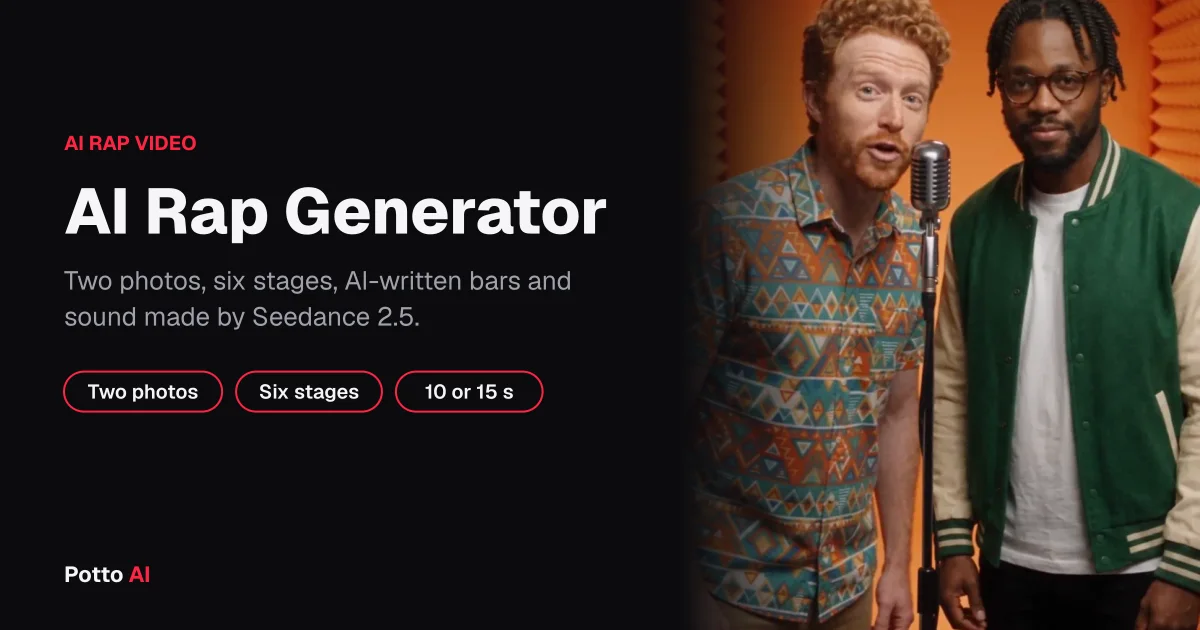
AI Rap Generator: Make a Rap Video From Photos
An AI rap generator that turns two photos and a topic into a rap video: AI writes the bars, you pick one of six stages, and Seedance 2.5 adds the sound.
Videos zur Produkteinführung, Erklärvideos und KI-Bilder mit Potto AI erstellen: praktische Anleitungen, Beispiele und Ideen für Ihre nächste Einführung.
Greifen Sie auf, was Ihr Interesse geweckt hat, und machen Sie daraus Ihr eigenes Video oder Bild. Bringen Sie Screenshots, ein Thema oder einen Prompt mit.
Motion graphicsenAn AI rap generator that turns two photos and a topic into a rap video: AI writes the bars, you pick one of six stages, and Seedance 2.5 adds the sound.
 AI imagesen
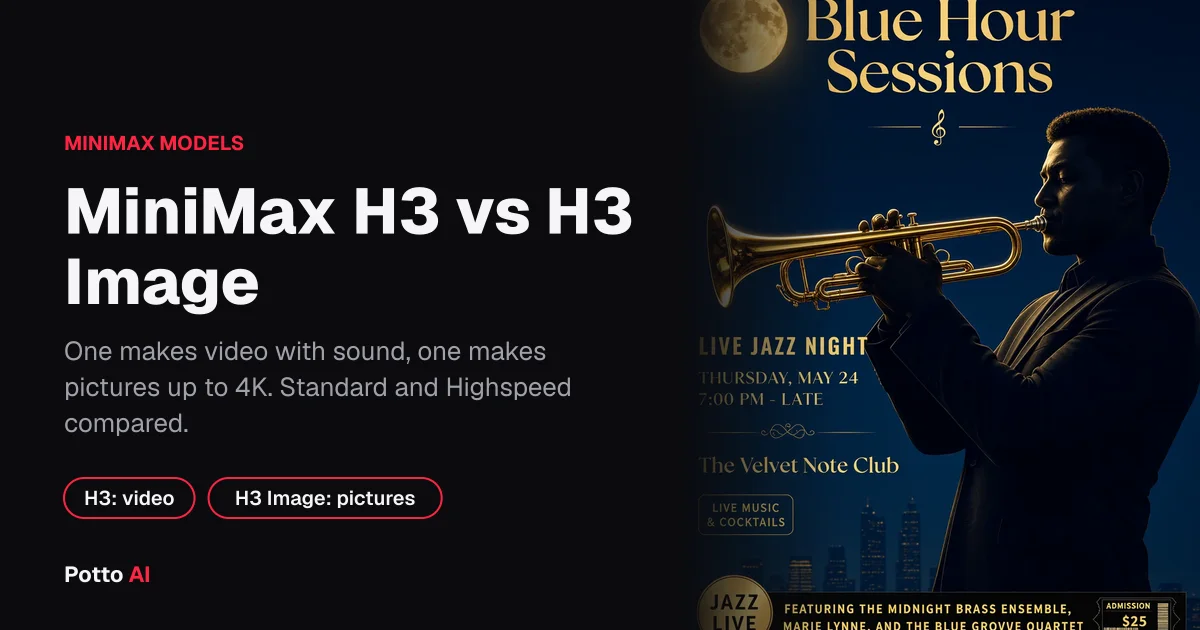
MiniMax H3 vs H3 Image: H3 makes video with sound, H3 Image makes 4K pictures. Compare Standard and Highspeed, credits, test times, text and references.
 Explainer videosen
Turn a news link or story text into a narrated MP4. How URL to video works, what the scenes look like, why there is no fixed news video template, and the cost.
 Motion graphicsen
AI 3D animation from text or a reference clip: template 3D scenes, custom 3D scenes written as code by Claude Fable 5.2, and a 1080p MP4 export.
 AI imagesen
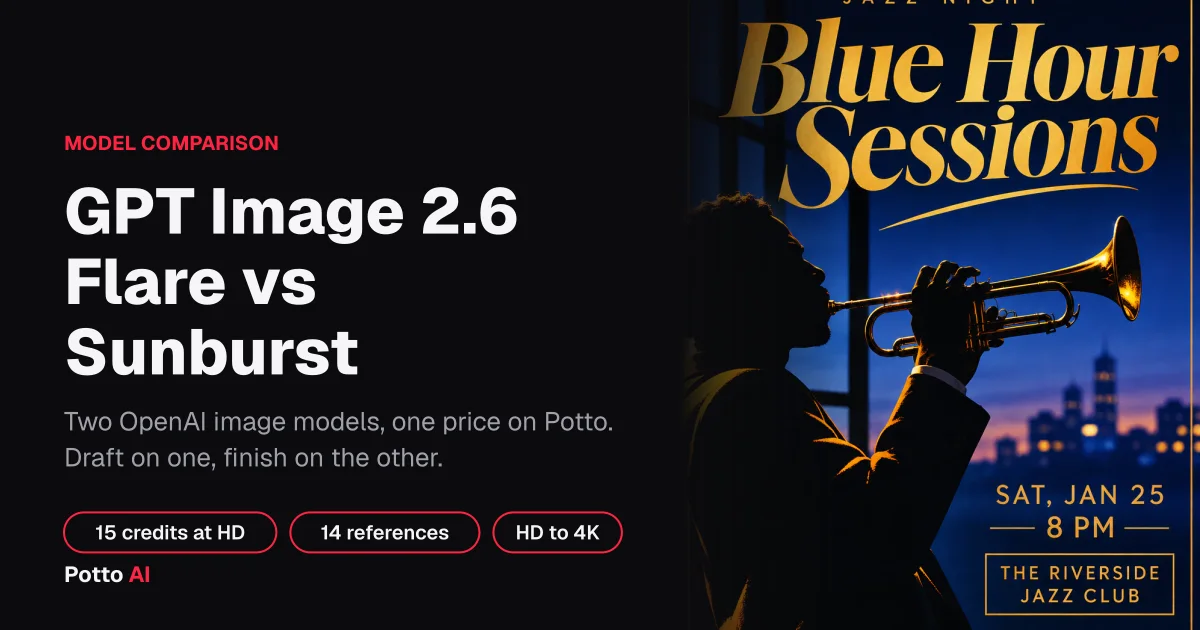
GPT Image 2.6 Flare vs Sunburst: what each OpenAI model is for, same-prompt results, token costs, a draft-then-finish workflow and prompt tips.
 Motion graphicsen
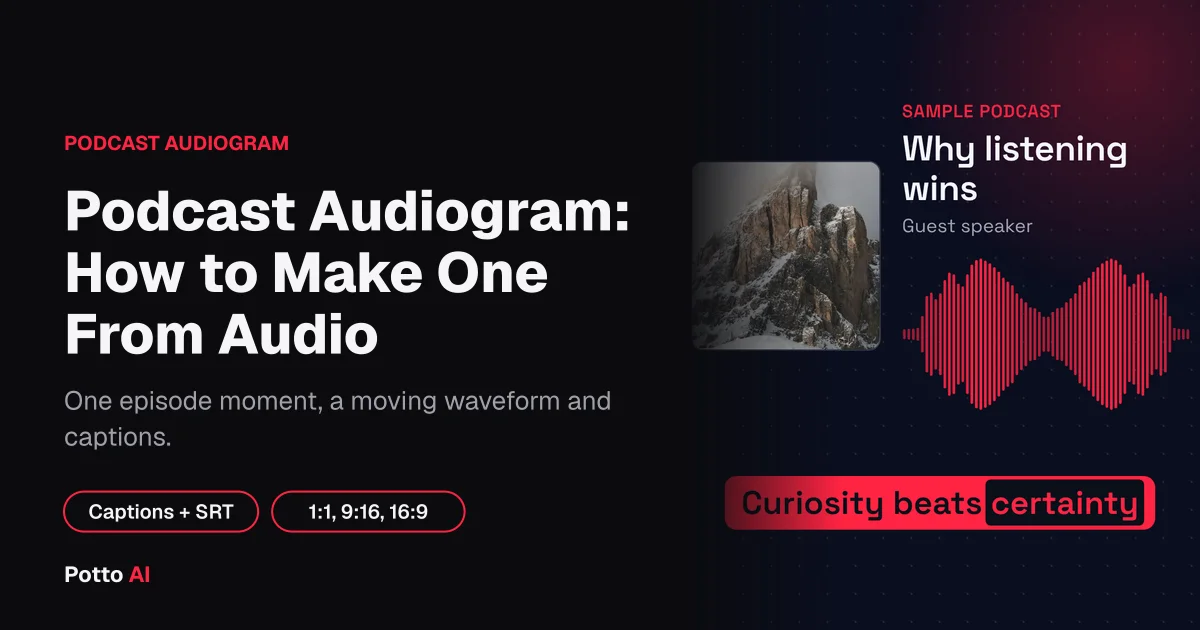
How to make a podcast audiogram: upload an episode, confirm the moment Potto proposes, add show details and captions, and export an MP4 of up to 90 seconds.
 Motion graphicsen
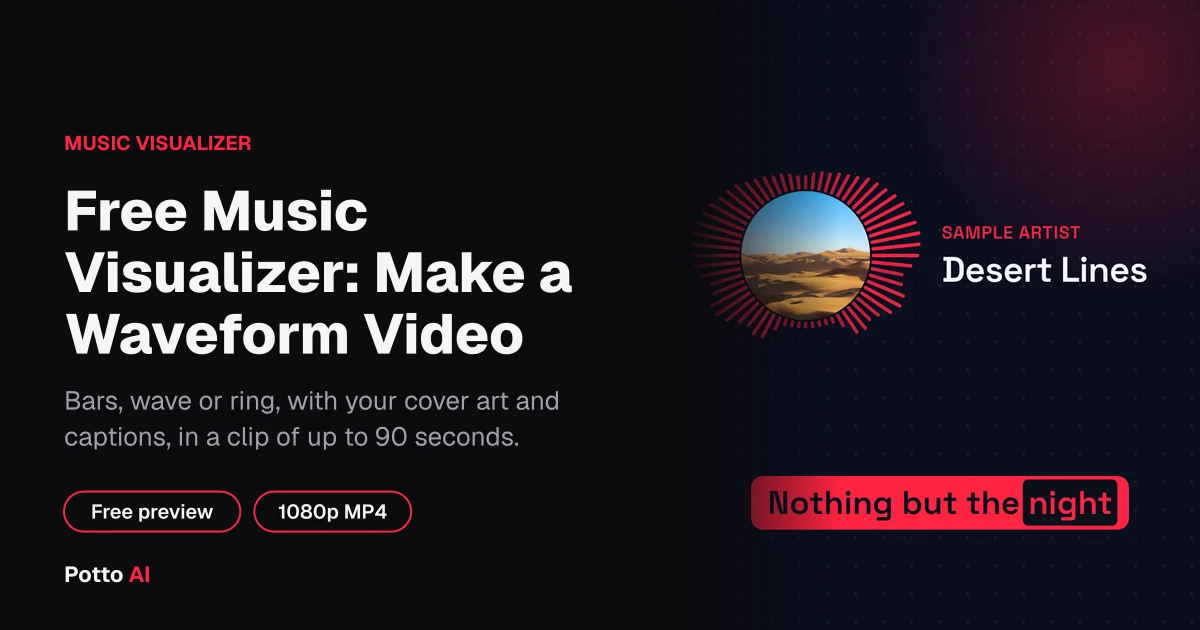
Start a free music visualizer on Potto: upload a song, add cover art, pick bars, wave or ring, and export a 1080p waveform video of up to 90 seconds.
 AI imagesen
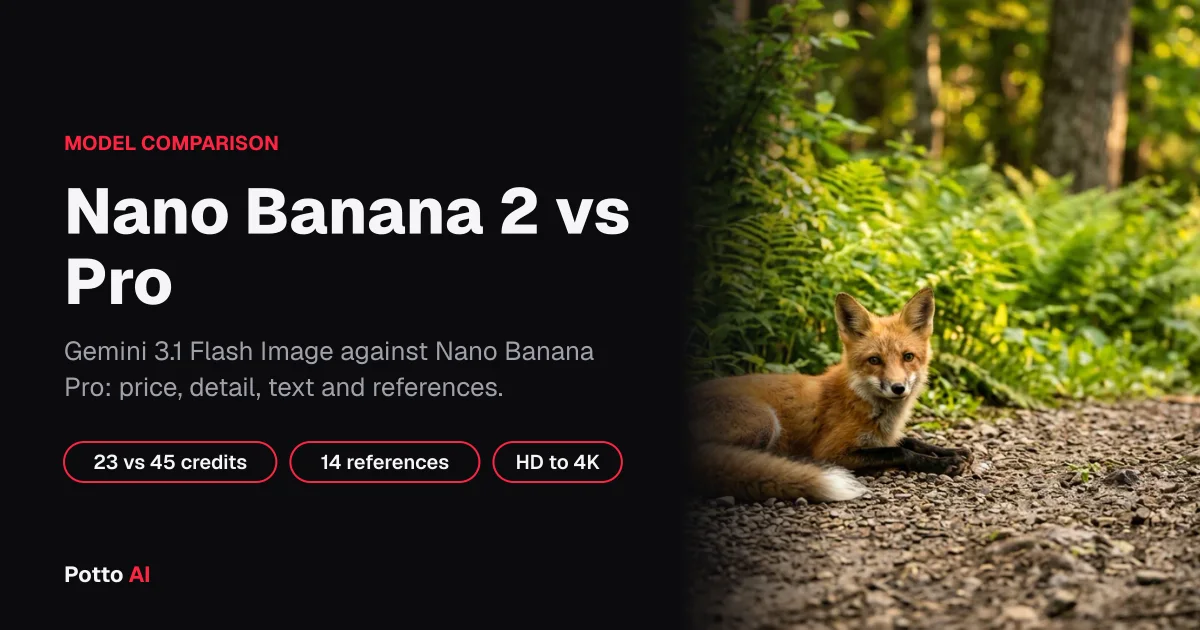
Nano Banana 2 vs Pro: Gemini 3.1 Flash Image against Nano Banana Pro on price, references and text, with Potto credits and a fair way to test both.
 Motion graphicsen
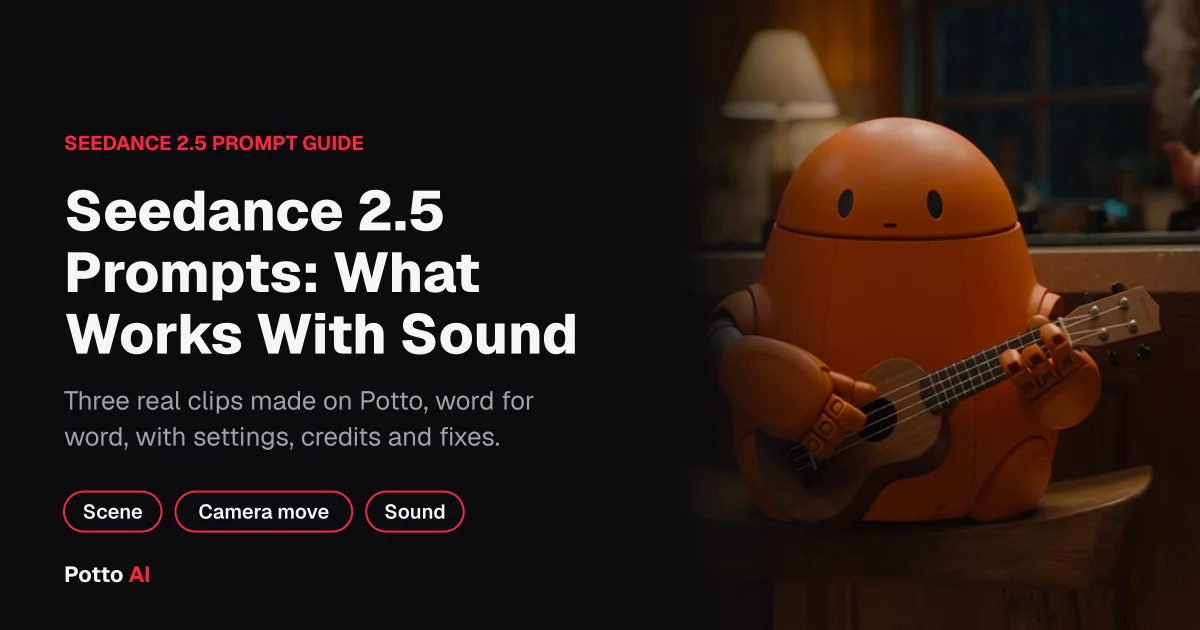
Seedance 2.5 prompts that work with sound: three real examples made on Potto, word for word, with settings, credits, what came out and how to fix the misses.
Aktualisiert
Der Potto AI Blog begleitet Sie bei der KI-Videoerstellung von der ersten Idee bis zur fertigen MP4-Datei: Videos zur Produkteinführung, Erklärvideos, Motion Graphics und Animationen mit Claude und Remotion. Dazu kommen KI-Bilder – von Modellen der Nano Banana-Reihe bis zur Bilderzeugung und -bearbeitung. Jeder Artikel bietet eine praktische Anleitung oder Erklärung, die Sie für Ihr nächstes Video nutzen können.
Der Blog behandelt KI-Videoerstellung und KI-Bilder: wie Sie Videos zur Produkteinführung und Erklärvideos planen und dafür Skripte schreiben, wie Motion Graphics und codebasierte Animationen mit Claude und Remotion funktionieren und wie Sie Bildmodelle wie Nano Banana für Produktaufnahmen, Poster und Bildbearbeitung auswählen und mit Prompts steuern.
Öffnen Sie das Tool „KI-Videos erstellen“, beschreiben Sie Ihr Video in einem Satz oder fügen Sie einen Link, Screenshots oder ein Dokument hinzu. Potto AI entwirft Gliederung, Storyboard und Sprechertext. Sie sehen sich die Szenen kostenlos in der Vorschau an und können jede davon bearbeiten. Credits zahlen Sie erst beim MP4-Export.