 AI imagesen
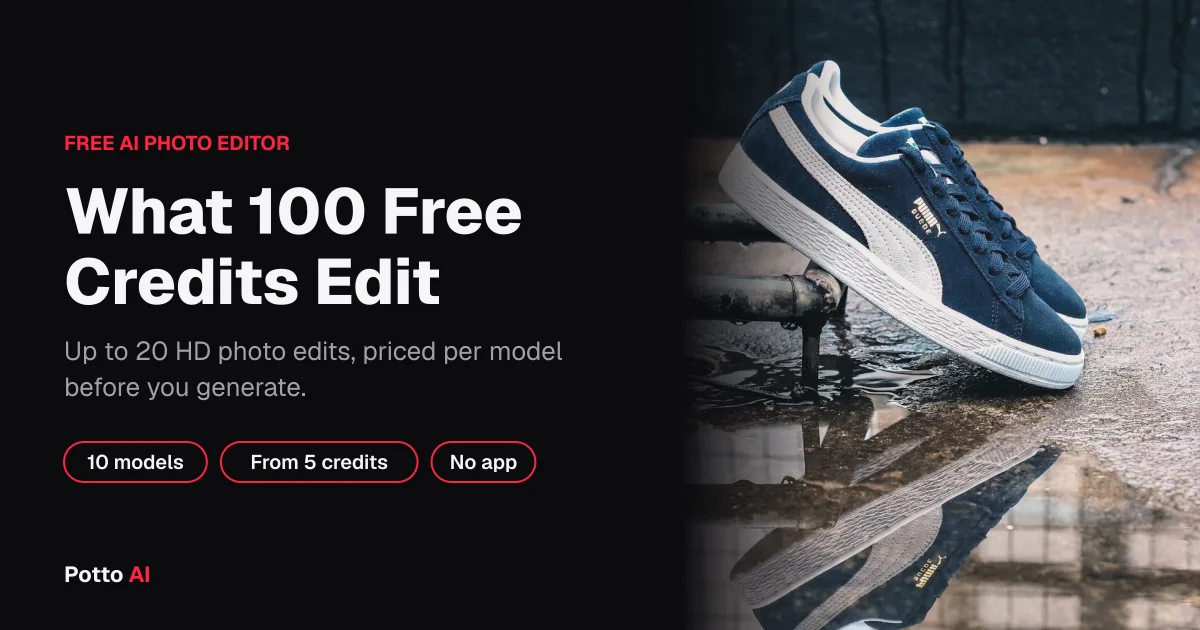
Free AI Photo Editor: What 100 Credits Do
A free AI photo editor with 100 sign-up credits: up to 20 HD edits, 10 models from GPT Image to Nano Banana Pro, and the price shown before you generate.
Videos zur Produkteinführung, Erklärvideos und KI-Bilder mit Potto AI erstellen: praktische Anleitungen, Beispiele und Ideen für Ihre nächste Einführung.
Greifen Sie auf, was Ihr Interesse geweckt hat, und machen Sie daraus Ihr eigenes Video oder Bild. Bringen Sie Screenshots, ein Thema oder einen Prompt mit.
AI imagesenA free AI photo editor with 100 sign-up credits: up to 20 HD edits, 10 models from GPT Image to Nano Banana Pro, and the price shown before you generate.
 AI imagesen
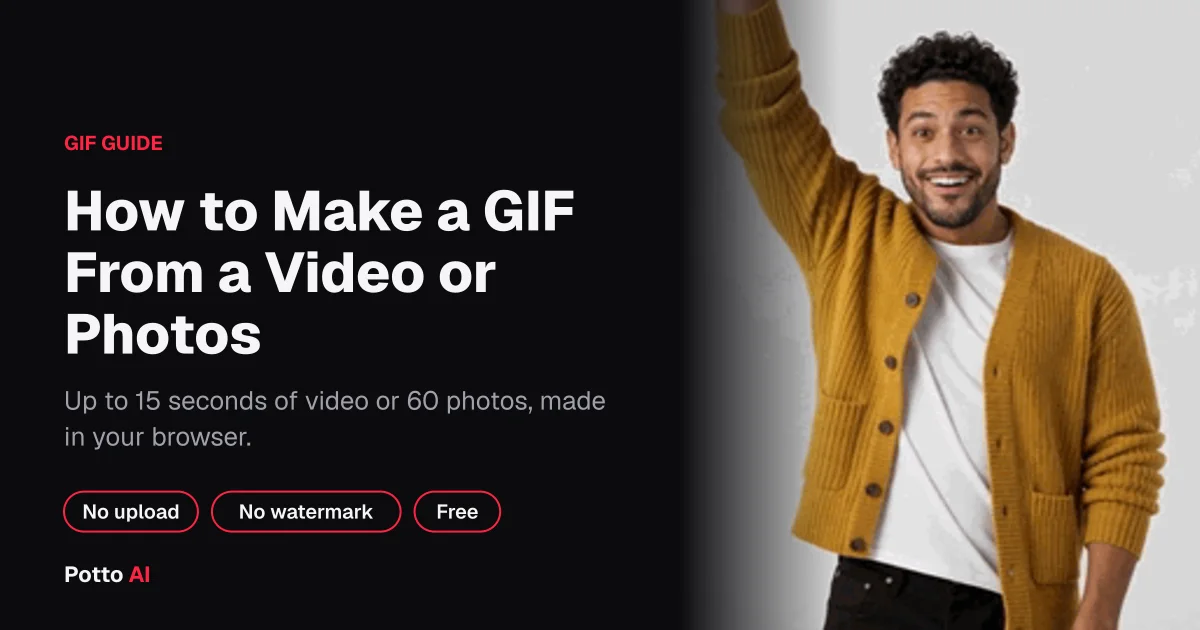
Make a GIF from a video clip or up to 60 photos in your browser. Pick the frame rate and width, keep the file small, and download with no upload or watermark.
 Motion graphicsen
HyperFrames vs Remotion compared: HTML or React scenes, preview, rendering to MP4, skills for Claude Code, licenses for teams, and a route with no code.
 AI imagesen
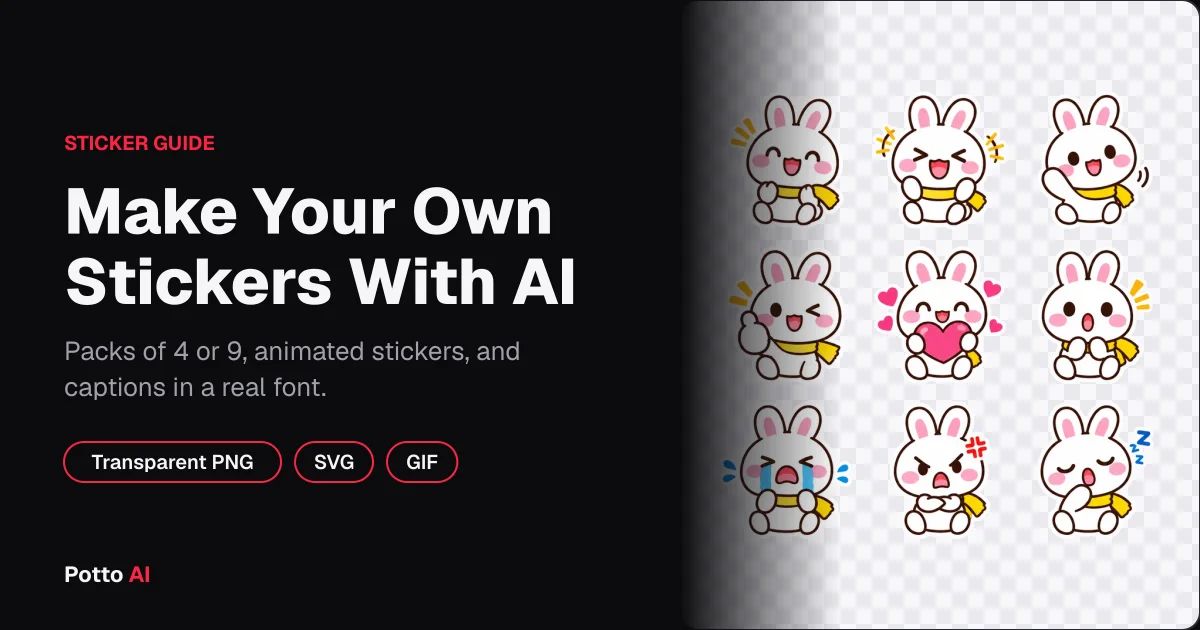
Make your own stickers with AI: describe one character, pick a pack of 4 or 9 or an animated sticker, add captions and download transparent PNG, SVG or GIF.
 Motion graphicsen
What is Claude Fable 5.2? Anthropic's November 2026 model explained: official price, specs, benchmarks, and what it can make as a video model on Potto.
 Motion graphicsen
Set up Blender MCP with Claude Code: requirements, install steps, safety limits, and two alternatives for Claude 3D animation without Blender.
 Motion graphicsen
Fable 5.2 vs Opus 5.5 for animation: official prices, which model fits which job, custom 3D scenes as code, and what a 15-second video costs on Potto.
 Product launch videosen
Is EveryGen AI free? New accounts get 10 one-time credits and free video has a watermark. See its plans, its MCP and ways to make AI video without a plan.
 AI imagesen
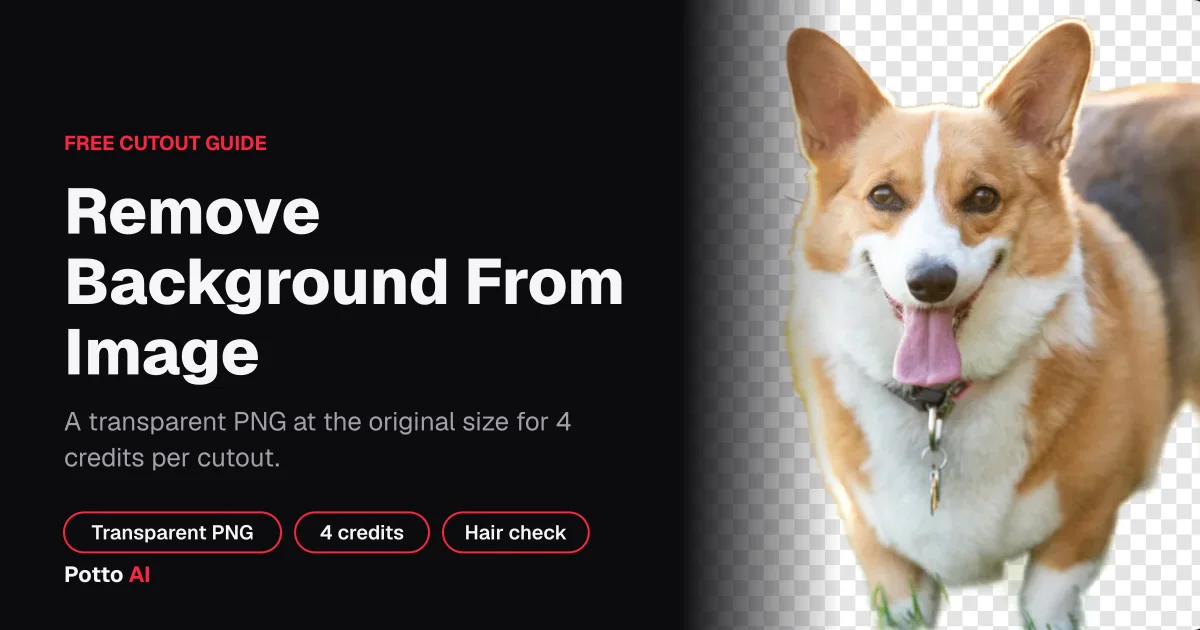
Remove the background from an image and get a transparent PNG at the original size. 4 credits per cutout, so a new account's 100 credits cover 25.
Aktualisiert
Der Potto AI Blog begleitet Sie bei der KI-Videoerstellung von der ersten Idee bis zur fertigen MP4-Datei: Videos zur Produkteinführung, Erklärvideos, Motion Graphics und Animationen mit Claude und Remotion. Dazu kommen KI-Bilder – von Modellen der Nano Banana-Reihe bis zur Bilderzeugung und -bearbeitung. Jeder Artikel bietet eine praktische Anleitung oder Erklärung, die Sie für Ihr nächstes Video nutzen können.
Der Blog behandelt KI-Videoerstellung und KI-Bilder: wie Sie Videos zur Produkteinführung und Erklärvideos planen und dafür Skripte schreiben, wie Motion Graphics und codebasierte Animationen mit Claude und Remotion funktionieren und wie Sie Bildmodelle wie Nano Banana für Produktaufnahmen, Poster und Bildbearbeitung auswählen und mit Prompts steuern.
Öffnen Sie das Tool „KI-Videos erstellen“, beschreiben Sie Ihr Video in einem Satz oder fügen Sie einen Link, Screenshots oder ein Dokument hinzu. Potto AI entwirft Gliederung, Storyboard und Sprechertext. Sie sehen sich die Szenen kostenlos in der Vorschau an und können jede davon bearbeiten. Credits zahlen Sie erst beim MP4-Export.