
Lower Third
Name and title strap · 0:05
Make an animated lower third without keyframes: type a name and a title line, pick a style, and export a transparent lower third overlay as WebM or MOV, or a finished MP4.
Name straps for speakers, podcast hosts, interview guests and field reporters in 16:9, 9:16 and 1:1, each made with Potto.
6 templates in Lower Third
Lower Third
Name and title strap · 0:05
Lower Third
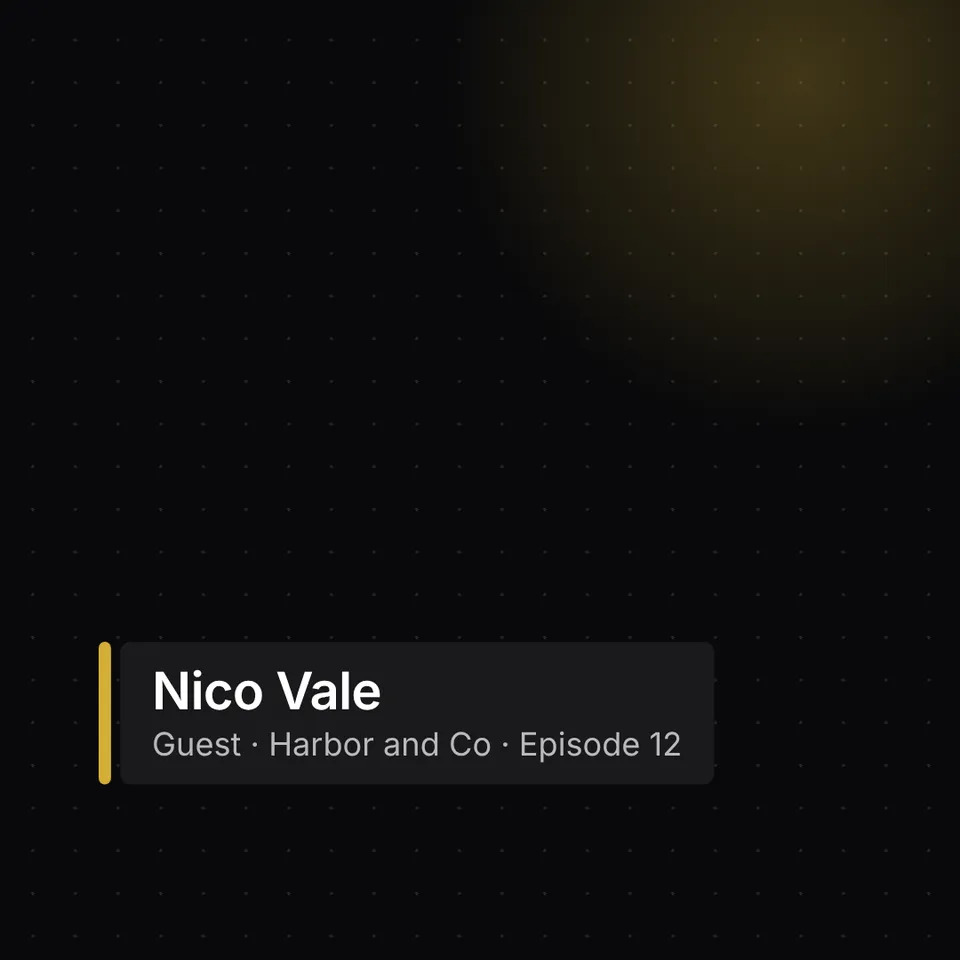
Guest name and episode · 0:05
Lower Third
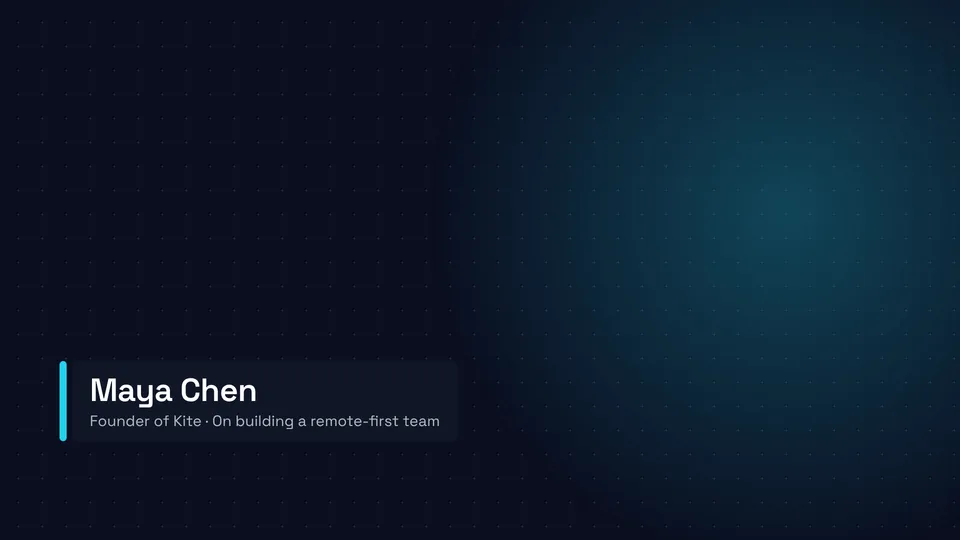
Name, company and topic · 0:05

Lower Third
Speaker and forum name · 0:05

Lower Third
Host, show and episode · 0:05

Lower Third
Name and desk line · 0:05
Every lower third template above was made with Potto from a one-line brief. Play one to see how the name and title arrive, copy its prompt, or open it as a template and type your own name.
A lower third is a graphic in the lower part of the frame that names the person on screen and adds a line about them, such as a job title, a show name or a location. It slides in, holds for a few seconds and slides out, so viewers know who is speaking without interrupting the shot. Interviews, podcasts, news clips, webinars and conference talks all use lower third graphics.
Potto's lower third maker builds that graphic from a name, a title line and a style. You describe it in one line or start from a lower third template, the AI animates it, and you export a transparent lower third overlay to place on your own footage in any editor.
A lower third is usually laid over footage you already have, so the default export is a transparent file. Choose the format by where the lower third graphics will end up.
| Export | What you get | Use it for |
|---|---|---|
| Transparent MOV | ProRes 4444 with an alpha channel, no background and no sound | Premiere Pro, Final Cut Pro and DaVinci Resolve timelines |
| Transparent WebM | VP9 with an alpha channel, no background and no sound | Web players, browser-based editors and streaming overlays that accept WebM |
| MP4 | The lower third on its style background, with music | A standalone clip, a social post or a quick preview to share |
| GIF | An animated image of up to 15 seconds, 720 pixels on the short side | Slides, docs and chat where video does not play |
Name the look in your brief and the lower third maker animates it. Each of these lower third graphics works at 5, 10 or 15 seconds and exports as a lower third overlay or an MP4.
A bar slides in from the left with the name on top and the title line below, holds, and slides back out. It is the classic lower third animation for interviews and talks.
The host's name with the show and episode on the second line, in a quiet style that suits podcasts recorded on video.
A guest strap that names the person and the episode, laid out for square 1:1 interview clips.
A 9:16 lower third for vertical clips that keeps the name above the area where Reels, Shorts and TikTok draw their own captions.
The speaker's name with the forum or session title, in a technical style that matches conference slides.
Write the person's name and one short line, such as Head of Product or Episode 12. Keep the second line short so it fits on a phone screen too.
Open a lower third template above and choose Use this template, or describe the look, for example a white bar that slides in from the left. A brand kit fills in your colors and logo.
A lower third starts at 5 seconds in 16:9. Switch to 10 or 15 seconds for a longer hold, or to 9:16 or 1:1 for vertical and square clips.
Watch the preview, ask for changes such as a slower slide or a larger name, then export a transparent WebM or MOV. Previews and edits are free; credits are used only when you export.
Name the host once at the start and each guest when they first speak. Make one lower third per person from the same lower third template so every name looks the same.
Show the speaker's name and the event or session title. Export a transparent MOV and drop it onto the recording at each speaker change.
A 9:16 lower third sits above the caption area on Reels, Shorts and TikTok, so the name stays readable on a phone.
Add a transparent WebM as a media source in streaming software that supports alpha video, and show it when a new guest joins.
Open and close a video with your channel name and logo.
Count down to a live stream, a launch or a session start.
Browse every template made with Potto.
A lower third is an on-screen graphic in the lower part of the frame that shows the name of the person speaking and a second line such as their title or show. It appears for a few seconds and then leaves, and it is named after the bottom third of the frame where it usually sits.
A lower third overlay is a lower third exported with a transparent background, so it can be placed on top of other footage. Potto exports overlays as transparent WebM or MOV files; both keep the alpha channel and carry no sound.
A lower third maker is a tool that turns a name, a title line and a style into an animated lower third without keyframing it by hand. Potto's lower third maker uses AI to animate it from your brief or from a lower third template, renders a preview and revises it when you ask.
You need the person's name and one short line about them; a logo and brand colors are optional. A saved brand kit fills in the logo and colors for new projects.
A lower third in Potto is 5, 10 or 15 seconds long and starts at 5 seconds. Most lower thirds stay on screen for about 4 to 6 seconds, which is enough to read a name and a title twice.
Export a transparent MOV (ProRes 4444) for Premiere Pro, Final Cut Pro or DaVinci Resolve, and a transparent WebM for web players and editors that accept WebM with alpha. Choose MP4 when you want the lower third on its own background with music.
Yes. Switch the ratio to 9:16 for Reels, Shorts and TikTok, or to 1:1 for square posts, and the lower third is laid out for that frame.
Yes. Describe the change in the chat, such as a different color, a slower slide or a shorter second line, and Potto renders a new preview. Each change is a round you can undo, and previewing and editing never use credits.
A lower third costs credits only when you export it: 25 credits for 5 seconds, 50 for 10 seconds and 75 for 15 seconds. Transparent WebM or MOV, MP4 and GIF cost the same.
Type a name and a title line, pick a lower third template and preview the overlay before you spend any credits. You only pay when you export.