Premium00
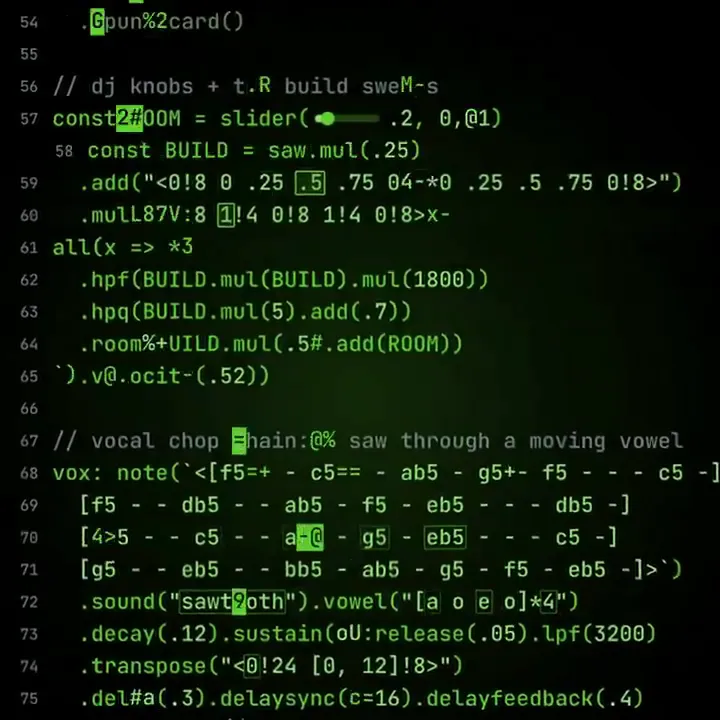
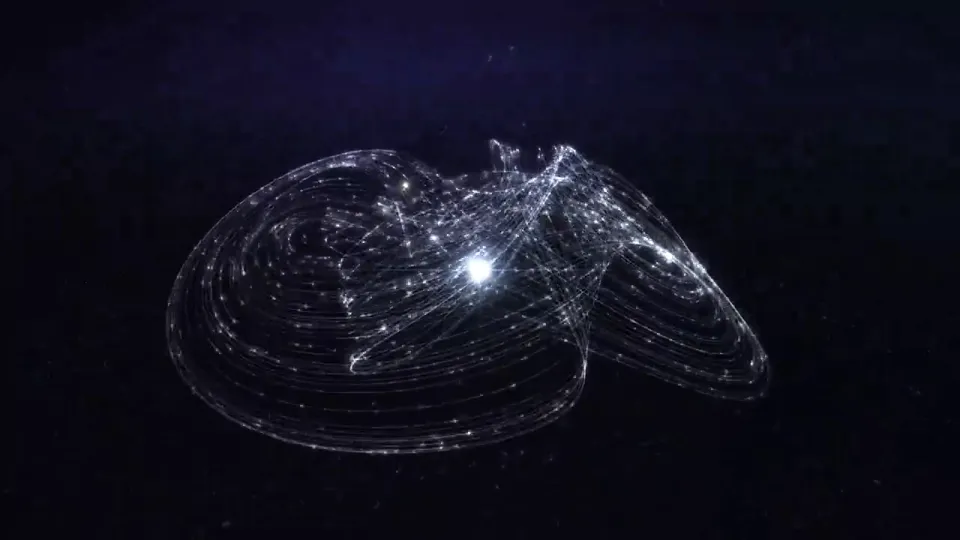
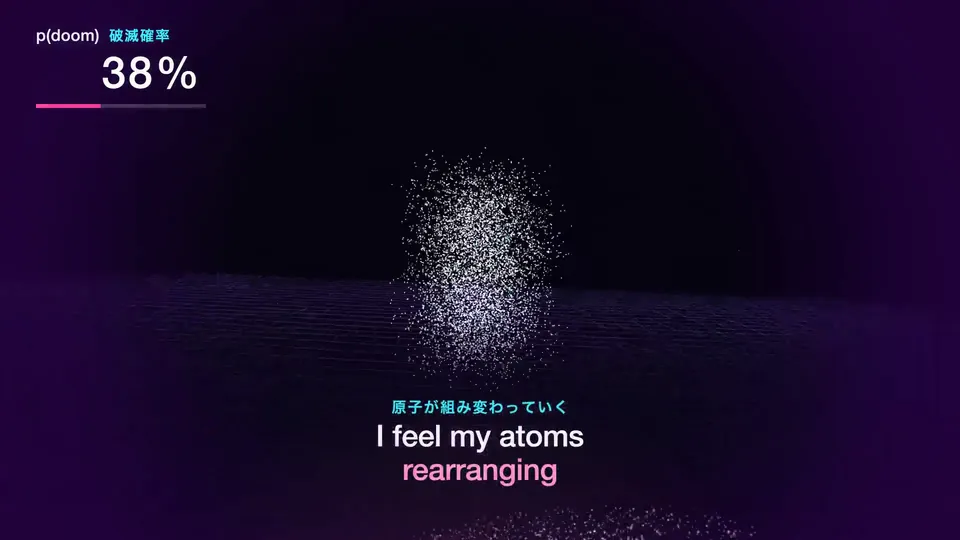
Video 1 of 1Live-coded dubstep beat visualized as a sequencer
Open video page
One balance of credits for AI videos and AI images. Subscribe monthly or yearly, or buy a credit pack once.
Pay once · no subscription
Videos per pack
Pay once · no subscription
Videos per pack
Pay once · no subscription
Videos per pack
Billed monthly
Videos per month
Billed monthly
Videos per month
Billed monthly
Videos per month
Billed annually · $240 → $192/year
Videos per month
Billed annually · $600 → $480/year
Videos per month
Billed annually · $1,200 → $960/year
Videos per month
Videos use credits when you export, and starting one needs a balance that covers its export. Counts assume a 30-second product demo and a 60-second explainer with narration and 3 illustrations.
What Live-Coded Beat Visualization does, which agents run it, the keys it needs, and how to install it.
Live-Coded Beat Visualization is an agent skill by Potto for making Visual System videos. Create deterministic Remotion videos for live-coded dubstep performances or experimental sound art, combining full-screen code tokens, half-time beats, ASCII lettering, radial…
Live-Coded Beat Visualization is a premium skill. It comes with any paid Potto plan (Lite, Pro or Max), or you can buy it once for $5 and keep it.
The Live-Coded Beat Visualization skill is written in English. It makes on-screen text in any language you give it.
Live-Coded Beat Visualization builds on Remotion. Install Bun, Python 3, and FFmpeg before you run it.
Live-Coded Beat Visualization produces MP4.
Live-Coded Beat Visualization runs in Claude Code and Codex, or in any other agent that reads SKILL.md.
No. Live-Coded Beat Visualization works without any extra API key.
Copy the install prompt for Live-Coded Beat Visualization from this page and paste it into your agent, or download its ZIP.
Live-Coded Beat Visualization was used to make 1 video in the Potto gallery, such as Live-coded dubstep beat visualized as a sequencer.
Potto has Live-Coded Beat Visualization v1.0.0, updated Oct 21, 2026. Copy the install prompt again to get the latest version.