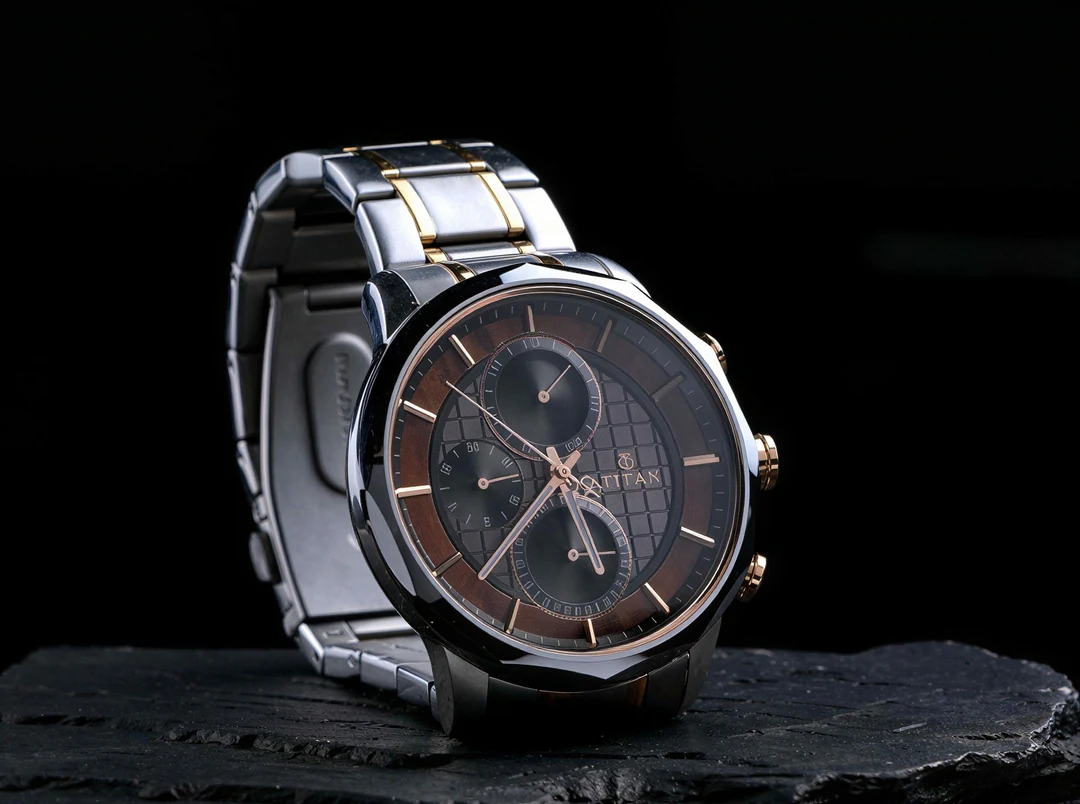
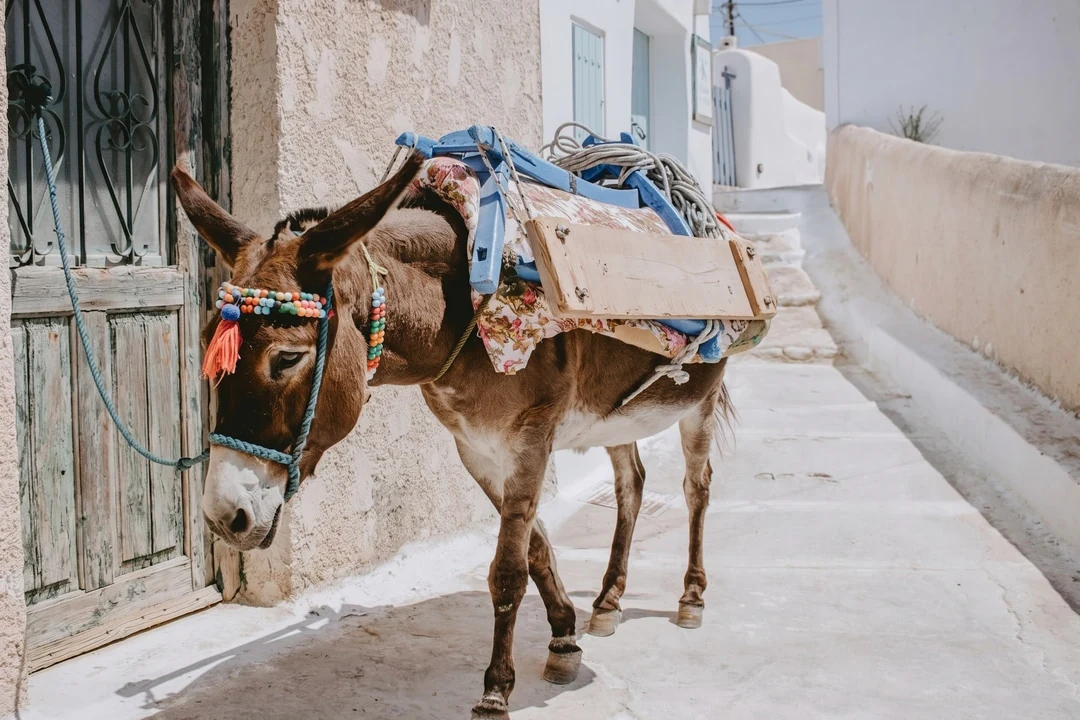
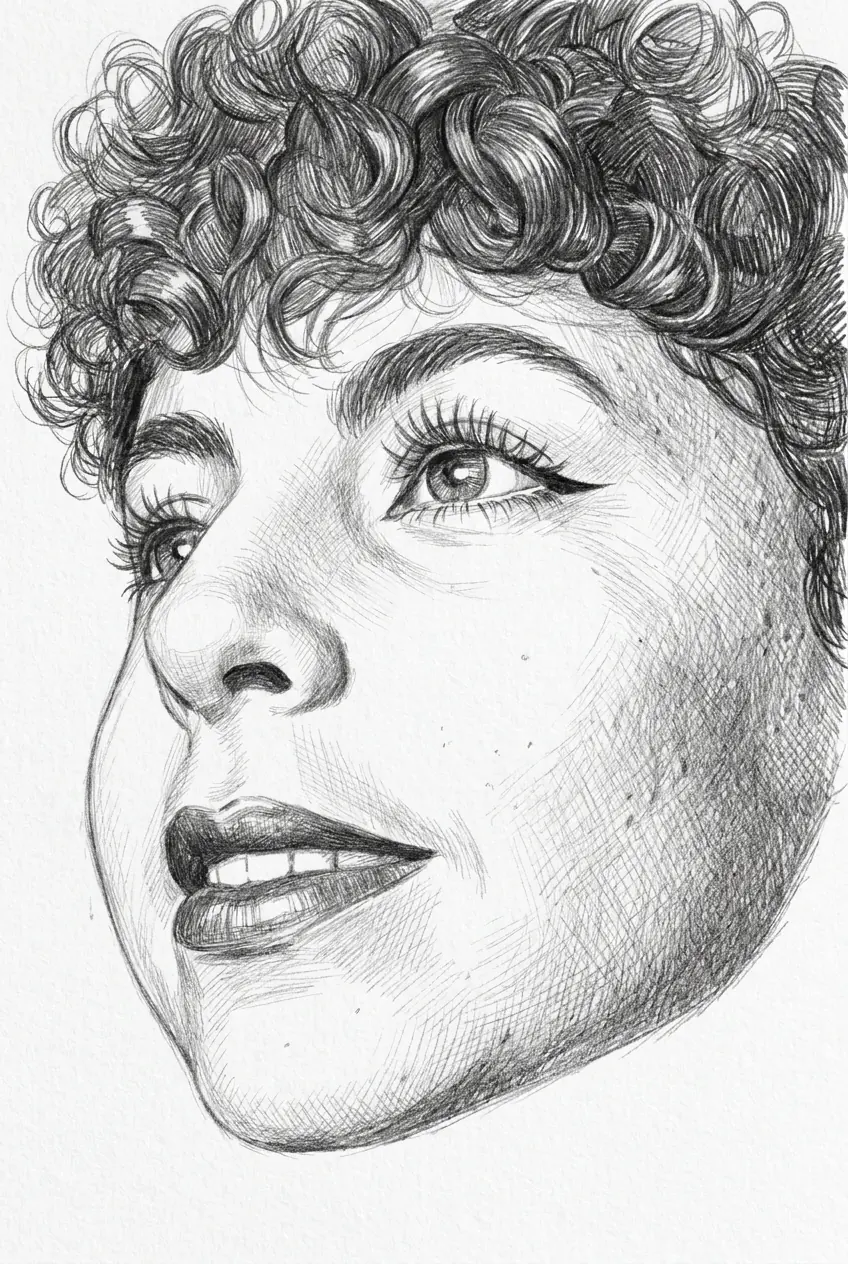
Guide a result with a photo
Upload a photo. Name what stays the same and what changes. The result follows the photo loosely, not pixel for pixel. Check edges and small print against the source.
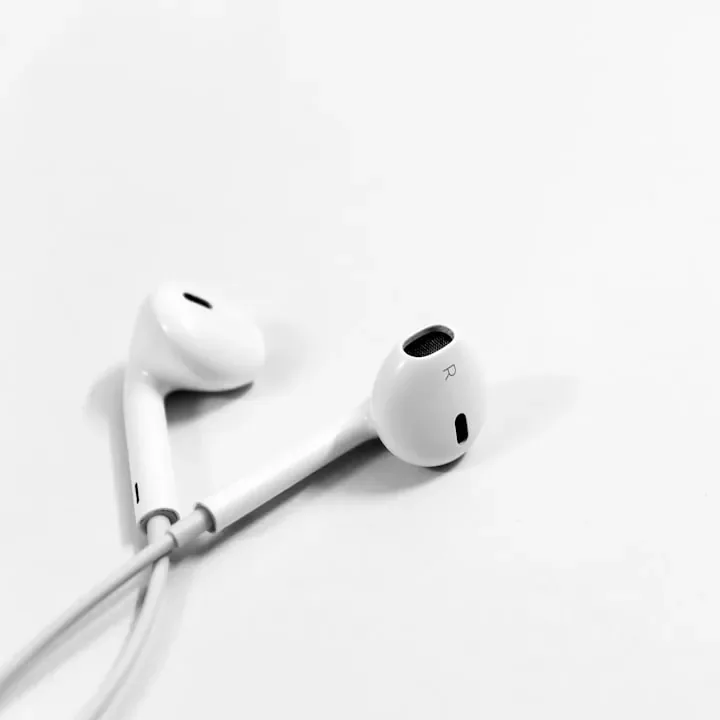
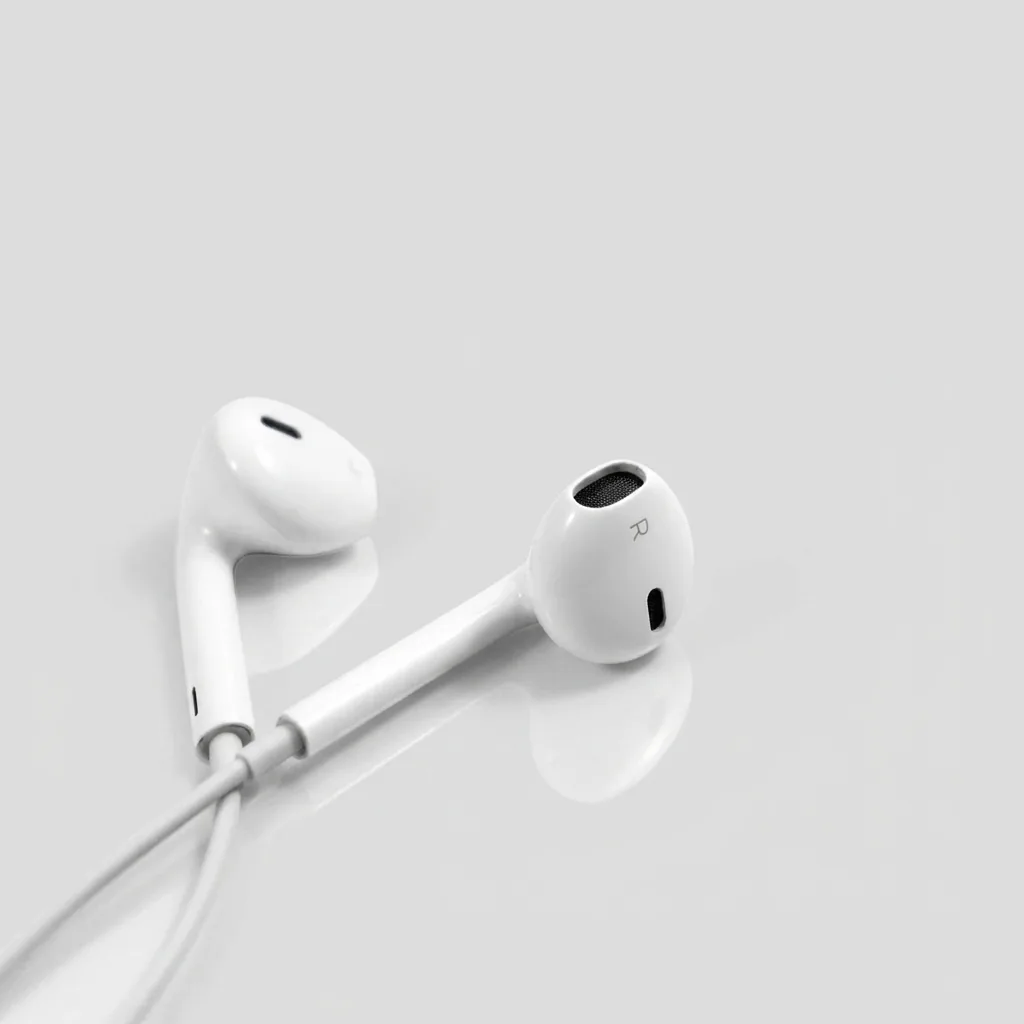
Nano Banana 2 AI image generator with three output sizes.
Try an example
Landscapes, animals, toys and city nights. Point at a card to see its prompt. Open a card to copy that prompt into the creator.
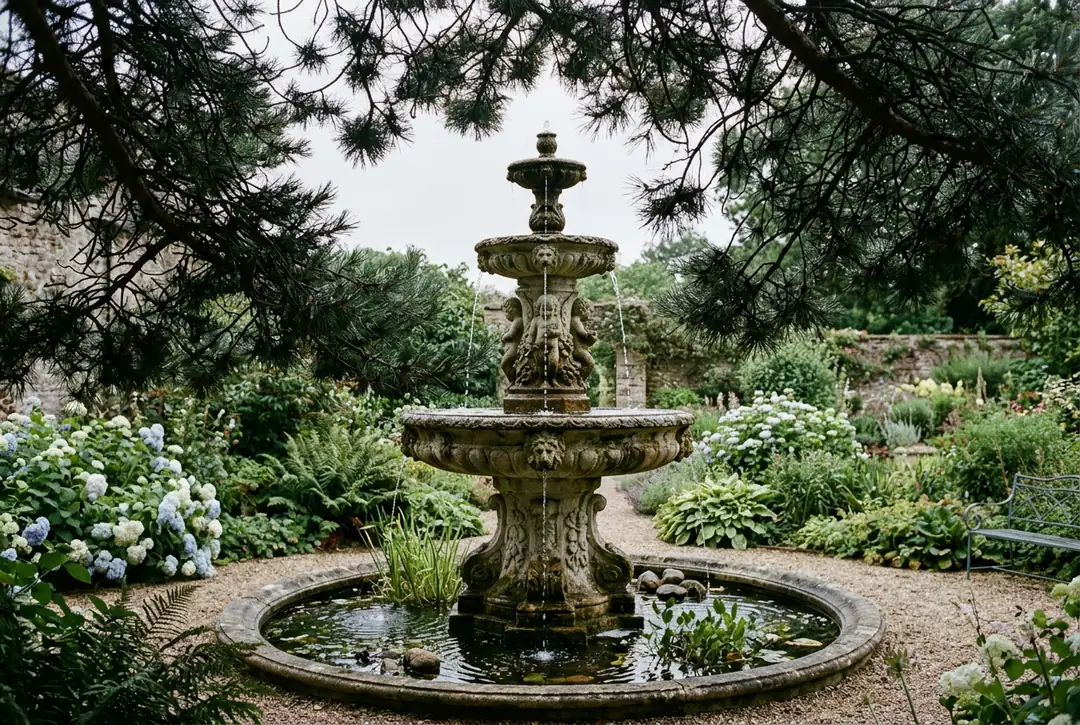
An ornate weathered stone fountain in a quiet garden, framed by dark pine branches, soft overcast sky, fine detail, shot on a 35mm lens.
A tiny grey and white kitten standing on a rumpled cream bed, morning light through a curtain, pastel colours, soft focus background.
Endless golden sand dunes with sharp wind-carved ridges under a deep blue cloudless sky, warm late-afternoon light.
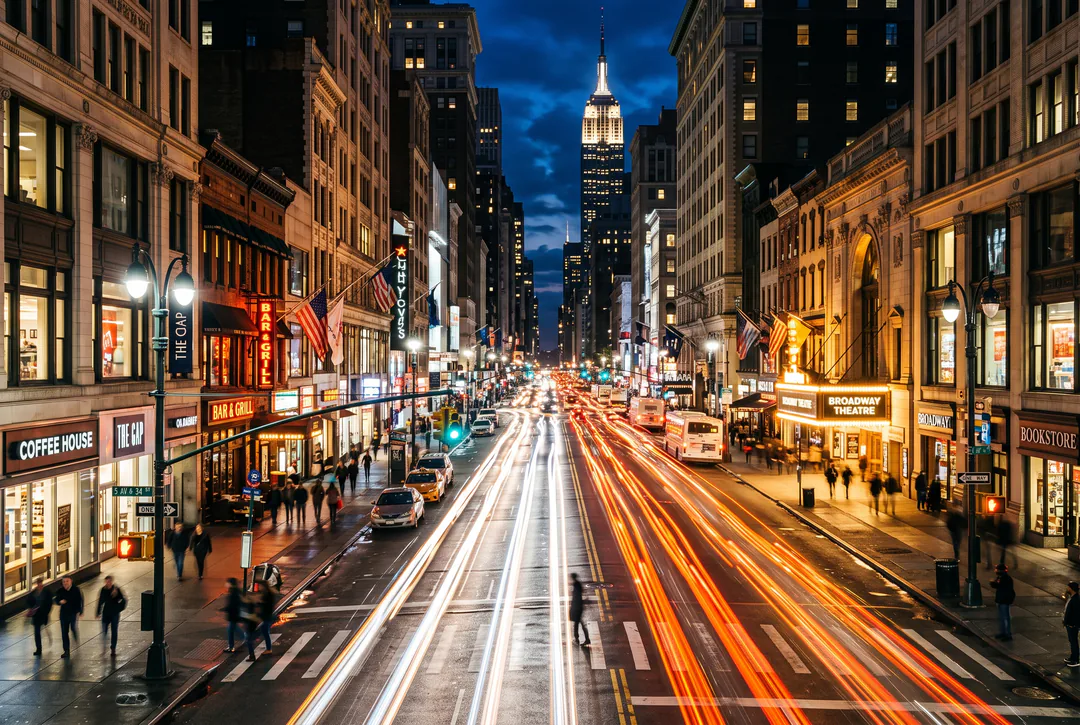
Long-exposure night street, streaks of orange and white headlight trails, neon signs reflecting on wet asphalt, cinematic city mood.
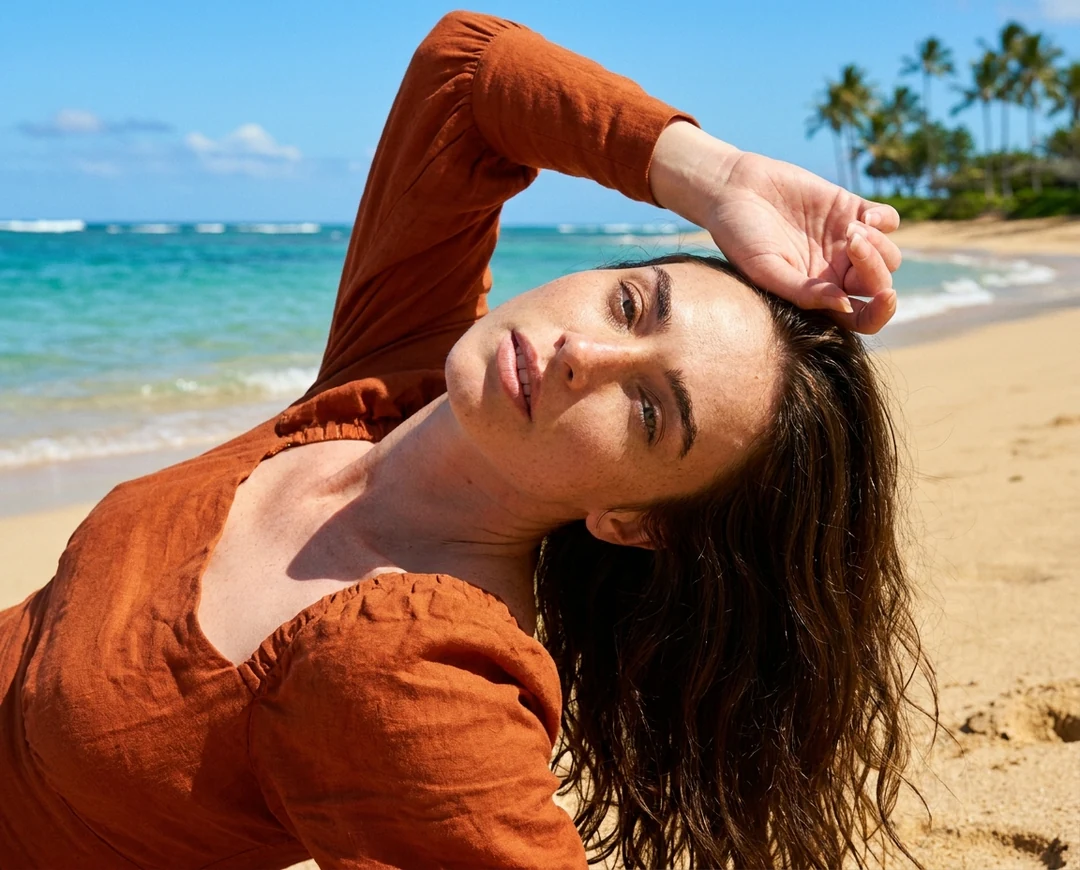
A figure in a rust-red utility jacket and helmet against a saturated red backdrop, editorial lighting, minimal composition.
Reading corner with an armchair, a floor lamp with warm light and a small stack of books, limited palette of cream, amber and deep green, calm evening mood, no people, no text.
A soft white plush rabbit toy sitting on a dark green park bench, dappled sunlight, cosy storybook feeling, tack-sharp fabric texture.
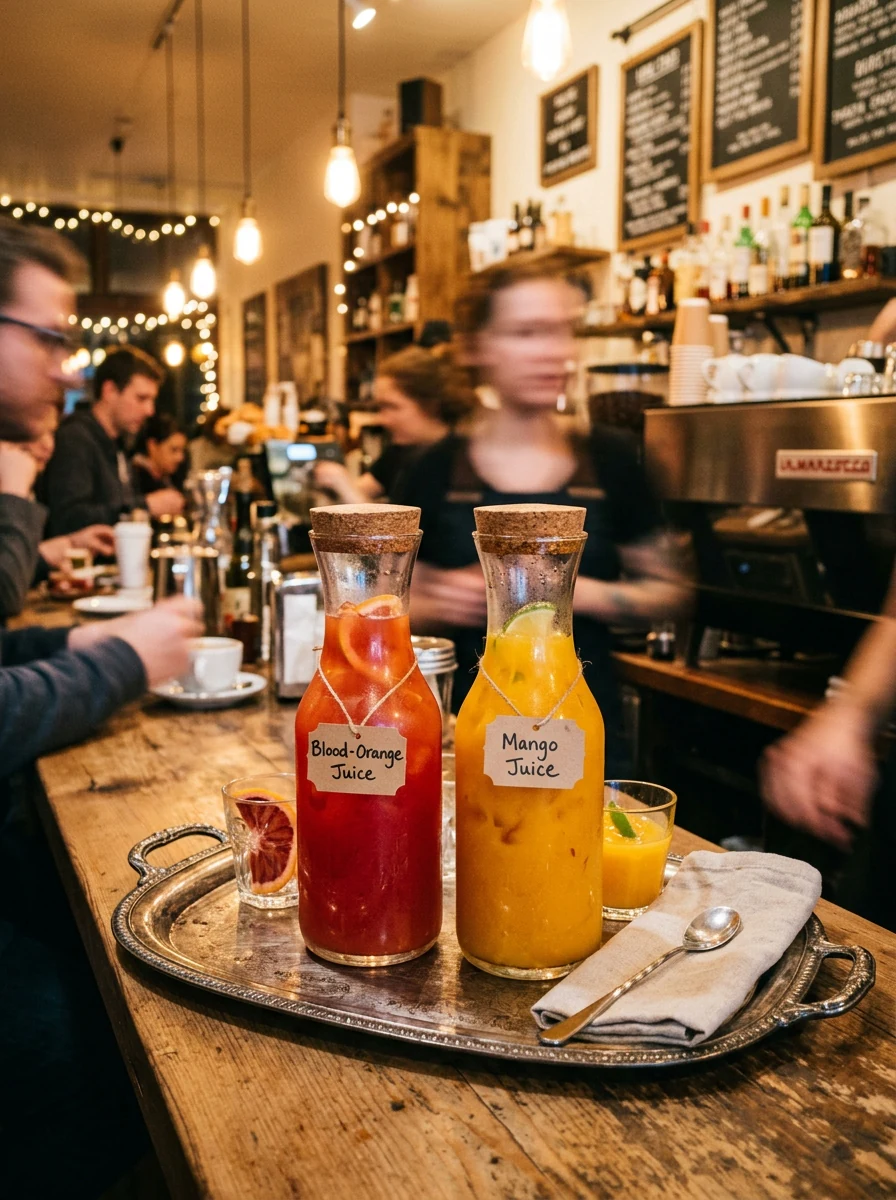
Glass carafes of blood-orange and mango juice on a silver tray at a busy cafe counter, warm tungsten light, shallow depth of field.
Every picture here was made from the prompt shown with it.
Name the subject, the light and the framing.
Pick one animal and one place. Add the time of day. Ask for a photograph. The picture on the right came from this brief.
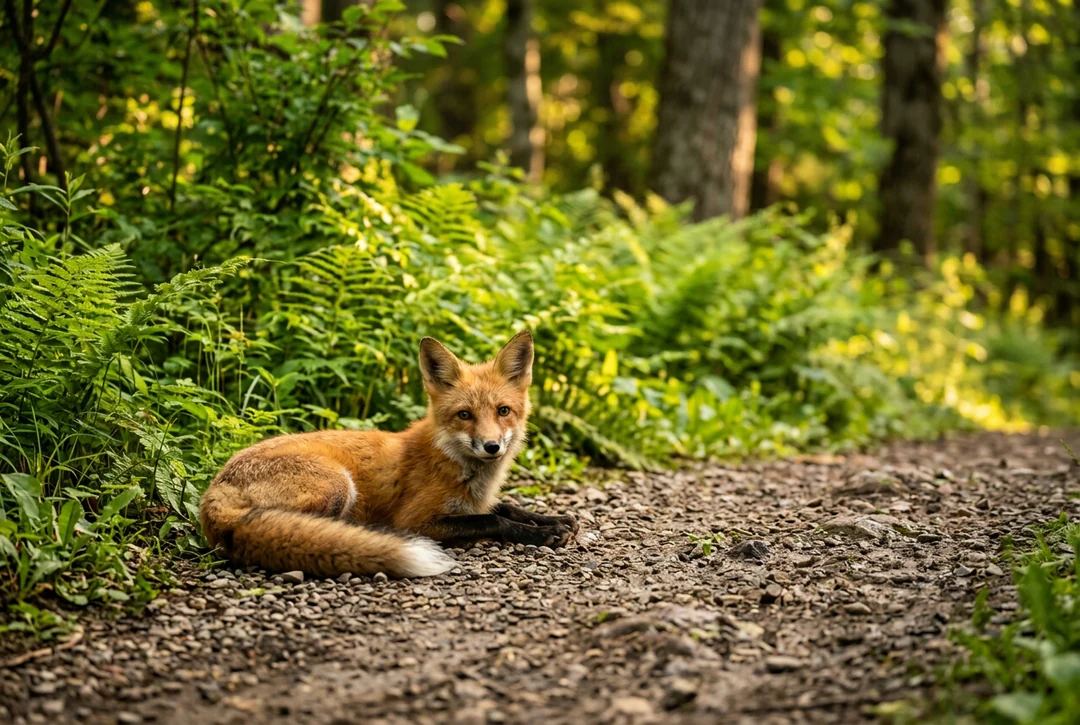
A young red fox lying on a gravel forest path, lush green ferns behind it, golden hour, wildlife photography.
Upload a photo. Name what stays the same and what changes. The result follows the photo loosely, not pixel for pixel. Check edges and small print against the source.
Three steps, all in the creator at the top.
Say what to show and how it should look. A prompt can run to 4,000 characters. Attach up to 14 references, each with a job.
The creator opens with Nano Banana 2 selected. Pick an aspect ratio and HD, 2K or 4K. Make one, two or four images.
The Generate button shows the price first. An HD image costs 23 credits. Check the result at display size, then download it or edit it.
Four jobs where this model earns its place.
01
Google lists improved text rendering for this model. Put the exact words in the prompt. Use few words. Read every letter in the result.
02
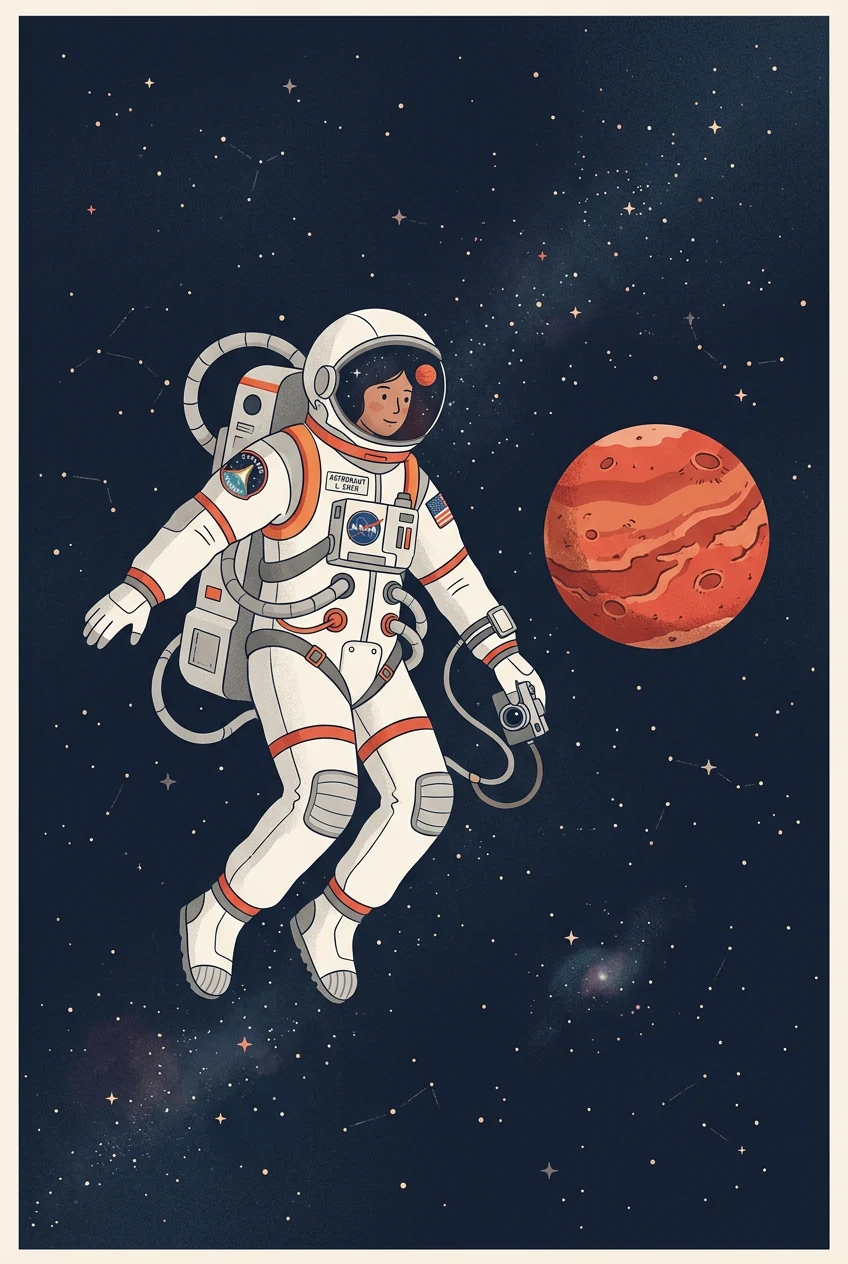
One model covers realistic photos and flat illustration. Name the medium in the first line. Then describe light and framing.
03
Attach as many as 14 references. Use one for the subject, one for the palette and one for the layout. Say which does what.
04
Testing costs 23 credits at HD. Step up to 2K for 34 credits or 4K for 51. Raise the size only for the final pick.
The first column is Nano Banana, the Potto model behind Nano Banana 2.
| Nano Banana | Nano Banana Pro | |
|---|---|---|
| Best for | Fast, capable image generation and editing | 4K resolution and reasoning-guided quality, built for professionals |
| Resolution | HD · 2K · 4K | HD · 2K · 4K |
| Reference images | Up to 14 | Up to 14 |
| Credits per image | 23 HD · 34 2K · 51 4K | 45 HD · 45 2K · 80 4K |
Edit the picture, change its frame or clean it up.
Nano Banana 2 is Google's name for Gemini 3.1 Flash Image. On Potto it makes and edits images at three output sizes. Google calls it the efficient counterpart to its Pro image model.
Yes. Potto's Nano Banana model is that same Google model. This page and the Nano Banana page open the same Google model in the creator.
Pro is the higher-priced model. It costs 45 credits per image at HD, 45 at 2K and 80 at 4K. Nano Banana 2 costs 23, 34 and 51. Both take up to 14 references. Run one brief on both when detail matters.
Prices start at 23 credits for HD. A 2K image is 34 credits and a 4K image is 51. Two images cost double. Confirm only after you read the total.
The limit is 14 in total. Give each one a role, such as subject, layout or palette. State that role in the prompt.
Often, but not every time. The model page at Google notes better text handling. Keep the wording short. Check each letter. Set final copy in your layout tool.
HD, 2K and 4K, saved as PNG or JPEG. Choose an aspect ratio first. Then set the image count.
No. Nano Banana 2.1 is a separate Google model on Potto. It costs 12, 17 and 38 credits per image and takes up to 10 references. It has its own page.
Describe the single change you want. Keep the rest of the brief as it was. To change one area only, open the AI Image Editor. Then look over the whole picture.
You can type a prompt and set options first. Generate asks you to sign in. Your prompt, references and settings stay in the creator.
Write the brief. Attach references only if they help. Check the price, then generate.