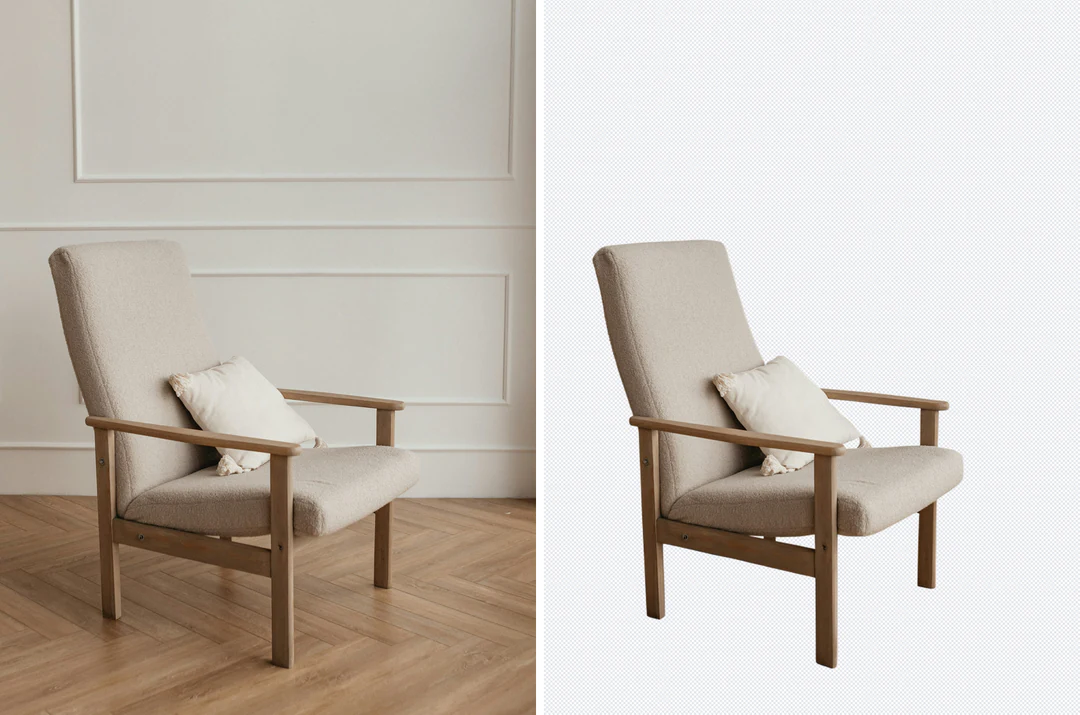
ChairTransparent
Remove bg from product shots
Buyers need the full shape. Check handles, straps and cables against the source.
Remove bg online from any photo. One upload gives you a cutout at the original size.

Remove bg on a corgi photo. The checkerboard shows what was cleared.
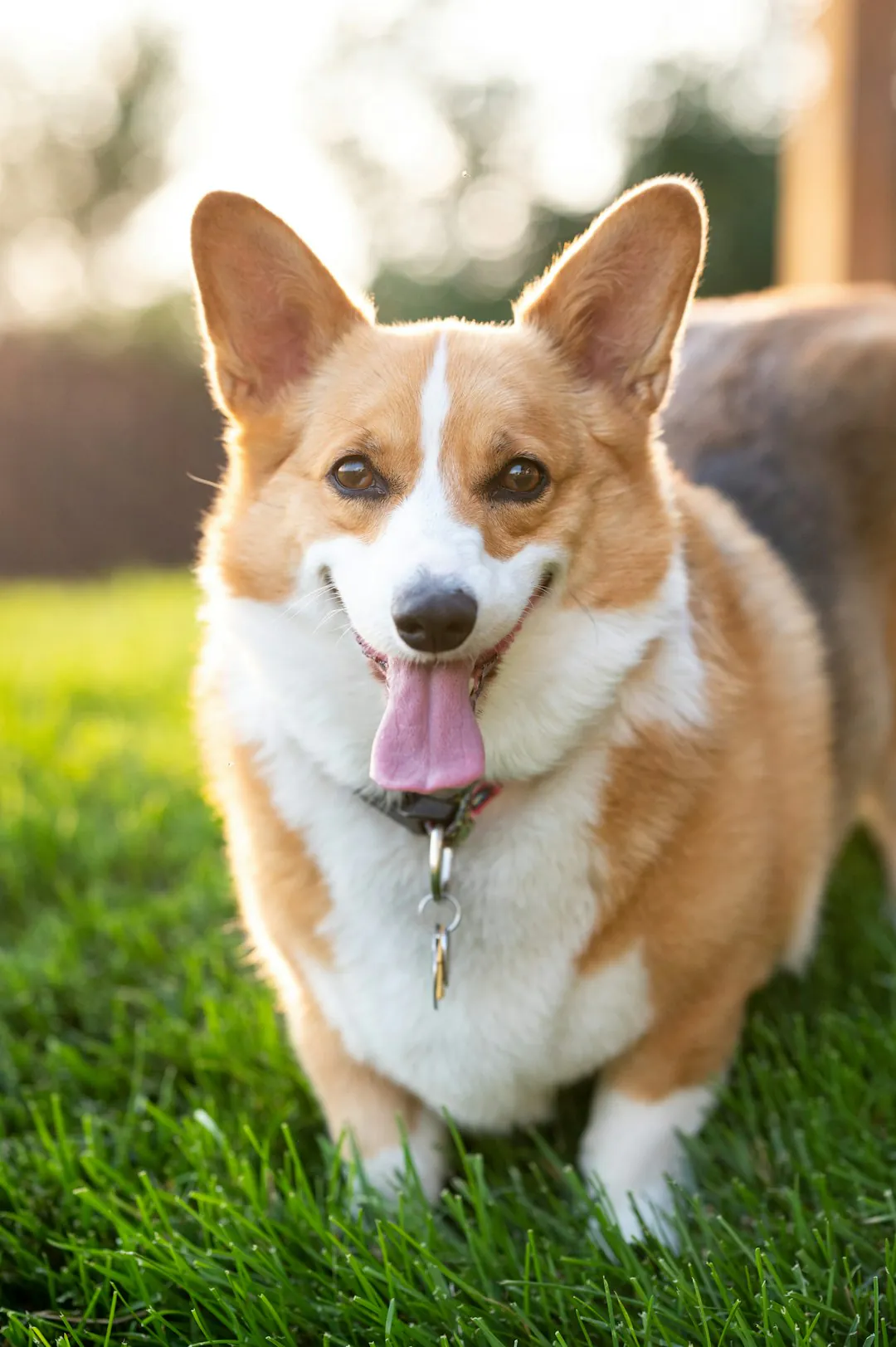
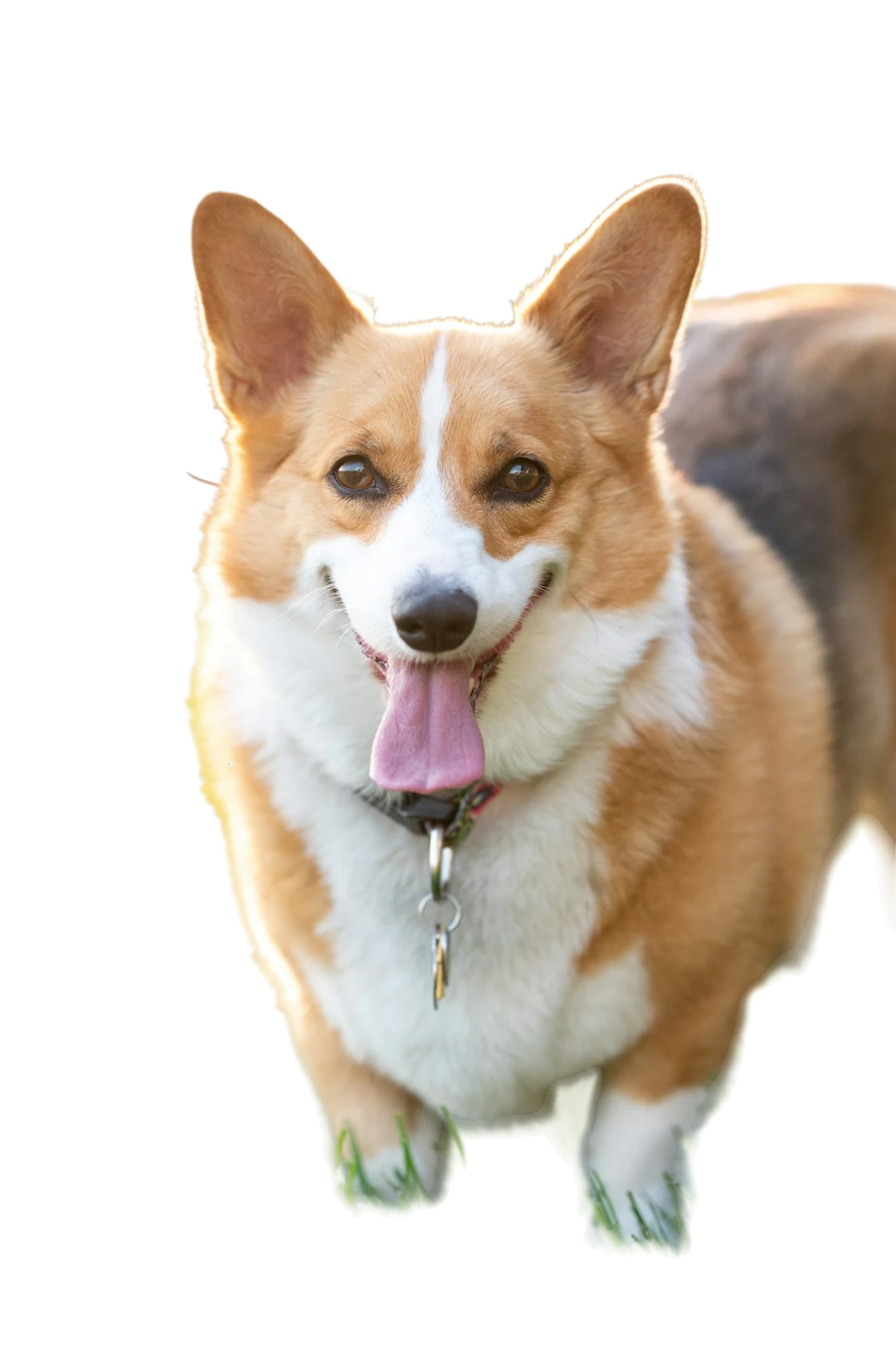
Look at the full outline first. A missing ear or paw matters more than a faint fringe.
Zoom in on thin strands. Compare them with the original.
Try a white and a dark backdrop. A pale edge shows on dark.
Remove bg online on products, people and pets. Decide what must survive. Check it first.
ChairTransparent
Buyers need the full shape. Check handles, straps and cables against the source.

MugTransparent
Mugs and bottles cut out well. Check the handle gap and the rim.
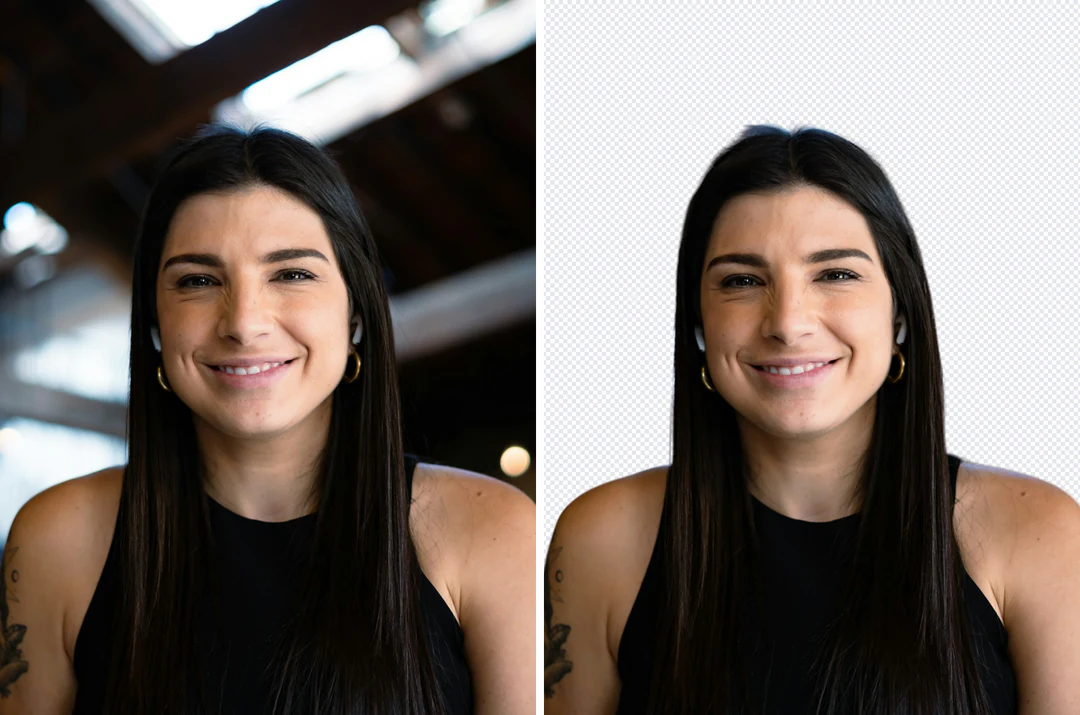
PortraitTransparent
Keep the whole head and shoulders in frame. Hair needs a closer look than a jacket.
Remove bg online in the panel above.
Pick the original photo. Leave nothing cut off at the frame edge.
Press the button. Compare the cutout with the source. Check the outline, then the small gaps.
Keep transparency, pick a color or use your own picture. Save the cutout as PNG, or save a flattened PNG or JPEG.
A clean outline, fine edges and a clear source decide the result.
01
Remove bg finds the subject and clears the rest. You get a transparent PNG.
02
Thin strands are the hardest part. Use a photo where the subject is sharp. A faint halo of the old scene can stay on thin edges.
03
A plain wall beats a busy pattern. Keep the original next to the result.
After remove bg, these tools handle the next step.

Answers about remove bg, files, credits and limits.
Remove bg means taking the background out of a photo. Potto AI keeps the subject and returns a transparent PNG. The cutout has the same size as your source.
Drop your photo in the panel. Press the Generate button. Download the result. The button shows the credit price before you start.
Remove bg free works with the 100 credits that new accounts get. A cutout costs 4 credits, so 100 credits give 25 cutouts. After that, pick a plan or a pack on Pricing.
No account is needed to upload a photo and try the controls. To remove bg and download the result, sign in. Your photo stays in place after sign-in.
Yes, for single photos. Potto AI is a separate service with no link to remove.bg. The remove.bg API page says: "Starting December 1, 2026, background removal moves to Leonardo.Ai, also part of Canva."
JPG, PNG and WebP files work. Each file can be 20 MB at most. Use the original file when you can. A flattened JPEG has no transparency to keep.
No. Remove bg works on still images only. Video and GIF backgrounds are not supported.
No. Each upload is one image, so run photos one at a time. There is no batch mode and no API.
Check hair, fur and glass on a light and a dark backdrop. Thin strands can be lost. Some old color can linger on edges. Shadows and reflections are not rebuilt.
Yes. Pick a solid color or add your own picture. The picture fills the canvas with a centered crop, so its edges can be cut. A new backdrop costs no extra credits.
Each image uses 4 credits to remove bg. Credits held for a failed task are released. See Pricing for plans and packs.
Upload one image, remove bg and save the cutout.