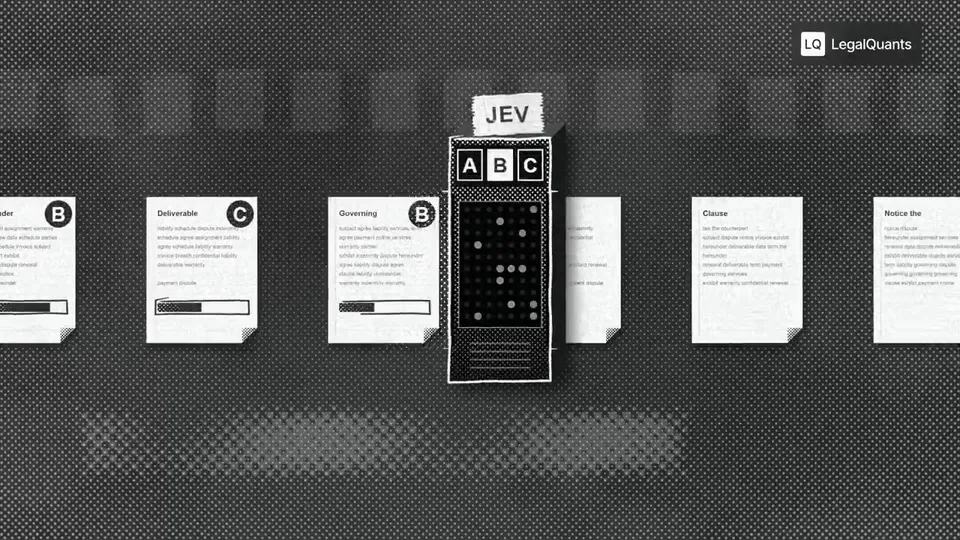
Episode teasers
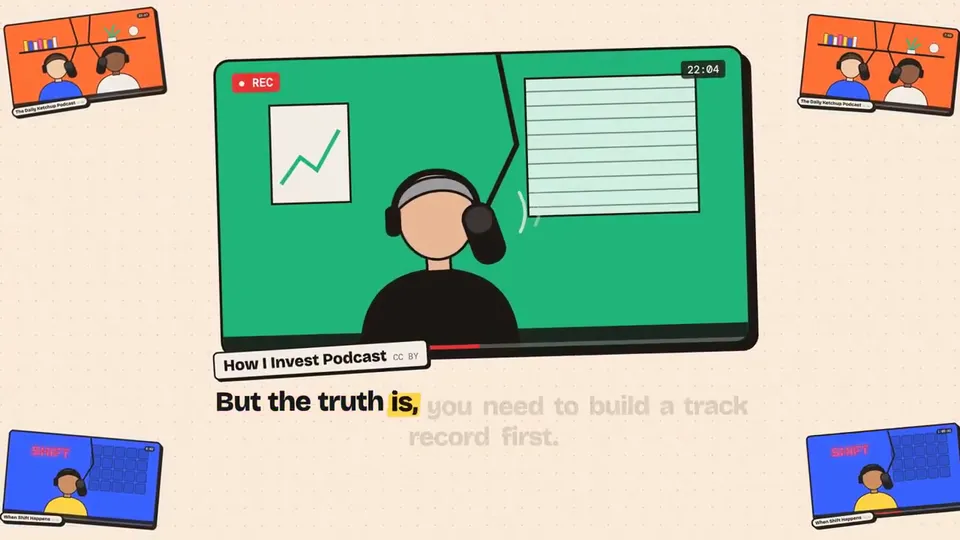
Pick the line that makes people want the rest. Skip the intro and the sponsor read. One idea fits one clip.
Turn a podcast moment into a short video with a moving waveform and captions. Upload an episode, interview or talk. This audiogram maker picks a moment of up to 90 seconds. Export an MP4 for social media.
New accounts get 100 free credits — enough to start a first 15-second video. Credits are spent only when you export.
0/25000
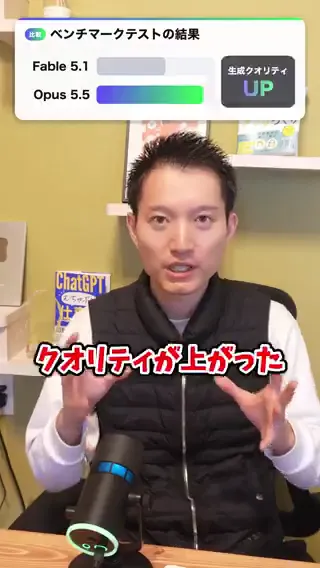
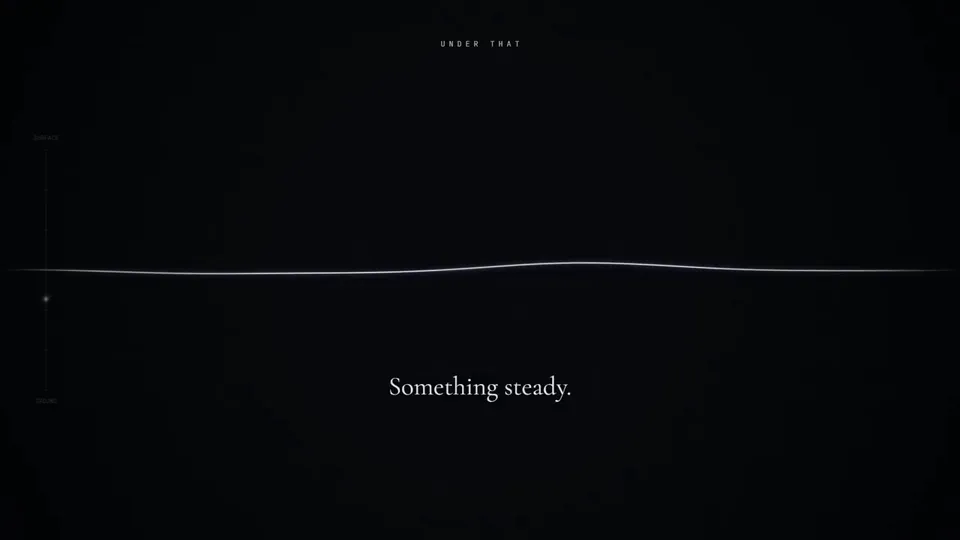
Captioned clips and waveform motion from other creators. They show the look, not Potto audiograms. Press a poster to play the clip.
The authors of these videos are independent creators, not Potto. Every card credits its author and links to the source. If a prompt was shared, you can copy it. Potto renders its own version.
Before you make an audiogram, decide the clip's job: tease an episode, quote a guest or share a lesson.
Pick the line that makes people want the rest. Skip the intro and the sponsor read. One idea fits one clip.
Choose a moment where the guest is specific: a number, a story or a clear opinion. Add the guest's name so the clip works alone.
Ask for one full explanation or one passage. A summary of the whole recording does not fit in 90 seconds.
Three steps in the audiogram maker above. You approve the moment before anything is exported.
Upload the episode as MP3, WAV or M4A. Add a cover image and say who the clip is for.
Potto lists where the moment starts and ends. Approve it, or name another moment.
Check the waveform and the captions. Export the MP4, and download the SRT if you need it.
An audiogram maker should not make you trim audio by hand. Potto's audiogram maker reads your episode and proposes the moment. It then builds the audiogram around it.
01
Tell Potto what the clip is for. It proposes one continuous moment. Name a different one if it misses.
02
Bars, a wave or a ring move with the speech. Viewers see someone talking even with the sound off.
03
Potto transcribes the clip and shows captions. The SRT file comes with your MP4.
04
A shared clip should say where it came from. Credit the show and the speaker on screen.
05
Export the same moment as a square, a vertical or a wide video.
An audiogram starts from audio. These pages start from a song, a brief or a document.
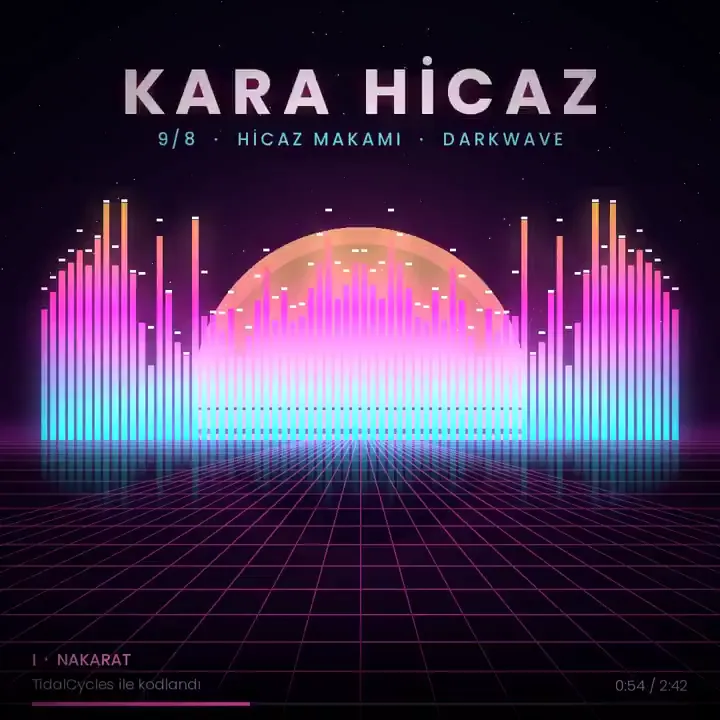




Definitions, audio types, limits, captions, styles and credits.
An audiogram is a short video that plays audio over a moving waveform, usually with captions. Podcasters post one to preview an episode in a feed. Outside podcasting, doctors use the word for a hearing test chart. This page covers the video kind.
An audiogram maker turns audio into a waveform video. Most make you trim the clip first. Potto's audiogram maker proposes the moment for you. Use it to make an audiogram of any episode, then export an MP4.
A podcast audiogram is an audiogram made from one moment of an episode. It shows the show name, the speaker and the cover art. Viewers can read the captions with the sound off. Its job is to make people press play on the full episode.
To make an audiogram, drop your audio into the creator at the top. Describe the audience and the moment you want. Potto proposes a start and an end in chat. Approve them or name another moment. After a preview, export the MP4.
This audiogram generator reads a transcript of your file. If you name a moment, it uses that one. If you do not, it proposes a moment and may skip an intro or an ad. You confirm the times in chat. There is no timeline picker.
Clear speech does. Interviews, solo episodes, panels, lectures and readings all work. Captions follow the words, so little background noise means fewer mistakes. Pick a moment with one clear idea.
Files can run 10 minutes and 20 MB. The accepted types are MP3, WAV and M4A. The audiogram itself is one clip of up to 90 seconds. A longer episode needs trimming first.
Yes. Upload a cover image with the audio. Give the episode title, the show name and the guest in your message. They appear next to the waveform. Potto shows only the details you give it.
Your audiogram gets captions without extra steps. They come from the transcript of your clip. Get the SRT file for a player that takes caption files. Misheard words are common with names, terms and numbers, so read every line.
Choose bars, wave or ring. Without a request you get bars. The wave suits quiet interviews. The ring sits around your cover art. One style runs through the whole audiogram.
Potto exports a 1080p MP4 at 30 fps. Square 1:1 is the default for feeds. Use 9:16 for Reels, Shorts and TikTok. Use 16:9 for an episode page.
Not from the video itself. Potto does not accept existing video files. Upload the episode's audio file instead. The result is a new waveform video, not an edit of your footage.
Previews are free. Export costs 5 credits per second of video. A 60-second audiogram costs 300 credits. Sign-up gives you 100 credits, enough for a 15-second one. There is no voiceover fee. Your recording supplies the sound.
Upload an episode and approve the moment. Then export your MP4.