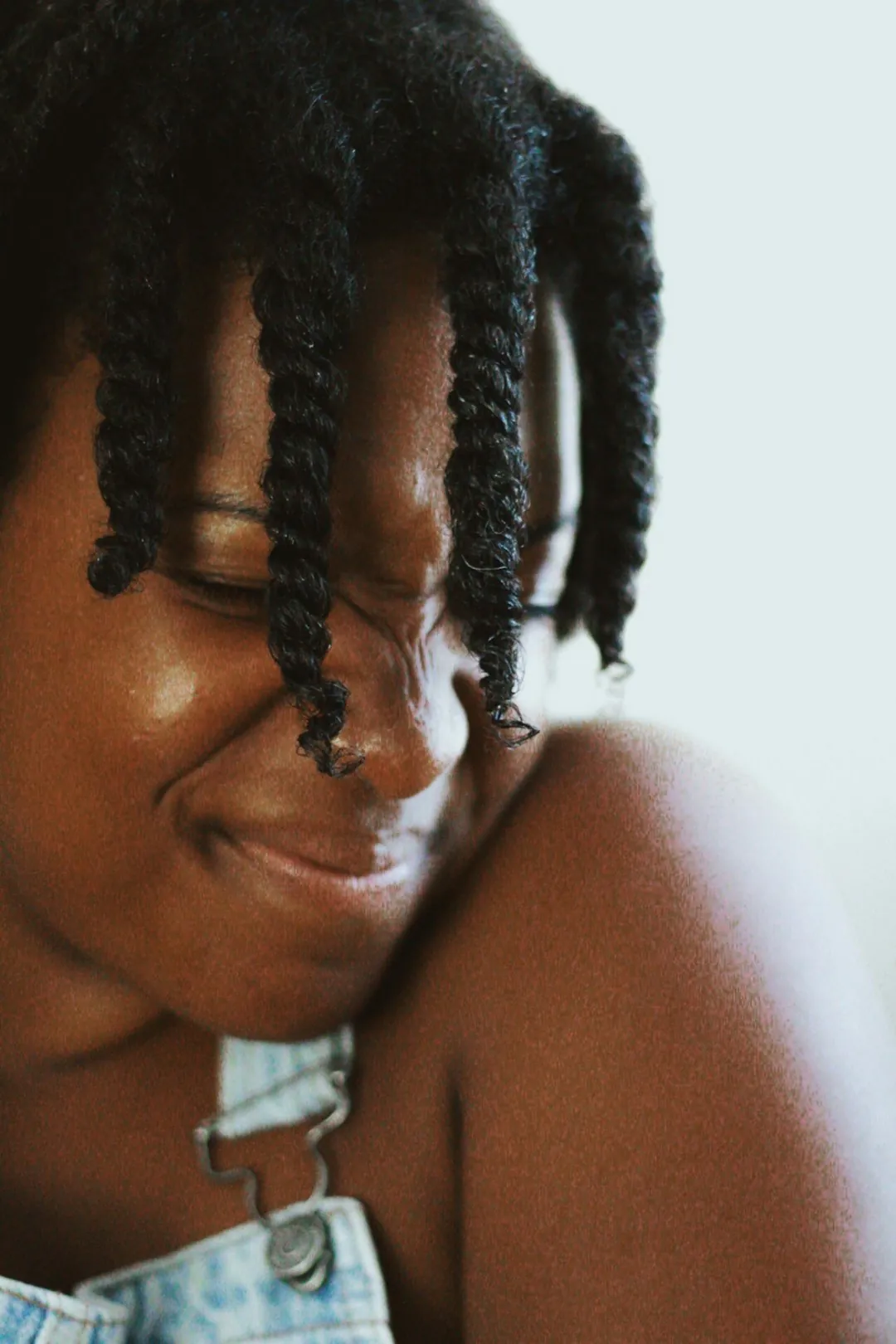
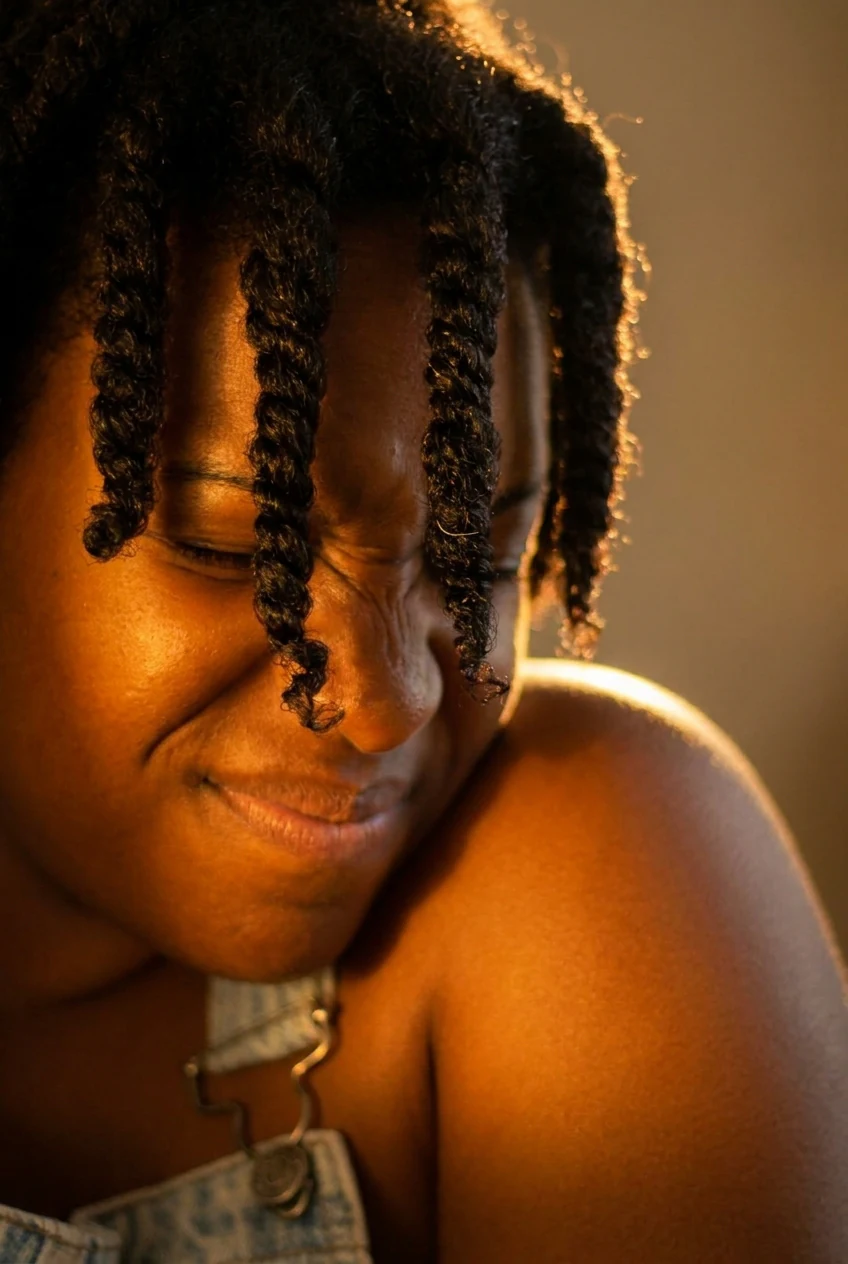
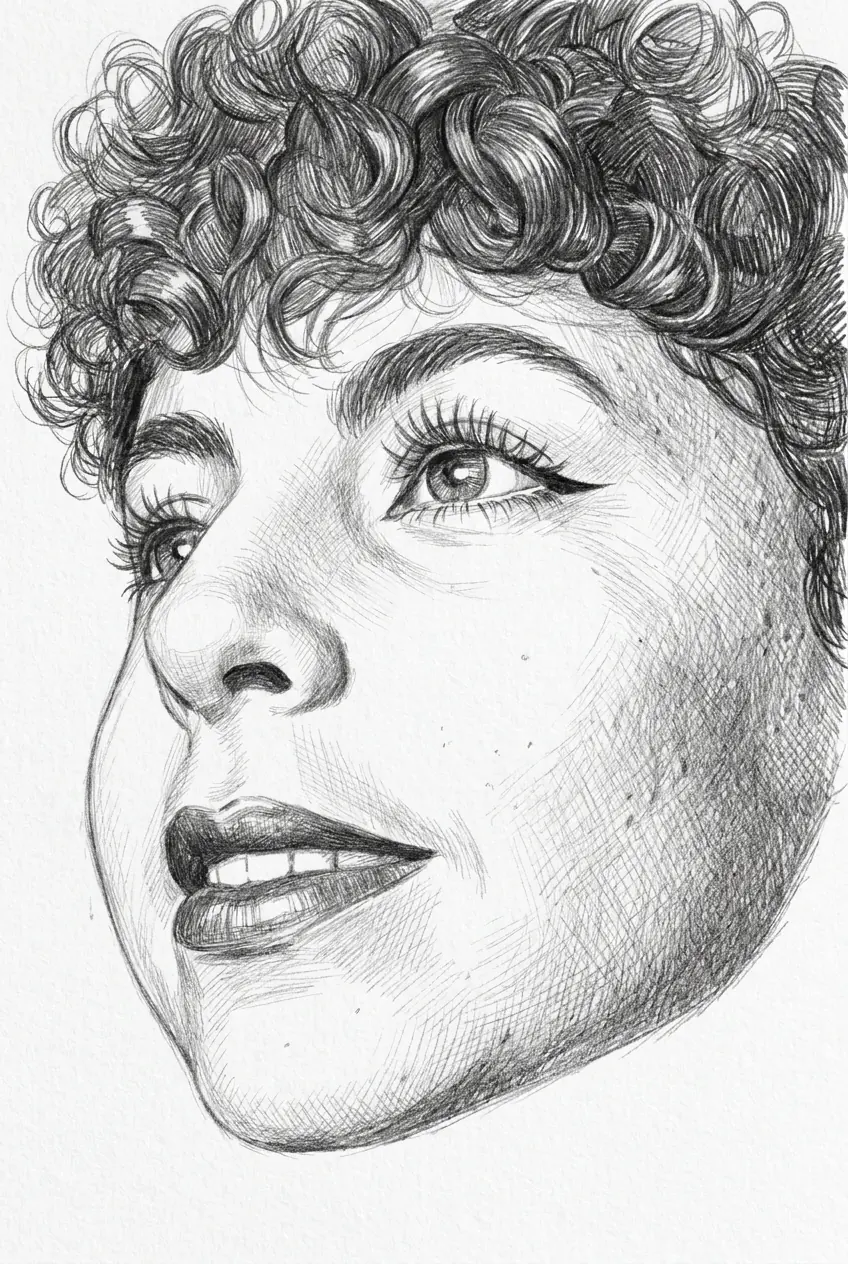
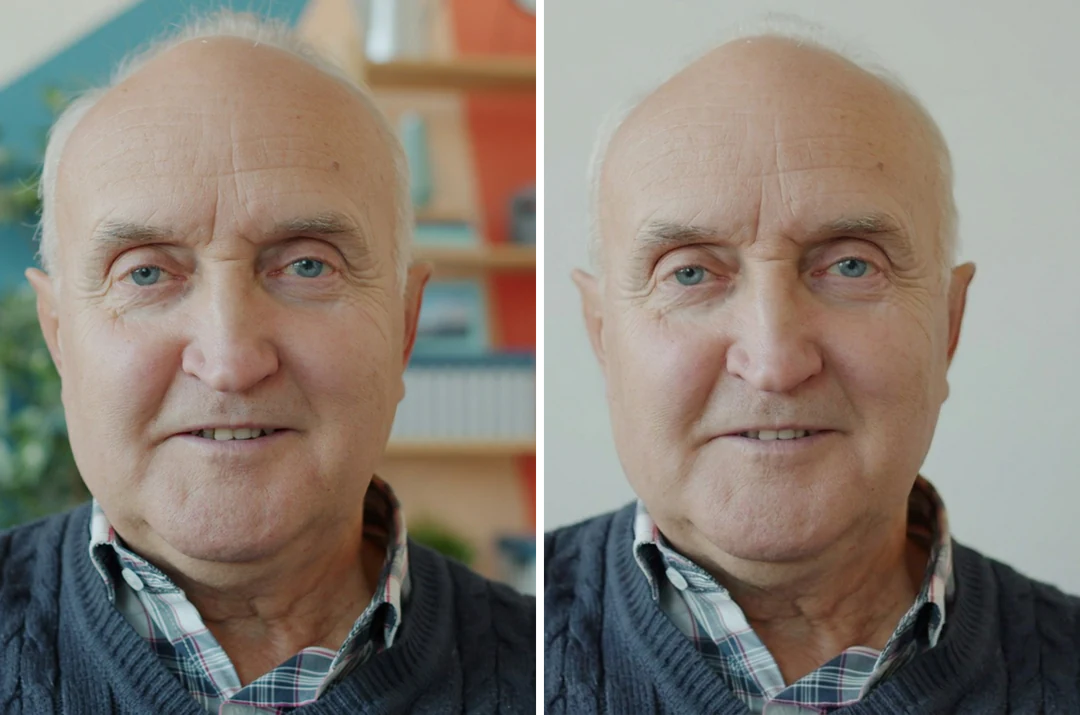
Busy roomPlain wall
Change a photo background
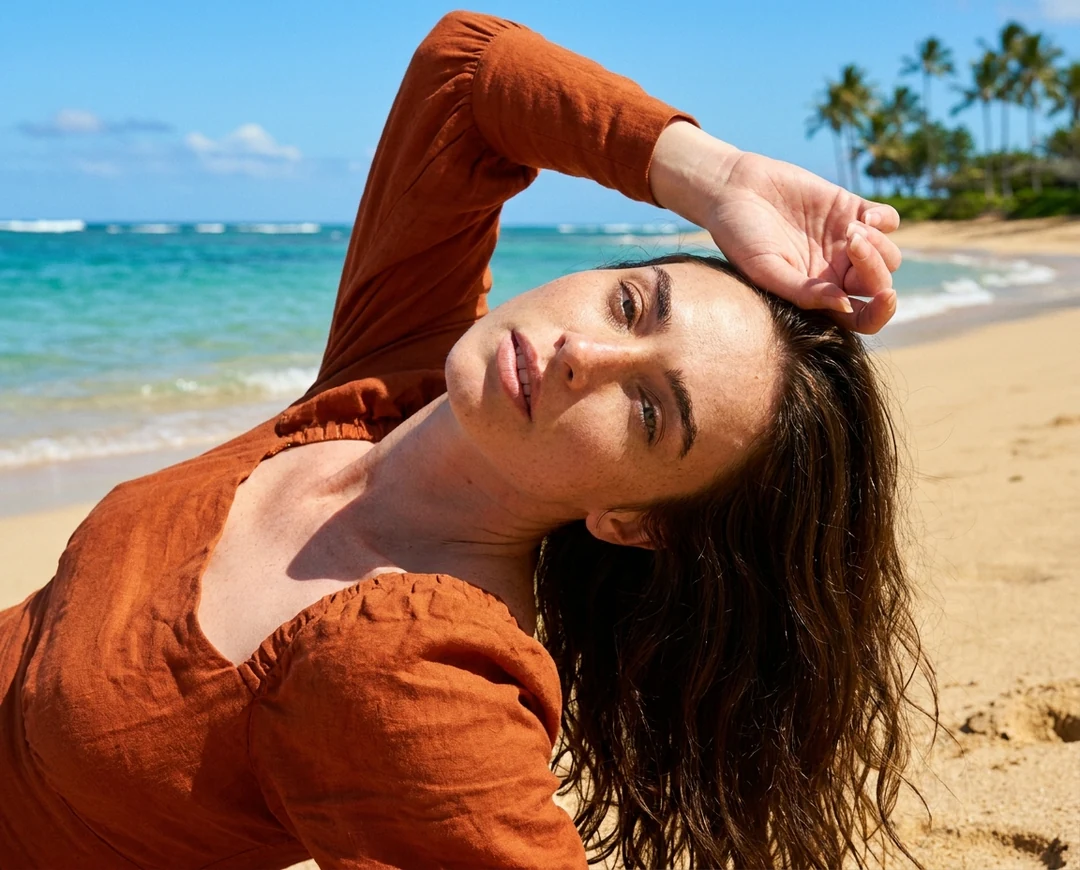
The AI photo editor replaces a messy room with a plain wall, a studio backdrop or a beach. The person stays as they are. It is a quick way to clean up headshots and product photos.
Upload a photo and tell the AI photo editor what to change. Sign up for 100 free credits, enough for up to 20 AI photo edits.
One photo, one instruction: the AI photo editor turns the red suede sneakers navy blue and keeps everything else.
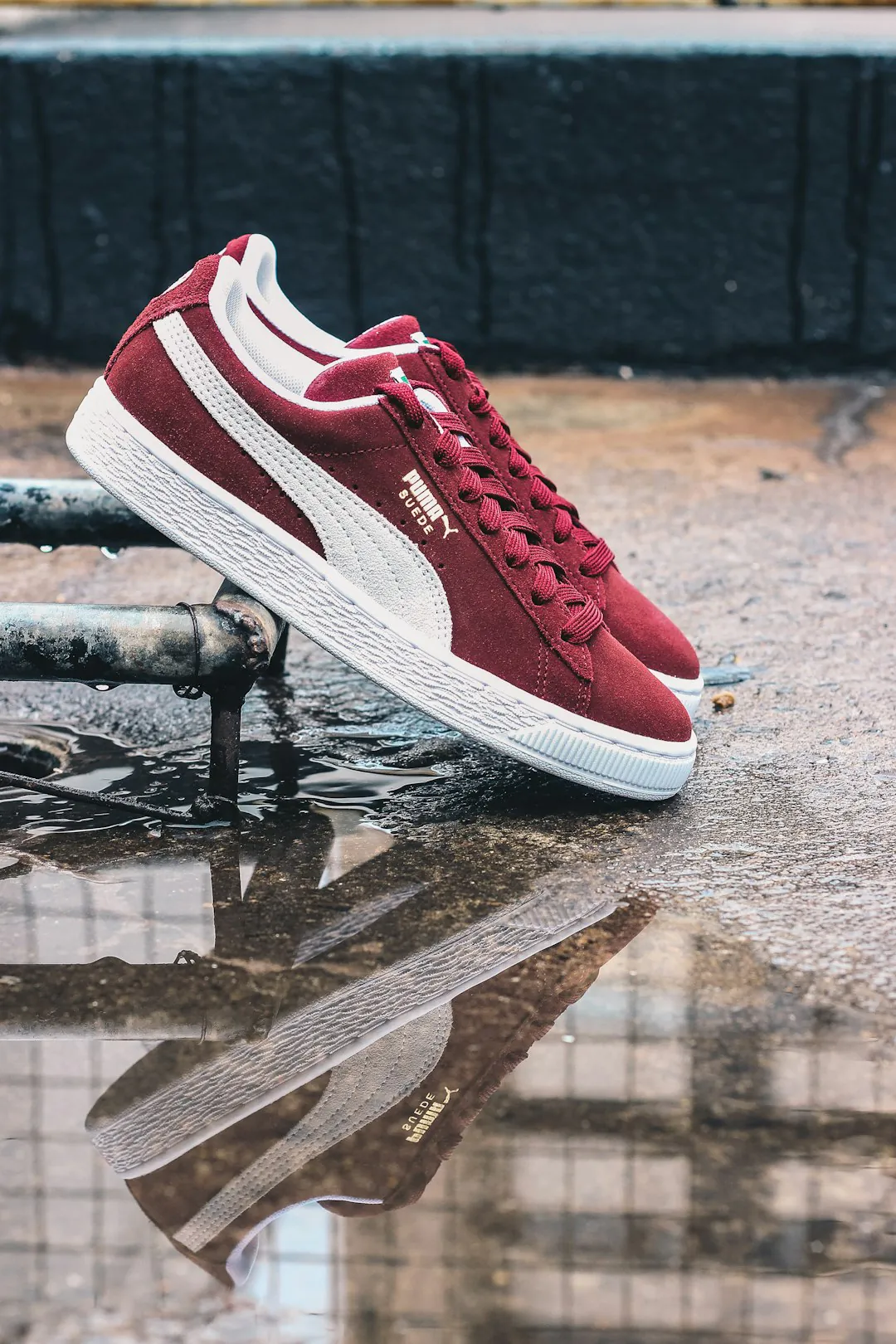
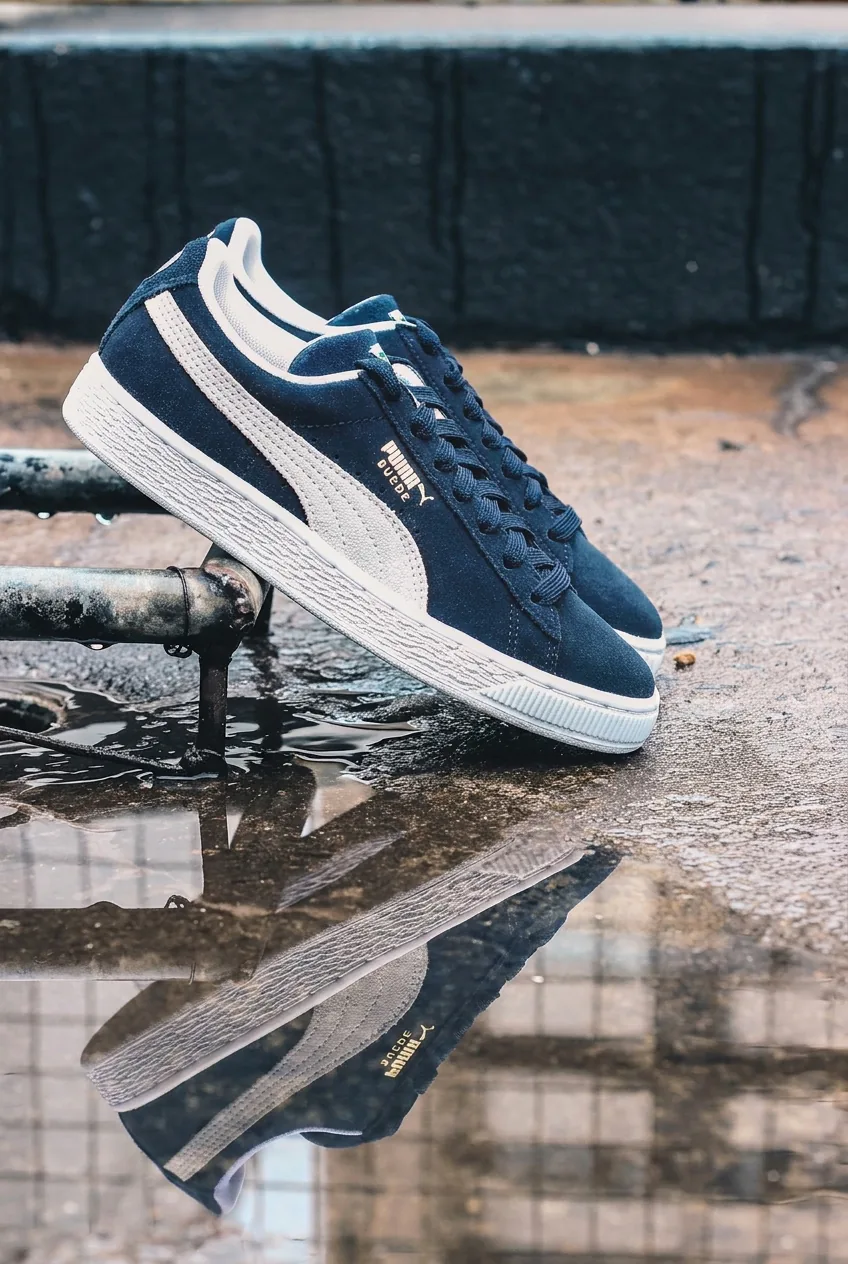
Start with the part you named. The AI photo editor turned both shoes navy, and the reflection in the puddle changed with them. If several objects look alike, name the one you mean by its position, such as the shoe in front.
An AI photo editor redraws the photo. Check the white stripe, the logo, the laces, the sole and the street. On a portrait, check the face, hands and hair. If a part drifted, run the AI photo editor again and name it as something to keep.
Open the PNG or JPEG from the AI photo editor at the size you will use, such as a product listing, a profile picture or a print. Small text and fine edges show problems that a small preview hides.
Three common jobs for an AI photo editor. Each one is a single instruction.
Busy roomPlain wall
The AI photo editor replaces a messy room with a plain wall, a studio backdrop or a beach. The person stays as they are. It is a quick way to clean up headshots and product photos.
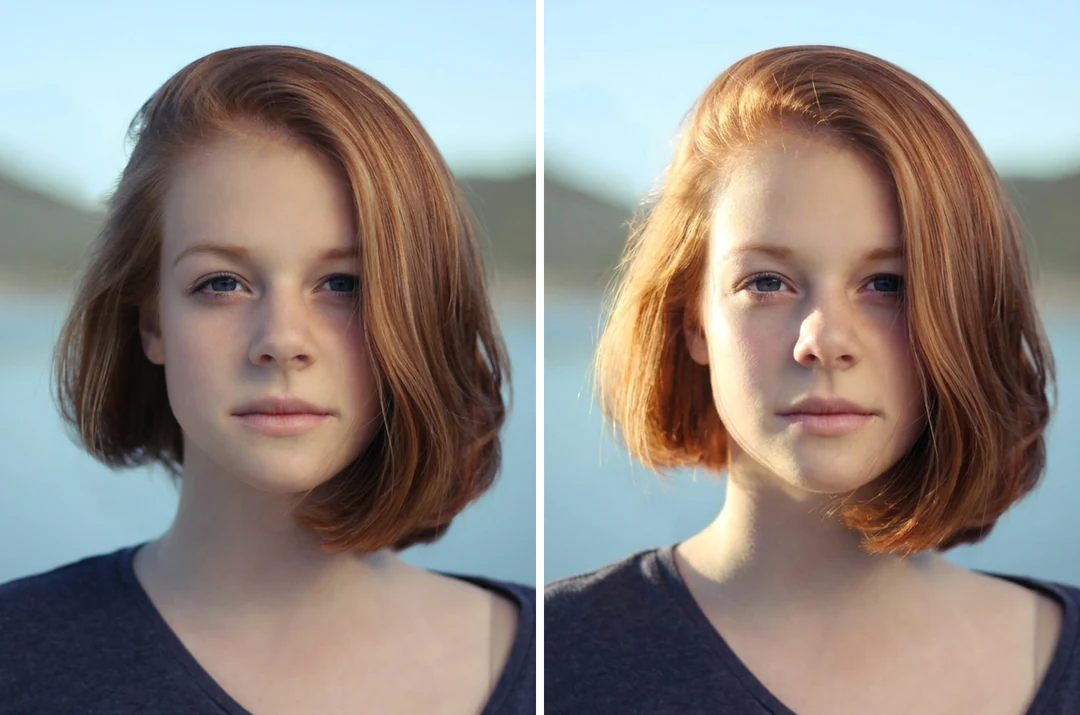
Flat lightWindow light
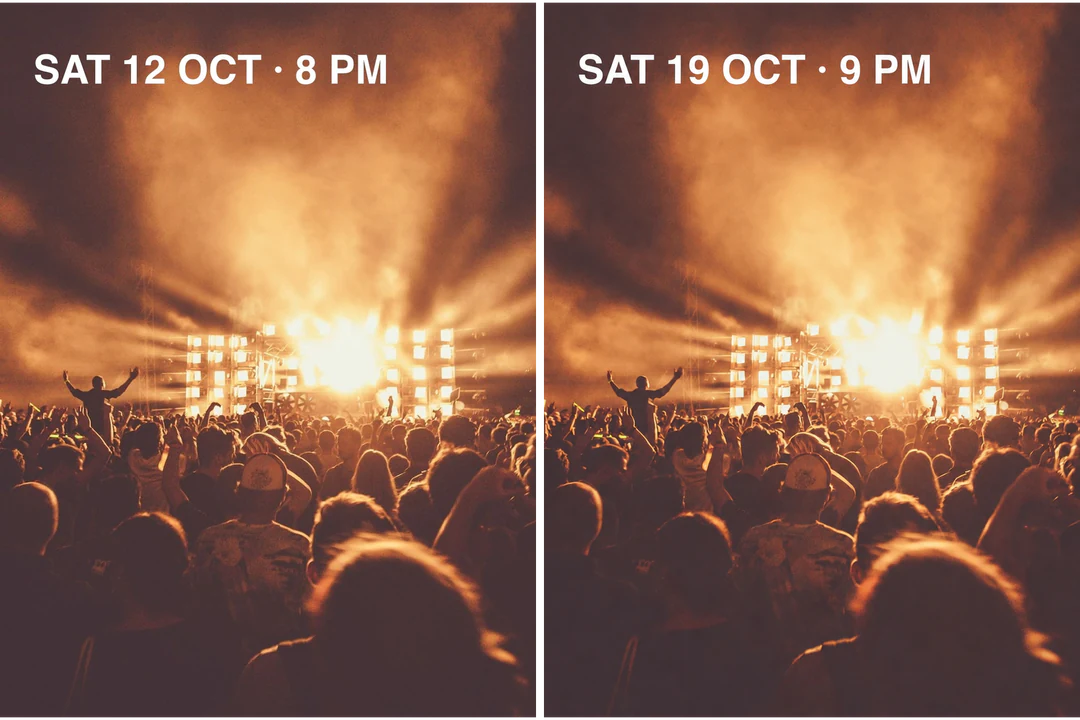
Flat, dull light is a common reason to open an AI photo editor. Describe the light you want, such as soft window light from the left. The pose and framing stay the same.
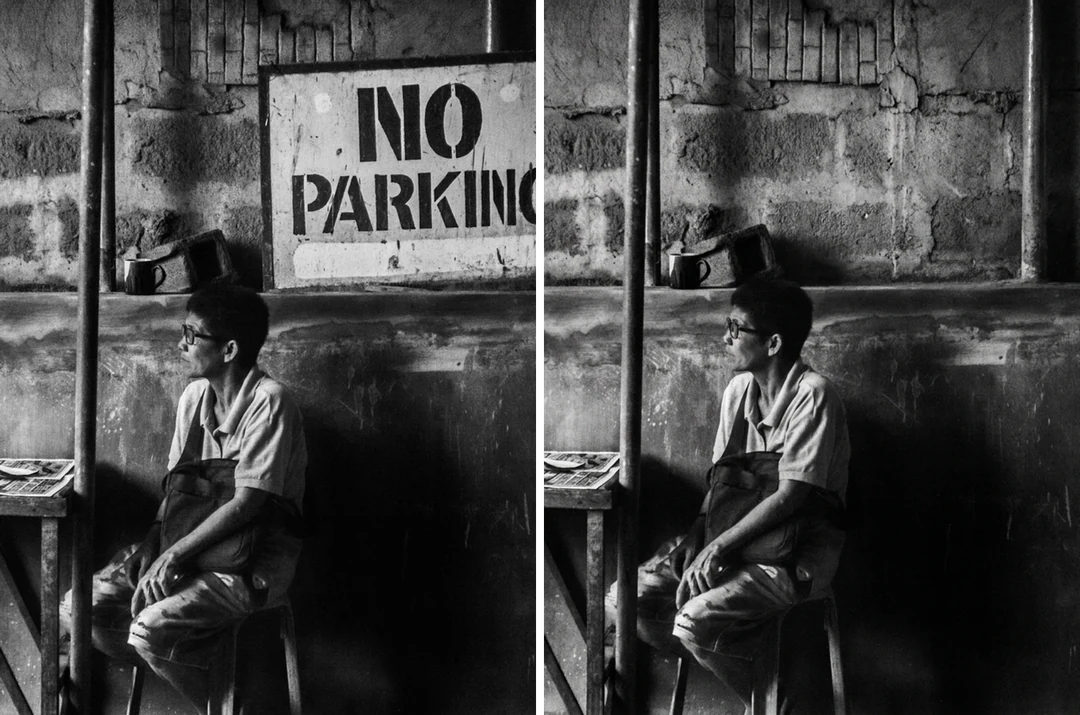
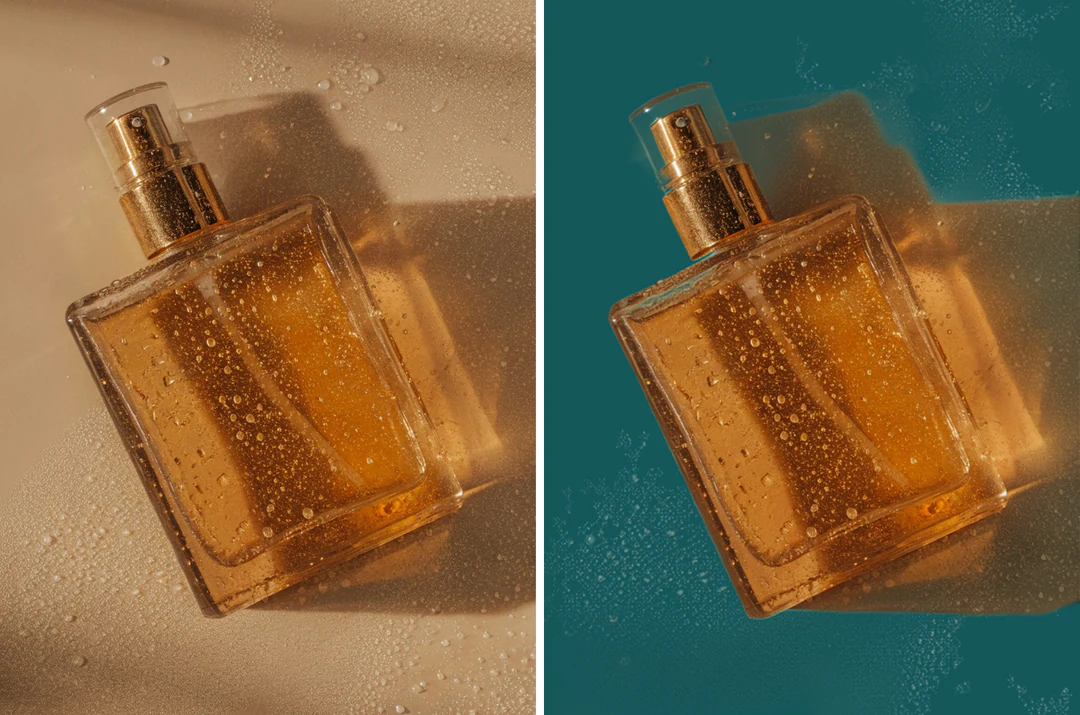
SignRemoved
Name the sign, person or clutter you want gone. The AI photo editor continues the wall, floor or sky behind it. Remove one thing per edit so the filled area is easy to check.
Three steps in the AI photo editor at the top of this page.
Drop, paste or choose a JPG or PNG photo, 20 MB at most. Use the original, not a screenshot. To show an outfit, a product or a style, add reference photos, up to 14 in total.
Write the change in plain words, up to 4,000 characters. The AI photo editor takes it as a single request. Then pick a model, one of 10 aspect ratios from 1:1 to 21:9, the resolution and the number of results.
The AI photo editor shows the price on the Generate button first. Compare the results with your original and download the one you want.
Four things this AI photo editor does that a filter app or a manual photo editor cannot.
01
Skip the layers and brushes. The AI photo editor swaps an outfit, replaces a background, adds a prop or changes the season from one sentence.
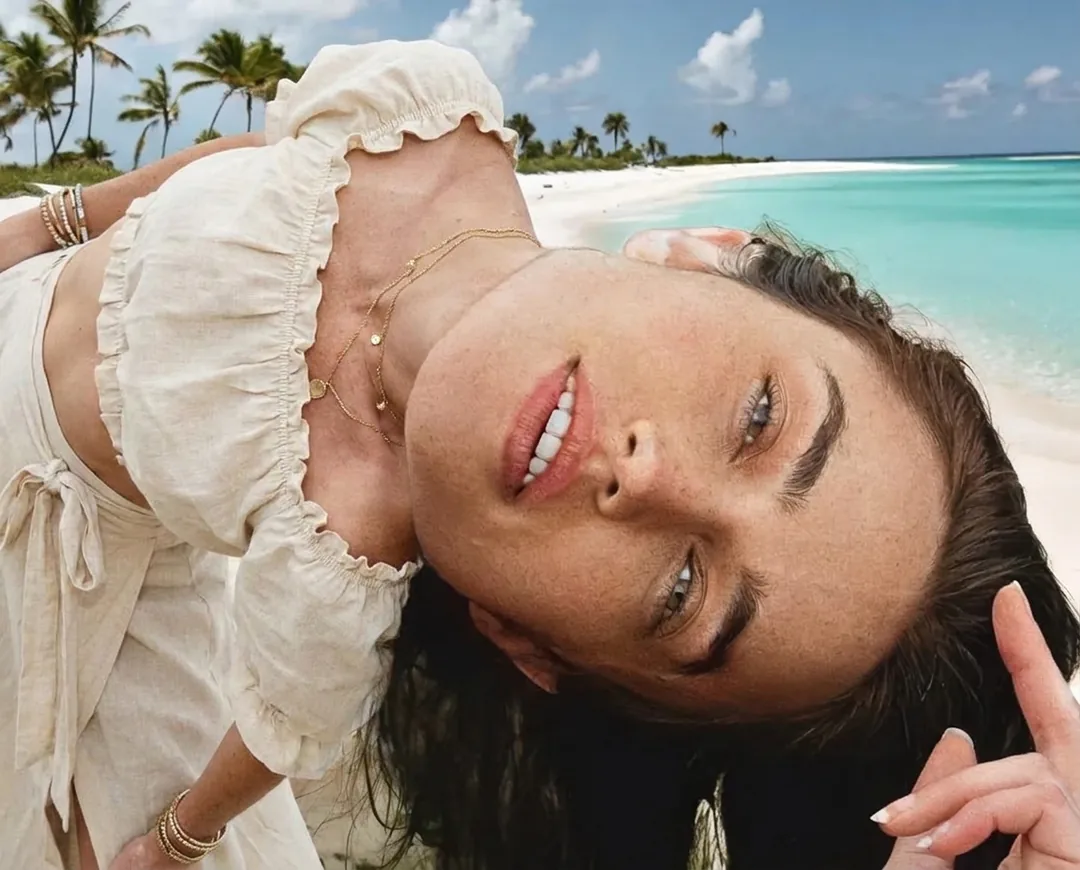
02
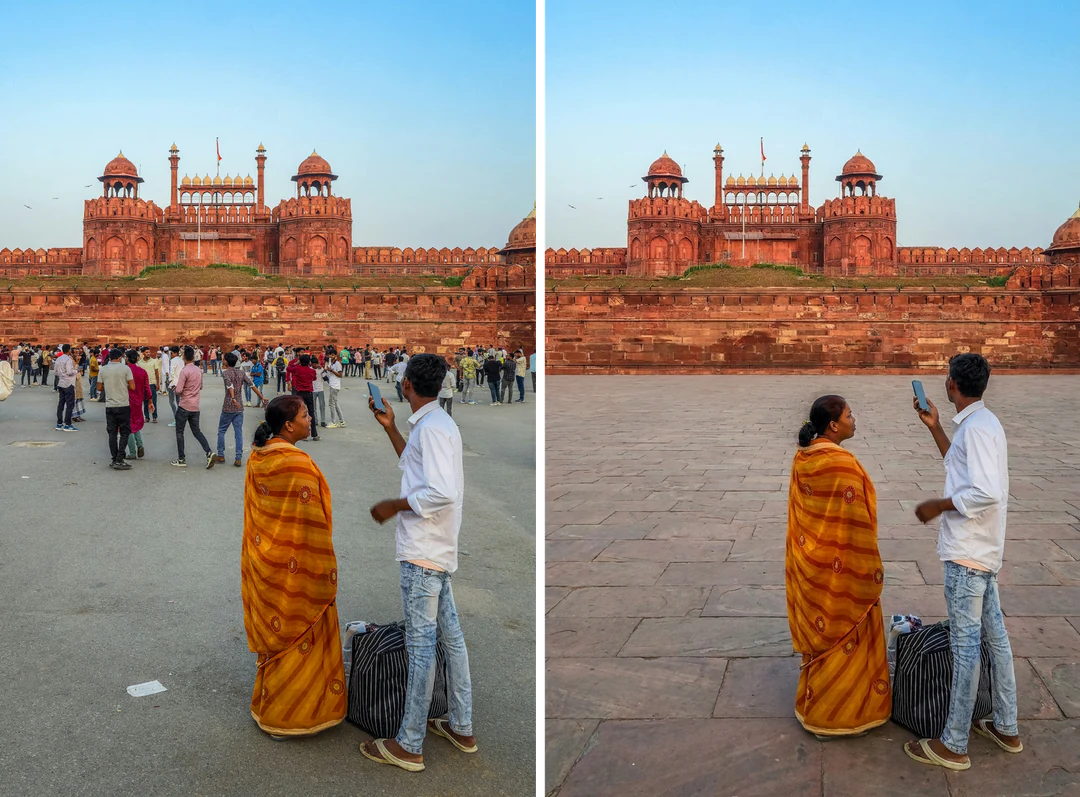
Tourists in a travel photo, a sign behind a speaker, wires across the sky: name what should go. The AI photo editor removes it and fills the gap with matching background.
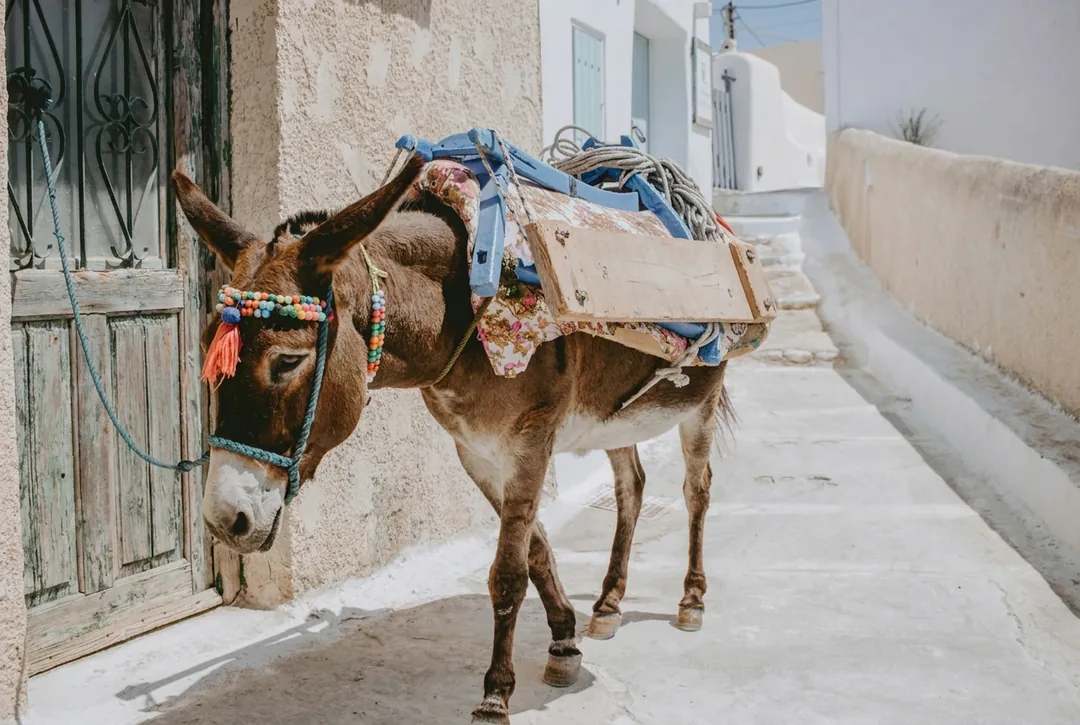
03
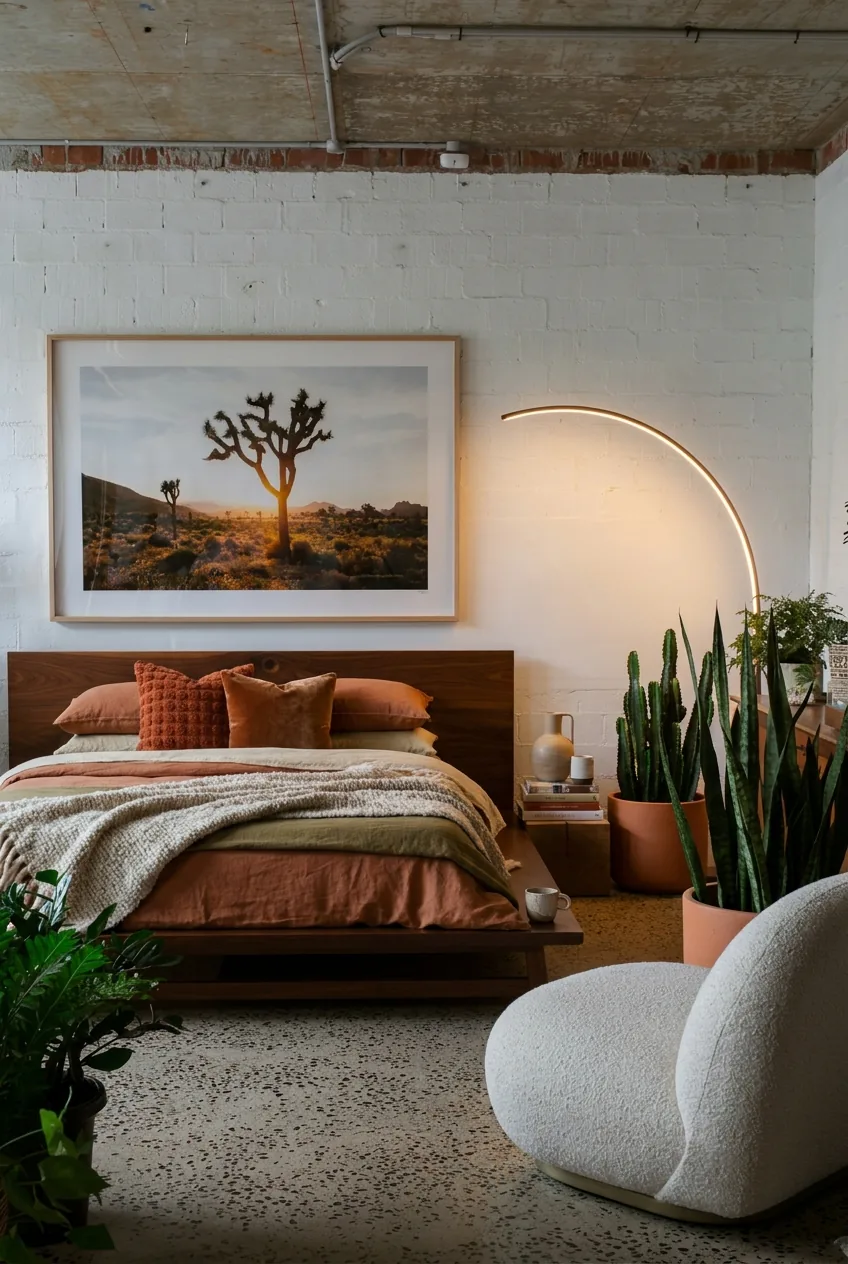
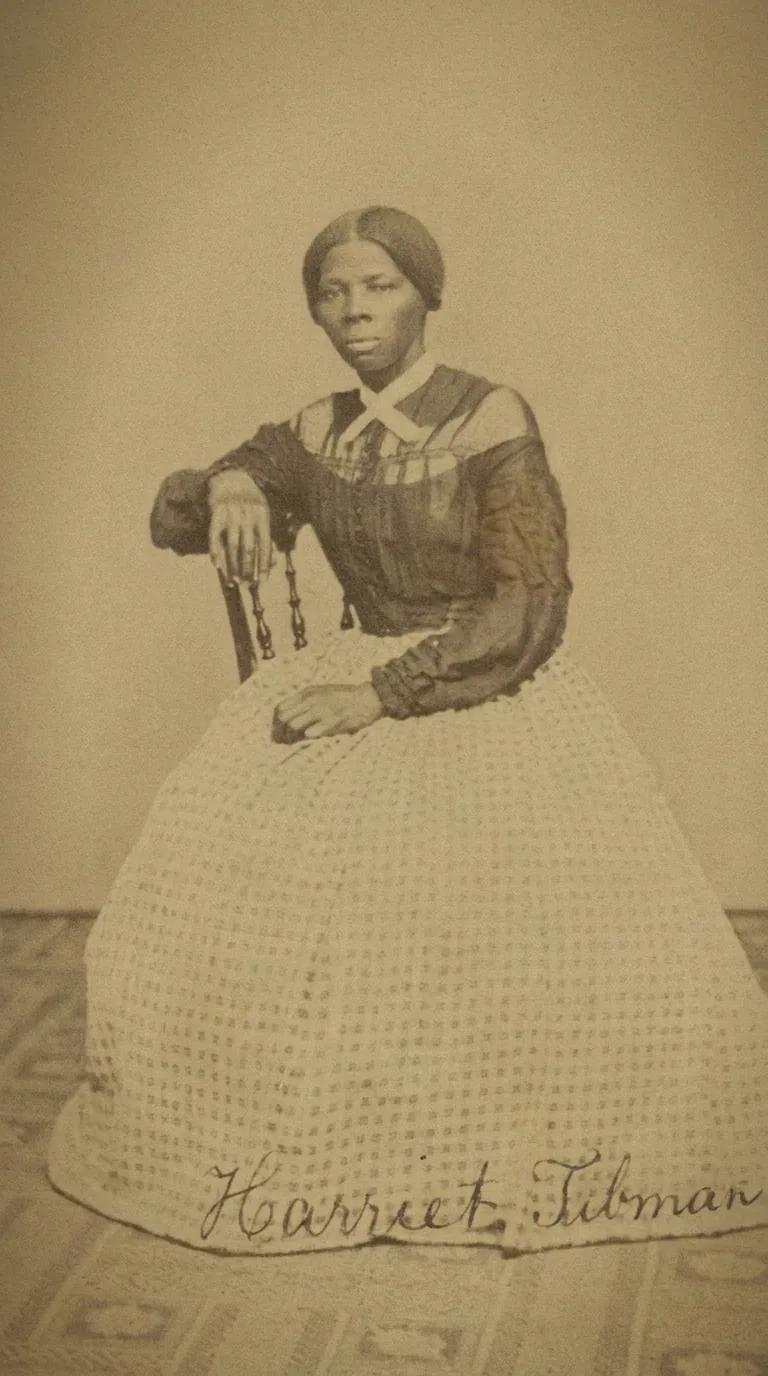
Turn a plain bedroom into a styled interior, change daylight into evening or give a photo a film look. The AI photo editor keeps the layout, furniture and camera angle recognizable while the mood changes.
04
This AI photo editor works in any modern browser on a computer or a phone. Sign up and you get 100 free credits. Credits are only used when you generate.
The AI photo editor handles any photo edit you can describe. Each tool below does one photo job with fixed settings.
An AI photo editor changes a photo from a written instruction. The AI photo editor needs no layers, brushes or masks. It replaces backgrounds, removes people and objects, changes clothing, relights a scene and restyles a photo.
Yes. Every new account gets 100 free credits. That pays for 20 HD edits at 5 credits each. Uploading a photo and writing the instruction cost nothing. The price shows before you generate. After the free credits, buy a credit pack or a plan.
The best AI photo editor makes the change you asked for and leaves the rest alone. That depends on the photo, so this AI photo editor lets you run one edit on six models. Ask for two or four results and compare them side by side.
Upload the photo, write one instruction and press Generate. The AI photo editor returns the edit in the panel. Name what to change, where it is and what must stay. For example: replace the background with a plain light wall and keep the face, hair and clothing. Then download the result as PNG or JPEG.
Keep each request small and specific. Change one thing at a time and name what must not change, such as the logo or the pose. Upload the original file, so the AI photo editor sees real detail. Check skin, hands, hair edges and straight lines at full size.
Yes. Name what to remove, such as the people behind the subject or the sign on the wall, and say what should fill the gap. The AI photo editor draws the area behind the object, because it was never in the photo. Check it for repeated patterns.
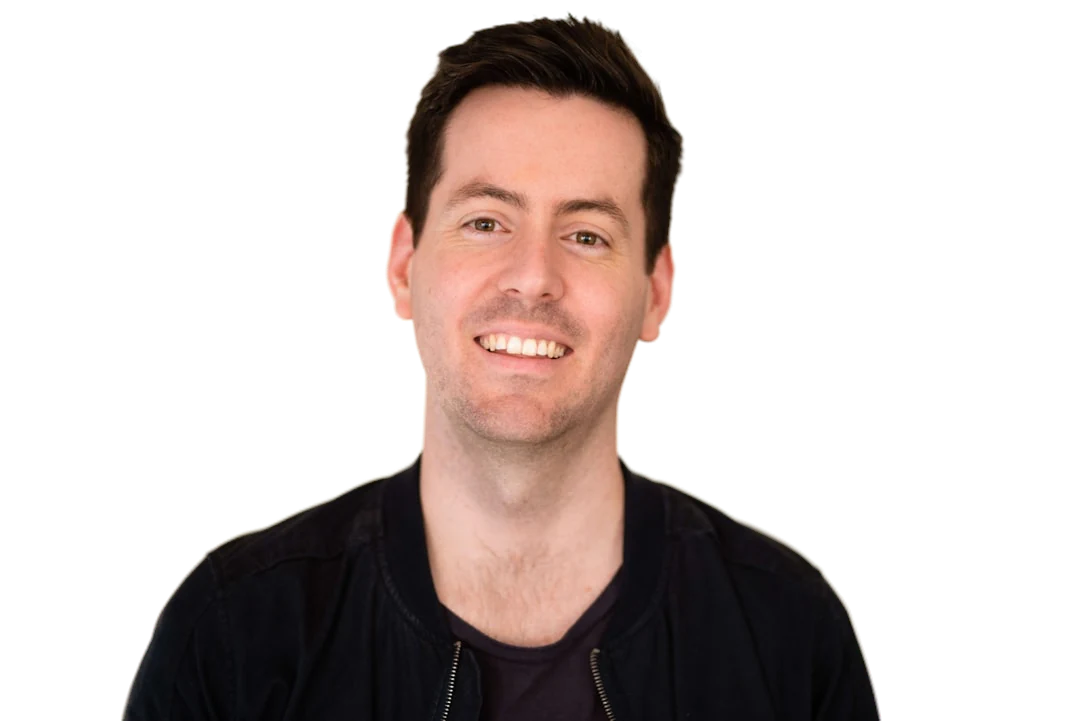
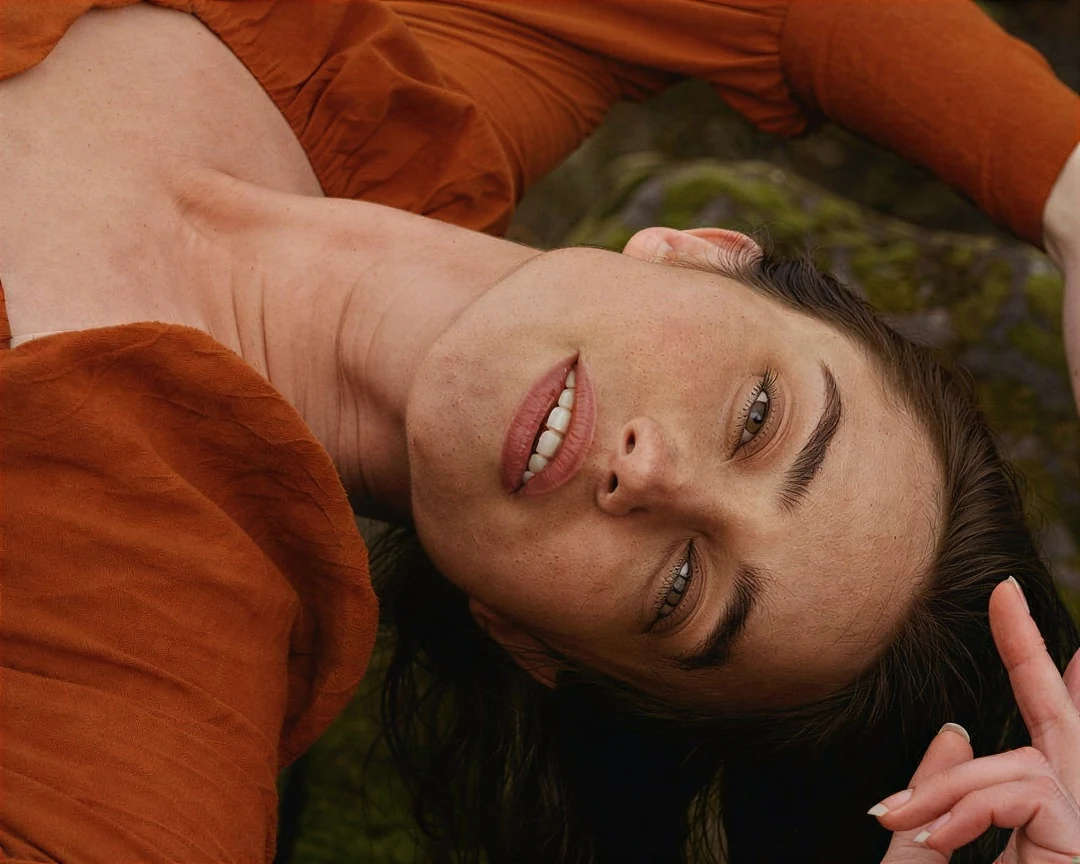
Yes. The AI photo editor can change the background, outfit, light or style of a portrait and keep the person recognizable. Compare the eyes, mouth, hairline and glasses with the original. Keeping a face unchanged is a request, not a guarantee, so reject any result that changes who the person looks like.
You do not need an app. This AI photo editor runs in the browser on iPhone, Android, Mac and Windows. Open this page on your phone, upload a photo from your camera roll and edit it the same way. The result downloads straight to your device.
You can upload a photo and write the instruction without an account. You sign in when you press Generate, and your work stays in the panel. Signing up for the AI photo editor is free and adds 100 free credits.
An HD photo edit costs 5 credits with GPT Image 2.5 Sunburst. With Nano Banana it is 23 credits, and with Nano Banana Pro it is 45. Four HD results with Nano Banana come to 92 credits. 2K, 4K and extra results cost more. The AI photo editor gives credits back for a failed edit.
Yes. Photos stay in private storage. Potto AI does not train its models on your photos. You can ask us to delete your account and its photos at any time.
Upload a photo to the AI photo editor and say what to change. You start with 100 free credits.