Demos and previews
Turn a demo or a mix into a clip people can watch. Choose the strongest 30 seconds. Add the cover so it is easy to spot.
Convert an MP3 to video for sites that only take video. Upload your MP3 and pick any 90 seconds or less. Potto adds a waveform, a picture and captions. Then export an MP4.
New accounts get 100 free credits — enough to start a first 15-second video. Credits are spent only when you export.
0/25000
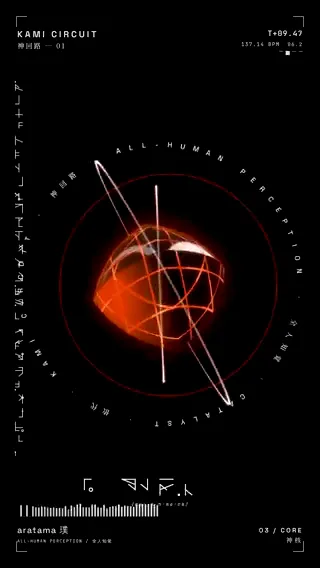
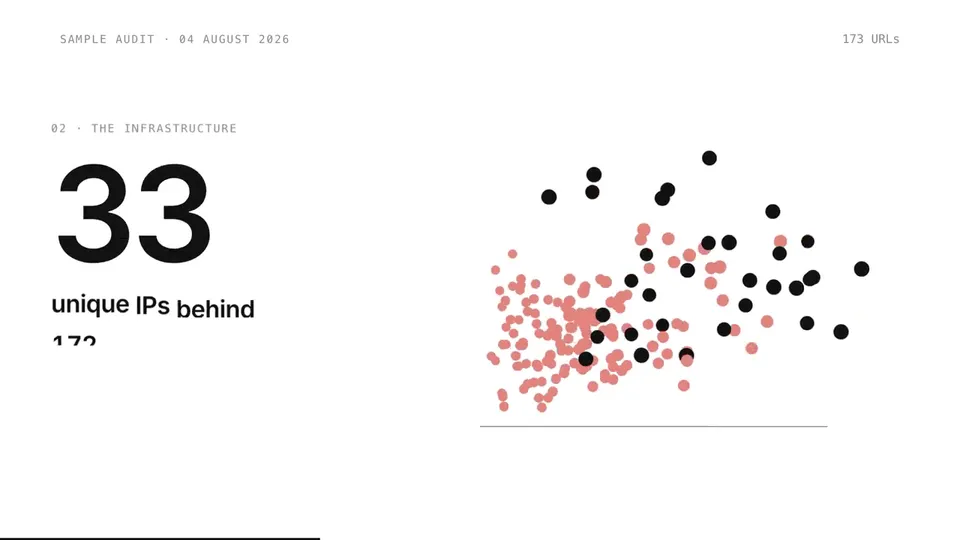
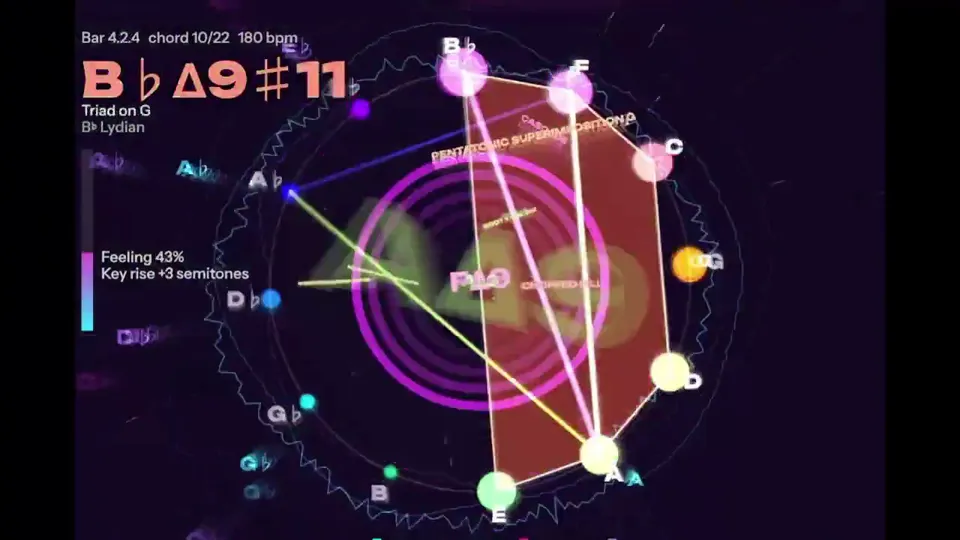
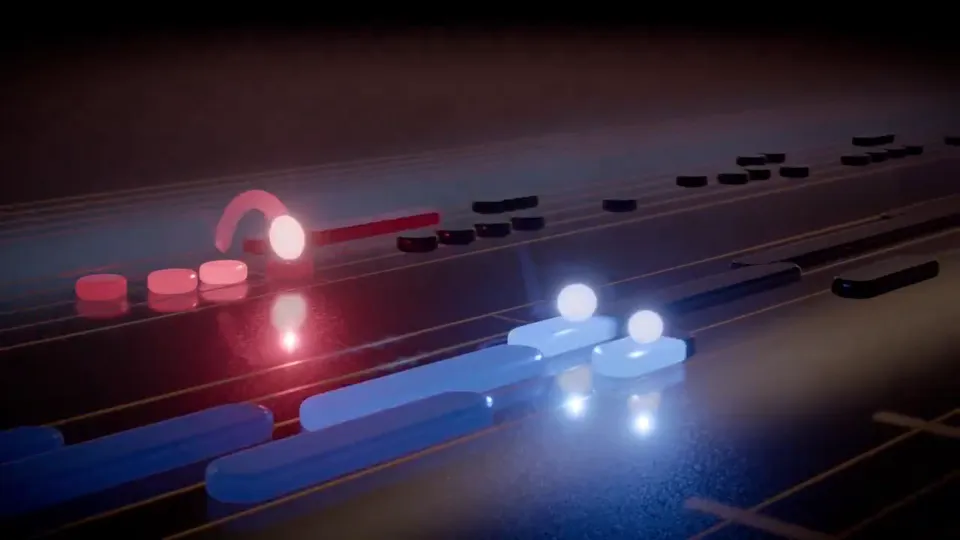
Music-driven motion and waveforms from other creators. Use them to judge looks. Click a poster to start playback.
These pieces come from independent creators. Potto did not make them. Each card names the author and links back. Shared prompts are free to copy. Your own result will not match.
An MP3 cannot go where only video is accepted. A short MP4 can. Here is where the format change helps most.
Turn a demo or a mix into a clip people can watch. Choose the strongest 30 seconds. Add the cover so it is easy to spot.
Give a recorded message a face. Captions help viewers who watch without sound.
Show what a sound sounds like. A waveform makes a short sample worth a click.
The creator above does the work. Nothing is exported until you say so.
Upload the file and a cover image. Say where the clip should start.
Potto lists the start and the end. Fix them in chat if they are off.
Preview the waveform, the picture and the captions. Then export.
A basic converter pairs your MP3 with one still picture. Potto builds a clip. It draws a waveform from your audio and adds your cover image and captions.
01
Say which part to use. Potto lists the clip's start and end. Change them in chat.
02
The result is a video file. Post it where audio files are not accepted.
03
The shape moves with your sound. Pick bars, a wave or a ring.
04
Upload an image with the MP3. It sits beside the waveform or inside the ring.
05
Spoken words become captions. Keep the SRT for sites that want a separate file.
Converting an MP3 is one task. These pages cover other starting points.
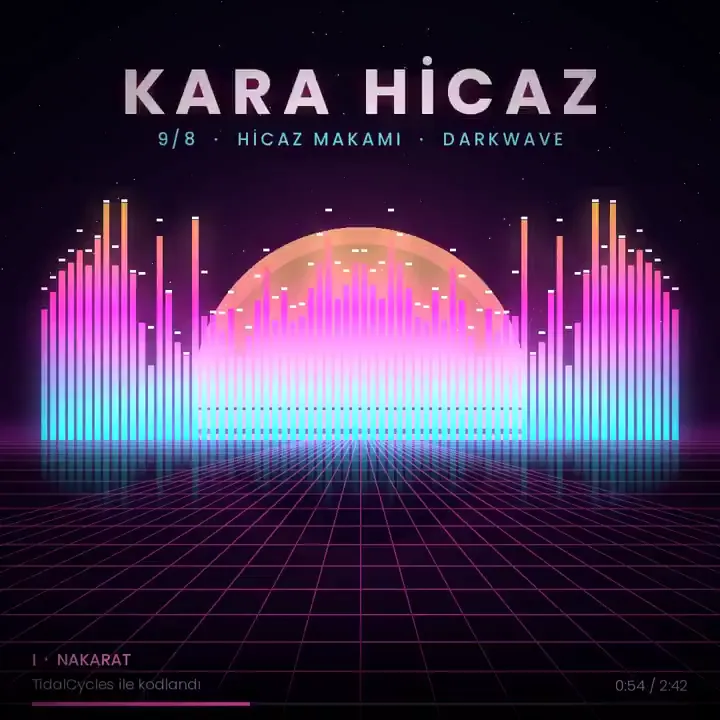



How it works, limits, formats, captions and credits.
Open the creator at the top and drop in your MP3. Add a picture for the cover. Tell Potto where the clip starts. Check the times it lists. When they look right, export the MP4.
An MP3 to video converter puts an audio file inside a video file. Many video sites accept video only, so a bare MP3 cannot be posted. A basic converter shows one still picture. Potto's MP3 to video converter adds a moving waveform, a cover picture and captions.
No. Potto converts one clip, 90 seconds at most. You can upload an MP3 of 10 minutes or less, up to 20 MB. Potto then uses the part you choose. A full-length conversion is not something it does.
Yes, in practice. An MP3 holds sound only. Potto's MP3 to video converter writes an MP4, a file with a picture track and your sound. MP4 is the video type most sites and phones accept.
WAV and M4A files are accepted too. Each file can be 10 minutes or 20 MB at most. Your file's sound stays as it is. Potto does not re-record it, remix it or add music.
Yes. Upload a picture along with the MP3. It appears in the frame next to the waveform. A ring style can wrap around it. Potto always draws the waveform, so the result is never a frozen image.
Choose 16:9 and export the MP4. Then upload that file to YouTube yourself. Potto does not post for you. Pick the clip that best shows what your audio is about.
By default the clip gets captions. They are built from the words in your audio. Save the SRT file if the site you post to takes caption files. Read each line first, because transcripts miss names.
No. You cannot upload an existing video. That rules out adding a soundtrack to your footage. It also rules out pulling an MP3 out of a video. Potto only makes a new video from your audio.
The export is an MP4 at 1080p. The default is square, 1:1. Pick 16:9 for a wide player or 9:16 for a phone screen. The frame rate is 30 fps.
You can try it free. Previews cost nothing. New accounts start with 100 credits, which covers 15 seconds. After that, each second of video costs 5 credits, so 30 seconds costs 150 credits.
Upload the MP3 and check the clip. Export when it looks right.