

Singles and teasers
Choose the hook or the chorus. Ninety seconds is enough for a teaser. Put the song title on screen so the clip works alone.
Upload a track and this music visualizer maker draws a waveform that moves with the sound. Add your cover art, title and artist. Export an MP4 of up to 90 seconds.
New accounts get 100 free credits — enough to start a first 15-second video. Credits are spent only when you export.
0/25000
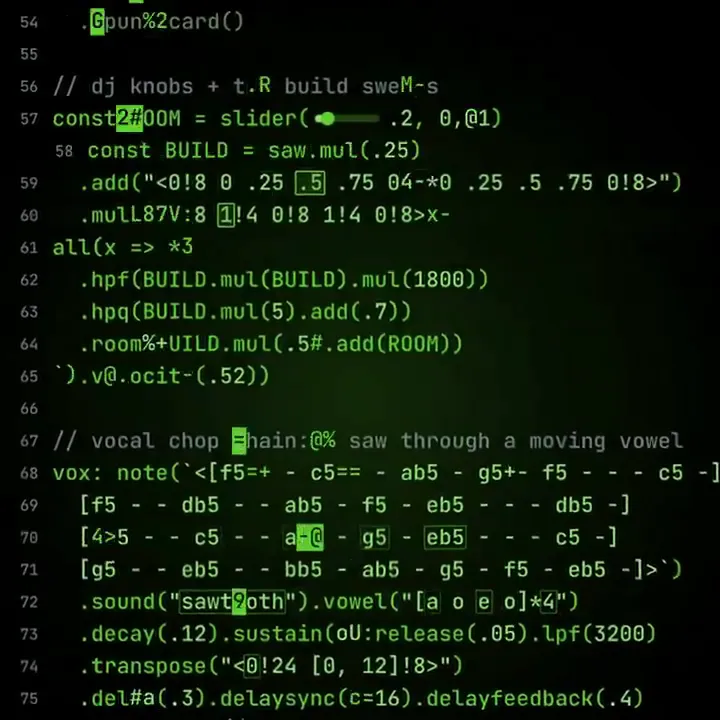
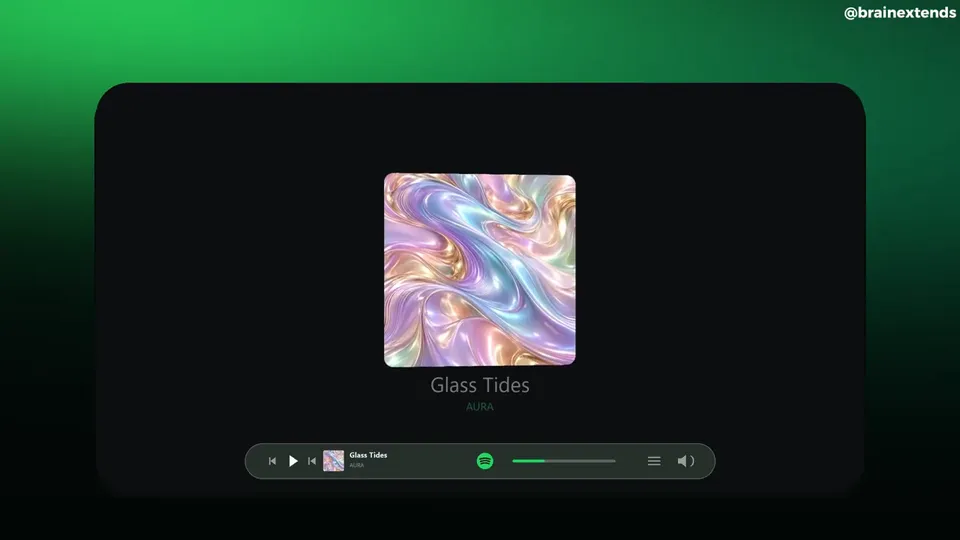
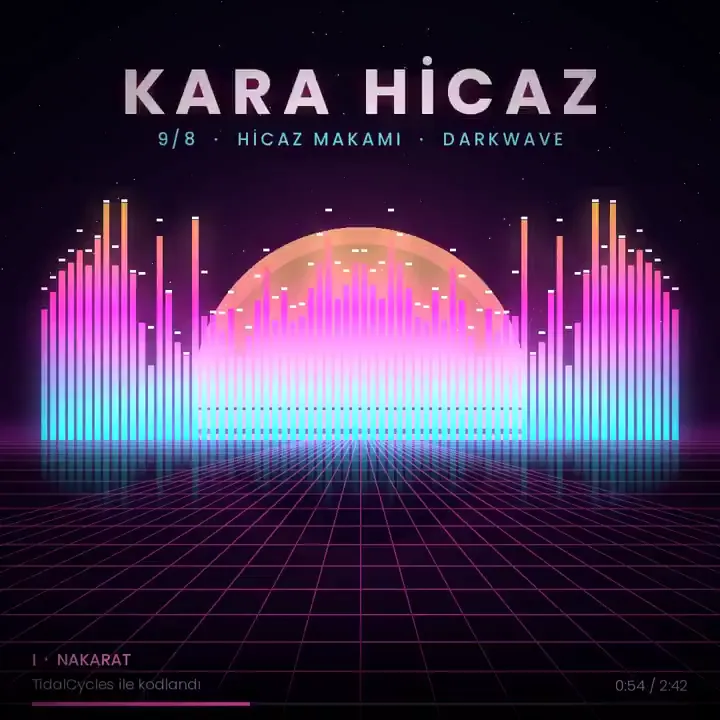
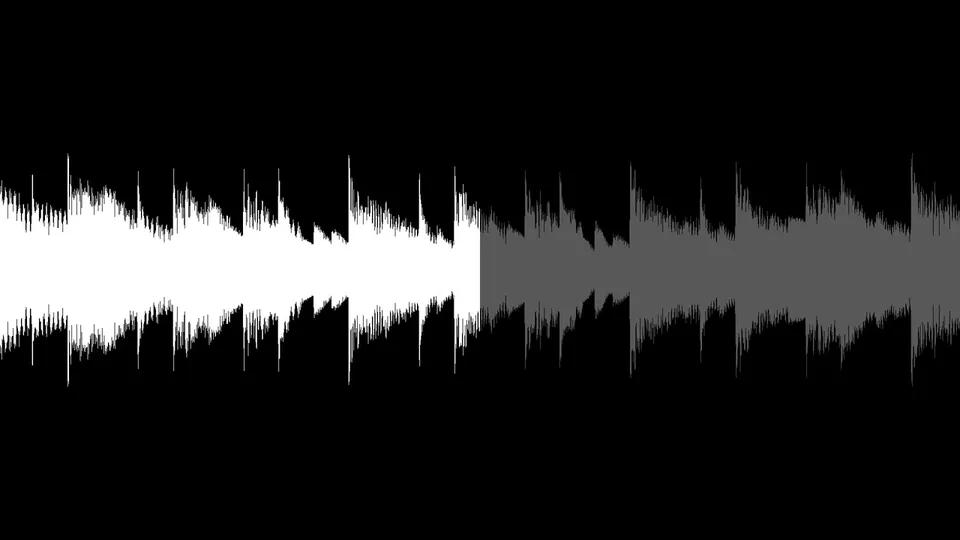
Waveforms, spectrums and beat-driven motion from other creators. They show looks to aim for. Open a card to watch it.
Independent creators made these videos, not Potto. Each card shows the creator's name and a link to the original. Copy a shared prompt or start from it. Your Potto video will look different.
Decide what the clip should do: tease a release, show a beat or sell an album. That choice picks the part of the song.
Choose the hook or the chorus. Ninety seconds is enough for a teaser. Put the song title on screen so the clip works alone.
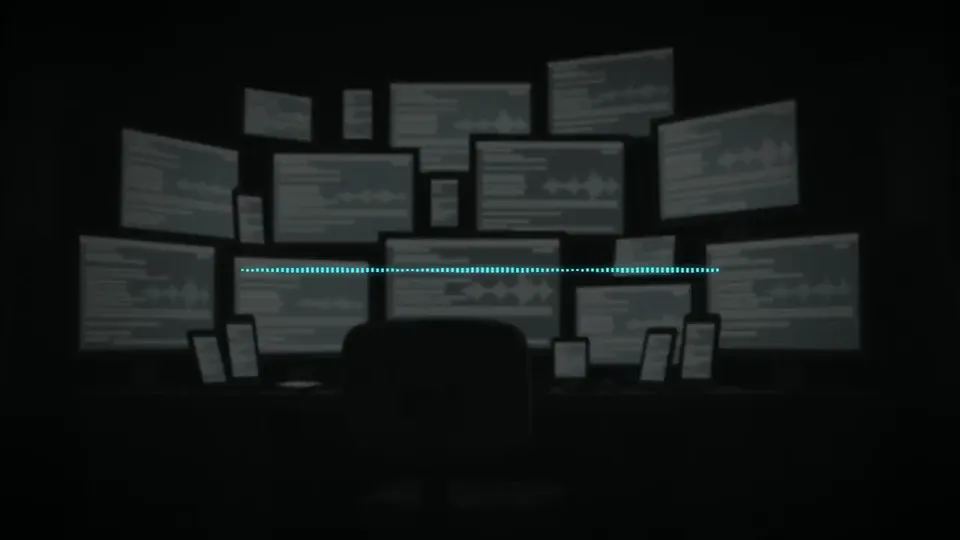
A beat has no voice to caption, so the waveform carries the clip. Start at the drop. Use bars for a hard beat.
Upload the cover. The ring style puts it inside the visualizer. Name the artist and the track in your message.
Use the creator above. You approve the clip before anything is exported.
Upload your song with a cover image. Say where it starts, such as 1:05 or the second chorus.
Potto lists the start and end of the clip. Approve it, or ask for a different part.
Review the waveform, the text and the cover. Then hit export.
Many music visualizer tools loop a preset shape over your file. Potto reads your audio instead. It draws the waveform from your song and adds your cover, text and captions.
01
Say which part of the track matters. Potto proposes one continuous clip. Ask again if it misses.
02
Choose bars, a wave or a ring. Each one reacts to the loudness of your own track.
03
A clip shared alone still shows whose song it is. A title line and a smaller name line sit next to the waveform.
04
Potto transcribes your clip for on-screen captions. Download them as SRT to reuse elsewhere.
05
Make a square clip for a feed, a wide one for a player and a tall one for phones.
A music visualizer is one way to start. These pages start from a talk, a brief or a quote.




Definitions, file types, length limits, styles and credits.
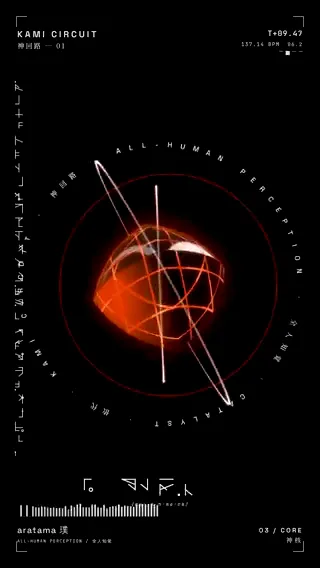
A music visualizer is a video where shapes move with a song. Bars, waves or a ring react to the sound, so the track has something to watch. Artists post one when they have a song but no music video. Potto is a music visualizer maker. It draws the shapes from your own audio. Each frame shows how loud each frequency range is.
A visualizer puts moving shapes over the audio. A music video tells a story with footage or animation. A visualizer needs no footage, only the song and a cover image. Potto makes the visualizer kind: waveform, cover art and text. It does not film people or animate characters.
Open the creator at the top and upload your track. Add a cover image if you have one. Say where the clip starts. Potto proposes a start and end time in chat. Confirm the proposal or ask for another part. Then preview the result and export the MP4.
You can start free. Building and previewing cost nothing. Sign-up gives you 100 credits, which covers one 15-second export. You need enough credits for the length you pick before you start. Export is where the 5 credits per second apply.
No. A Potto music visualizer uses one clip of up to 90 seconds. Your file can be up to 10 minutes long and 20 MB in size. Pick the hook, the drop or the chorus. Post the clip as a teaser for the full track.
Upload MP3, WAV or M4A. Keep each file under 20 MB and 10 minutes. Your audio is the soundtrack. Potto does not remix it or add other music.
Yes. The waveform is drawn from your audio, one frame at a time. Louder frequency ranges move their part of the shape more. It is not a preset loop laid over your song.
There are three: bars, wave and ring. You get bars unless you ask for another. A wave suits calm tracks. A ring circles your cover art. Keep one style for the whole clip.
Yes. Upload the cover image with your track. Name the song and the artist in your message. Both appear on screen with the waveform. Potto only shows details you give it.
Captions start switched on. They come from a transcript of your clip, plus an SRT file you can save. Sung words are harder to transcribe than speech. Check every line against your lyrics before you export.
Every export is a 1080p MP4 at 30 fps. Square 1:1 is the default. Choose 16:9 for a widescreen player or 9:16 for phones. You upload the MP4 to YouTube or any other site yourself.
Each second of video costs 5 credits. A 30-second clip costs 150 credits. A 90-second clip costs 450 credits. Your song supplies the audio, and there is no voiceover charge.
Upload your track and confirm the clip. Your MP4 is one export away.