Press releases and announcements
Lead with what is new and who it affects. Add the date and one quote. Keep names and figures as the release states them. A 15-second cut suits a launch or a hire.
Paste a news link or the story text. Potto's news to video AI turns the headline, the facts and the quotes into narrated scenes. Edit the scenes, then export an MP4.
New accounts get 100 free credits — enough to start a first 15-second video. Credits are spent only when you export.
0/25000
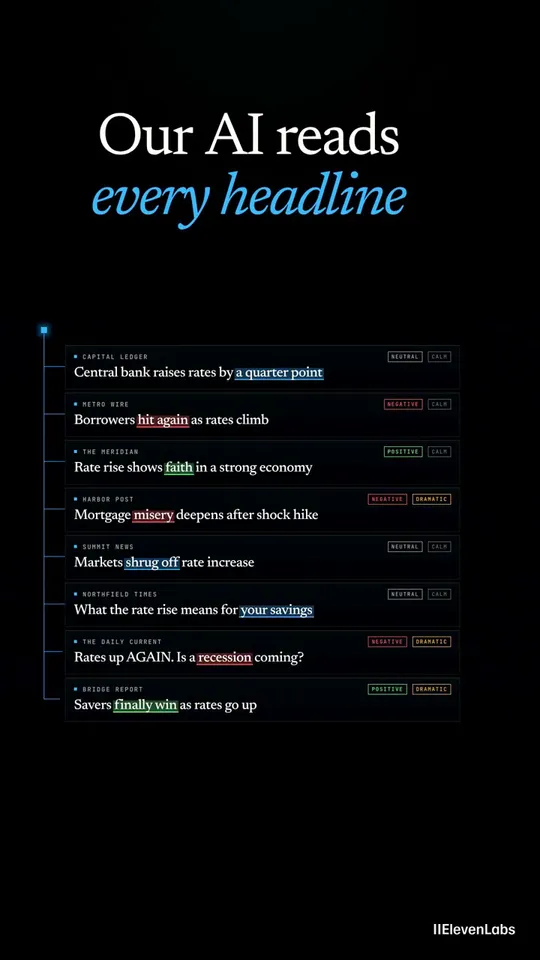
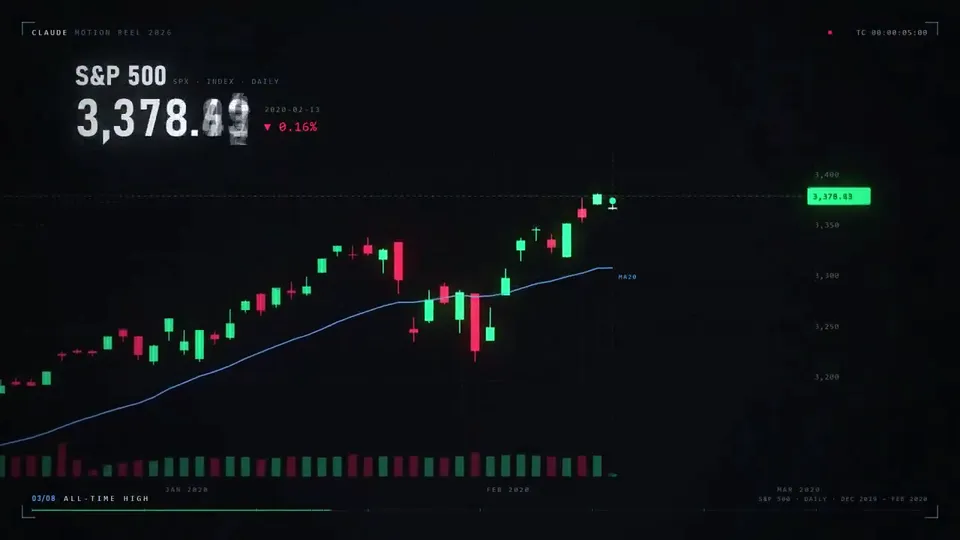
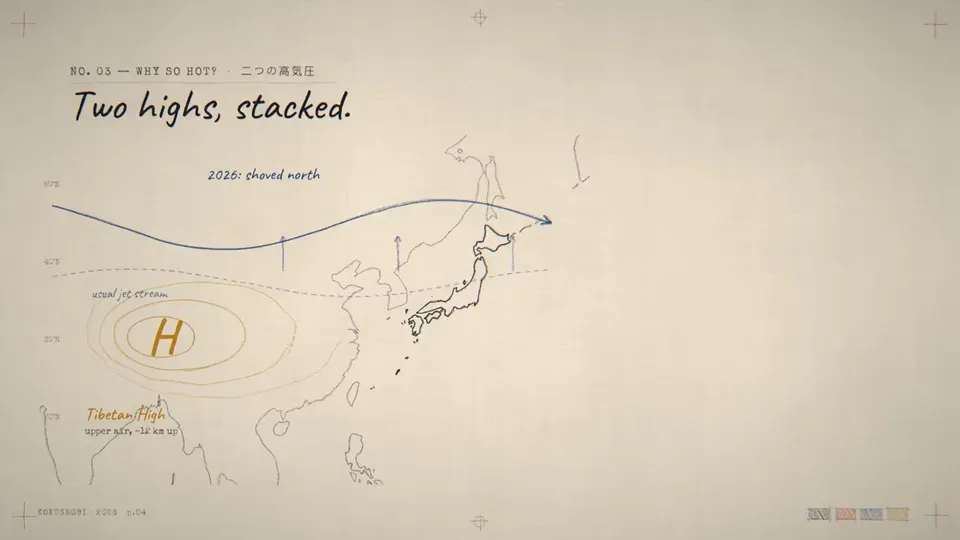
These clips cover headlines, market figures and story recaps. Use them to see how a news story can move. Select a poster to play the clip.
Creators outside Potto made these videos. Every card credits its author and links back to the source. Where an author shared the prompt, you can copy it or start from it. Potto renders its own version, so your result will differ.
Tell Potto what viewers should remember. The kind of story sets the length, the frame and the facts to keep.
Lead with what is new and who it affects. Add the date and one quote. Keep names and figures as the release states them. A 15-second cut suits a launch or a hire.
Pick the three biggest items. Give each item one scene and its number. A 30-second square cut fits a feed.
Some stories need the why. Open with the news, then explain the cause. A 45-second vertical cut suits science, weather or policy stories.
Start in the creator above. News to video takes three steps.
Add the news URL or the text. Choose Article to Video as the video type. Name the source and the date.
Read each scene next to your source. Check names, dates and figures. Keep every qualifier next to its claim.
Preview the video in your browser first. Export the MP4 when it reads right. You see the credit price before you export.
Many news video makers read a page aloud over stock clips. Potto rewrites the story for viewing. Headlines, facts and quotes become animated scenes. The result plays like a short news brief.
01
Claude Opus 5.5 reads the story you give it. It drafts an outline, a storyboard and a narration script. Remotion renders the scenes. AI adds illustrations and voiceover.
02
Paste the address of a public news page. If a login blocks the page, paste the text instead.
03
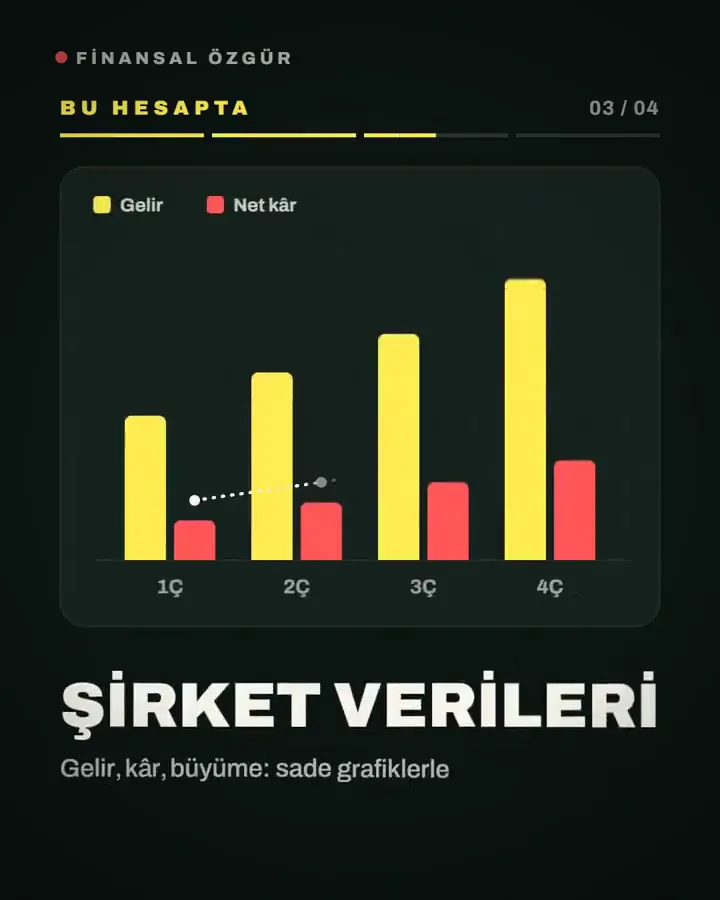
A quote scene shows up to 160 characters. The speaker's name and role appear in full. Stat scenes show a number with its unit and label. Chart scenes take 3 to 6 values.
04
Choose the narration language, or let Potto detect it. Captions follow the voice, so the video reads on mute. Listen once for names and place names.
05
Pick the frame for where the video will play. Choose 9:16 (1080×1920) for phones, 16:9 (1920×1080) for sites, or 1:1 (1080×1080) for feeds. The frame never changes the price.
News is one starting point. These pages cover articles, quotes, charts and shorts.




Definitions, links, breaking news, length, accuracy and prices.
News to video turns a news story into a short video. The story can be an article, a press release or a local report. The video shows the headline, the key facts and any quotes. Narration and captions explain them. Potto is an AI news video generator. It writes the script and builds the scenes. It adds no filmed footage and no live presenter.
Use the creator at the top. Add a news URL or the story text. Set the video type to Article to Video, or leave it on Auto. Note the date, the source and your audience in one line. Potto drafts the script, the storyboard, the narration and the captions. Edit each scene, preview it, then export an MP4.
Yes, if the story is on a public http or https page. Potto reads that page. It may read up to 2 more pages on the same site. A page behind a login cannot be read. Paste the story text in that case.
Yes. Upload a PDF, PowerPoint (.pptx) or Word (.docx) file. A file can hold up to 20 MB and 100 pages of text. Only the opening part feeds the script. Put the main news on the first page.
Yes. News to video starts from a story you paste. Put the headline and the time of the event first. Potto does not watch news feeds or send alerts. It adds no ticker, no studio set and no presenter. You start each video yourself.
No. News to video builds the scenes from your story, so Potto has no fixed template. Scenes include a headline, fact lists, stats, charts and pull quotes. You choose the length and the frame. Edit any scene before you export.
Potto offers 15, 30, 45, 60 or 90 seconds. Use 15 seconds for a headline and two facts. Use 30 seconds for a short recap. Use 45 to 90 seconds when a story needs context.
No. The script is built from the story you give it. Names, dates, figures and quotes are only as accurate as your source. Read them in the storyboard, then watch the final MP4. Name the outlet and the date in your brief, so the script can credit them. Use only text and images you have the right to use.
Potto exports your news video as a 1080p MP4 at 30 fps. Pick 9:16 for phones. Use 16:9 for a website or a news page. Use 1:1 for a square feed.
Drafting and previewing take no credits. You pay when you export, at 5 credits per second of video. Voiceover and AI illustrations add to the price. A 30-second news video with English narration and no illustrations is 153 credits. Add two illustrations and it is 199. Each account can start 30 video projects a day.
Add your story and check the script. Then export.